You decided to dive into the awesome, blocky world of Minecraft, huh? Or maybe you just try to set up an epic multiplayer session with your buddies. Chances are, you already stumbled upon the two big contenders: Minecraft Java Edition and Minecraft Bedrock Edition. While they both offer that fantastic, familiar gameplay-mining, crafting, and surviving-dig a little deeper, and you’ll find they’re different beasts.
This guide is here to help you nail down the right version for your gameplay style, hosting needs, or your family setup. We’ll also touch on “what is a Minecraft server?” and how your chosen version impacts your hosting options. And hey, if you want ultimate control, you can even learn to make a Minecraft server.
What Exactly Are We Talking About?
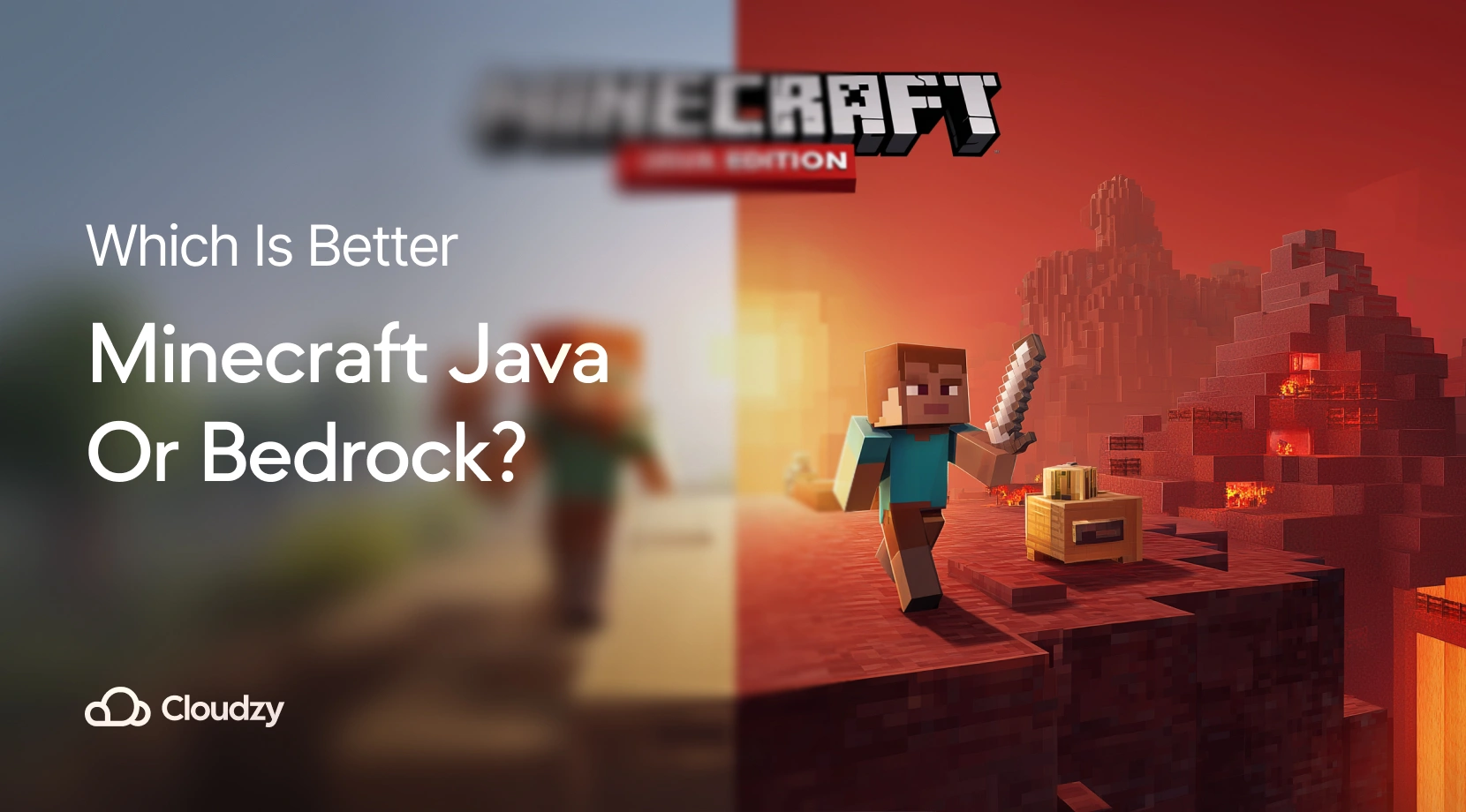
Let’s break down these two Minecraft Java edition vs Bedrock edition.
Minecraft Java Edition
Minecraft Java Edition is where it all began. It’s for PC gamers (Windows, macOS, and Linux). This one’s the champion for serious modders, long-time players, and anyone running a server, because of its flexibility. There’s a massive, passionate community churning out new content, and you get full access to the game’s nitty-gritty files. It’s like the ultimate sandbox for those who love to tinker.
Minecraft Bedrock Edition
Minecraft Bedrock Edition, on the other hand, is the unified version. Think of it as your go-to for playing across any device: consoles, mobile, and Windows PCs. It’s built for performance, supports cross-platform play (a huge win for friend groups!), and features the Minecraft Marketplace for official, curated content. It’s designed for fun, no matter what device you or your friends are on.
Java vs. Bedrock: The Quick Rundown
Here’s a side-by-side glance at the Minecraft versions comparison and the key differences. Think of it as your cheat sheet!
| Feature | Java Edition | Bedrock Edition |
| Platforms | PC (Windows, macOS, Linux) | Windows, Xbox, PS, Switch, iOS, Android |
| Cross-Platform | No | Yes |
| Modding | Extensive (free, open-source mods) | Limited (Marketplace only) |
| Server Hosting | Custom Servers, VPS ready | Realms or limited external hosting |
| Performance | Heavier resource use | Optimized, runs smoother on low-end |
| Redstone | More accurate and complex | Slightly simplified |
| Graphics | More shaders/mod support | Stable, less customizable |
| Controls | Mouse/Keyboard only | Supports controllers & touchscreen |
| Cost | $29.99 (or included in bundle) | $29.99 (also in bundle) |
| Multiplayer | Full control via server or LAN | Realms or featured servers |
Comparing Minecraft Java vs Bedrock
Let’s unpack these distinctions, from how they perform to how much you can customize your experience.
Minecraft Java vs Bedrock Performance
Java can be a resource hog, especially if you’re running it on an older machine. It’s more demanding on your CPU and RAM, which might mean a choppier ride if your computer isn’t up to snuff. Bedrock, however, is a marvel of efficiency; it runs smoothly, hitting high frame rates even on mobile devices.
If you’re eyeing Minecraft VPS hosting, Java offers more flexibility but will demand more server compatibility. Bedrock, being lighter, hums along with fewer resources – perfect for those lightweight multiplayer sessions. Just a quick tip from experience: hosting your own server on a gaming VPS gives you more control over performance than sticking with Realms. You’ll thank me later!
Minecraft Java vs Bedrock Mods
This is a huge one for many players. Java Edition embraces modding with a vibrant community dishing out free, open-source content and advanced customization tools. It’s the dream for anyone wanting to install the top Minecraft modpacks or tweak their gameplay. Bedrock is a different beast; you’re limited to paid content from the Minecraft Marketplace. It’s simpler, but less flexible. Think of it as going from a custom-built console vs PC Minecraft – both great, but for different reasons.
Minecraft Java vs Bedrock Graphics
Java lets you go wild with shaders and HD resource packs, creating stunning, almost photorealistic worlds – but this comes at a performance cost, as you might guess. Bedrock prioritizes stable frame rates and a smooth experience, especially on consoles and mobile. It’s about consistent play over ultimate visual bells and whistles.
More Key Differences Between Minecraft Java and Bedrock
- Server Control: Java offers full server control, giving you the reins. Bedrock is restricted, relying on Realms vs servers.
- Combat: Java has skill-based combat that feels a bit more nuanced. Bedrock has simpler combat, which can be great for casual play.
- Updates: Java gets early access to new features, letting you try things out before anyone else. Bedrock focuses on stable updates across all devices.
- Accessibility: Java allows deeper Minecraft customization if you’re willing to dive into the files. Bedrock prioritizes accessibility and consistency across platforms, making it easier to jump in and play.
Cross-Platform Play: Who Can You Play With?
This is often the ultimate question for friend groups: “Can I play with my buddy on their different devices?”
Bedrock is the king of cross-platform play of Minecraft, connecting Xbox, Switch, PlayStation, mobile, and Windows 10 players. It makes multiplayer a breeze. Java, sadly, only lets you play with other Java users. No cross-play here.
So, if your main goal is to link up with friends across various consoles and PCs, Bedrock is your only choice. But if you’re all on PC and crave a customizable experience, Java offers more versatility. It boils down to your crew!
Which One Should You Choose in 2025?
Ultimately, your ideal Minecraft version boils down to how and where you love to play. Both Java and Bedrock have their own superpowers, but picking the right one depends on your personal preferences.
Choose Java Edition if:
- You’re a PC player craving full control, modding, and access to new features.
- You plan to host advanced multiplayer servers or want deep customization for peak performance (especially with VPS hosting).
- You love to tinker and want access to the game’s core.
Choose Bedrock Edition if:
- You want to play across multiple devices
- You need smoother performance on lower-end hardware.
- You prefer an easy setup with an official Marketplace in Bedrock.
Wrapping Up
Deciding between Minecraft Java vs. Bedrock isn’t about what platform you’re on; it’s about how you envision your Minecraft journey. Want full modding in Minecraft freedom, total server control, and strictly PC play? Java’s calling your name. Prefer smooth performance, effortless cross-platform antics, and minimal setup? Bedrock delivers.
And hey, if you’re looking to scale up your setup or juggle multiple gaming environments, a gaming VPS provides the dedicated resources and customization you need to elevate your Minecraft experience to legendary status. Happy crafting!