
If you made it this far and have a Minecraft server, you know that nothing is more annoying than Minecraft lagging ruining your game. Minecraft lag can cause delays, screen freezes, or slowdowns regardless of whether it’s being caused by the mods you installed on your server or the large number of players joining it. The good news is that lag has a solution; you shouldn’t have to settle for poor performance.
In this guide, we will help you identify the common causes of lag on Minecraft servers, and give you actionable steps you can take to reduce Minecraft lag in servers and improve your server’s performance.
What Causes Minecraft Lagging?
There are several usual explanations for when Minecraft is lagging. We will go over some of these reasons so you can identify common causes of lag issues and understand why Minecraft is so laggy:
- Hardware bottlenecks: Limits on VPS CPU, RAM, or hard drive speeds can create spikes in lag during busy times with a lot of players or active mobs and slow down your game.
- Software bottlenecks: Poor performance of your server software, such as old versions of Java, and poorly optimized plugins can use up too much CPU resources and memory which creates lag.
- Too many mobs or entities: Cores in CPUs increase with the number of active mobs, and more active mobs will decrease the amount of TPS.
- Inefficient plugins or mods: Outdated or poorly coded plugins can create memory leaks, which will lead to lag.
- Long view distances: Loading too many chunks increases CPU and RAM strain.
- Network Latency: If the host connection is slow or the connection to the host is unstable, it will cause jumps in game play and lag.
Types of Minecraft Lagging
By knowing one or more of these Minecraft lag types it’s relatively easy to know whether it’s a client hardware lag issue. If so, you can check the server configuration, VPS If that’s what you’re using, or the host.
1-Single-player Lag
Since single-player is running on the player’s own machine, the game will mainly have lag on the client side (FPS lag) as it is caused only by the player’s hardware and the demands of the game render.
Main Single-player Lag Type:
- Client-Side Lag (FPS Lag)
Caused by graphics overload, too many entities (fire, lava), complex TNT explosions, and dimension-loading (Nether, End).
- Symptoms: Low FPS, choppy visuals, audio stutter.
- Fix: Lower video stuff, optimize hardware usage.
Note: There is no server or network lag in singleplayer because there is no server or connection.
2-Multi-player Lag
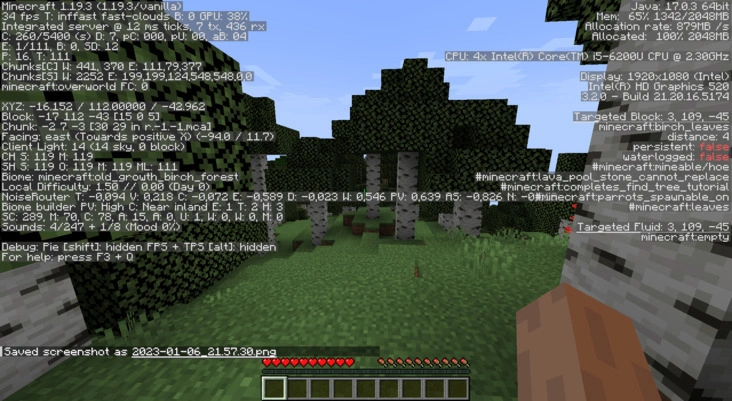
There are multiple sources for lag in multiplayer (whether SMP or Realms), being client, server, or the connection between the two.
Multiplayer Lag Types:
A. Client-Side Lag (FPS Lag)
- Same causes as single-player.
- Network-related effects + more complicated environments = additional strain on the client.
B. Server-Side Lag (TPS Lag)
- Server cannot process game ticks at the intended 20 TPS
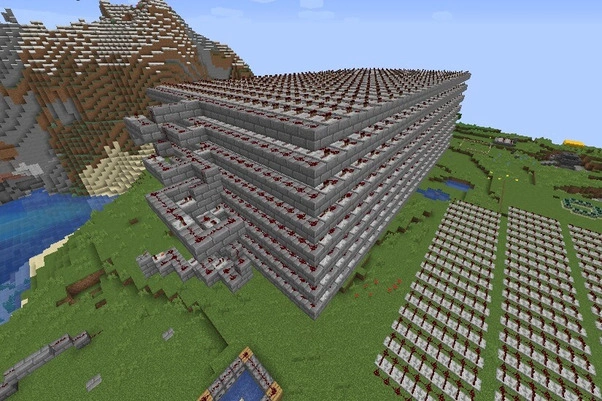
- Causes: Too many entities, redstone contraptions, written/personal, bad hardware.
- Symptoms: Mobs move/act slowly, block updates are delayed, rubberbanding, world events are slow.
C. Connection Lag (Ping/Latency)
- Delays in the network between the client and server.
- Causes: Issues within the internet, the physical distance between server and client, poor wifi.
- Symptoms: Lagged blocks (the blocks do not break when mined), rubberbanding, chat/messages are delayed.
D. Specific Multiplayer Lag Types
| Lag Type | Category | Description & Context |
| FPS Lag | Client-Side | Frame rates dropping from rendering or hardware limits. |
| Block Lag | Server-Side / Connection | Blocks look like they-rendered out of sync from TPS, or ping. |
| Entity Lag | Server-Side | Server is lagging due to too many mobs/items. |
| Redstone Lag | Server-Side | Lag is notated due to redstone complexity, processing too many ticks. |
| Login Lag | Server / Connection | Delays when joining a server are primarily related to chunk loading and network latency. |
How to Fix Minecraft Server Lag?
Addressing lag requires a combination of server tuning, hardware upgrades and ongoing monitoring. Here are some of the most powerful solutions to fix lag on minecraft.
Server Configuration Tweaks
- Lower view distance: Set view-distance to somewhere between 6-8 chunks in your server.properties file.
- Limit entities: Use plugins to limit the number of mobs per chunk..
- Optimize Minecraft server: Use optimized server software such as PaperMC or Spigot.
- Tune Java Flags: Use JVM arguments like XX:+UseG1GC to mitigate the amount of lag from garbage collection.
Hardware and Hosting
- Upgrade your VPS specification: More CPU cores, RAM and SSD accommodating storage will better facilitate player-counts and mods.
- Use a Minecraft VPS: Specialized Minecraft VPS plans with gaming-specific infrastructure providing dedicated resources and faster network connectivity for lag fix.
- Monitor TPS: Use commands or plugins to check your Minecraft server’s monitor TPS in real-time. TPS stands for ticks per second.
Mods and Plugins
- Use Minecraft reduce lag mods: Client mods such as OptiFine enable better rendering processes.
- Minecraft reduces lag on server: Use plugins such as ClearLag to reduce entity overloading.
- Use the latest version of mods/plugins: Improper updates can reduce performance due to compatibility problems.
Network
- Check your internet connection: Determine low ping and packet loss.
- Implement DDoS Protection: Protects against attacks creating sudden lag.
Conclusion: Last Words
This guide has taught you that Minecraft lagging can stem from many causes. These could include hardware bottlenecks, too many mobs in one location, a slow and unstable network, and faulty plugins. If you understand all of these causes then you will know how to avoid lag altogether with Minecraft and accommodate your fixes. These range from optimizing your server’s settings or upgrading your VPS to implementing mods and monitoring TPS on a regular basis.
Choosing the Right VPS for Free Minecraft
Having trouble with lag even after these solutions? Get a lag-free experience with a fantastic VPS optimized for Minecraft.
⚡ Get better performance, Minecraft DDoS protection, and full root access for starting at only $4.95/month.
👉 Try Cloudzy’s minecraft VPS today!
Want to learn about common Minecraft server issues or find the best Minecraft VPS for your needs? check out our extensive guides and resources.