
Cloud VPS を削除するのは簡単で、そのサーバーの課金とリソース使用を直ちに停止します。Cloud VPS を安全に削除するには、以下の手順に従ってください。
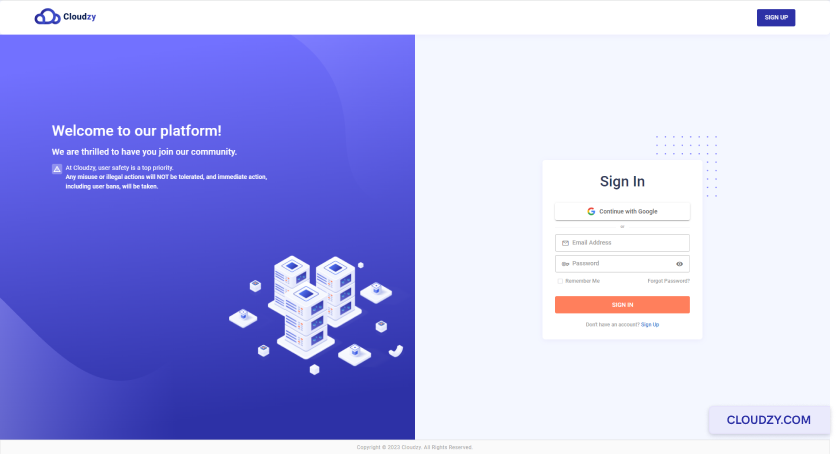
- アカウントにログイン Cloudzyパネル.
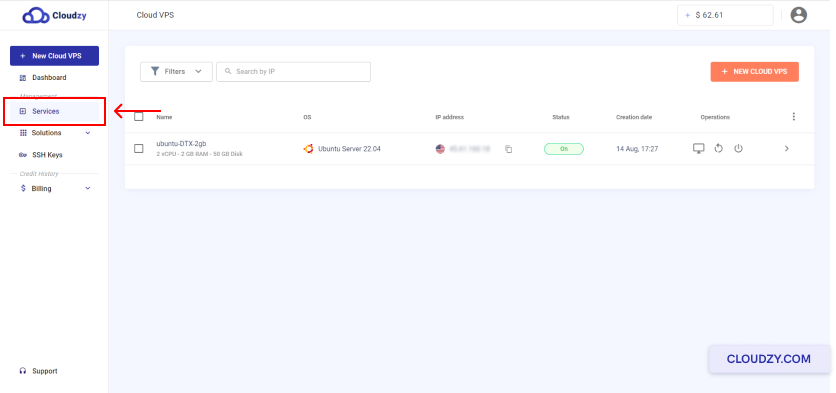
- 左側のサイドバーから サービス.
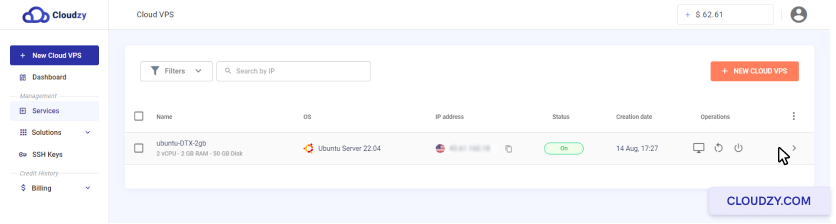
- 削除する Cloud VPS の行をクリックします。
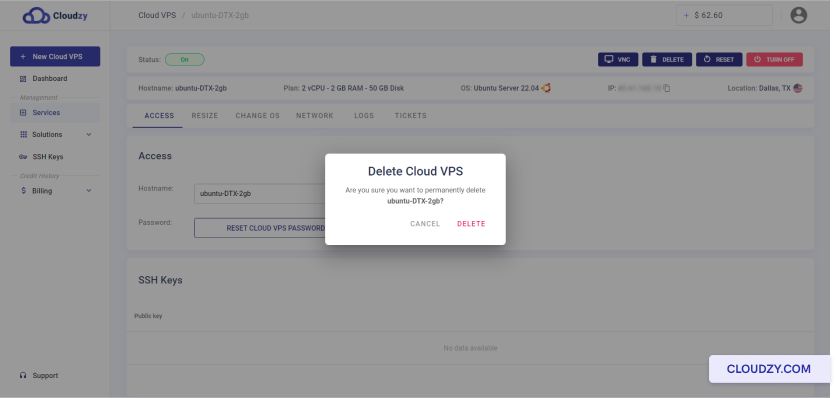
- をクリックしてください。ページの上部で 削除 ボタン
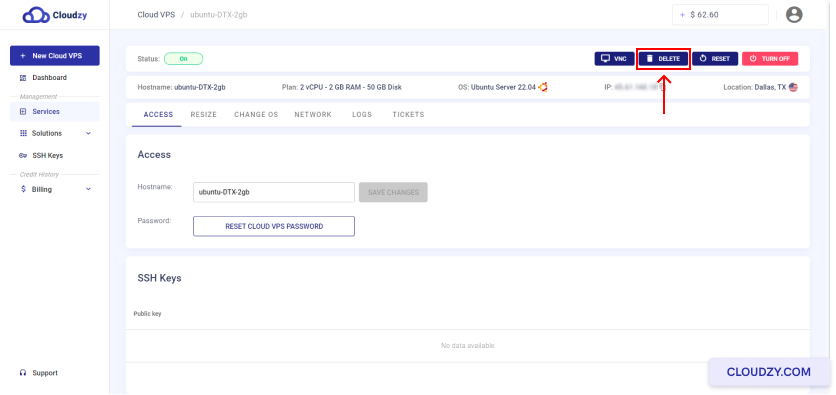
- 以下をクリックして操作を確認してください 削除.
時間単位以外の(固定期間)VPS プランの場合、未使用のサービス日は 払い戻されます 。お客様の Cloudzy アカウントに払い戻されます。
選択した Cloud VPS の削除に成功しました。詳細情報や追加サポートが必要な場合は、サポートチームまでお気軽にお問い合わせください。 チケットを送信する.
同じカテゴリー OS & VPS