
Cloudzyには One Click App (OCA) というサービスがあります。このサービスは
VPS上にプリインストールされたすぐに使えるプログラムを含んでいるため、
インストール不要でアプリをすぐに使い始められます。MT5を使用して
あらゆるVPS、しかしMT5 OCAはプロセスを高速化し、追加コストはかかりません。それはそこにあります
素早くスタートできます。
前提条件
Cloudzy上のMT5 OCAを始める前に、以下が必要です。
前提条件が整っている:
-
アカウントに十分なクレジットがあります あなたのCloudzyアカウント
MT5 OCAをセットアップして使用するためのクレジットを保有している必要があります。 -
アカウント準備完了: お客様のアカウントが確認されていることをご確認ください
アクティブ -
オペレーティングシステムの考慮事項: 後から変更できます
ハードウェア要件に基づいてオペレーティングシステムを切り替えることができます。例えば、
Windows Server 2022に切り替えたい場合は、プランをアップグレードする必要があります。
サーバーが必要なハードウェア仕様を満たしていることを確認するため。
または、OCAサーバーの現在のオペレーティングシステムを再インストールすることもできます。
システム
MT5 OCAのセットアップ
- GoをCloudzy ダッシュボードに追加します。 Cloudzyにサインインする
ダッシュボード領域に移動します。
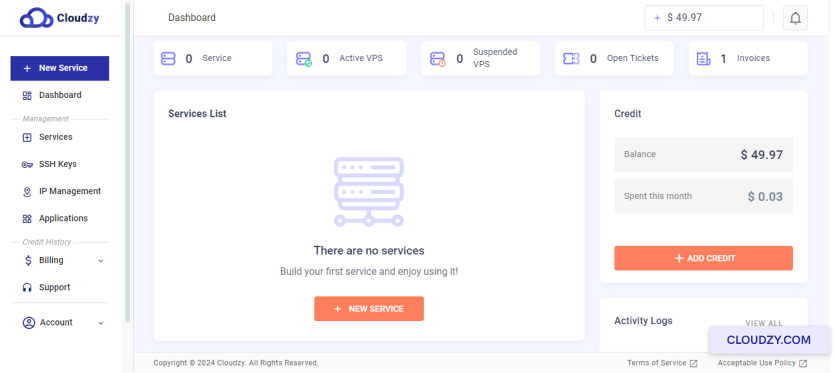
- 「アプリケーション」を検索: 左側のメニューで、
on アプリケーション.
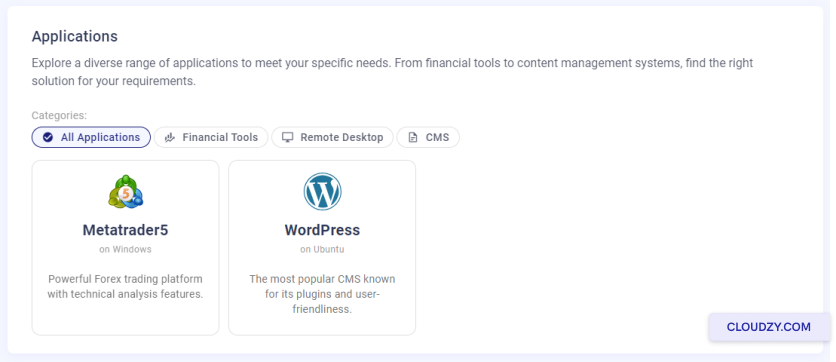
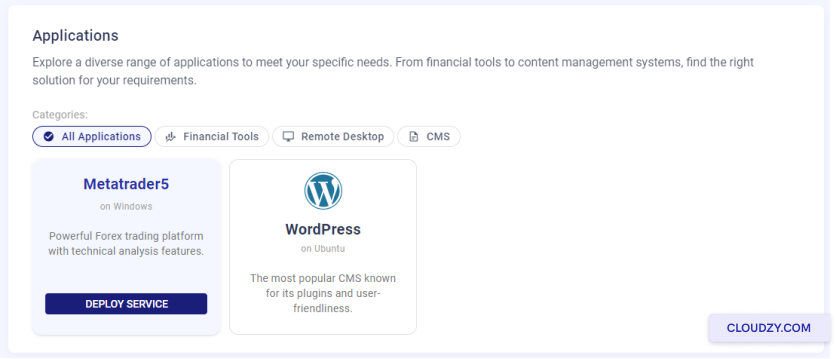
- MetaTrader 5を選択してください: リストが表示されます。
'MetaTrader 5' をクリックして サービスを展開
ボタン
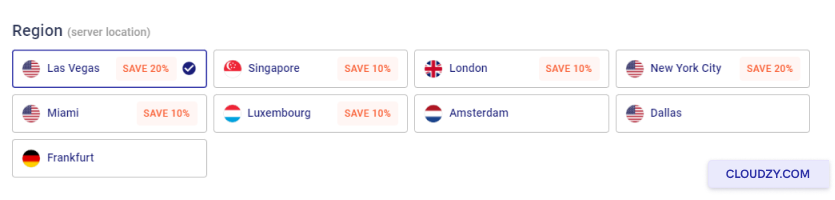
- サーバーの場所を選択してください: リストが表示されます
ロケーションを確認します。取引ニーズに合ったロケーションを選択してください。
- サーバープランを選択してください: Cloudzyは異なる
CPU、メモリ、価格プラン。お客様のニーズに合ったプランをお選びください。
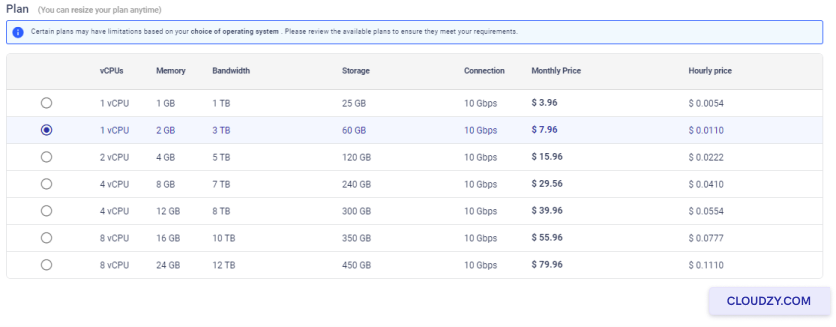
- サーバー名を設定してください: 'ホスト名'欄に、
サーバーの覚えやすい名前を入力してください。
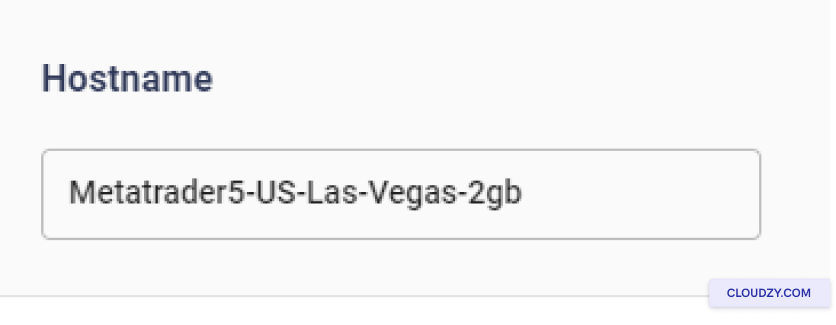
-
サーバーの構築を開始する: 確認後
選択内容を確認して、 今すぐデプロイをクリックします。これでMT5を使用したサーバーが構築されます。
すぐに使える状態になります。 -
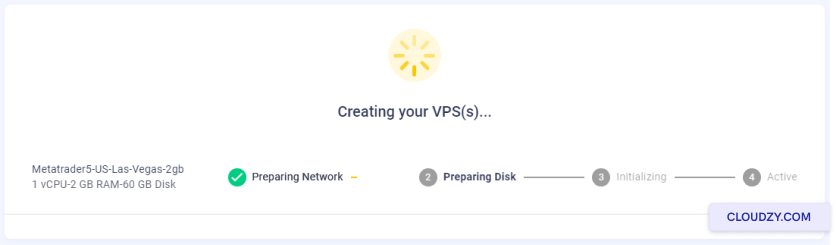
セットアップ プロセスを見る: いくつかのステップが表示されます。
のような ネットワークを準備中。それが表示されるまで待機してください
Activeこれはサーバーの準備が完了したことを意味します。
あなたの~に接続
リモートデスクトップ付きVPS
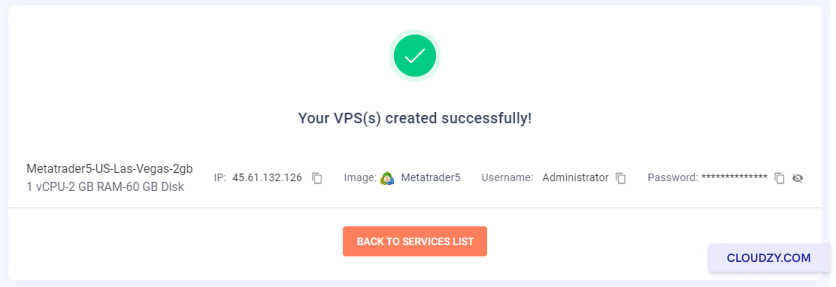
- VPSの詳細を取得: Cloudzyがあなたに IPアドレスを提供します
アドレスとパスワードが表示されます。これをメモしてください。
-
リモートデスクトップを起動: リモートデスクトップを検索
Windowsコンピューター上で'接続'を開きます。 -
認証情報を入力してください: IPアドレスを入力してください
そして押してください 接続パスワードを入力してください。
MT5を開く
-
VPS上でMT5を探してください: MT5のアイコンが表示されます
VPS内のアイコンを1回クリックします。デスクトップに表示されているはずです。 -
MT5を起動: MT5 アイコンをダブルクリックして開く
それ。 -
MT5にサインイン: 取引アカウントでログイン
アカウント詳細
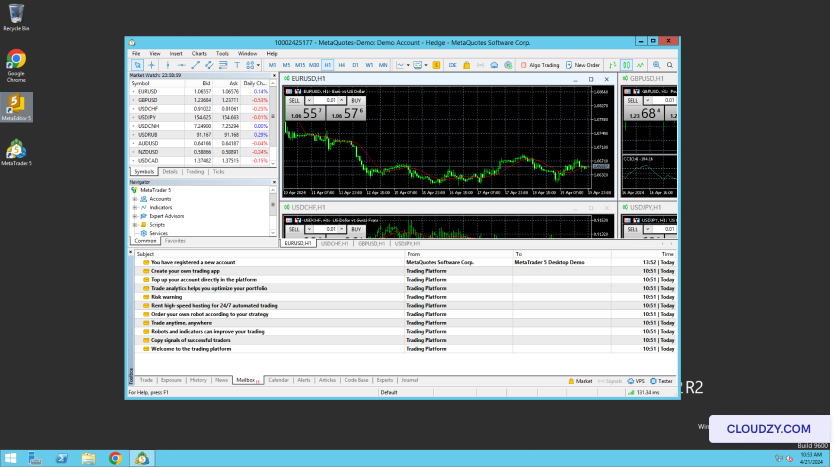
これでVPSでMT5を使用して取引できます。ご不明な点や
さらにサポートが必要な場合は、サポートチームまでお気軽にお問い合わせください
by 送信する
チケット.