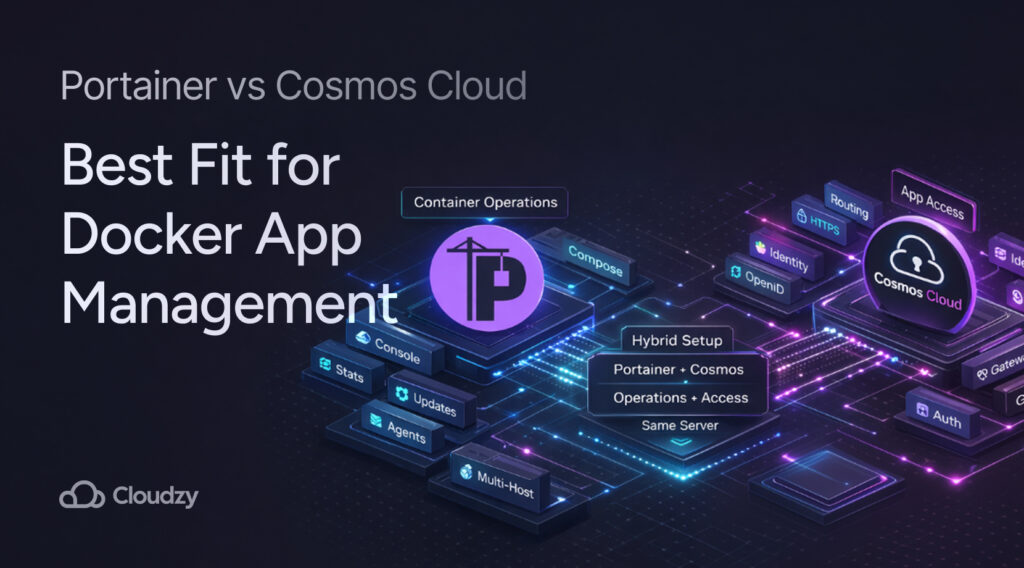
If you already know Docker and just want the cleaner way to run a growing app stack, here is the short answer to Portainer vs Cosmos Cloud. Portainer is the stronger pick for direct container and stack operations. Cosmos Cloud makes more sense if your pain starts after the containers are up, when domains, HTTPS, user access, and public exposure start eating your time. For some setups, the smartest move is not replacing one with the other, but pairing them on the same server.
Quick Answer
Before we get into the details, here is a quick summary. Portainer is centered on container operations, environment visibility, and stack management across Docker-heavy setups. Cosmos Cloud starts from a different angle. It tries to make a self-hosted server easier to expose, secure, and organize from one place, with built-in reverse proxying, HTTPS, and user login tools.
That difference is certainly important because both tools sit on top of Docker, but they solve different headaches. Docker Compose already gives you the base model for running multi-container apps from one YAML file. Portainer adds a stronger operations panel around that workflow, while Cosmos extends the stack into routing, identity, and app access.
| Best For | Pick |
| Direct container and stack control | Portainer |
| Public-facing self-hosted apps with built-in routing and auth | Cosmos Cloud |
| Mixed environments where Docker ops and app access both matter | Both together |
Once you frame the decision that way, the rest of the comparison becomes much easier to read.
Portainer Works Best as a Container Operations Layer
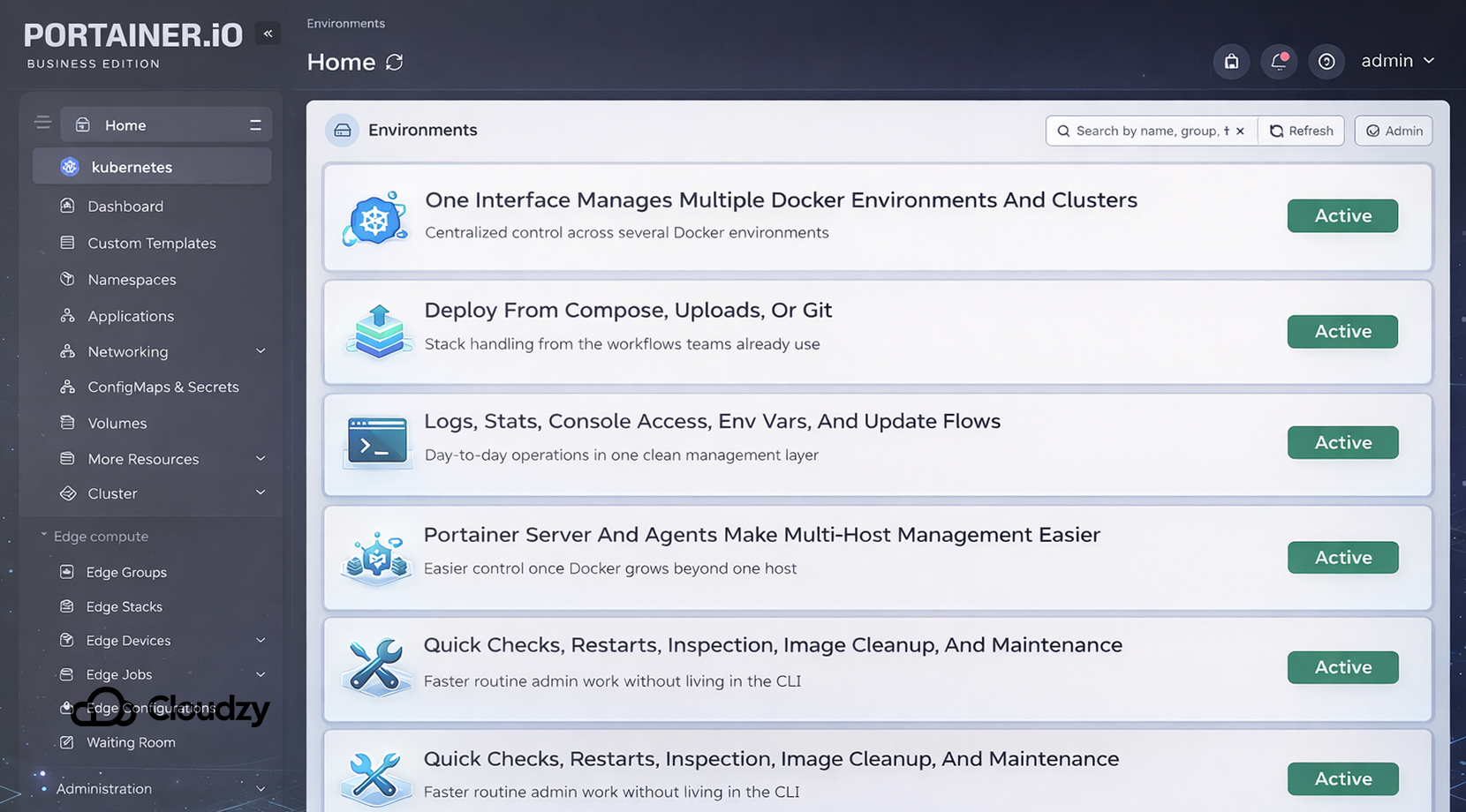
Portainer is best understood as a management layer for the infrastructure you already run. Its own docs describe Community Edition as an open-source toolset for building and managing containers in Docker, Docker Swarm, Kubernetes, and Azure ACI.
The Business Edition adds features such as role-based access control, registry management, dedicated support, and Podman support.
That is a wider scope than the old “Docker GUI” label suggests, and it is why Portainer stays useful once a single host turns into several environments.
You can split Portainer’s role into three parts:
- Environment control: one interface can manage multiple Docker environments and clusters
- Stack handling: deploy from Compose files, uploads, or Git
- Ops visibility: logs, container stats, console access, environment variables, and update flows
Its architecture also matters in practice. Portainer uses a Portainer Server and Portainer Agents, which makes multi-host management easier once you stop treating Docker as a one-box hobby setup.
Here’s where Portainer performs well:
| Area | What Portainer Does Well |
| Day-to-day checks | Quick status views, logs, restarts, console access |
| Deployment flow | Compose-based stack deployment, uploads, Git-backed stacks |
| Multi-host work | Centralized access across several environments |
| Ongoing maintenance | Image cleanup, stack updates, container inspection |
In one long r/selfhosted thread, people describe Portainer as useful for quick exec access, logs, pruning images, and checking containers across several machines at once.
In that same thread, others say they used it heavily at the start and leaned on it less once they became more comfortable with Compose and the CLI.
Cosmos Cloud Puts App Access, Routing, and Identity Closer to the Center
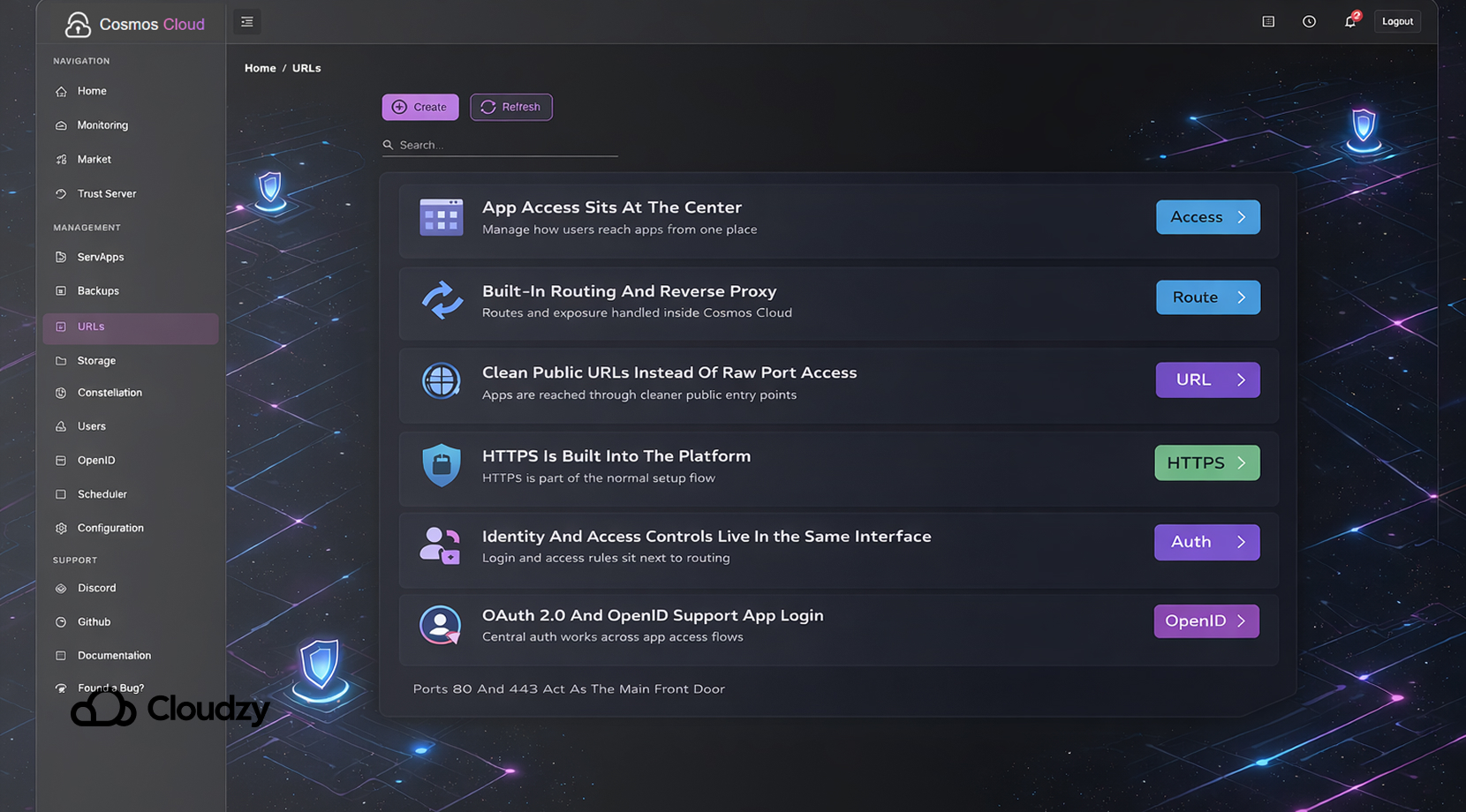
Cosmos Cloud still runs on Docker, but it does not stop at container management. The docs describe “servapps” as the applications running on your server, and in practice, those are Docker containers managed through Cosmos.
The big shift is that Cosmos is built to take over more of the work that usually gets split between a container panel, a reverse proxy, certificate management, and an auth layer.
You can think of its scope in four chunks:
- App management through Docker-backed servapps
- Public exposure through built-in reverse proxying
- HTTPS and routing through subdomains and cleaner URL handling
- Identity and access through central login tools and app-level controls
Cosmos does those things by:
- Embedding a reverse proxy so you can expose apps to the internet
- Supporting HTTPS and moving apps away from raw port-number access
- Pushing SSO-aware access controls into the same interface
- Controlling ports 80 and 443 as the main front door
Its marketplace pushes the same idea further. Cosmos Market is not just a list of app cards. The docs say its pre-configured cosmos-compose files can set up containers, networks, volumes, links, and even reverse-proxy routes during install.
| Area | Cosmos Cloud Focus |
| App deployment | Docker-backed servapps and marketplace installs |
| Access layer | Reverse proxy, routes, subdomains |
| HTTPS flow | Built into the platform |
| User management | OAuth 2.0 and OpenID support for app login |
| Install model | Can wire containers, networks, volumes, and routes together |
It also pushes centralized identity harder than Portainer does. Cosmos supports OAuth 2.0 and OpenID, so installed servapps can log users in with a Cosmos account. If you want the standards view behind that flow, the OpenID Connect overview is a useful reference because it shows the identity model Cosmos is leaning on.
One r/selfhosted post from a user trying to sort out reverse-proxy confusion says Cosmos ended up doing exactly what they wanted and handled the SSL side for them. That thread does not say Cosmos is perfect, but it does explain why it wins over people whose real problem is not “how do I start a container,” but “how do I stop rebuilding the same access stack again and again.”
Portainer vs Cosmos: Container Control vs Server Gateway
A lot of comparisons flatten both tools into “Docker dashboards,” and that is where the conversation gets fuzzy. However, Portainer is mainly about controlling containers, stacks, and environments cleanly. Cosmos Cloud is trying to run the server gateway too, which means app exposure, subdomains, HTTPS, and login flows are part of the main product, not side chores.
What I mean is:
| Question | Portainer | Cosmos Cloud |
| What is at the center? | Containers, stacks, environments | Apps, access, routes, identity |
| What kind of work does it reduce? | Ops work inside Docker | Access and exposure work around Docker |
| How close does it stay to Docker’s native model? | Very close | More opinionated |
| What side tooling does it assume? | Proxy, certs, auth often live elsewhere | Tries to bundle more of that inside the platform |
Basically:
- With Portainer, you are still closer to Docker’s normal model
- With Cosmos, you are closer to a self-hosted application platform that uses Docker underneath
- With Portainer, Git, Compose, and container inspection stay near the center
- With Cosmos, routes, HTTPS, and user-facing access move much closer to the center
The docs make that even clearer. Cosmos says servapps can be installed from the app store, from a create form, from imported Compose files, from the command line, or from another application such as Portainer.
That last point is more useful than it first sounds. Cosmos is not always a hard replacement. Its own docs leave room for apps created outside Cosmos, and community replies go even further.
In the CosmosServer subreddit, the project creator says Cosmos is happy to sit beside Portainer, and users in that thread talk about running both together without conflict.
So the better question is not “Which one is better in the abstract?” It is “Which layer of work is wasting my time right now?” If it is container operations, Portainer stays ahead. If it is access, routing, and identity around the apps, Cosmos has the stronger case.
Feature Comparison at a Glance
Here’s pretty much everything I’ve said in a table, but make sure to remember, these are not two identical tools fighting over the same exact job.
| Area | Portainer | Cosmos Cloud |
| Container lifecycle control | Strong | Good |
| Compose or stack handling | Strong, with Compose and Git-driven stack workflows | Good, with Compose import and cosmos-compose support |
| Multi-environment management | Strong | More server-centered |
| Logs, stats, console access | Strong | Available, but not the main draw |
| Reverse proxy and route management | Limited, usually external | Built in |
| HTTPS flow | Usually external | Built in, with Let’s Encrypt-style automation paths in setup |
| Centralized user login for apps | External add-ons or separate tooling | Built in with OAuth 2.0 and OpenID |
| App marketplace or templates | Templates for containers and stacks | Market installs with routes, volumes, and networks in one flow |
| Best fit | Docker operations and environment control | Self-hosted app access and server gateway work |
One thing that stands out here is how much side tooling each product assumes. If you already like running your own proxy, cert flow, and auth stack, Portainer stays neatly in its lane.
If you are tired of wiring those parts separately, Cosmos starts looking a lot more attractive. That is also where our article on Best Self-Hosted Cloud Platforms with a Web UI helps, because it covers the wider class of platforms Cosmos belongs to.
When Portainer Makes More Sense
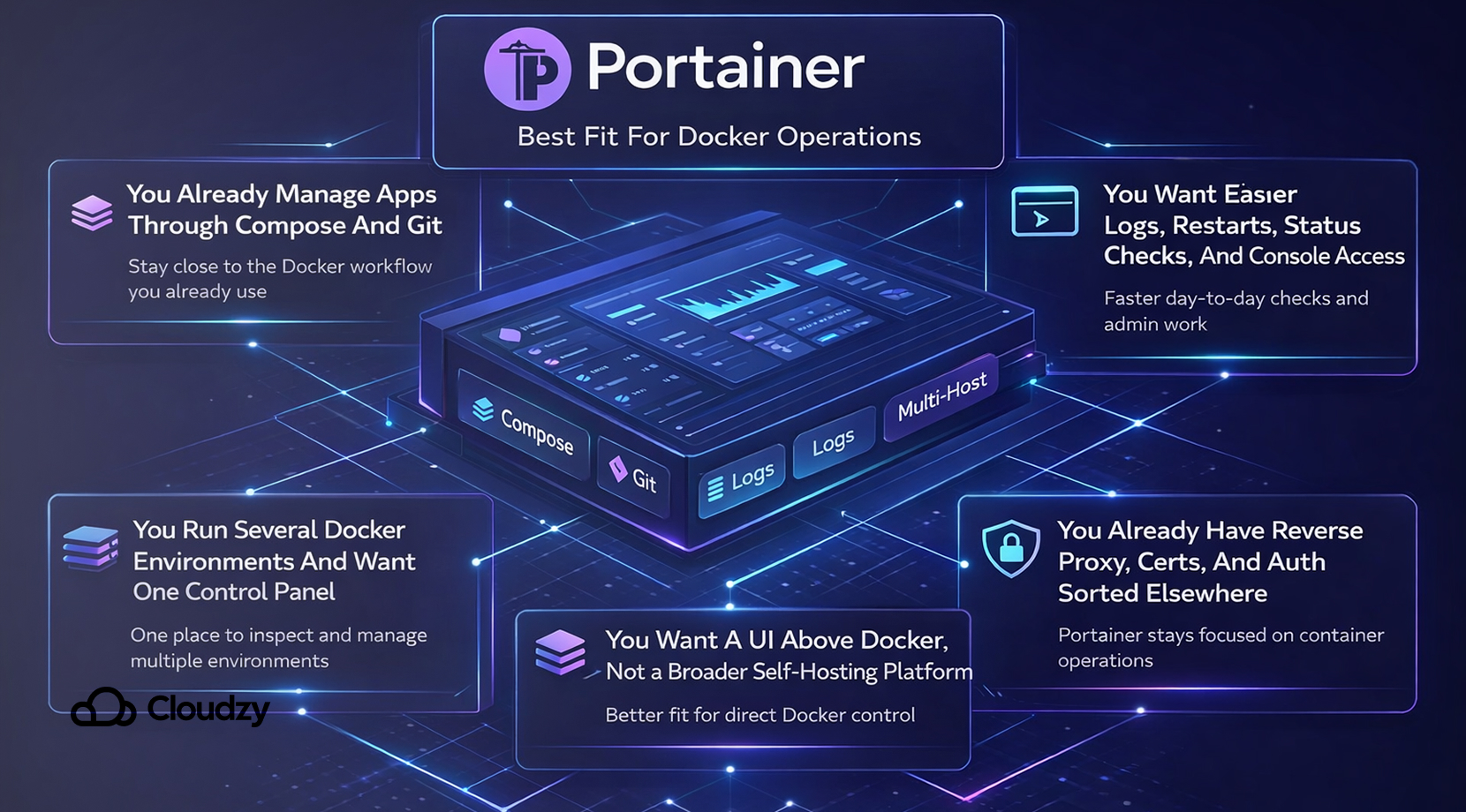
Portainer is the better pick when you still want Docker to remain visible. That usually means developers, sysadmins, and more technical self-hosters who are already comfortable with Compose, keep their files in Git, and want a web panel that helps with inspection, updates, and day-to-day operations without turning the server into a more opinionated platform.
In practical terms, Portainer makes more sense in setups like these:
- You already manage apps through Compose and Git
- You want easier logs, restarts, status checks, and console access
- You run several Docker environments and want one control panel
- You already have reverse proxying, cert handling, and auth sorted elsewhere
- You want a UI above Docker, not a broader self-hosting platform around it
When Cosmos Cloud Makes More Sense
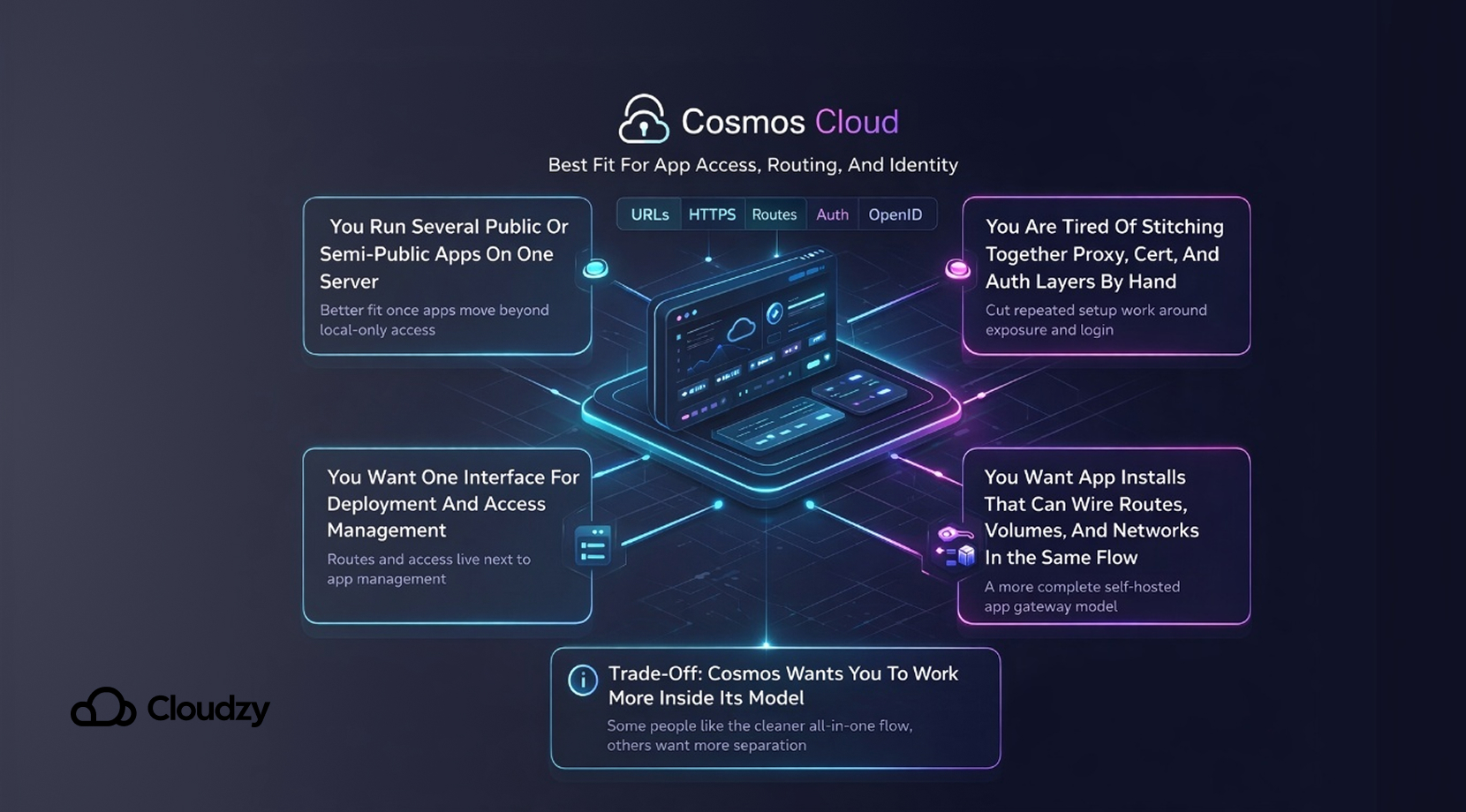
Cosmos Cloud starts to pull ahead when the stack is no longer private and local. The moment you want clean URLs, browser-trusted HTTPS, central user access, and a simpler app portal, Cosmos begins solving problems that Portainer was never built to solve in the first place.
That makes Cosmos a strong fit in a few clear cases:
- You run several public or semi-public apps on one server
- You are tired of stitching together proxy, cert, and auth layers by hand
- You want one interface for deployment and access management
- You want app installs that can wire routes, volumes, and networks in the same flow
This is also the right place to mention our piece on the Best Self-Hosted Apps You Can Run with Cosmos Cloud, because once someone decides Cosmos fits their setup, the next question is usually “Which apps does this clean up the most?”
There is a trade-off, though. Cosmos wants you to work more inside its model. Some users love that because it cuts tool sprawl. Others bounce off it because they would rather keep the proxy, auth, and app deployment layers separate.
That is why this choice is less about feature count and more about working style. If that broader platform question is still open for you, our article on Cosmos Cloud vs CasaOS vs Umbrel can help narrow it further.
Running Both on the Same Server Can Be the Smartest Path
You do not always have to choose one and throw the other out. If you already have a Docker host with Portainer running well, Cosmos can be added as the public-facing gateway layer instead of replacing your operations workflow on day one.
That hybrid route makes sense in setups like these:
- You want Portainer for stack and environment control
- You want Cosmos for URLs, HTTPS, and user-facing access
- You want a gradual migration path instead of a full rebuild
- You trust your current Docker workflow and only want to reduce the public-access overhead
This is how this would look:
| Layer | Portainer Role | Cosmos Role |
| Container operations | Main tool | Secondary |
| Stack visibility | Main tool | Possible, but not the main reason to use it |
| Public exposure | Limited | Main tool |
| HTTPS and routes | Usually external | Main tool |
| App-facing login flow | Usually external | Main tool |
That hybrid setup makes sense in a few cases. You might want Portainer for stack and environment control, but Cosmos for URLs, HTTPS, and user-facing access. You might also want a gradual migration path instead of rebuilding a working host in one shot.
Cosmos’ own docs say apps can come from other tools, and the community has been explicit that Cosmos can live beside Portainer.
That is often the most practical path for someone who is not starting from scratch.
Where Hosting Changes the Whole Experience
Both Portainer and Cosmos Cloud can run on a spare PC, mini PC, dedicated server, or VPS. The reason hosting matters is that once these tools stop being an experiment and start becoming part of how you actually reach apps, uptime, and outside access matter much more.
A VPS can remove a lot of that friction. You get a public-facing environment without depending on home ISP quirks, router rules, or old hardware that was never meant to stay online full-time.
That is one reason our Docker on VPS guide can be a big help. If you are also deciding between local hardware and hosted infrastructure, What Is the Difference Between Cloud Hosting and VPS? fills in that part of the decision.
How to Avoid Hosting, Deployment, and Setup Issues Altogether
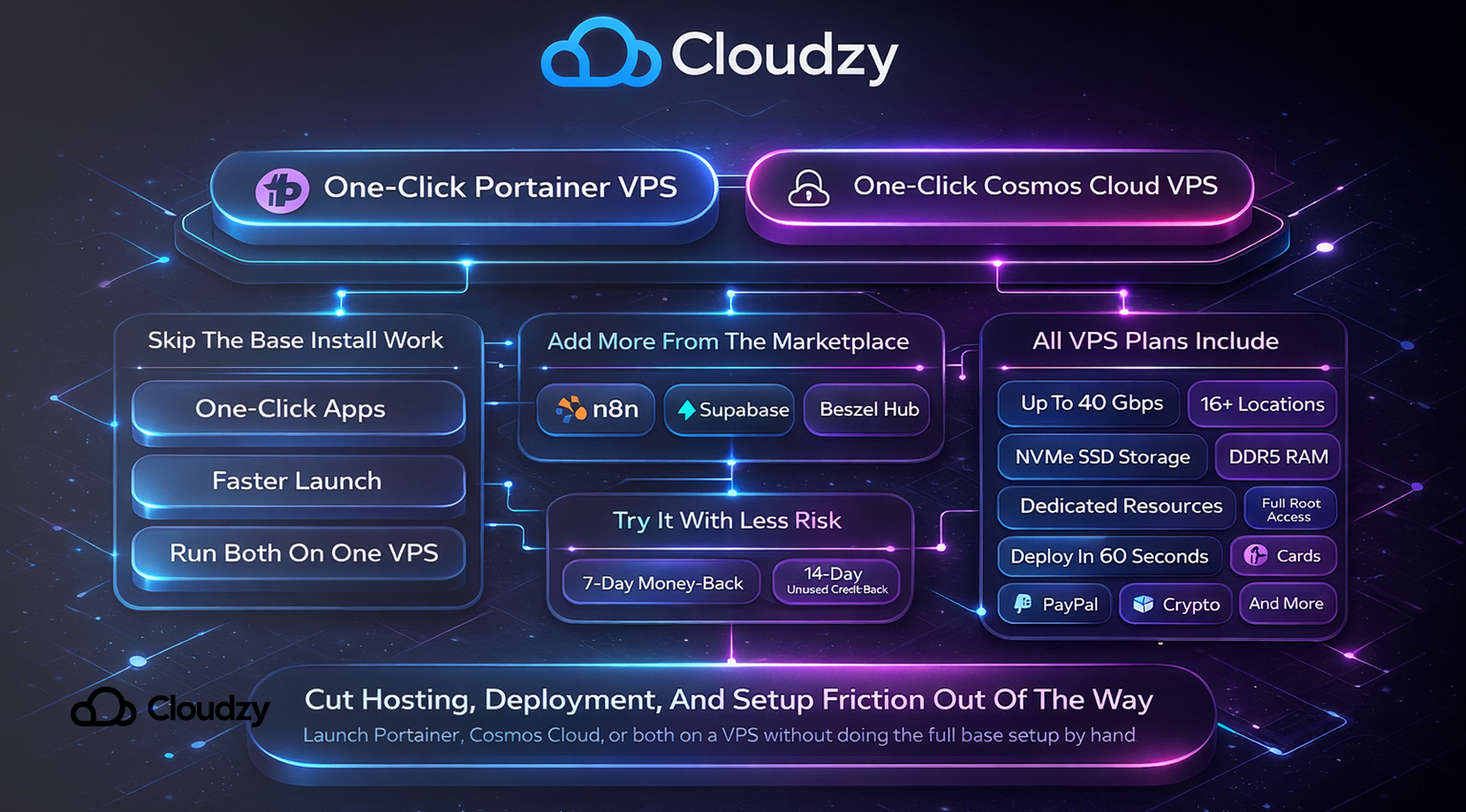
Setting either one up by hand is fine once, but it gets old fast when you are only trying to test them properly or get a final stack online. That’s why we’ve made them available as One-Click Portainer VPS and One-Click Cosmos Cloud VPS. Both are available as one-click apps, so you can skip the base install work, get them live faster, and even run both with one click on the same VPS if that fits your setup better. Plus, from our Marketplace page, you can also add the apps people usually want next, such as n8n, Supabase, and Beszel Hub.
All of our VPS services come with:
- Up to 40 Gbps networking
- 16+ locations
- NVMe SSD storage
- DDR5 RAM
- Dedicated resources
- Full root access
- Deploy in 60 seconds
- Advanced DDoS protection
- Payment options including cards, PayPal, crypto, and more
Lastly, if you just want to test them each or together, all of our VPS come with a 7-day money-back and 14-day unused credit-back guarantee, so you can get a refund if you don’t like either or don’t like our service.
That does not decide the Portainer vs Cosmos Cloud question by itself, but it does cut the setup drag out of the way.
Final Verdict
Portainer is the stronger choice for readers who want direct control over containers, stacks, and environments without wrapping that work in a broader self-hosting platform. Cosmos Cloud is the stronger choice for readers who want container management plus the server gateway work around it, especially routing, HTTPS, and centralized user access.
If you already have a working Docker host, the smartest answer may be to keep Portainer for operations and add Cosmos where public app access starts getting messy. And if you would rather skip the hardware and network friction from the start, our One-Click Portainer VPS and One-Click Cosmos Cloud VPS can make the whole setup much easier to live with.