Managing Docker containers through the CLI is effective for simple setups, but it scales poorly. As container counts grow, tracking states, logs, and updates manually becomes error-prone. That’s when developers search for a Docker dashboard, and the Portainer vs Yacht comparison is where most of them land.
Both tools are free, open-source, and run as single containers. The difference is in scope, architecture, and how actively each project is maintained. With container usage at 92% in the IT industry, making that call correctly matters.
Quick Answer
Portainer and Yacht both replace Docker’s CLI with a browser-based management UI. Portainer is the full-featured option: multi-environment support, team access controls, Kubernetes compatibility, and a predictable release cadence active since 2016. Yacht is the lightweight alternative: a clean interface built around templates and simplicity, with Docker and Podman support and active development on multi-host capability.
If your setup is a single host with no team access requirements, either tool works. Once you add a second server or need access controls, the choice is Portainer.
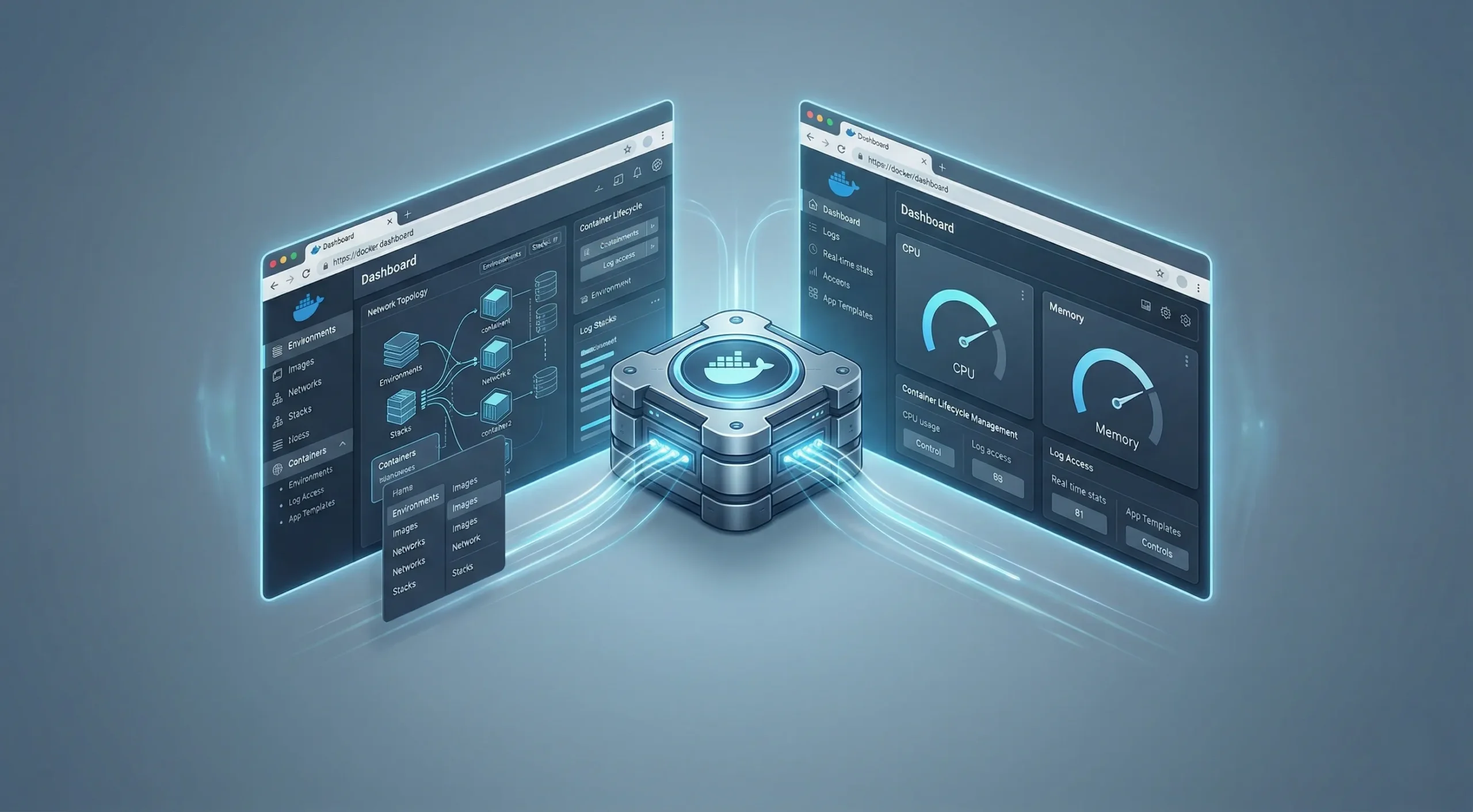
Portainer vs Yacht: Key Differences at a Glance
A Docker dashboard comparison between these two tools comes down to a handful of structural decisions that affect what you can do as your setup grows. The surface-level similarity can mislead, and the divergence shows up once you’re past the basics.
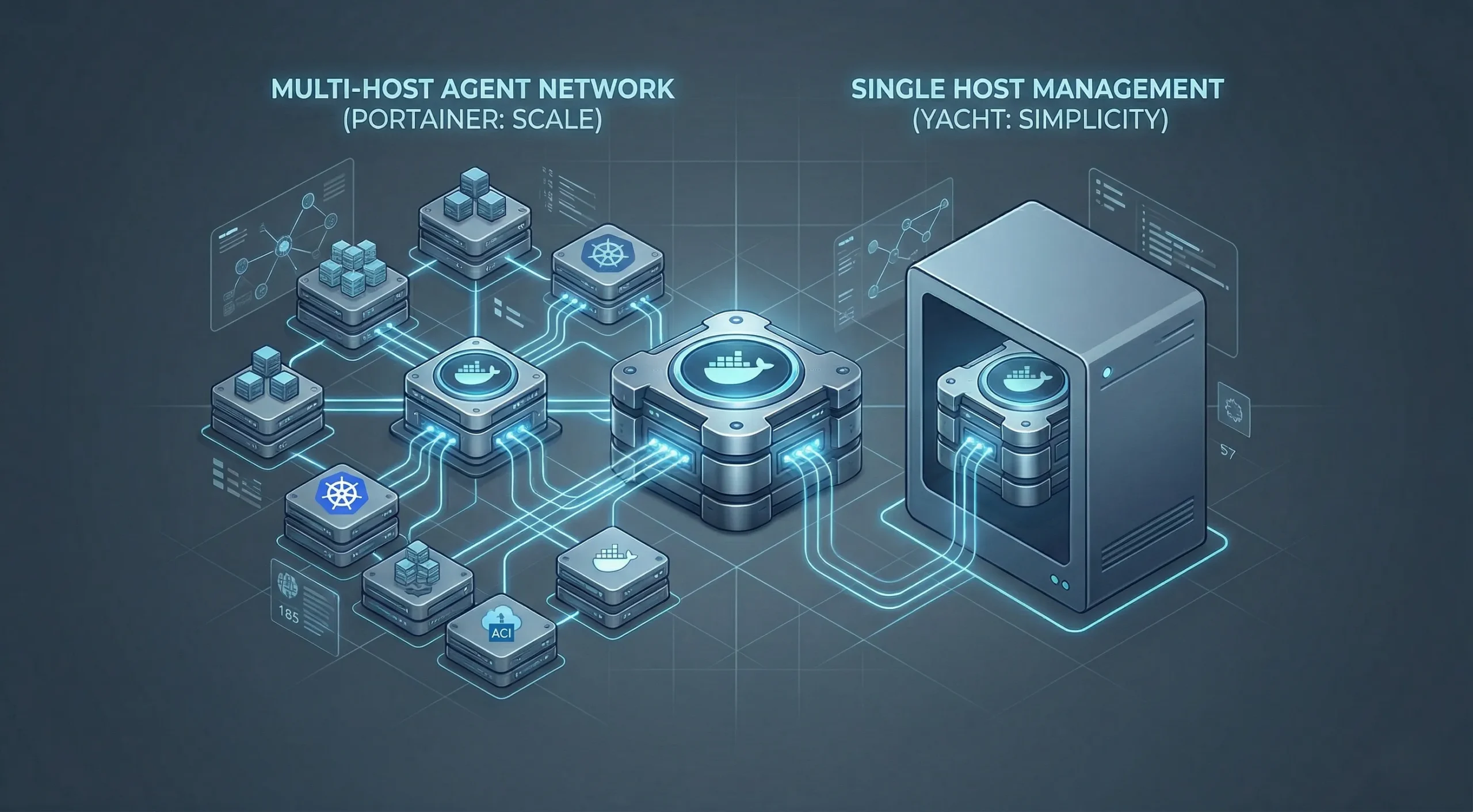
The table below maps what matters most for a deployment decision.
| Capability | Portainer | Yacht |
| Interface | Advanced, layered | Minimal, clean |
| Supported Environments | Docker, Swarm, Kubernetes, Azure ACI; Podman in BE | Docker and Podman |
| Multi-Host Management | Yes, via agents | In development; stable release is single-host |
| App Templates | Yes | Yes |
| Role-Based Access (RBAC) | Basic users/groups in CE; granular RBAC in BE | No |
| In-Browser Console | Yes | No |
| Active Development | Highly predictable cadence | Less predictable pattern |
| Runtime | Go (compiled) | Python + Vue.js |
| Learning Curve | Moderate | Low |
| Best For | Teams, multi-host, scale | Single-host setups |
How They Handle Multi-Host Management
Portainer’s server-and-agent architecture is the most decisive technical difference between these two tools. You install a lightweight agent on each additional server, and Portainer’s central instance connects to it. From one UI, you can manage containers across every connected host.
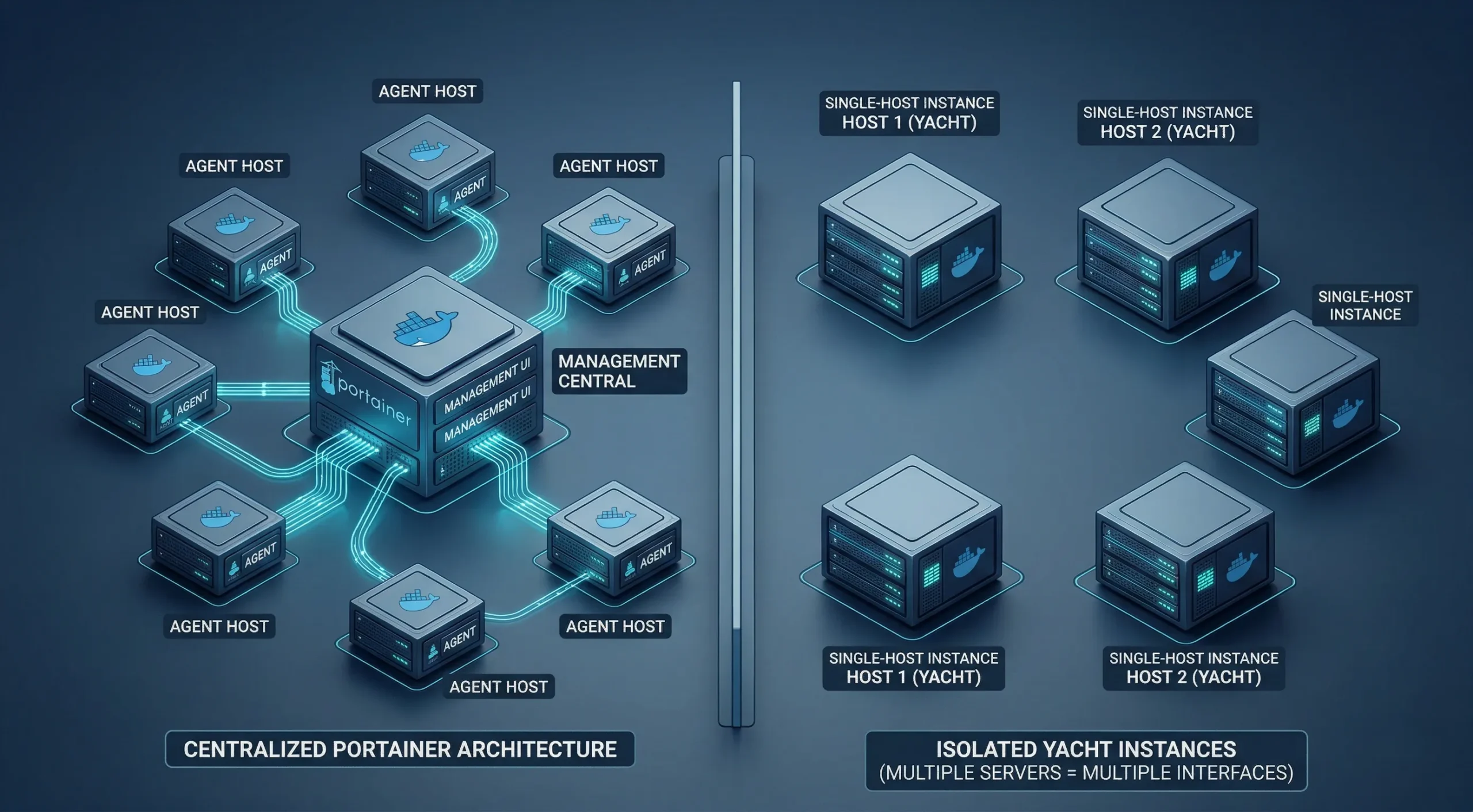
In the current stable release, Yacht manages only the host it’s deployed on. The develop branch introduces support for direct Docker API hosts alongside agent-managed hosts, but that capability is not yet in a stable release.
For anyone running more than one machine today, Portainer is the production-ready option. Yacht’s multi-host path is in progress, not yet ready for a setup where that capability is a hard requirement.
The structural differences are clear, but the day-to-day experience of working in each tool is where most users form their actual opinion.
User Experience and Interface
Calling Yacht “lighter” and Portainer “more complex” is accurate but insufficient for a meaningful decision. The more useful question is what that complexity represents: capabilities you actually need, or weight you’d rather avoid.
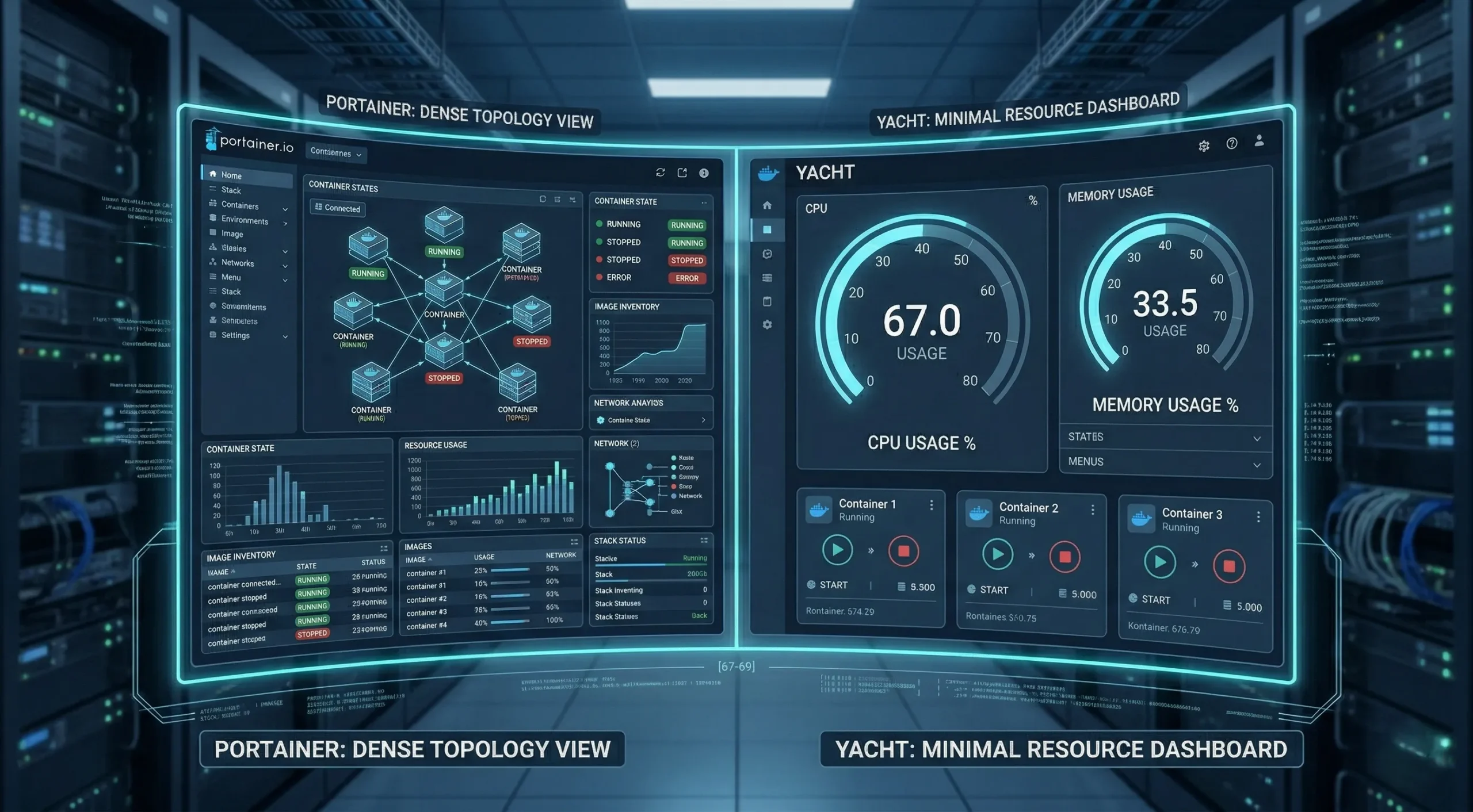
Both tools install fast and get you into a browser UI within minutes. The experience diverges once you begin moving through menus. If you’re still deciding between CLI and GUI management altogether, Docker CLI vs Docker GUI for Managing Containers covers that decision in full.
Portainer’s Interface
Portainer’s dashboard shows connected environments, container states, image inventory, network configuration, and stack status from a single view. It gives you immediate visibility across everything Docker exposes.
The density comes at a cost. Users new to container management often need time to orient themselves. There are many menu options, and not all of them are relevant to every setup.
Where Portainer stands out is the in-browser console. You can exec into a running container directly from the UI, without touching your terminal. That’s a capability Yacht doesn’t have at all.
Yacht’s Interface
Yacht’s dashboard puts resource usage front and center. CPU and memory for each container are visible without drilling into sub-menus. For single-host configurations, that immediacy is genuinely useful.
Navigation is fast and minimal. Few menus, clear labels, and a clean layout mean most users can start working within minutes of first logging in.
The self-update mechanism is worth noting. Yacht exposes update actions for running containers backed by Watchtower, with a manual Watchtower command available as a fallback if the update button fails. Portainer relies on documented upgrade paths and, in some environments, in-app updates.
For a low-complexity self-hosted deployment, Yacht’s interface is genuinely pleasant to work in.
Behind the interface, what each tool can actually do is what decides how far it takes your setup.
Features and Capabilities
Both tools offer a core set of capabilities: container lifecycle management, log access, real-time stats, and app templates. Portainer CE covers everything Yacht offers. What Portainer adds on top matters for some configurations and is overhead for others.
This section stays high-level. The goal is to map each tool’s coverage without going into configuration depth.
Container Management and Stacks
Both tools handle the basic container actions. Portainer adds broader control across images, networks, volumes, and an in-browser console. Yacht also covers volumes, images, networks, and Compose projects, but it stays narrower and does not offer a built-in container console.
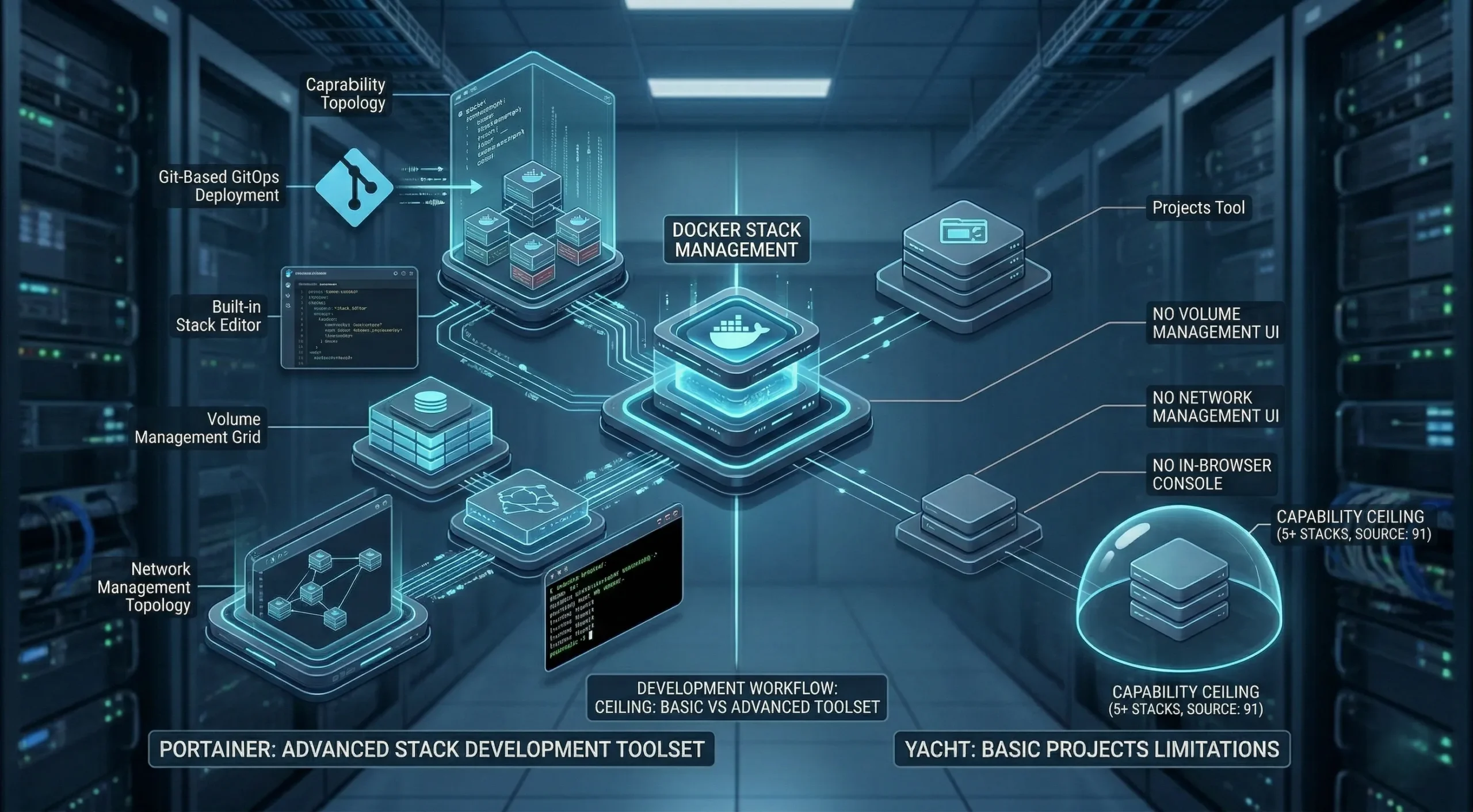
As stack count grows, the absence of an exec console becomes the friction point. Yacht manages the containers; it gives you no direct path into them when something breaks.
If you need to inspect or debug a running container, Portainer’s exec console makes that considerably faster than an SSH session.
App Templates and One-Click Deployments
This is the area where Yacht comes closest to Portainer. Both offer template libraries for deploying common applications with a few clicks. You pick the app, configure exposed variables, and the container runs.
Portainer’s template system is more mature and covers a wider application range. Yacht ships with a default library and lets you add custom template sources, which suits self-hosted setups with specific app stacks.
For users who deploy primarily from templates, Yacht’s system is capable enough and more approachable.
Once the capability comparison is clear, the more useful question is which tool fits the environment you’re managing.
When to Use Portainer
Portainer’s expanded toolset is only an advantage when your setup actually needs it. For a developer running a handful of containers on a single machine, many of Portainer’s capabilities will go untouched.
Where Portainer becomes the right choice is when scale, team access, or environment diversity come into play. The decision typically comes down to host count first, then team size, then the need for Kubernetes or access controls.
Managing Containers Across Multiple Servers
If you’re running Docker on more than one machine and need a stable production option, Portainer is the only tool of these two that can help. Its agent model connects multiple Docker environments into a single management interface. You can monitor, deploy, and update containers across all connected hosts from one place.
This is the clearest decision point in any Portainer vs Yacht evaluation. In the current stable release, Yacht has no multi-host capability. Multi-host support is in development on the develop branch but is not yet in a stable release, so there is no production-ready workaround today.
For DevOps engineers managing infrastructure across multiple servers, multi-host support isn’t a preference. It’s a requirement.
Team Environments and Access Control
When more than one person needs access to your Docker environment, access control becomes a genuine concern. Portainer CE includes basic users and groups for foundational team-level permissions.
The Business Edition adds granular RBAC for more complex permission structures. Yacht has no user management at all. Yacht does not offer Portainer-style multi-user or team-based access control. It’s a single-user tool, and sharing access means sharing credentials.
Yacht’s strengths hold up, but they operate within a narrower set of conditions.
When to Use Yacht
Yacht’s limitations are genuine. Within a specific context, they’re not limitations at all. For a single-host deployment where the goal is quick container management without added complexity, Yacht delivers on its premise.
The context where Yacht makes the most sense is also where most of Portainer’s added toolset goes unused.
Single-Host Self-Hosting and Homelabs
If you’re running a home server, a personal NAS, or a single development machine with a limited set of containers, Yacht fits the job without the added complexity. There’s no agent setup, no environment management, and no functionality you don’t need.
Yacht is often positioned as a Portainer alternative, and in single-host contexts, that framing holds up.
The template-first approach makes it easy to deploy self-hosted applications quickly. The one-click deployment flow, combined with the clean resource usage dashboard, covers most of what a homelab operator uses day to day.
For a low-complexity personal configuration, the absence of Portainer’s added weight is a genuine advantage.
This works well for contained deployments, though anyone planning to expand beyond a single host will hit Yacht’s ceiling quickly and need to move to Portainer.
The picture changes when you look at the limitations that define what each tool can’t do.
Limitations of Each Tool
Every tool has boundaries. For container management tools with root-level Docker socket access, those boundaries have operational implications worth understanding. The stakes differ depending on what you’re running.
The goal here is to surface where each tool stops being the right choice, so you can weigh that against your own requirements.
Portainer’s Limitations
Portainer’s main limitation in low-need environments is interface density. For users managing only a few containers on a single machine, the number of options can feel excessive, and many capabilities will go unused.
The other limitation worth noting is feature gating. Some access-control features, such as granular RBAC, are limited to Portainer Business Edition. For home users or small teams on CE, this may not be an issue.
For teams with no need for Kubernetes, multi-host management, or advanced access controls, Portainer CE is still a full-featured tool.
Development and Security Considerations
Portainer has a clearer and more frequent release cadence, while Yacht still shows recent repository activity but follows a less predictable maintenance pattern.

For a tool that runs with root-level access to your Docker socket, release predictability is a real factor. This matters because Docker socket access means the tool has broad reach over your host.
A tool with less frequent updates at that access level requires a different kind of risk assessment than a standard utility. Common Security Mistakes When Deploying Docker Containers covers the security implications in full.
Yacht still works smoothly, but its less regular update cycle means you must carefully evaluate the risks of granting it Docker socket access.
Because of this, Yacht remains a very reasonable fit for an isolated homelab. However, for a strict, production-facing environment, a predictable cadence of security patches will always carry more weight.
Deployment Context
Both Portainer and Yacht run inside Docker, which means they need a Docker host to run on. That host is most commonly a server, a VPS, or a local machine, depending on your configuration.
The CNCF’s 2024 Annual Survey found that 91% of organizations use containers in production, meaning these tools are no longer running in sandboxes. The server environment they run on affects workloads.
For a full walkthrough of hosting options, Best Ways to Deploy Portainer covers the specifics.
If you’re looking for a server environment built for these tools, at Cloudzy, we offer a Yacht VPS and a Portainer VPS option on AMD Ryzen 9 processors with NVMe SSD storage, a 40 Gbps network, and free DDoS protection across 16+ global locations, giving your container workloads a solid foundation.
The server choice is often made last, after the tool is already running, which tends to create avoidable performance bottlenecks.
With the server context clear, the remaining question is which tool to pick.
Choosing the Right Tool: Portainer or Yacht?
The Portainer vs Yacht decision isn’t about which tool is better in the abstract. It’s about which one fits where you’re starting from and where you’re planning to go.
Starting with Yacht and later migrating to Portainer is possible, but it introduces friction: configuration rebuilding, a learning curve, and a period of parallel maintenance. If you expect your infrastructure to grow beyond a single host, building on Portainer from the start is the more practical path.
A Decision Framework
In any Docker GUI tools comparison, environment scale and team size are the most useful initial filters.
A few conditions map clearly to each tool. If you’re managing a single host with no team access requirements and no plans to expand, Yacht is a fast and low-overhead fit.
If you’re managing more than one server, need team access controls, work with Kubernetes, or are running anything you’d consider a production environment, Portainer CE is the right starting point.
If neither tool fits your full requirements, Best Docker Management Tools covers options like Dockge, which takes a different approach centered on Docker Compose stacks.
For most configurations beyond a single personal server, Portainer’s ceiling is high enough that you’re unlikely to outgrow it.