
如果你需要更改云 VPS 操作系统,你可以
在 Cloudzy 云 VPS 控制面板中自行完成。以下简单
步骤将教你如何更改云 VPS 操作系统。
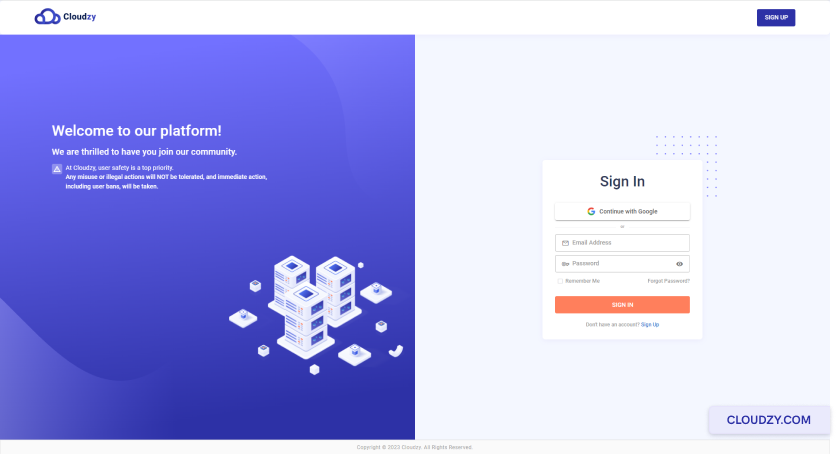
- 登录你的账户,进入 Cloudzy面板.
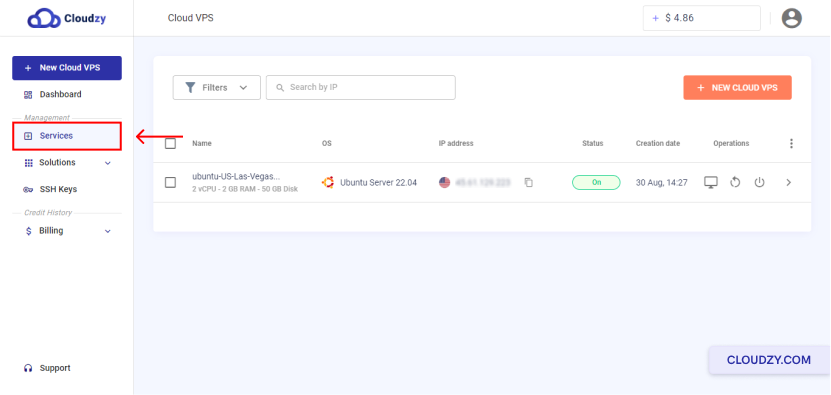
- 在左侧边栏中点击
服务.
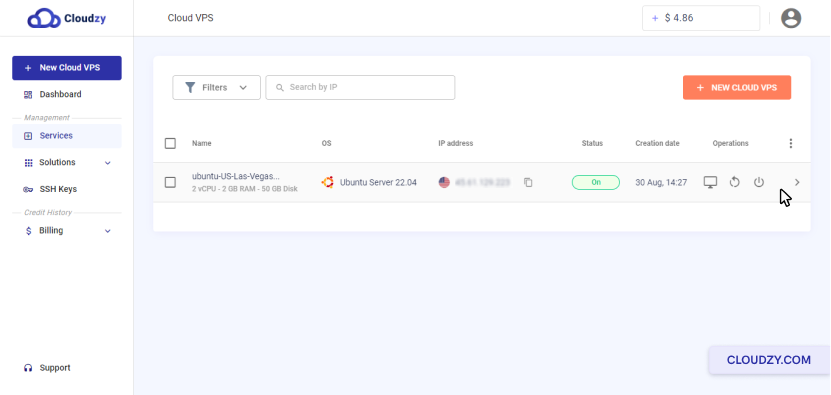
- 点击要修改操作系统的 Cloud VPS 行
系统。
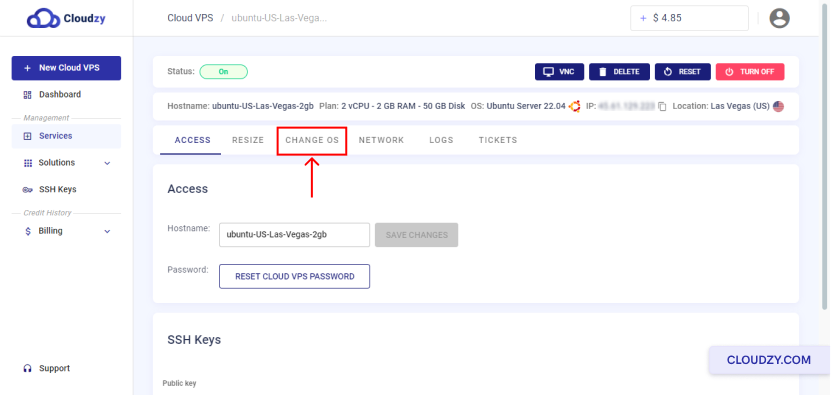
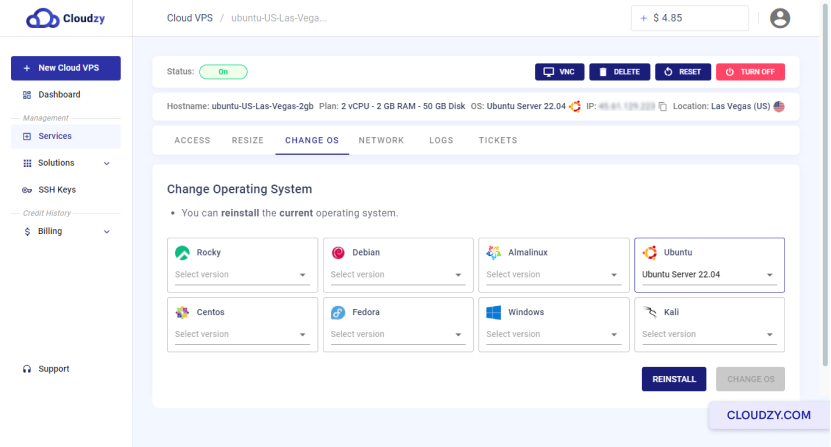
- 在页面顶部,点击 更改操作系统
按钮
- 现在,您可以选择想要的操作系统
为您现有的云服务器 VPS 安装新的操作系统。然后点击
这个 更改操作系统 按钮
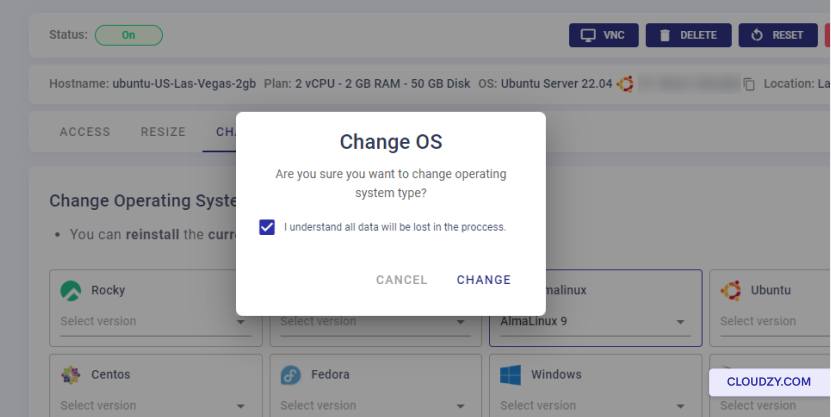
- 如果您不担心数据丢失,请勾选"我了解所有数据
将在过程中丢失",然后点击
改变 按钮
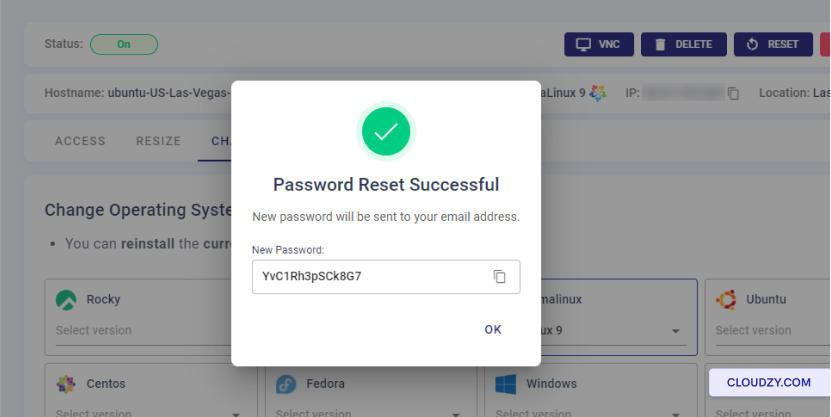
- 更改 Cloud VPS 操作系统后,会弹出一个提示窗口
你的新 Cloud VPS 密码。现在你可以点击 OK
并畅享您的 Cloud VPS。
您已成功更换操作系统。如果您有
有任何问题,随时联系我们 提交一个
票证.