

WordPress still matters, and it still serves a huge range of sites well. Its plugin directory hosts over 62,000 plugins, and its theme directory offers over 14,000 free themes.
That scale is a strength, but it also explains why many projects grow into stacks that need constant updates, testing, and cleanup. Each extra plugin adds another moving part. Each added theme hook or page builder layer adds more code to manage.
For developers, many challenges often show up in the same places, like when a site becomes slower to tune, harder to secure, and more tied to the database than the project really needs.
Teams that prefer Git-based content, API delivery, or a lighter deployment path often begin to look beyond WordPress. That is where open-source WordPress alternatives begin to show up. They do not all solve the same problem, but they do give you more room to match the CMS to the work.
What Makes a Strong WordPress Alternative?
A good replacement does not need to copy WordPress; instead, it needs to do the job with fewer headaches for the right project. The main things to check are:
- Open-source licensing
- Content editing flow
- Hosting needs
- Frontend freedom
Different projects, like a small publishing site, a complex enterprise portal, and a developer blog, all need different things.
But, moreover, hosting matters too because running a CMS on your own setup can become troublesome very quickly. Some methods allow you to control PHP, Node, caching, storage, and the web server, which allows the site to run more smoothly.
Therefore, when choosing the right CMS shouldn’t be only about what features it has. You must also consider its architecture as a whole.
One thing must become clear, though, the following alternatives to WordPress act very differently from each other, because every CMS has an architectural type, which will be covered next.
The Main CMS Families
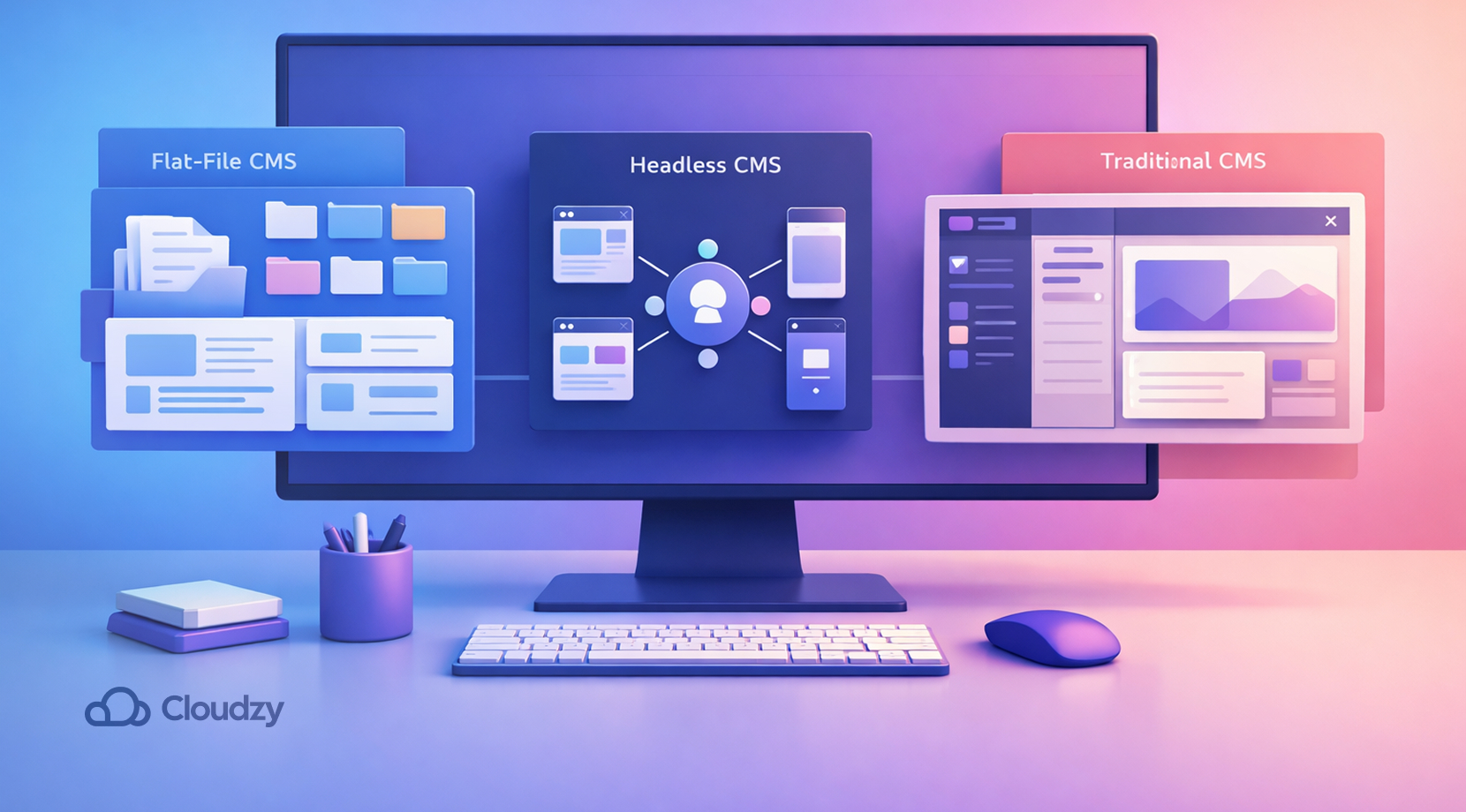
As mentioned earlier, each of the following alternatives falls into a certain group of CMS. So here’s a brief explanation for each of these types.
Flat-File CMS
Flat-file systems like Automad, Grav, and Bludit store content in files and avoid a database. That keeps hosting lighter and often makes deployment easier. Flat-file CMSs, in general, excel at providing a concise platform for small to medium-sized projects.
Headless CMS
Headless CMS platforms like Strapi and Directus focus on APIs and leave the frontend to your app. All in all, headless CMSs, in contrast to flat-file systems, do a great job when it comes to larger and heavier projects.
Traditional CMS
Traditional CMS platforms like Drupal and Joomla still bundle content management and presentation in one place, so for some users, there might be less breathing space. WordPress is also one of the best-known CMSs in this group.
Now, with that out of the way, it’s time to get down to business.
Top Open-Source WordPress Alternatives
The ten CMS platforms below cover the main paths developers usually compare and are all represented in no particular order. There is a mix of publishing tools, traditional CMSs, headless systems, flat-file options, and static site generators, since those are the most practical branches to review. Without further ado, let’s take a look at our top picks.
Ghost
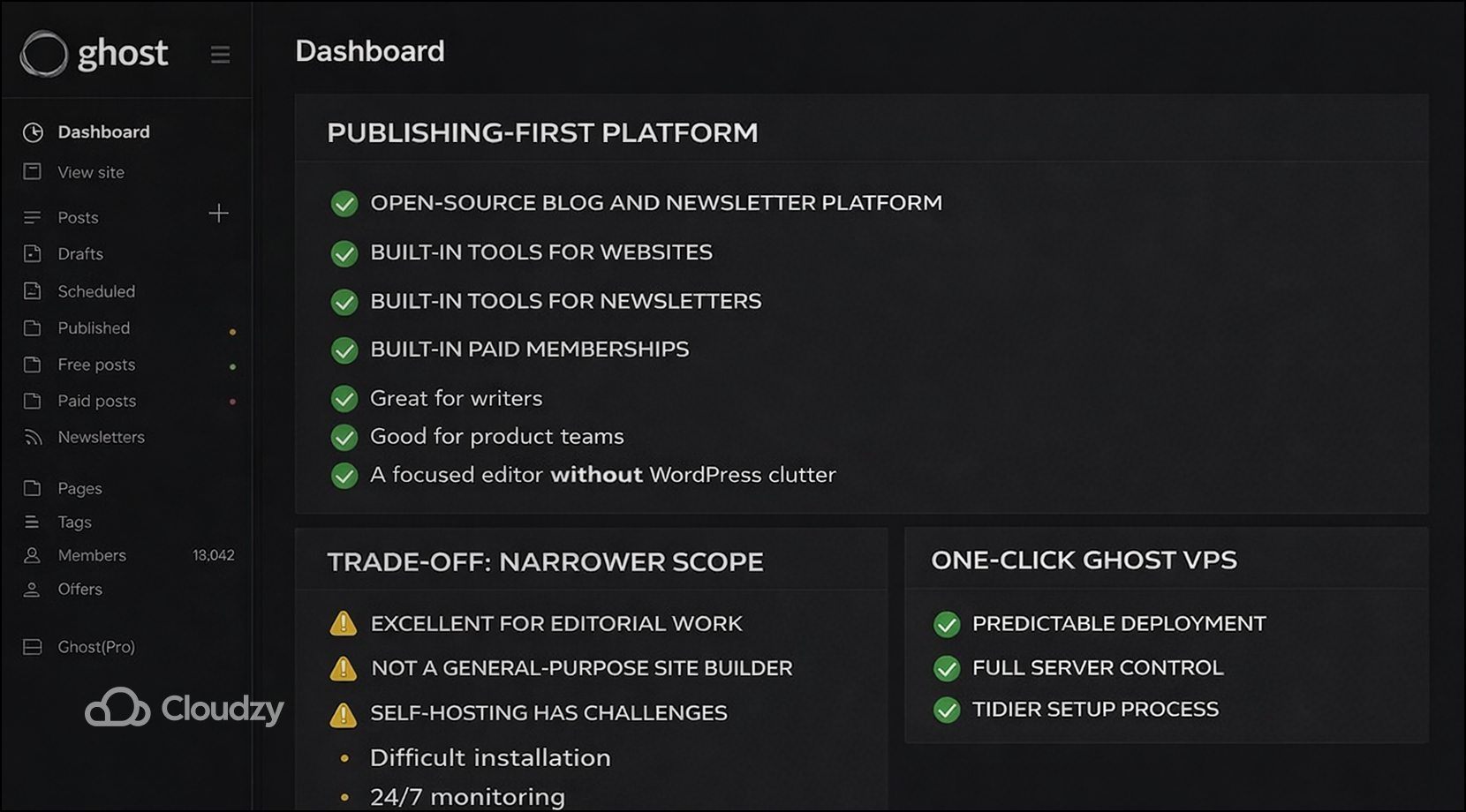
Ghost is a strong fit for teams that care about publishing first. Its official home page frames it as an open-source blog and newsletter platform, with built-in tools for websites, newsletters, and paid memberships. That makes Ghost a clean choice for writers, product teams, and publications that want a focused editor without WordPress clutter.
One of the main trade-offs of Ghost is Scope. Ghost is excellent at editorial work, but it is not built to be a general-purpose site builder in the same way WordPress is. Deploying Ghost on your own individual system, however, comes with many challenges, such as:
- Difficult installation
- 24/7 monitoring
- Risk of downtime
For teams that want predictable deployment and full server control, Cloudzy’s one-click Ghost VPS is a sensible consideration because it makes the whole process tidy.
Drupal
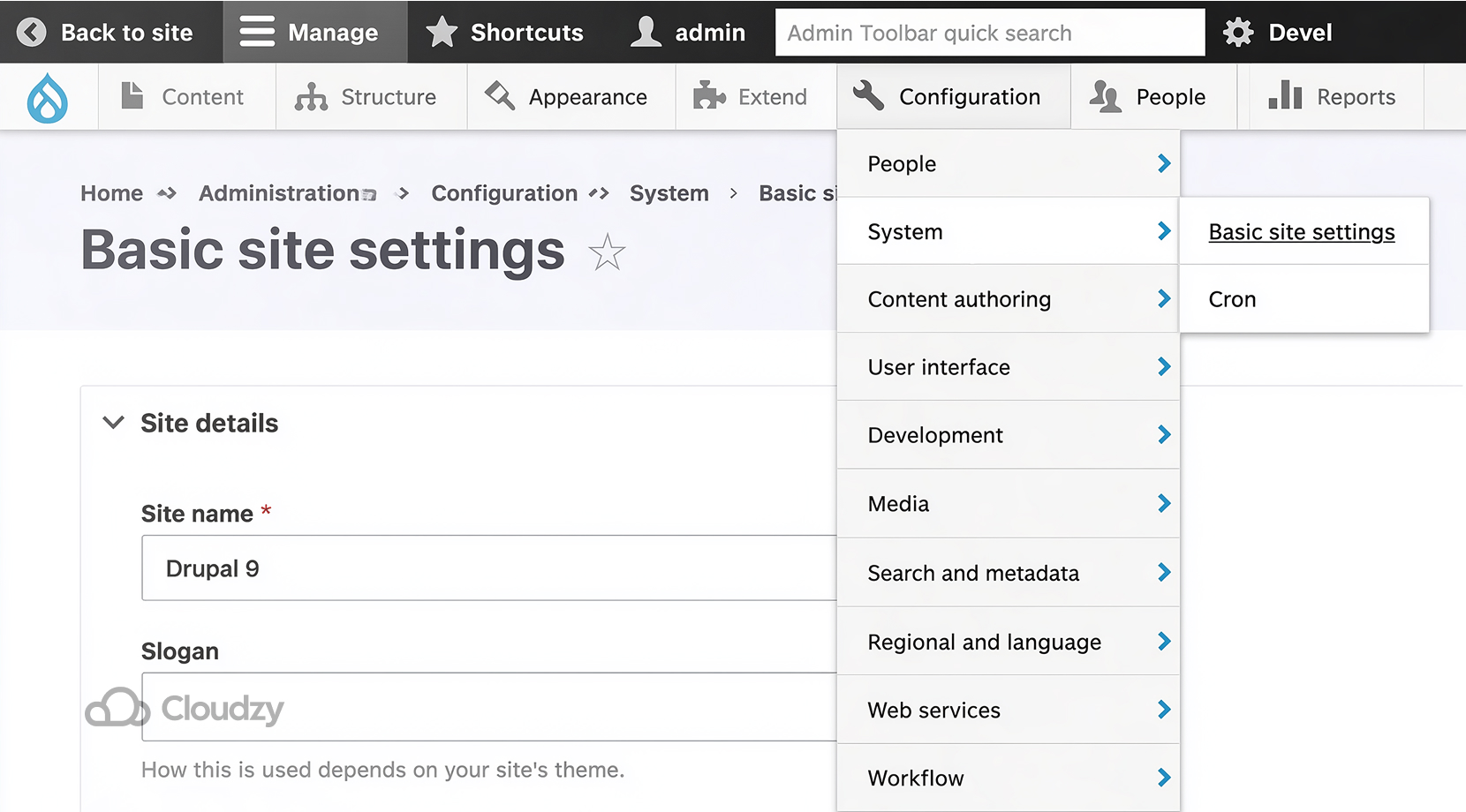
Drupal is the right answer when structure matters more than simplicity. The project describes itself as an open-source CMS used by millions, and its official site now positions Drupal as a platform for scalable, secure, customizable digital experiences.
That makes it a good match for large content systems, public sector sites, and projects with complex permissions or content models.
One downside that must be noted is its learning curve because Drupal gives developers a lot of control, but that control requires more planning and more comfort with configuration. It also benefits from a hosting setup that lets you tune caching, PHP, and the database with care.
Cloudzy’s one-click Drupal VPS keeps that control in one place and fits the way the platform is built.
Joomla
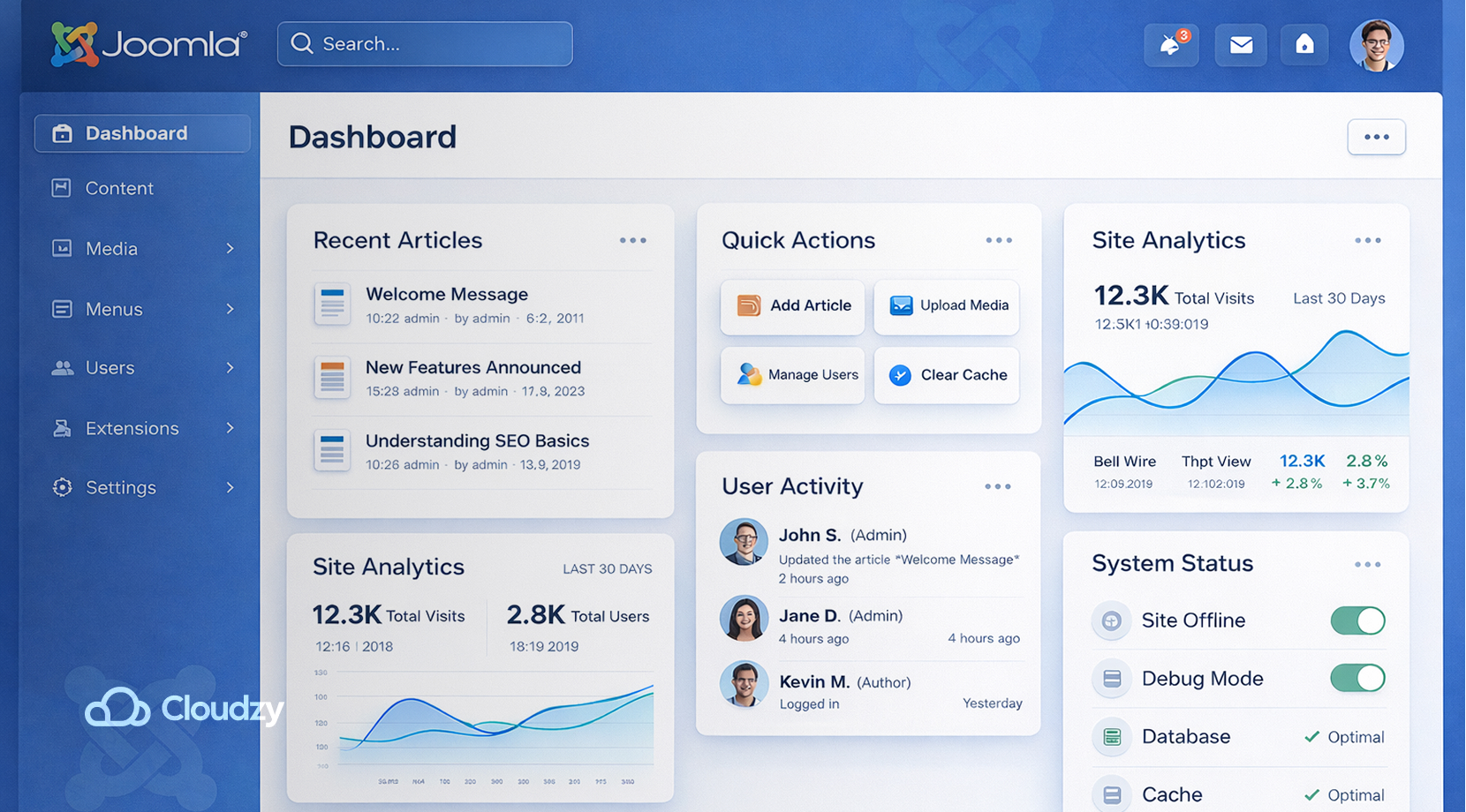
Joomla is still one of the most practical middle-ground CMSs. Its core features page highlights multilingual support, out-of-the-box SEO and SEF support, free GPL licensing, and an extension library of more than 8,000 add-ons, which make Joomla useful for business sites, portals, intranets, and community sites.
Joomla’s main drawback is its ecosystem size, because it has depth, but it doesn’t have the same breadth of third-party tooling that WordPress has. But that shouldn’t scare anyone away since Joomla does a great job for some projects.
In fact, it can make the whole system easier to work with. Cloudzy’s one-click Joomla VPS is often the cleanest way to host it, since you keep control over performance settings and update timing.
Strapi
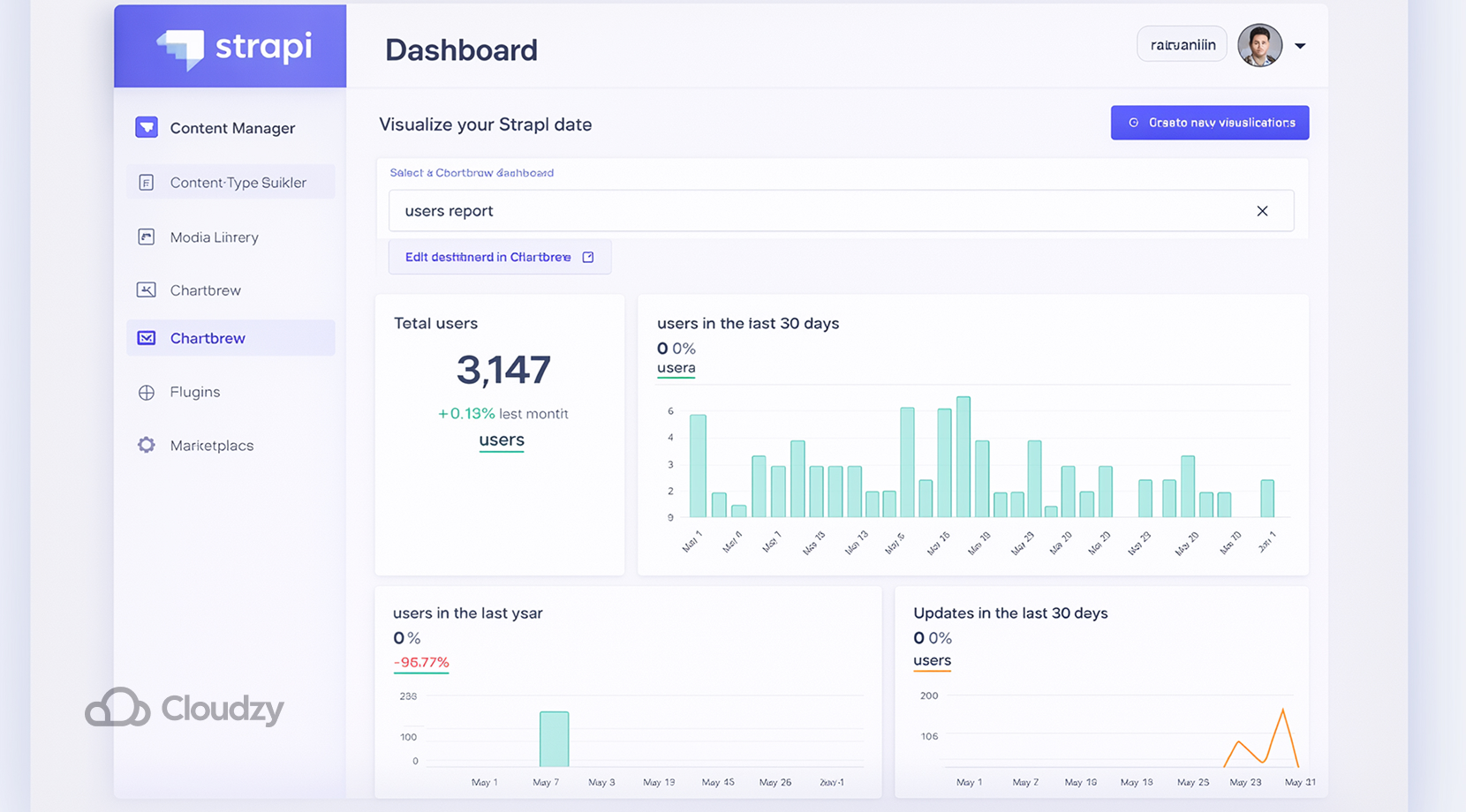
Strapi belongs in any list of modern open-source CMS platforms because it takes the headless route seriously.
Strapi is a leading open-source headless CMS that lets developers use their preferred tools while editors manage content for any channel. Moreover, Strapi also supports REST and GraphQL delivery, which is useful when the frontend lives in React, Vue, Next.js, or Nuxt.
The trade-off is clear. Strapi gives you content infrastructure, not a finished website. That makes it a better fit for teams that already think in APIs and component-based frontends. And that might actually make Strapi one of the best options in the Headless CMS category.
Directus
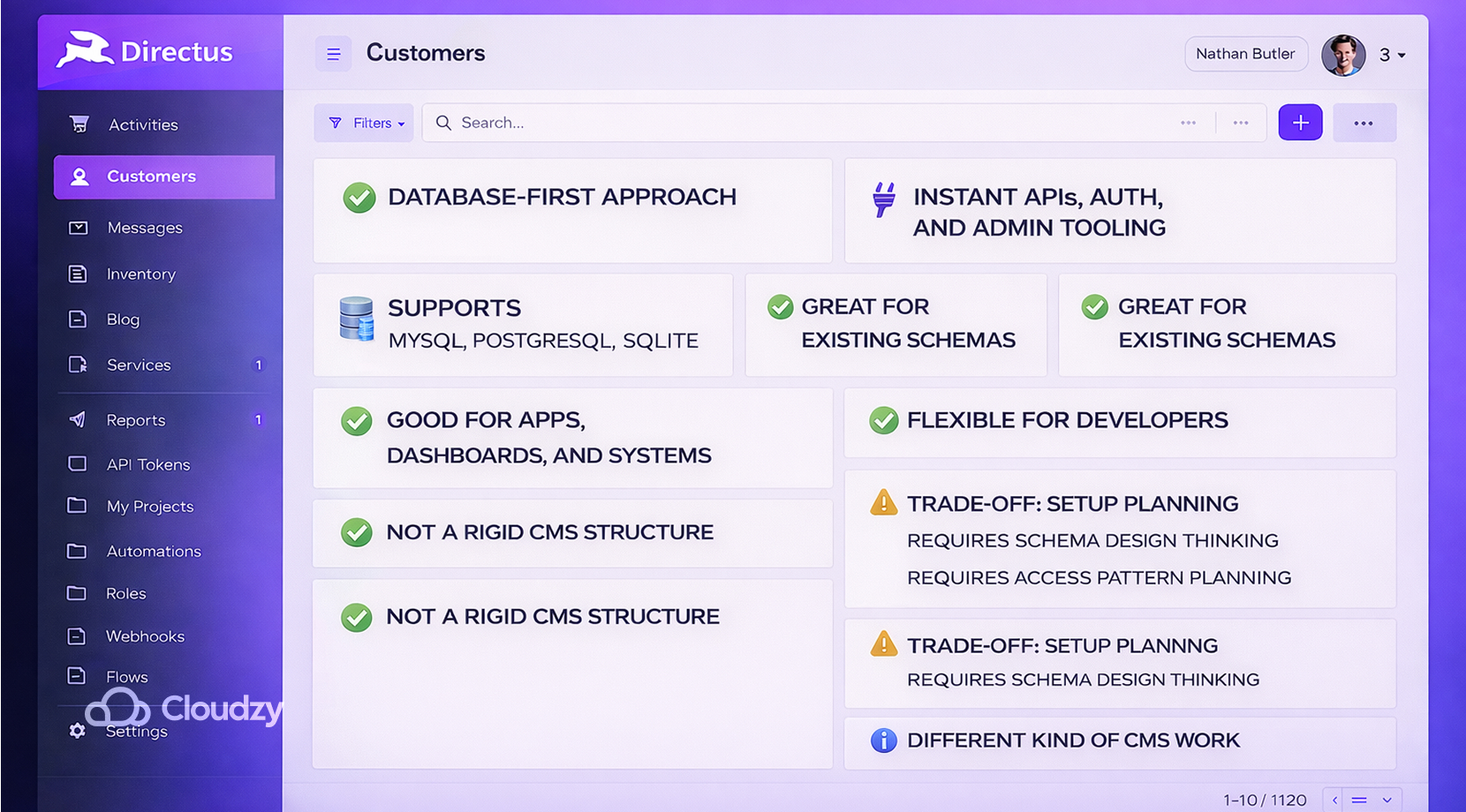
Directus takes a database-first approach by giving you APIs, auth, and admin tooling as soon as you connect a database, and its docs show support for common SQL databases such as MySQL, PostgreSQL, and SQLite. That makes it a smart choice for apps, dashboards, and systems that already have a schema in place.
This is a good option for developers who want content management without forcing a rigid CMS structure on top of an existing database. The trade-off is its setup planning, since users need to think through schema design and access patterns before the interface feels smooth. That might seem like a flaw, but it’s simply a different kind of CMS work.
Directus is source-available on new releases under the BSL, so it is not fully open source from day one like WordPress.
Most people reading this probably are not running a $5 million company, but it is still worth knowing that free live commercial use only applies to organizations at or under that limit; after 3 years, each release moves to GPLv3, a true open-source license that allows commercial use and modification, with source-sharing required if you distribute your version.
Grav
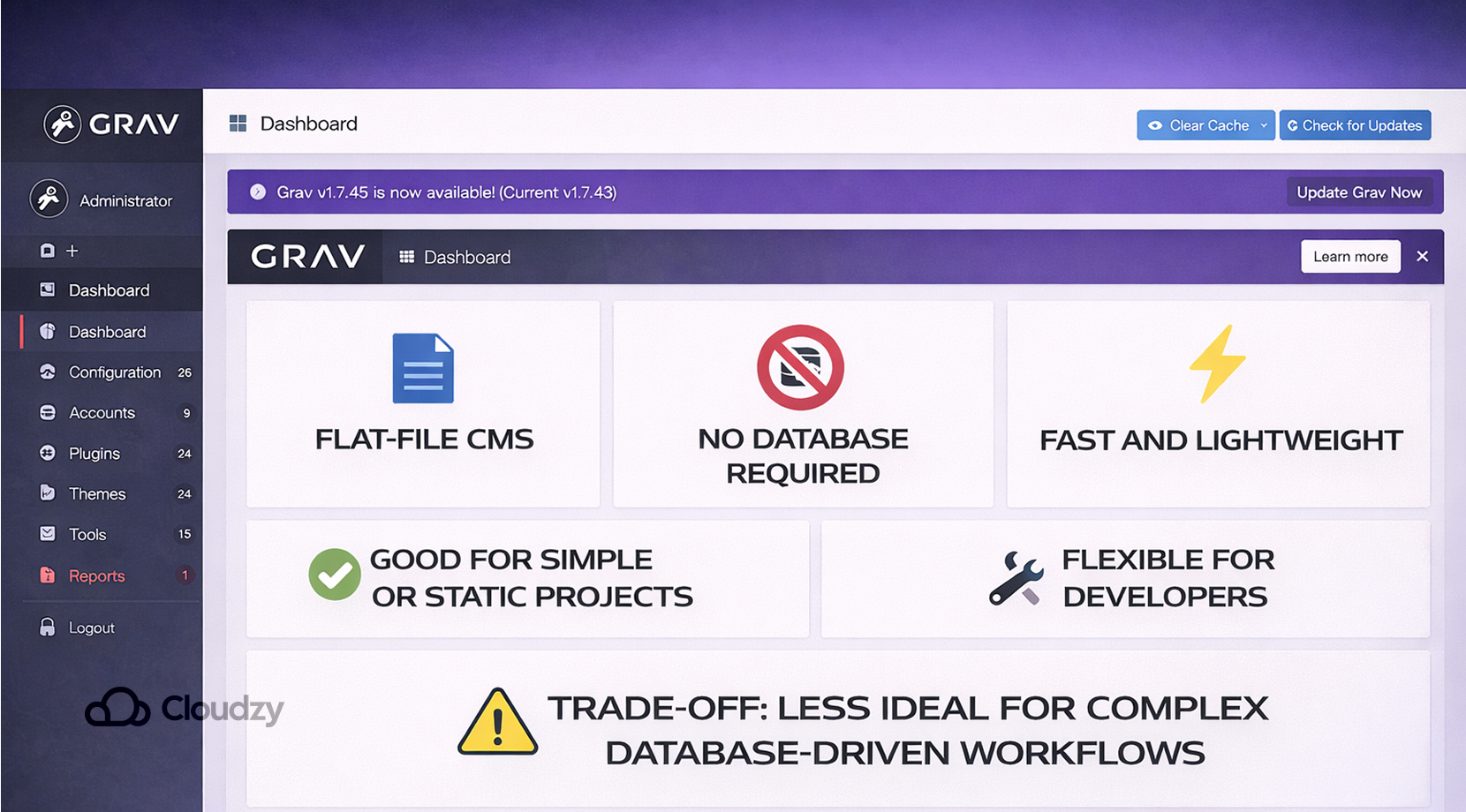
Grav is one of the most established flat-file CMSs in this space. It highlights flat-file architecture, smart caching, instant install, CLI tools, and content creation with Markdown. That gives Grav a clear role for documentation sites, portfolios, and smaller content projects that do not need a database layer.
The upside is speed and simplicity, but it also comes with a trade-off for scalability. Grav is very comfortable when the site is focused, but larger editorial teams may want more structure than a file-backed CMS naturally provides.
Automad
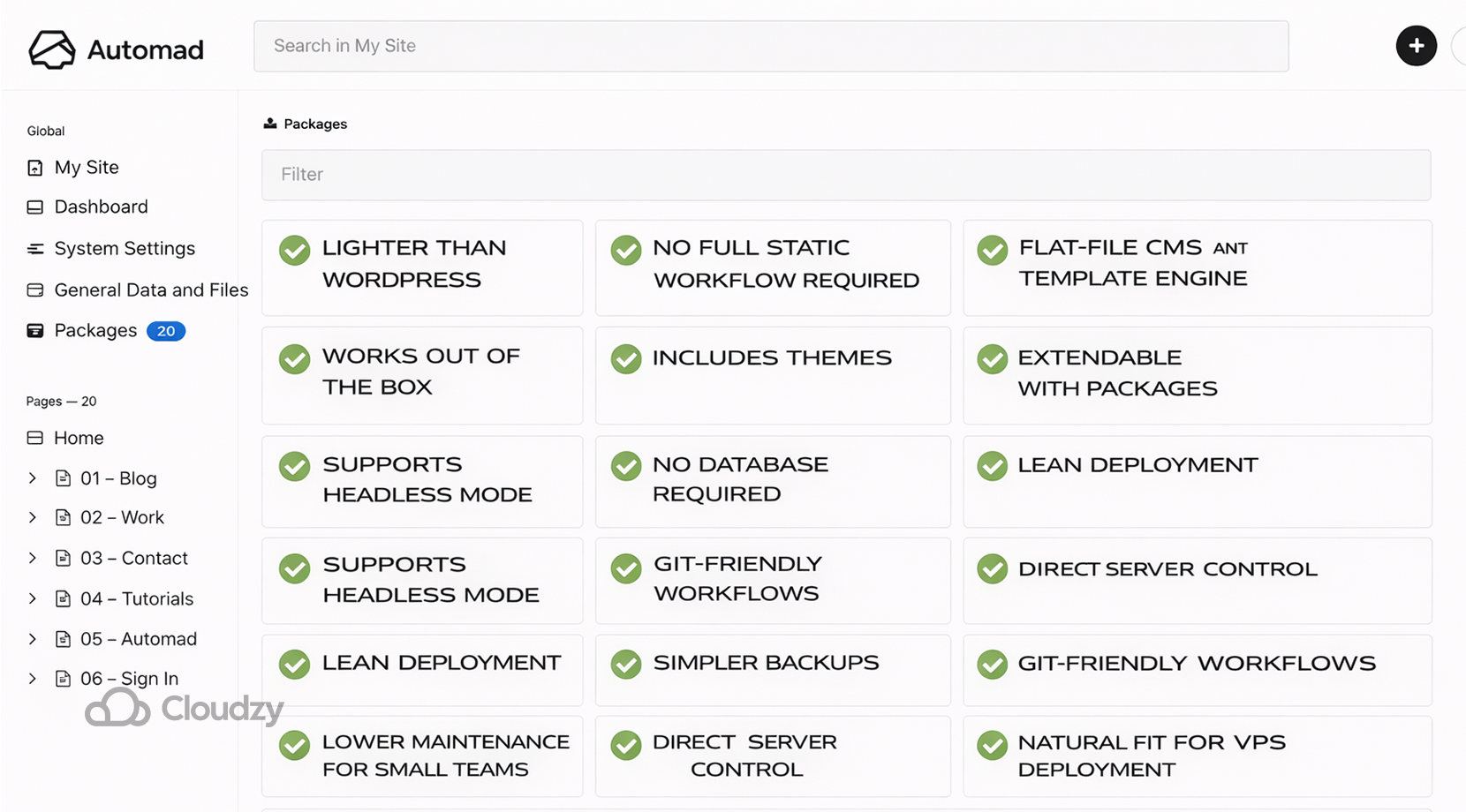
Automad is one of the clearest answers for developers who want a lighter system than WordPress without moving into a full static workflow. Automad describes itself as a flat-file CMS and template engine.
It works out of the box, includes themes, and can be extended with packages. Furthermore, Automad supports a headless mode, which gives it more range than many people expect from a file-based CMS.
The file-based model is the main reason it feels so practical. Content lives in files, so there is no database to set up or maintain, which keeps deployment lean, makes backups simpler, and fits Git-friendly workflows very well.
For smaller teams, this reduces the amount of maintenance that tends to pile up in WordPress. For that reason, deploying Automad on a VPS feels like a natural match. You get a clean environment, direct server control, and a system that stays close to the code.
You also get rid of many possible downtimes, setup, infrastructure limitations, etc., if you go for our one-click Automad VPS.
Automad’s limitation is the same one shared by most smaller CMSs. The ecosystem is not as broad as WordPress, so teams that depend on very specific plugins may need to do some custom work. Still, for developers who value simplicity and speed, Automad is one of the most balanced options on this list.
Bludit
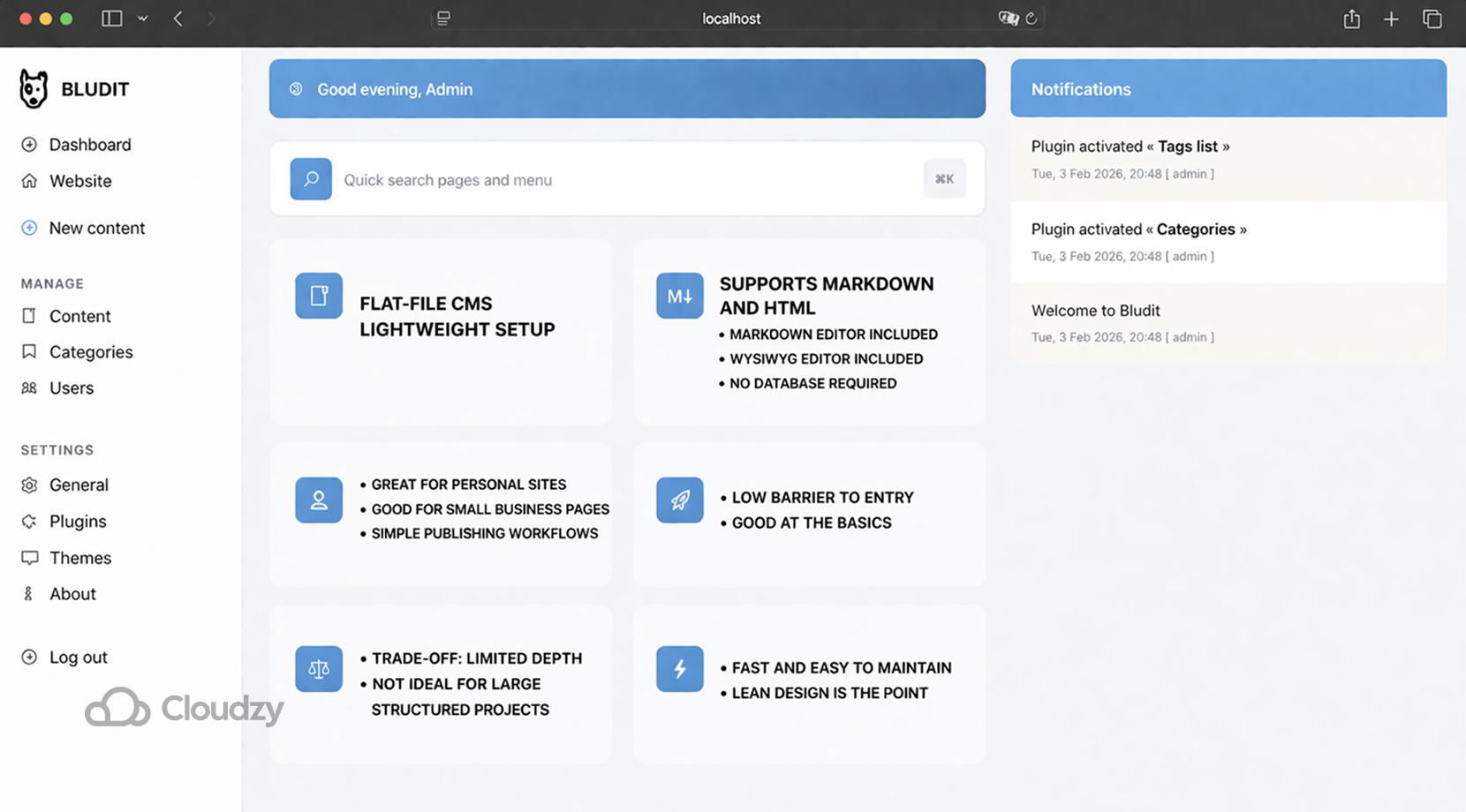
Bludit is another flat-file CMS that keeps the setup light. It supports Markdown and HTML, offers both a Markdown editor and a WYSIWYG editor, and does not require a database. That makes it a great choice for personal sites, small business pages, and simple publishing workflows.
Its strength is the low barrier to entry, while its limit is depth. Bludit is good at the basics, but it is not meant for very large or highly structured projects. But that doesn’t mean that it’s not a viable option because for a small site that just needs to stay fast and easy to maintain, the lean design is exactly the point.
ClassicPress
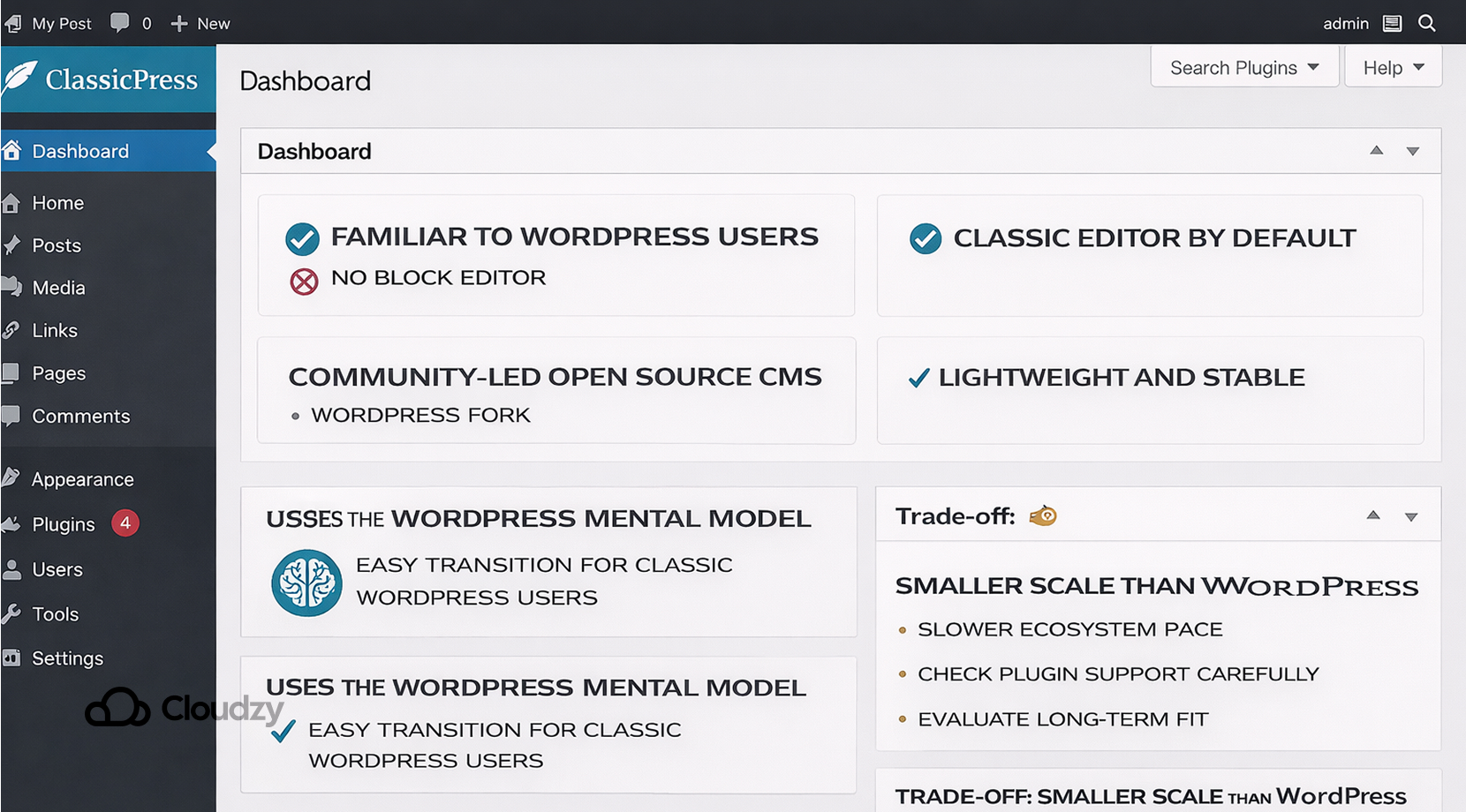
ClassicPress is the obvious choice for teams that want something familiar to WordPress users but without the block editor. ClassicPress is a community-led open-source CMS and a fork of WordPress that keeps the classic editor as the default option. Its homepage also stresses that it is lightweight and stable.
That makes ClassicPress useful for sites that want the WordPress mental model without the newer editor direction. The downside is that it does not have the same scale or pace as WordPress itself, so teams need to judge plugin support and long-term fit carefully.
Hugo
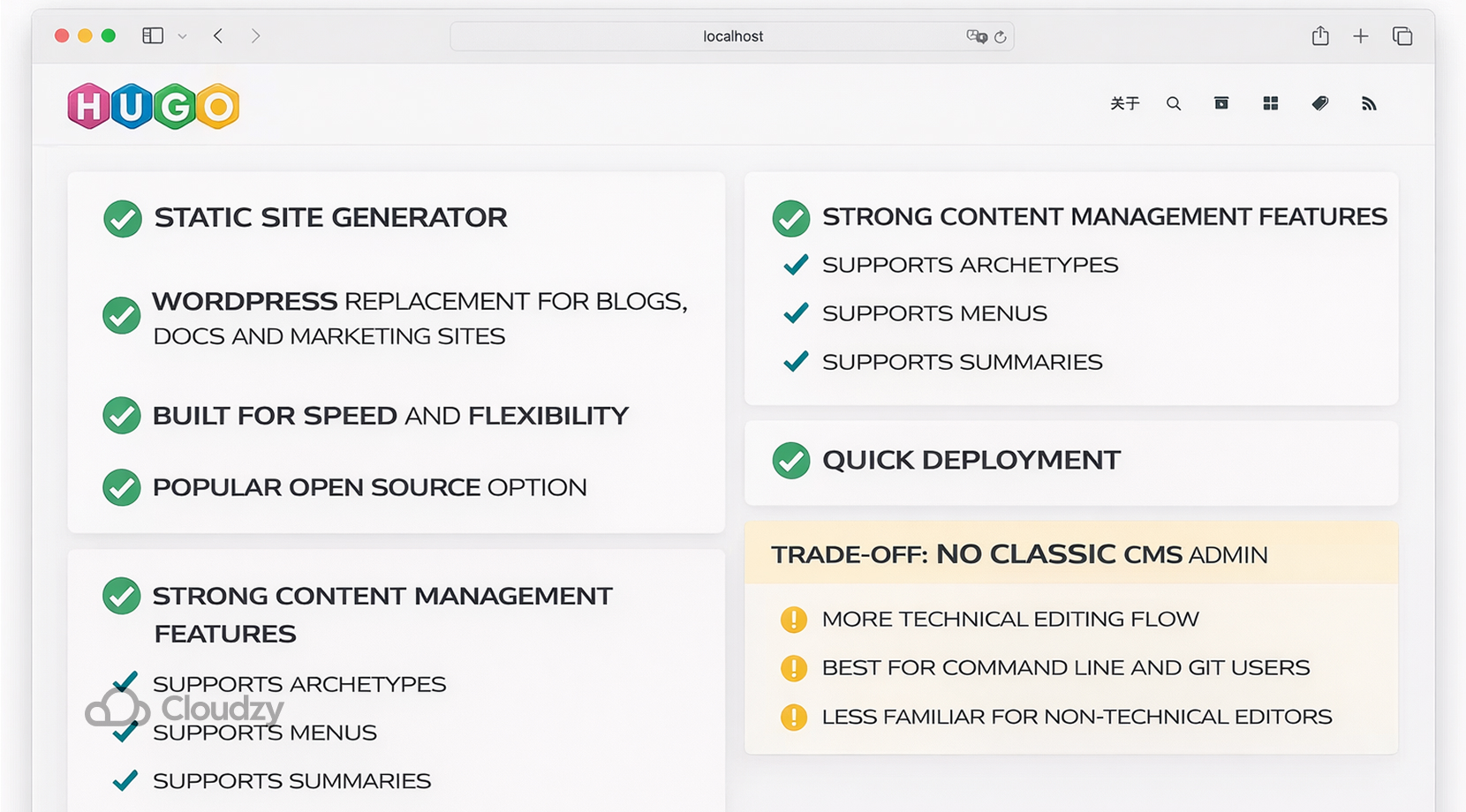
Hugo is a static site generator, but it belongs in this list because many developers use it as a WordPress replacement for blogs, docs, and marketing sites.
Hugo calls itself one of the most popular open-source static site generators and says it is built for speed and flexibility. The docs also show strong content management features, support for archetypes, menus, summaries, and quick deployment.
The trade-off is its editing flow since Hugo does not give you a classic CMS admin in the same way WordPress or Ghost does. That means the workflow leans more technical and often works best when the team is comfortable with the command line and Git.
While that might sound wonderful for developers, it can feel like a step away from the familiar CMS model for non-technical editors.
How to Pick the Right CMS
Now that all of our top CMS picks are mentioned, it might become confusing for some to choose what they actually want, or better, what they actually need. For a kickstarter, start with the project shape, because, as you might have guessed, a simple blog, a publishing site, and a large content platform can’t practically work on the same system.
Next, think about the editor experience. Some platforms like Ghost and Joomla feel more familiar to many content teams, while some others like Strapi and Directus work better for developer-led projects that already think in APIs. Automad, Grav, and Bludit suit teams that want a lighter server footprint.
And finally, Hugo works best when the workflow can lean on build steps and Git.
But, even if you were to migrate to any of these CMSs, one issue still remains, which is your method of deployment.
A VPS Provides the Best Method of Hosting
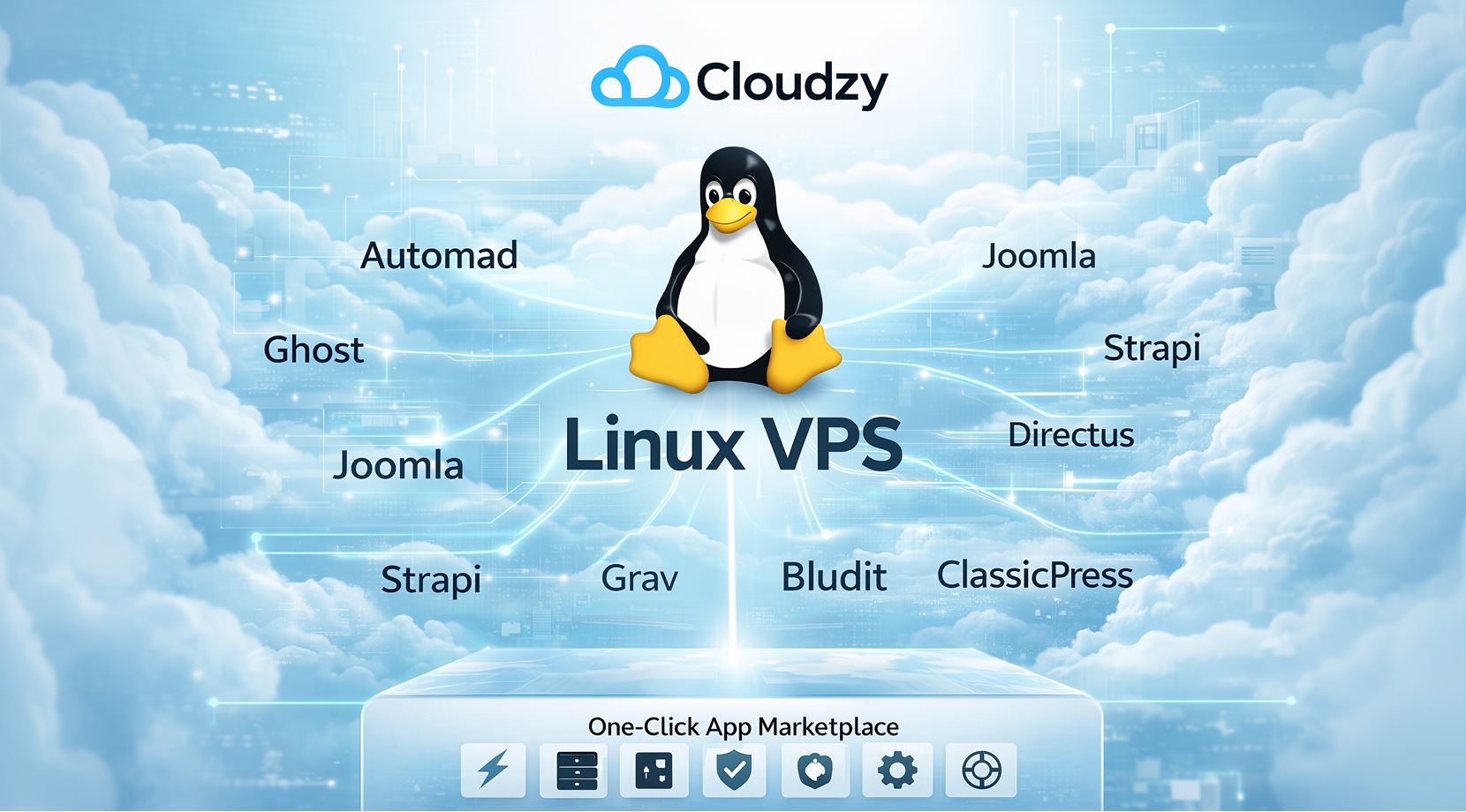
Running a CMS on your own hardware or on a hosting plan that gives you limited control over the server often triggers some issues. The CMS itself is only one part of the job. You also have to keep the runtime, database, web server, HTTPS, and production configuration in sync.
WordPress still depends on a host that supports the right PHP, database, web server, and HTTPS stack; Ghost’s official production setup expects an Ubuntu server and MySQL; and Strapi’s deployment documentation points users toward reverse proxies, environment configuration, database setup, and process-management decisions.
In shared or other multi-tenant environments, performance can also become inconsistent because one tenant’s activity can degrade another tenant’s experience.
That is why a VPS is usually the most practical middle ground since it gives you server-level control without requiring you to buy and maintain physical hardware. In Cloudzy’s case, our Linux VPS plans provide root access, and its one-click marketplace currently includes several CMS options from the list above, including WordPress, Joomla, Ghost, Automad, and Drupal.
It comes with 24/7 support, 14-day money-back, and 14-day credit-back guarantee. In terms of infrastructure, it’s equipped with NVMe/SSD storage and DDR5 RAM. Moreover, it has links of up to 40Gbps with 99.95% uptime SLA and minimal latency. Finally, it’s available in 13 regions to make connections even quicker.
When WordPress Still Makes Sense
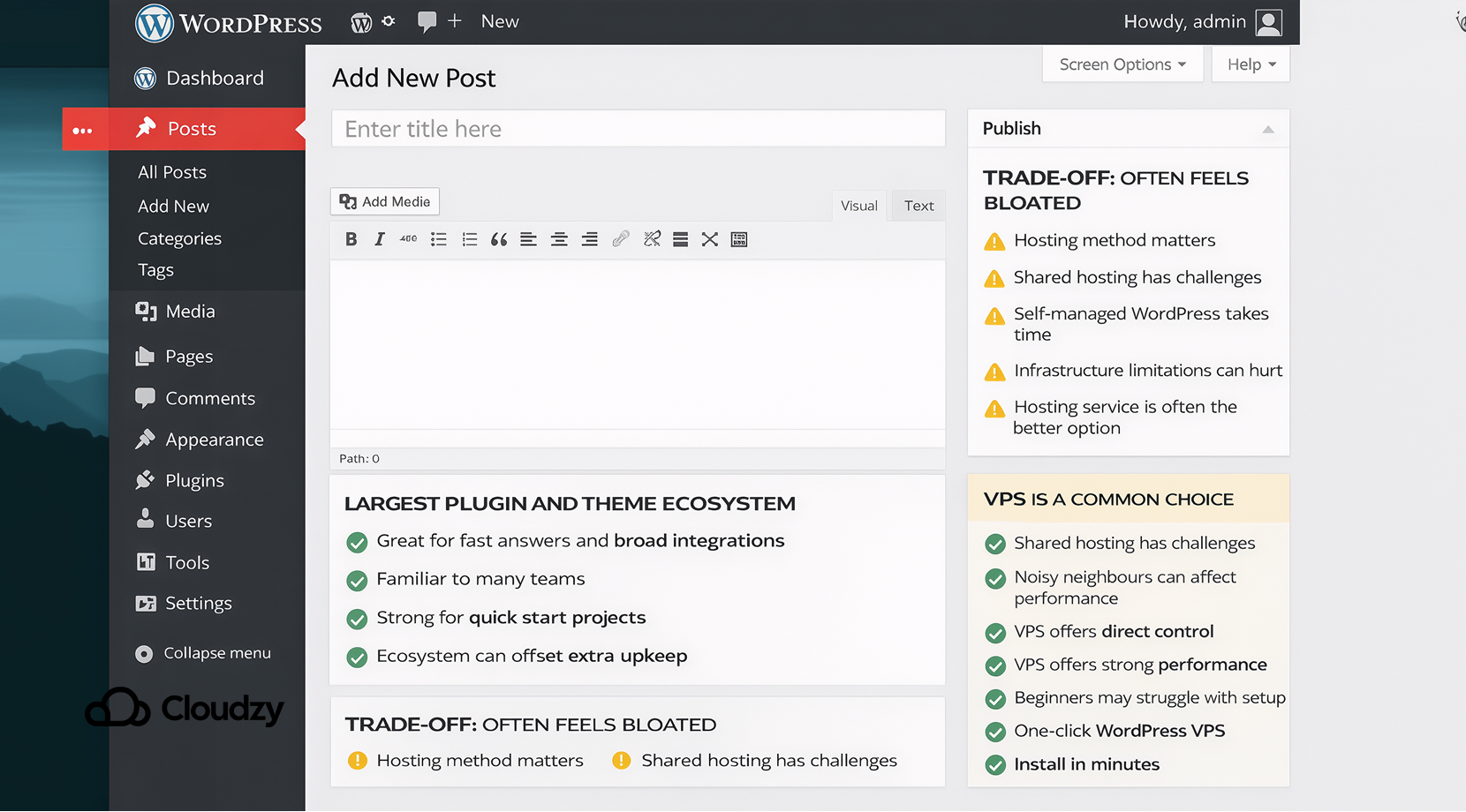
WordPress still has a clear place. Its plugin and theme ecosystem is still far larger than the field around it, and that breadth matters when a project needs fast answers, broad integrations, or a team that already knows the platform well. For sites that depend on third-party tools or need a quick start, that ecosystem can negate the extra upkeep.
Still, many users complain about their experience with WordPress and how it usually feels bloated. A major part of those pain points relies on your method of hosting WordPress. Since managing WordPress on your own setup is very time-consuming and might be limited because of your infrastructure, your best bet is to use a hosting service for deploying WordPress.
Not all hosting services are viable, though, as deploying heavy CMSs like WordPress even on a shared hosting environment has its challenges, and not to mention the noisy neighbours. That is why many developers opt for choosing a VPS when it comes to running WordPress.
Although deploying WordPress on a VPS gives you direct control and great performance, many beginners still face issues when setting up WordPress.
Remember when I said at Cloudzy, we offer several CMSs in this list as one-click apps? Well, that goes for WordPress too, since we provide a one-click WordPress VPS. It comes with the same fast, reliable infrastructure and features that I mentioned before.
Closing Thoughts
Open-source WordPress alternatives give developers far more room to choose an architecture that fits the project. Some tools focus on publishing, and some focus on APIs. Flat-file systems keep everything file-based and lean. That range is the main reason the category matters in 2026. It gives you options that feel closer to the actual shape of the work.
Here’s what each CMS is best suited for:
- Automad: Several use cases (Portfolio websites, Documentation and blog sites, Lightweight flat-file websites in need of a proper editor UI, and Headless content backends via a read-only JSON API)
- Drupal: Publishing
- Ghost: Newsletter-driven publishing sites
- Joomla: Small business websites
- Strapi: Headless CMS backends for custom frontend projects
- Directus: Database-first backends on top of existing SQL databases
- Grav: Lightweight custom websites
- Bludit: Simple blogs
- ClassicPress: Business websites
WordPress is still powerful, but it is no longer the only practical default, which is the real story behind this list.
FAQ
What is a static site generator?
Can I migrate from WordPress without losing SEO?
Is Ghost a full replacement for WordPress?
Which WordPress alternative gives developers the most frontend freedom?



Discussion
Comments
Sign in to join the discussion.