

Automad and WordPress solve the same job in two very different ways. Automad is a flat-file CMS and template engine, so content lives in files instead of a database, but WordPress, on the other hand, is a database-driven, monolithic CMS with PHP, MySQL or MariaDB, themes, plugins, and a much larger app layer.
That difference alone is why this comparison keeps coming up among developers.
The same themes show up again and again in forum threads and community posts. Automad fans point to simplicity, flexible layout, and live design. WordPress users keep coming back to reach and ecosystem depth, even when they also admit that it can feel bloated for smaller projects.
Before going further, it helps to understand how Automad and WordPress differ at a structural level.
How are Automad and WordPress Different at The Core?
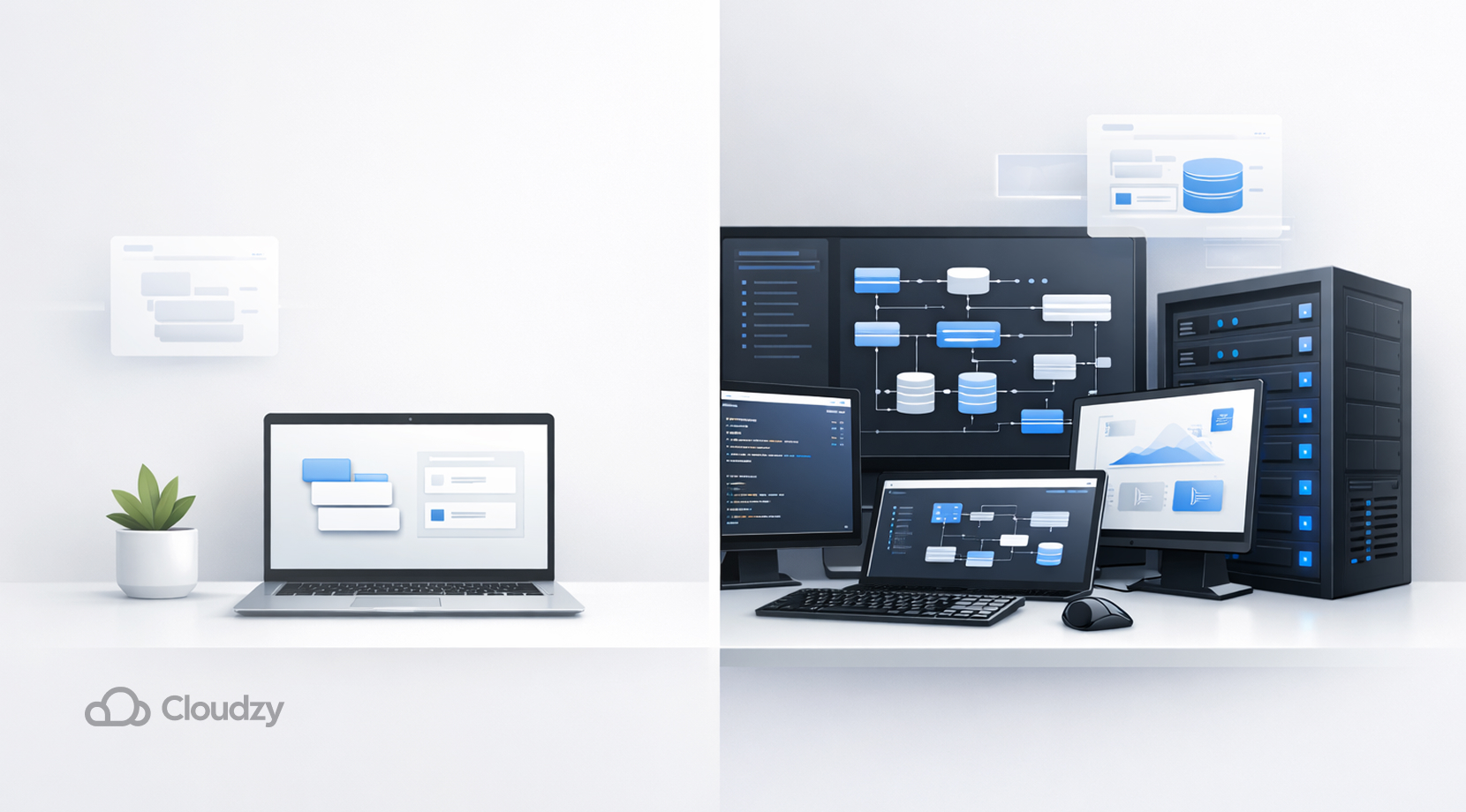
Automad is a fast and lightweight flat-file CMS and one of the best open-source WordPress alternatives. The official docs say it runs as a PHP app, needs a web server, and offers Composer, Docker, or manual install paths. Its template interpreter is written in pure PHP, and it uses a multi-layer caching engine for fast rendering on limited hardware.
Automad also fits a Git-friendly workflow better than a database-driven, traditional CMS, and since content lives in files, rollback and version tracking feel more natural. WordPress can still be managed well, but the database layer adds an extra step any time you move hosts, restore a site, or clone a staging copy.
WordPress takes the longer route because its official requirements call for PHP 7.4 minimum, with newer versions like PHP 8.3 recommended for better performance and security, MariaDB 10.6 or MySQL 8.0 or newer, HTTPS, and a web server such as Nginx or Apache. That makes it a full CMS stack from the start, not just a file-based publishing layer.
So one thing should be clear by now. Automad is a flat-file, while WordPress is a traditional CMS. If you want to know more about the differences between these two CMS types, that will be covered next.
One last thing that needs to be mentioned is that although WordPress is, by default, a traditional CMS, it can be deployed as a headless CMS too, which is a much different CMS type compared to Automad’s flat-file architecture.
Flat-file CMS vs. Traditional CMS: What Does Each One Do Better?
Flat-file systems usually leverage their lean setup, easy file handling, and fewer moving parts. Traditional CMSs are keen on breadth, plugin reach, and room for bigger feature sets. So you might have realized that by comparing Automad vs. WordPress, we are actually taking it to another level and considering them as representations of their fundamental categories.
Here’s a quick heads-up.
| Area | Flat-file CMS | Traditional CMS |
| Storage | Files | Database |
| Setup | Light | Heavier |
| Speed | Lean | Depends on tuning |
| Extensions | Small set | Huge library |
| Best fit | Small sites | Bigger sites |
Now that we have a basic understanding of the fundamentals, let’s break both Automad and WordPress down side by side.
Automad vs. WordPress: Features and Requirements
To keep things simple, here’s a quick feature comparison between Automad and WordPress:
| Feature | Automad | WordPress |
| Architecture | Flat-file | Monolithic/database-driven |
| Setup | Simple | More steps |
| Speed | Fast by default | Depends on deployment |
| Plugins | Limited | Massive catalog |
| Custom work | Template-first | Theme and plugin stack |
| Best for | Lean workloads | Feature-heavy workloads |
| Backup flow | File copy or Git | Database export plus files |
| Staging move | Simple | More steps |
The table above explains the main differences between Automad and WordPress and points out the most frequent questions users face when it comes to choosing between them.
When talking about Automad, users typically suggest that not only is it very lightweight, but it’s also flexible and secure. When it comes to WordPress, however, users face some challenges when building their small, portfolio-style websites, and say that it can feel sluggish.
So, in essence, Automad might do a better job for smaller projects, while WordPress is more prominent for heavier workloads.
But, with all that said, let’s look into what the table mentioned about Automad and WordPress more thoroughly.
Performance Comparison
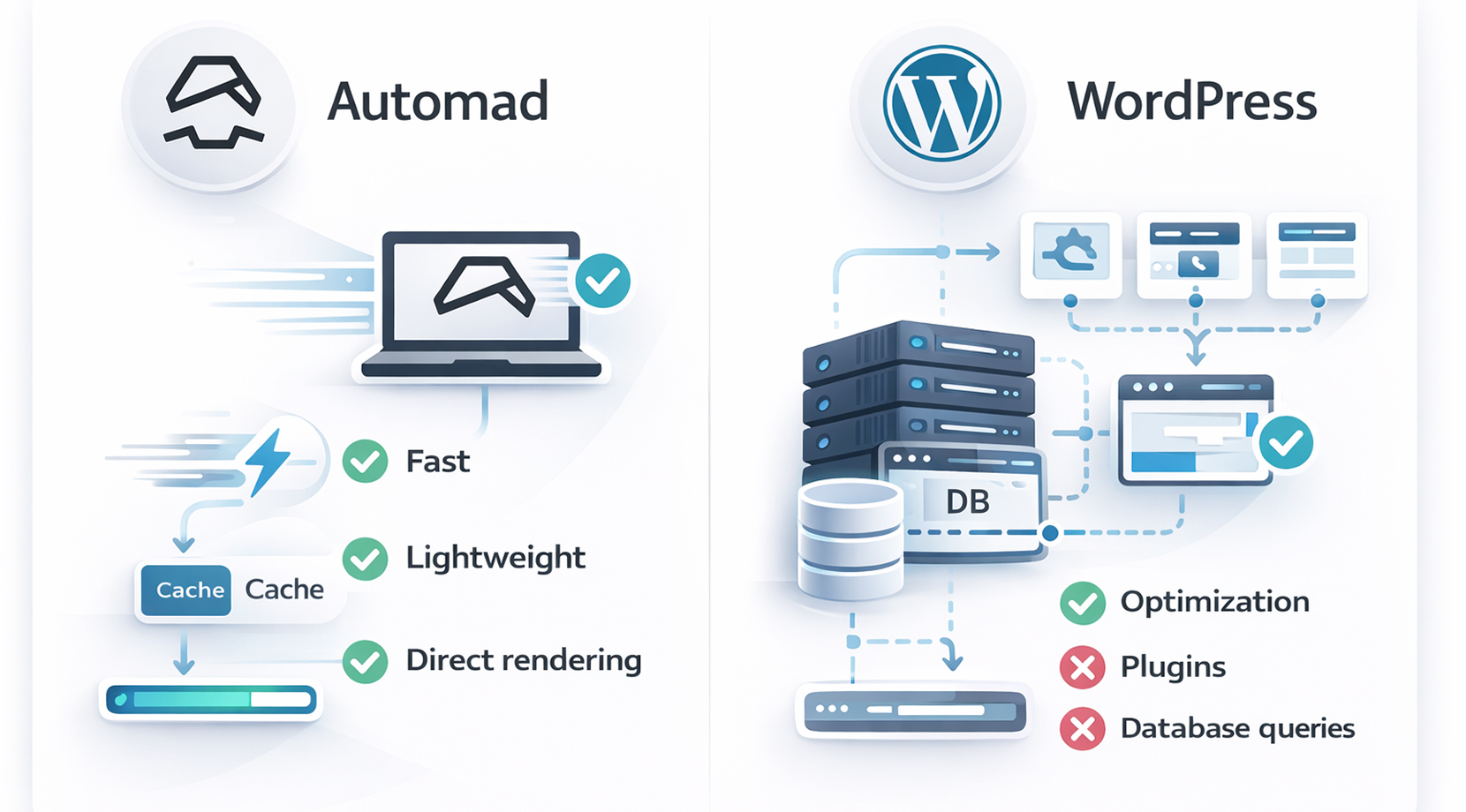
Since Automad doesn’t require database queries, it puts less load on the server for each request, which in turn makes it perform better on low to medium-sized websites. Moreover, thanks to its caching layer capabilities, it keeps the rendering process quick and can stay lean on modest hardware and low-to-medium traffic.
That alone makes a pretty compelling reason for developers to choose flat-file CMSs when they want speed without a bigger stack.
WordPress can still perform well, but it usually needs more care. The database, plugin load, theme code, and image handling all affect the final result, which is why many WordPress setups end up with cache plugins, object caching, image optimization, and database cleanup in the mix.
Performance is not only about raw page speed because it also affects crawl timing and clean delivery. In the Automad forum, users ask about sitemap output and SEO handling, and Automad’s maintainer says sitemap.xml is generated automatically and meta tags are handled at the template level.
That makes SEO work feel more direct than plugin-heavy setups, even though WordPress still has a much larger SEO toolset.
Ease of Use and Setup Methods
Automad looks simpler after it is running, but the first setup still takes some work. For installation, you need a web server, the right PHP setup, and a deployment path such as Composer, Docker, or manual upload. Some other challenges that come with manually setting it up are file permissions, first-user creation, and a bit of server comfort.
Automad is simpler at the system level, but WordPress is often easier for non-technical users due to its visual interface and large community support.
Because of its extensive ecosystem, WordPress is easier to start for many beginners, but the base install still needs the right PHP and database versions, HTTPS, and server rules, which are manageable, but it is not friction-free when you handle it alone.
That is one of the main pain points users face when deploying either Automad or WordPress without additional help. Having to sort the server, confirm package versions, set permissions, connect the stack, harden the install, and fix small errors before the site even looks ready can quickly become cumbersome.
Therefore, as you might have guessed, Automad and WordPress might be initially easy to start for certain users with the right amount of technical knowledge. But, over time, things like uptime and hardware limitations can become a headache, so you might want to go for another path when installing either CMS, which we’ll talk about later on in this piece.
Now with that out of the way, let’s talk about their customization, which is a major necessity when it comes to any CMS platform.
Customization and Ecosystem

When it comes to customization and ecosystem, WordPress might have the upper hand because of its extensive themes, plugins, custom content types, REST support, and a giant support surface. That makes it a safer fit for clients who may ask for new features later, like forms, stores, memberships, or multilingual content.
Automad takes a leaner route by giving developers a clean template system, file-based content, and a lighter admin flow, which in turn feels better for teams that want control without a long plugin stack hanging over every choice.
This is also where support pressure shows up. WordPress has a much larger plugin and help ecosystem, while Automad stays leaner and more focused. Although Automad is great for simple, fast sites, it has a smaller ecosystem compared to WordPress, which might trigger some users as a tradeoff.
Now that we have established a deep understanding of both Automad and WordPress, it’s time to tackle their use cases.
When to Choose Automad
Automad makes sense for portfolios, docs sites, small business pages, and blogs that need speed and a small footprint. It also fits developers who prefer file-based content, direct template control, and fewer dependencies in the stack.
Therefore, Automad might be the better choice for developers with smaller workloads and projects.
But, as mentioned before, it’s not an easy task to deploy Automad manually, though, as it has many prerequisites and requires technical knowledge that not everyone possesses. Even if a user had the technical skills to deploy it on their own, they would still need a considerable amount of infrastructure.
Not to mention that they would need to manage a server environment themselves or rely on local setups that are not suitable for production use. One solution that makes these challenges all go away is to deploy Automad on a VPS, which, unlike shared hosting environments, negates noisy neighbors.
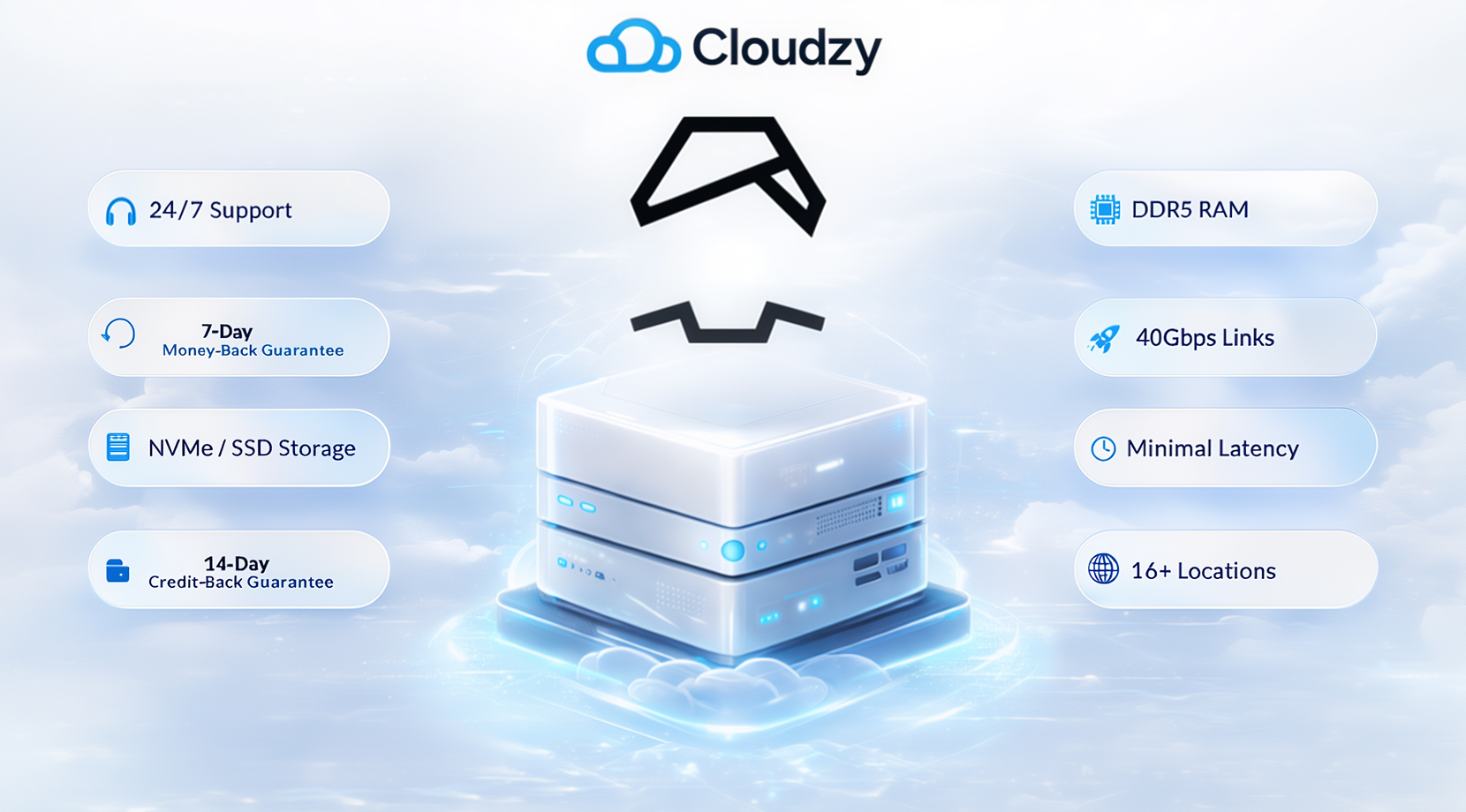
Although many providers offer VPS services, here at Cloudzy, we offer a specific VPS that is exactly tailored for Automad. So make sure to check out Cloudzy’s Automad VPS with Automad pre-installed and ready to deploy with one click on Ubuntu Server 24.04 LTS. It comes with 24/7 support, 14-day money-back, and 14-day credit-back guarantee.
In terms of infrastructure, it’s equipped with NVMe/SSD storage, DDR5 RAM, and connection speeds of up to 40Gbps with 99.95% uptime and minimal latency. Furthermore, it’s available at 16+ locations across the world at an affordable price.
When to Choose WordPress
WordPress makes more sense for larger content sites, e-commerce, membership builds, and projects that need lots of plugins or custom workflows. Its bigger ecosystem is the main reason it stays the default pick for many agencies and content teams.
The manual deployment pain points are harder here, since you still need the right PHP version, a database server, HTTPS, rewrite rules, and a stack that can handle plugin load.
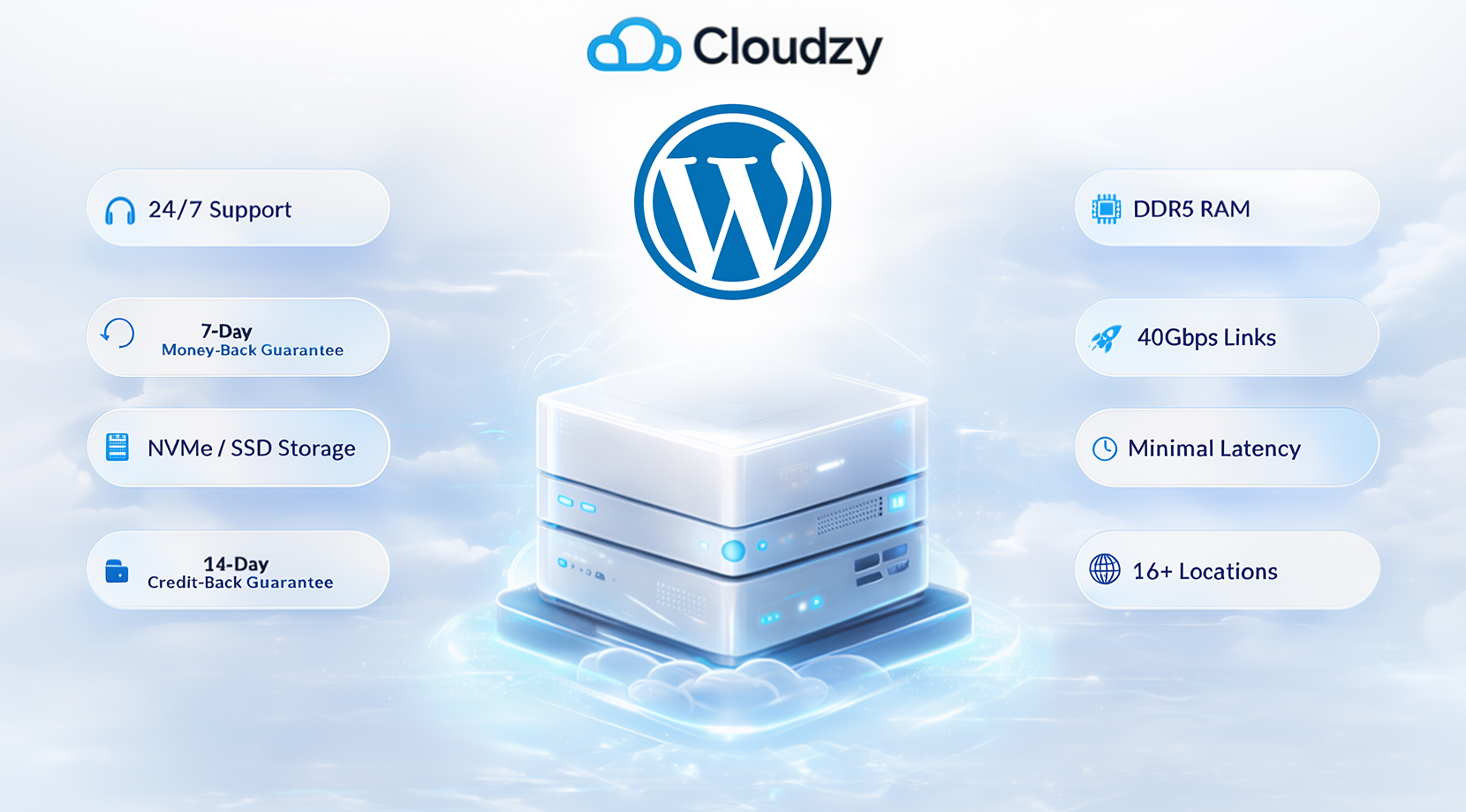
But, just like with our one-click Automad VPS, Cloudzy offers a one-click WordPress VPS too, which comes with all the features and capabilities mentioned previously. Strong 24/7 support, 14-day money-back, and 14-day credit-back guarantee.
And just like any of our VPS services, it comes with NVMe/SSD storage, DDR5 RAM, and links of up to 40Gbps with 99.95% uptime and minimal latency, thanks to it being available at 12 locations across the globe.
Automad vs. WordPress: Final Verdict
Ultimately, Automad is the better option for:
- Lean sites
- File-based workflows
- Developers who want fewer moving parts
And WordPress is meant for:
- Larger projects
- Broad plugin needs
- Teams that want a deeper ecosystem
So the real answer in 2026 is not that one CMS beats the other; it is that each one fits a different job. Then again, if you want to choose any of these two CMSs, it’s better to go for a one-click VPS image, just like Cloudzy’s Automad and WordPress VPS, to make the deployment process that much easier.
FAQ
What is Automad?
What is WordPress?
Can Automad work well for SEO?
Is Automad easier to back up than WordPress?



Discussion
Comments
Sign in to join the discussion.