

Odoo is one of the most widely considered ERP platforms for growing businesses, due to one simple reason, which is that it promises a lot in one place. Sales, accounting, inventory, operations, website, automation, and more can all live inside the same system. It might sound charming, but there are still other things to consider before opting for Odoo.
The main thing that you should make sure of is that your business will benefit by choosing Odoo without getting slowed down by its complexity. For some companies, Odoo replaces a messy stack of disconnected tools and becomes a real operational upgrade. In some cases, however, it might feel heavy.
That is why here we will look at Odoo in a practical way, weighing its advantages against its disadvantages to decide if you should go for it.
What Odoo Actually Is
Odoo is a modular business software suite that combines ERP functions with CRM, accounting, inventory, HR, website building, eCommerce, project management, point of sale, and automation tools inside one ecosystem.
That is one of its main selling points because instead of buying several separate products and forcing them to work together, businesses can manage more of their operations in one connected environment.
What makes Odoo especially appealing is that it can start relatively small and expand over time. A business might begin with CRM and invoicing, then later add inventory, accounting, field service, approvals, subscriptions, or marketing automation, which makes Odoo more flexible than many traditional ERP systems.
Odoo usually makes the most sense for businesses that have outgrown simple tools but are not yet ready for the cost and heaviness of larger enterprise ERP platforms.
Overall, Odoo is considered a strong fit for teams that are tired of scattered spreadsheets, disconnected software, and too much manual reporting.
Where Odoo Delivers and Where It Frustrates
Just like any good thing in life, every exciting software comes with certain downsides along with its upsides.
Where Odoo Shines
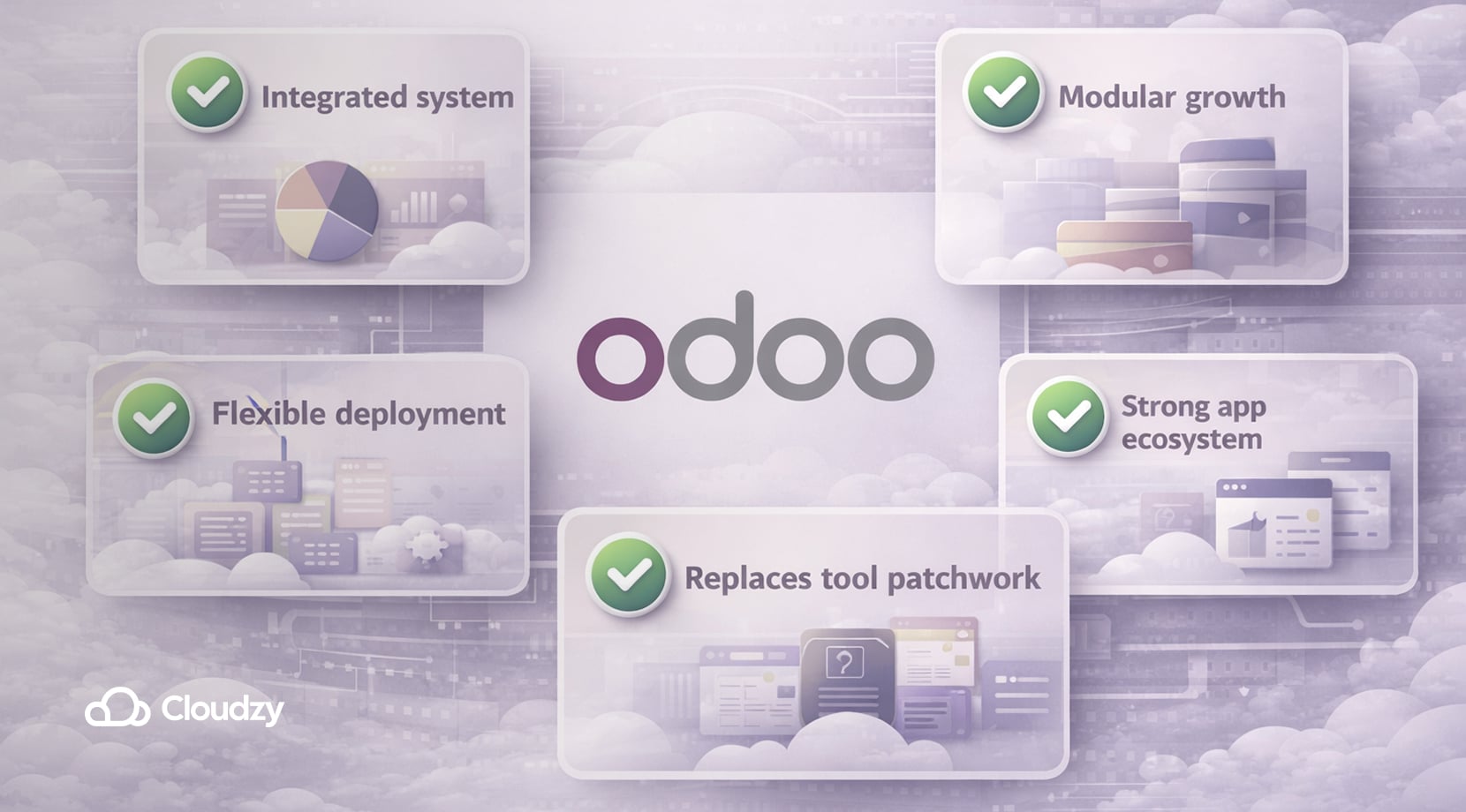
Odoo does a great job when it comes to:
- Bringing multiple core business functions into one integrated system.
- Being modular (businesses can grow into it instead of replacing everything at once)
- Offering different deployment paths, including SaaS, Odoo.sh, and self-hosting.
- Having a strong ecosystem of official and third-party apps.
- Companies trying to replace a patchwork of separate tools.
Now, let’s get to Odoo’s cons.
Where Odoo Shows Limitations
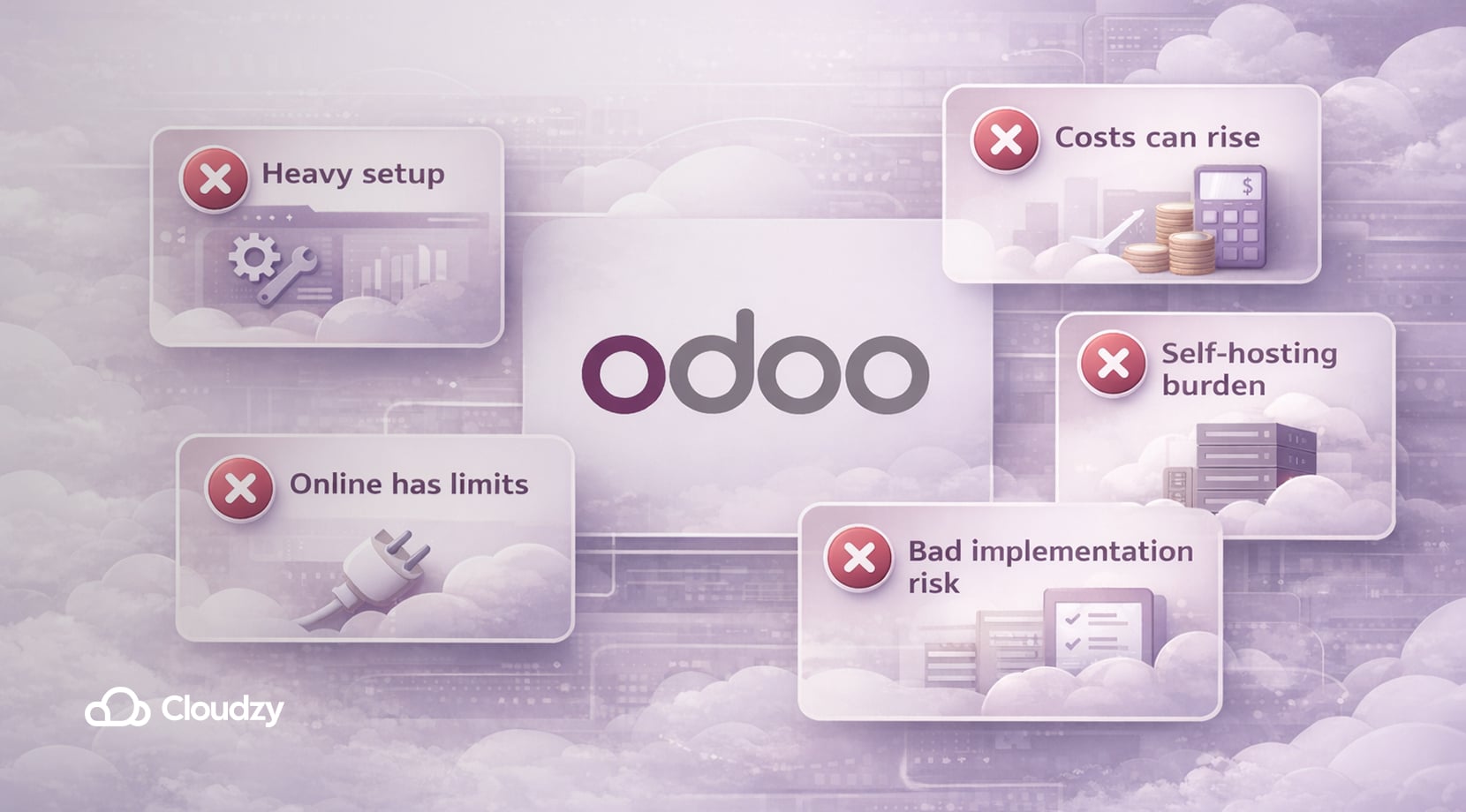
Here’s when Odoo might feel a bit off:
- Odoo requires serious setup and process planning.
- The total cost can rise once hosting, implementation, custom modules, or support enter the picture.
- Odoo Online is convenient, but it has limitations for teams that need more customization.
- Self-hosting gives you freedom, but it also gives you the full operational burden.
- Many bad Odoo experiences seem to come from poor implementation decisions rather than the software alone.
But, with all that said, let’s see what core features Odoo has.
The Features that Matter Most
Below is a list of Odoo’s most prominent features.
CRM that Connects to the Rest of the Business
Odoo’s CRM is one of its clearest strengths because it does not sit in isolation. Leads, quotations, invoices, projects, communications, and customer records can all stay connected inside the same environment. Furthermore, for growing businesses, this reduces duplicate data entry and makes it easier to track the full customer journey from first contact to payment.
Accounting that Becomes More Useful When It Is Integrated
Accounting is not the most exciting part of Odoo, but it becomes much more valuable when it is tied directly to sales, inventory, subscriptions, purchasing, and operations. That is exactly why Odoo is considered an ERP rather than a simple business app. The tradeoff is that a finance-related setup usually takes more care than many small teams expect.
Inventory and Operations for Businesses with Workflow Complexity
Odoo becomes far more compelling once physical stock, purchasing, warehouse logic, service workflows, or recurring operational processes start to matter. For product-based businesses, distributors, light manufacturers, and service companies with field operations, inventory and workflow integration are often where Odoo begins to justify its learning curve.
Automation and Customization that Can Grow with You
One of Odoo’s biggest advantages is that it can evolve with the business, since teams can automate repetitive actions, approvals, follow-ups, routing rules, and workflow triggers over time.
But users shouldn’t confuse these powerful strengths that Odoo has with its ease of use. Although Odoo is flexible, that flexibility comes with a steep learning curve; Just because it’s strong doesn’t mean that it’s easy.
Odoo Pricing Looks Simple on Paper, Real Cost Depends on How You Use It
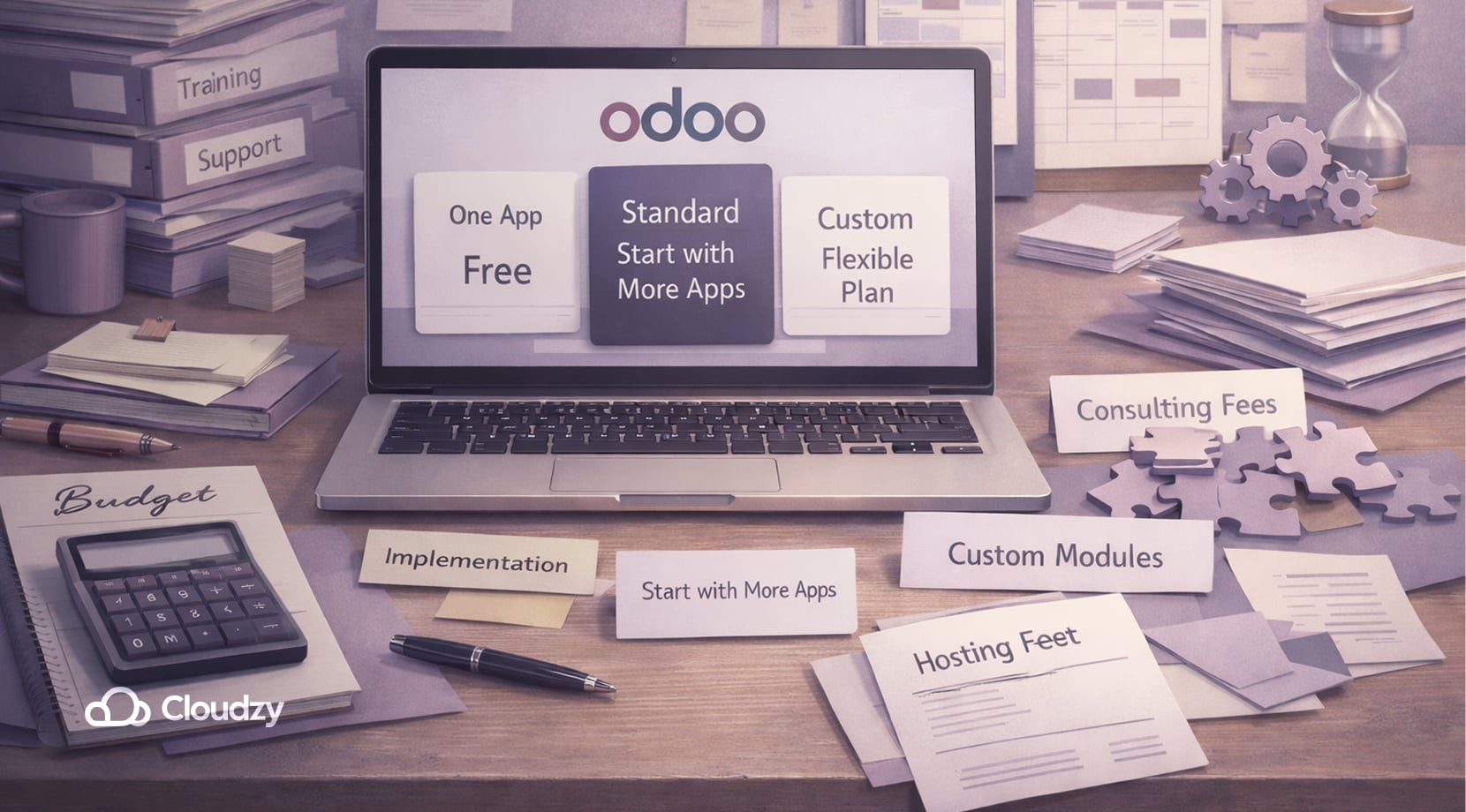
Odoo’s commercial plans and pricing structure look clear at first, which is part of its appeal. There is a One App Free route, a Standard plan, and a Custom plan. That makes it look cleaner than many ERP platforms that charge separately for every module.
The catch is that the subscription price is only part of the real cost. Once you move beyond a simple out-of-the-box setup, the budget can change quickly. Things like hosting, implementation, data migration, partner help, custom modules, advanced integrations, and ongoing maintenance all affect the actual cost of ownership.
That is why Odoo can look affordable at first glance and then become a much bigger project once operational needs show up. Therefore, small businesses should decide if they want more control and flexibility at a price or just standard convenience that comes with a cheap subscription.
Odoo.sh vs Self-Hosted Odoo
If you already know you need more than the default SaaS experience, the next decision is usually Odoo.sh or self-hosted Odoo. Both give you more room than Odoo Online, but they serve different priorities.
Odoo.sh is closer to a managed development platform, while self-hosting gives you the highest level of control at the cost of taking responsibility for the infrastructure.
Here’s a concise look at Odoo.sh and Self-Hosted Odoo side by side.
| Area | Odoo.sh | Self-Hosted Odoo |
| Setup | Faster start | Manual setup |
| Server control | Limited | Full |
| Custom code | Yes | Yes |
| Third-party apps | Yes | Yes |
| Backups | Built in | You manage |
| Staging | Native branches | DIY |
| Dev workflow | Strong | Your stack |
| Cost shape | License + hosting | Hosting + ops |
| Flexibility | High | Highest |
Control
Self-hosted Odoo wins on control because it gives you the ability to decide the server, deployment model, security stack, monitoring, backups, reverse proxy, and how custom modules are handled. That is a fair point for businesses that want tighter ownership of their infrastructure or need more freedom in how Odoo is deployed and maintained.
Cost
Odoo.sh reduces infrastructure overhead, but it adds platform cost on top of licensing. Self-hosting can be more cost-effective over time, especially if you already have technical capacity or want to optimize hosting on your own VPS.
Ultimately, self-hosting only stays cheaper if you account honestly for maintenance, backups, uptime, upgrades, and the time someone has to spend owning the environment.
Flexibility
Odoo.sh gives teams a useful middle ground by supporting custom code and more advanced workflows without forcing you to manage every server-level detail. Self-hosting still offers the highest overall flexibility, but Odoo.sh can be attractive for businesses that want customization without taking on the full infrastructure burden.
So you see, deploying a self-hosted Odoo is not something that everyone can manage easily, but there are still some methods that make the experience much easier, which will be covered next.
A Practical Way to Self-Host without Doing Everything from Scratch
This is where many buyers run into the deployment problem because Self-hosting sounds attractive until you think through the actual work involved. Things such as:
- Preparing the server
- Installing PostgreSQL
- Building the Python environment
- Configuring Odoo as a service
- Handling logs
- Setting restart behavior
- Getting the system into a usable first-run state
can be a lot to process. That is where a prebuilt Odoo VPS becomes much more practical than a blank server. Instead of turning infrastructure setup into its own project, you start from a ready base and focus on configuring Odoo itself.
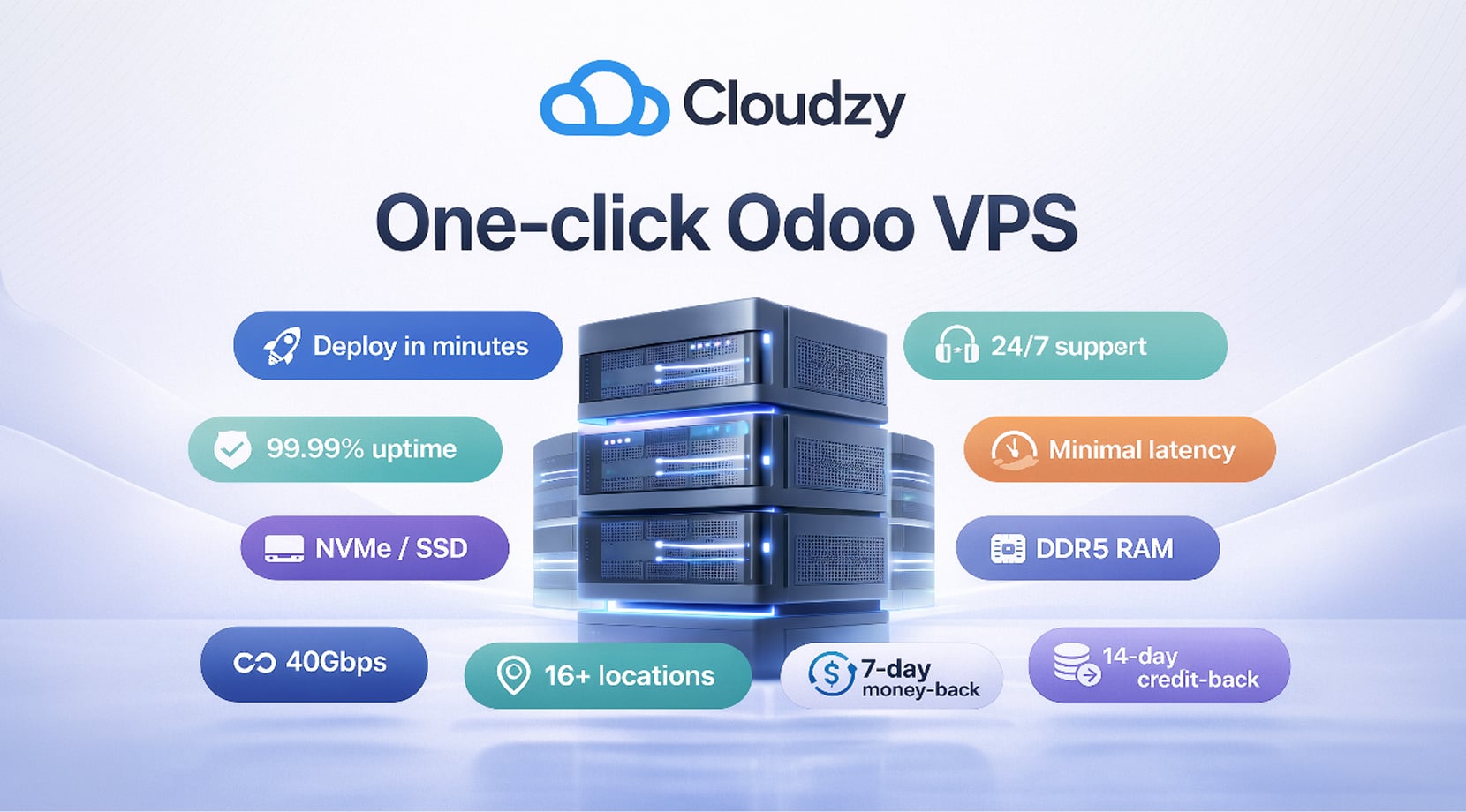
Cloudzy’s one-click Odoo VPS does exactly that since you can deploy your own self-hosted Odoo in a matter of minutes. It comes with 24/7 support, 99.95% uptime SLA, and minimal latency. Moreover, in terms of infrastructure, it’s equipped with NVMe/SSD storage, DDR5 RAM, and links of up to 40Gbps.
In addition to being available at 16+ locations globally, we also offer a 14-day money-back guarantee and a 14-day credit-back guarantee to make sure you’re content with your purchase.
Is Odoo Good for Small Businesses?
That really depends on how small a business actually is. For freelancers or very small teams with simple workflows, Odoo can become a hassle. If the business only needs light invoicing, basic CRM, and simple task management, Odoo may feel heavier than helpful.
For startups and growing small businesses, it’s an entirely different story because once the business starts struggling with disconnected tools, repeated data entry, weak reporting, and broken handoffs between sales, billing, stock, and operations, Odoo becomes much more attractive.
That is also why we mentioned Odoo in our piece on the best ERP software for small businesses. It is not always the simplest option, but it can unify more of the business before the software stack becomes a mess.
For small teams with inventory, approvals, recurring billing, service workflows, or more than one department touching the same customer and financial data, Odoo is often a very reasonable choice.
The honest answer is that Odoo is good for small businesses when those businesses are operationally complex enough to benefit from integration. It is much less convincing when the business is still simple enough to run comfortably on a few lightweight tools.
Odoo Alternatives Worth Considering
Although this article is aimed at giving a comprehensive Odoo review, it wouldn’t be complete without some prominent Odoo alternatives. So, let’s see what they are.
ERPNext
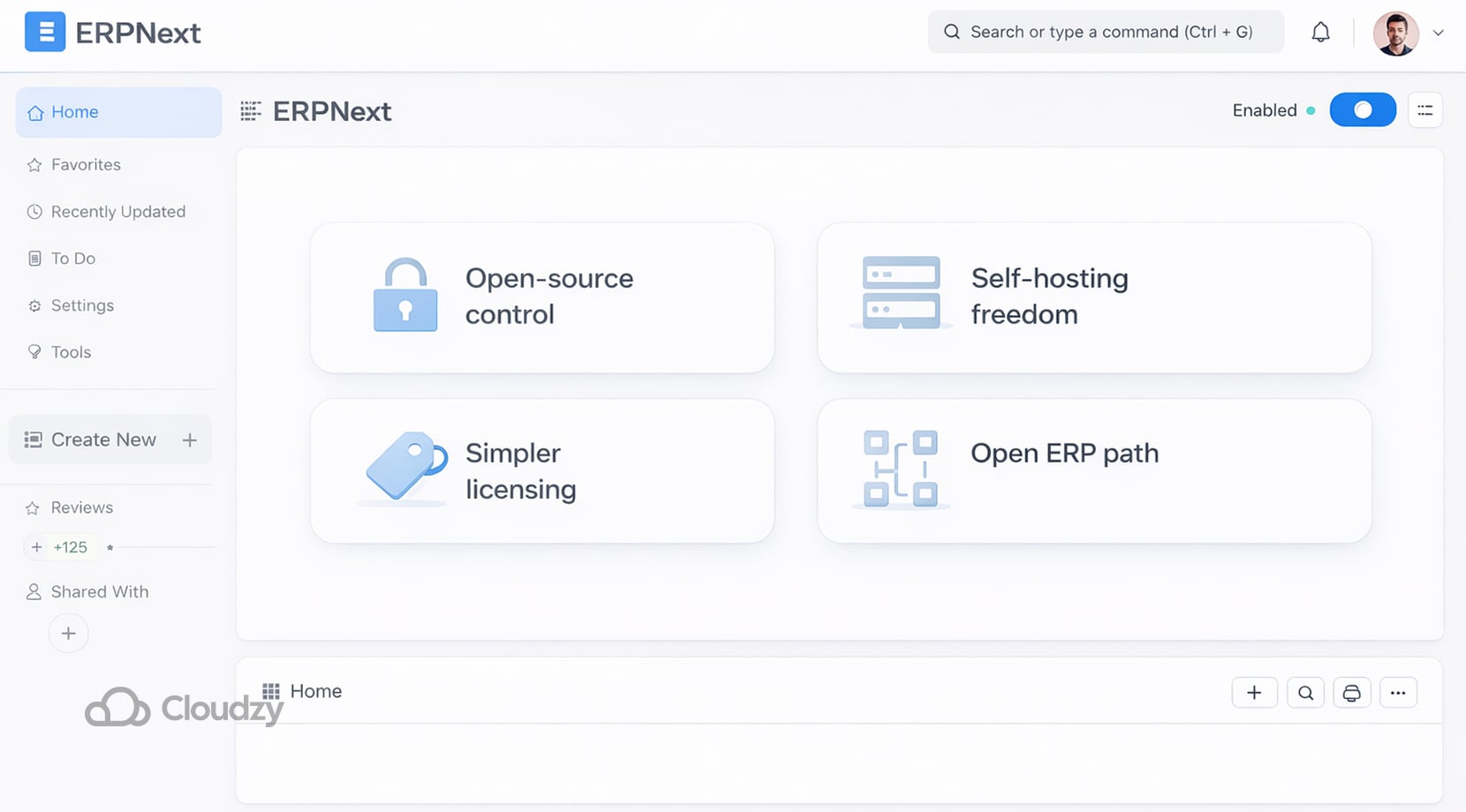
ERPNext is the closest alternative for businesses that care strongly about open-source control, self-hosting freedom, and avoiding the feel of layered licensing costs. It is a serious option for teams that want an open-source ERP path, though Odoo still has broader market visibility and a larger ecosystem.
In short:
Advantages
- Open-source ERP with full self-hosting freedom.
- Simpler licensing than many commercial ERP platforms.
Drawbacks
- Smaller ecosystem than Odoo.
- Requires technical setup and maintenance.
Best for
- Teams that want open-source control and less licensing complexity.
Now to the next one.
Zoho One
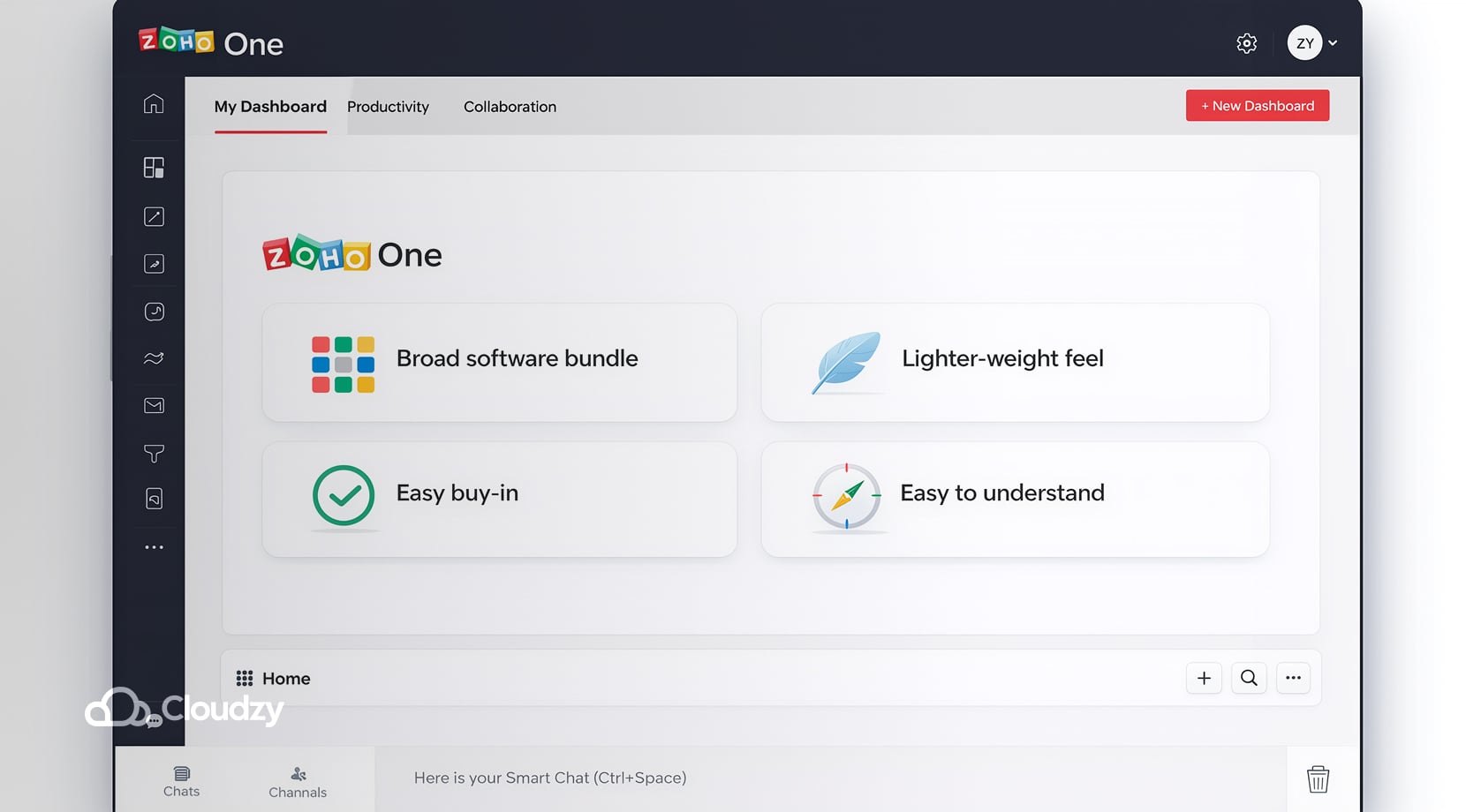
Zoho One is worth considering for businesses that want a broad software bundle with a lighter-weight feel than a full ERP project. It is often easier to buy into and easier to understand early on, but it is usually less compelling than Odoo when deeper operational workflows become important.
In short:
Advantages
- Broad business software bundle.
- Easier to adopt than a full ERP project.
Drawbacks
- Less suitable for deep operational workflows.
- Can feel less unified for complex ERP needs.
Best for
- Small businesses that want many tools without a heavy ERP implementation.
And finally, to the last prominent alternative on our list.
Microsoft Dynamics 365 Business Central
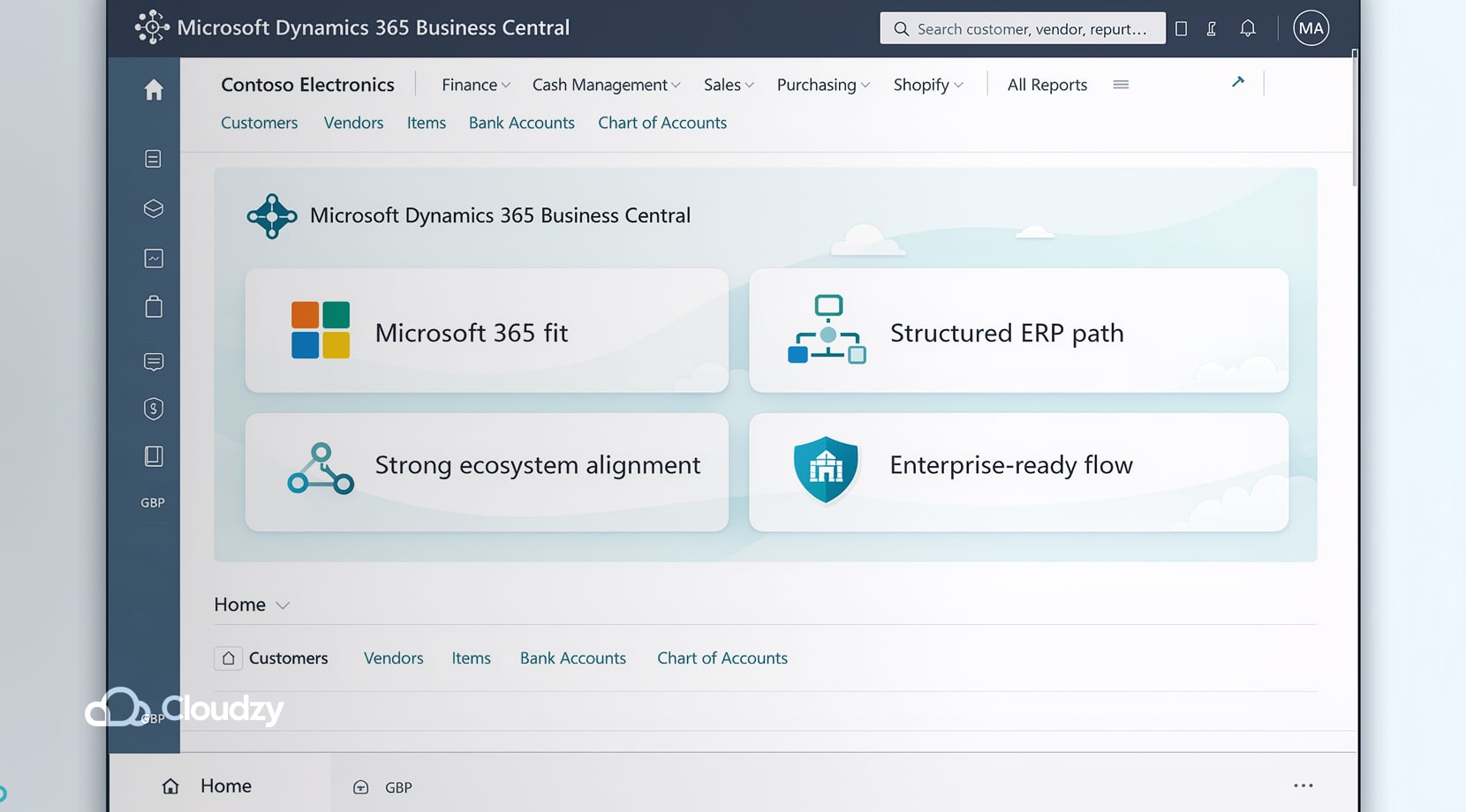
Business Central is the alternative that makes the most sense for companies already embedded in Microsoft 365. It offers a more structured ERP path and stronger ecosystem alignment for those businesses, though it is often a bigger commitment in terms of cost and complexity.
In short:
Advantages
- Strong fit with Microsoft 365.
- More structured ERP path for growing companies.
Drawbacks
- Higher cost and implementation complexity.
- Less appealing outside the Microsoft ecosystem.
Best for
- Companies that already use Microsoft tools and need a more formal ERP system.
And that’s it for our list of Odoo alternatives.
Final Verdict
Odoo is a strong ERP option for businesses that want to bring more of their operations into one connected system. Its biggest strengths are flexibility, breadth, and the ability to grow with the business.
Its biggest drawbacks are implementation friction, rising costs once customization enters the picture, and the fact that it can be too much for very simple operations.
Therefore, it’s not a proper question to ask if Odoo is good because what really matters here is whether your business is complex enough to benefit from what it offers, and it offers a lot.
If the answer is yes, Odoo is easy to take seriously. And if self-hosting is already part of your thinking, then our one-click Odoo VPS simply makes sense, because it removes the setup, the infrastructure limitations, and preserves the control that makes self-hosting attractive.
FAQ
Is Odoo completely free?
Can you self-host Odoo?
What is the difference between Odoo Online, Odoo.sh, and self-hosted Odoo?
Can I install custom modules on Odoo Online?
Is self-hosting Odoo always cheaper than Odoo.sh?
Is Odoo a good fit for very small businesses?


Discussion
Comments
Sign in to join the discussion.