

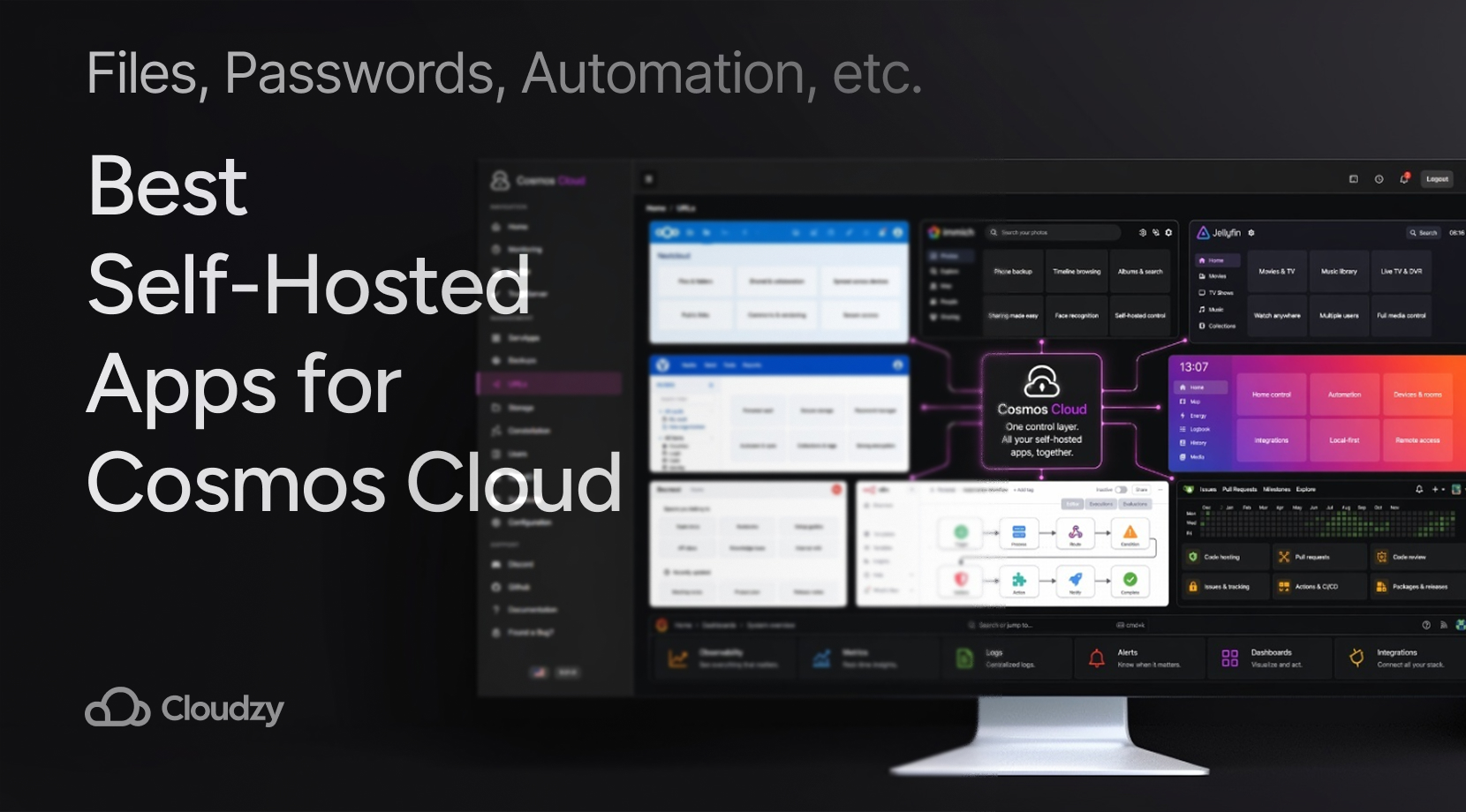
Maybe you’ve set up Cosmos Cloud and now want to see what apps match well with it, or maybe you haven’t even decided on Cosmos yet and just want to see how well it fits your workflow and uses.
Either way, knowing which apps and tools work well with Cosmos is the most important part of self-hosting, once you’ve chosen your platform. The important thing is that Cosmos works well with most of the popular apps and tools self-hosters use, be it file sync, phone photo backup, passwords, media, alerts, docs, or even automation.
Cosmos Cloud works well there because it is not only a Docker launcher. It also gives you a cleaner way to expose apps, handle HTTPS, and keep access from turning into a pile of ports and half-finished proxy rules. So, let’s take a look at the best self-hosted apps to run on Cosmos Cloud!
Quick Answer
If you want the short version, start here:
- Nextcloud for files and sharing
- Immich for phone photo backup
- Jellyfin for media streaming
- Vaultwarden for private passwords
- Home Assistant for local-first smart-home control
- Gitea for self-hosted Git
- n8n for automations
- Grafana for metrics and alerts
- Docmost for docs and runbooks
That basically covers everything you need, including a personal cloud, a home server that does more than stream media, and a small internal setup for a team that is simply done with renting five separate SaaS tools.
Why Cosmos Cloud Works So Well for a Self-Hosted Stack
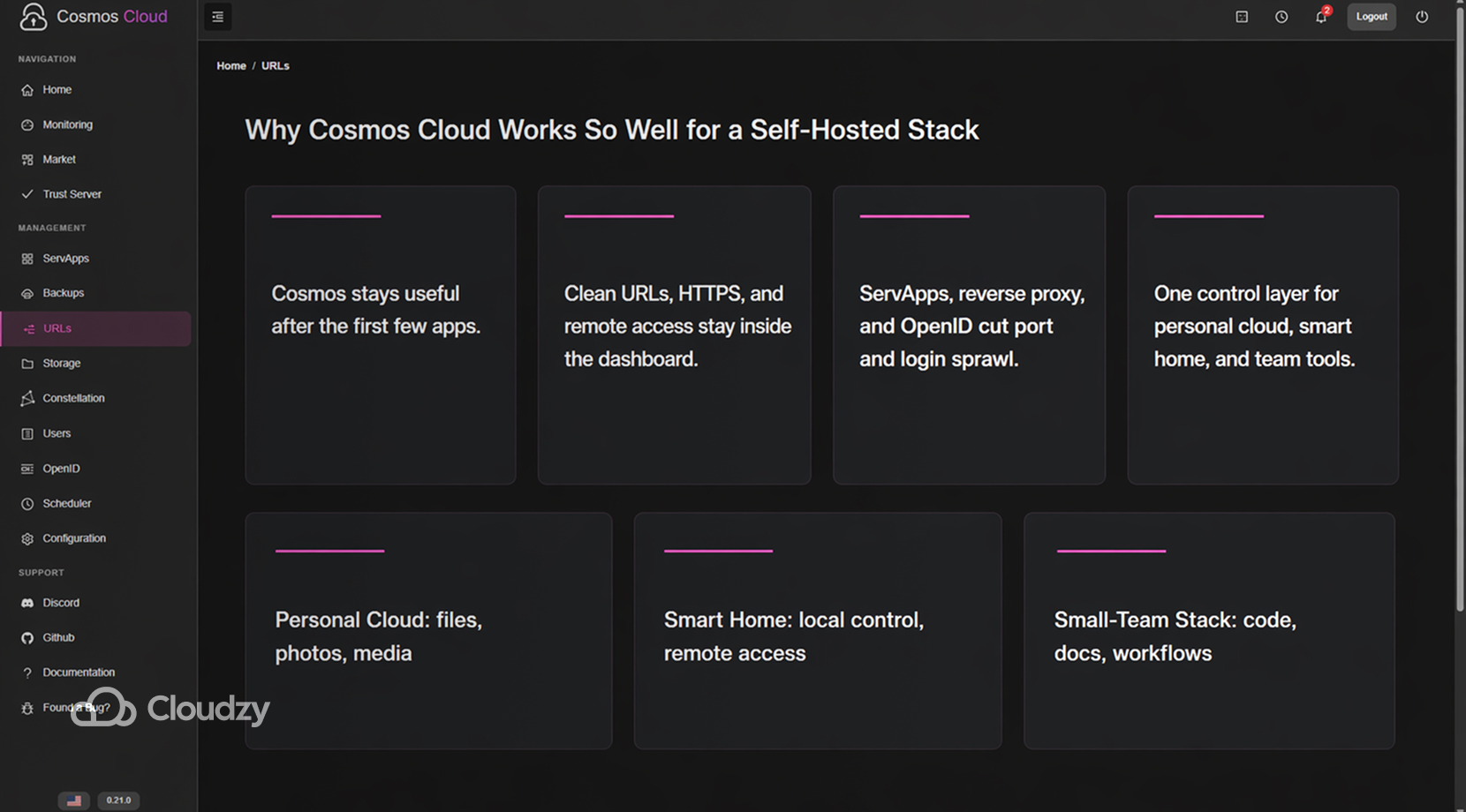
In my other Best Self-Hosted Cloud Platforms with a Web UI article, I mention that the main difference between these platforms isn’t just beginner versus advanced; rather, it is how long the dashboard stays useful before networking and access work starts spilling out of it.
Which is why, after setup, the first app is rarely the hard part; instead, once you’ve set up around three apps, things like clean URLs, HTTPS, remote access, and login sprawl start eating more time than the app itself.
Cosmos Cloud is built with that problem in mind and handles it better than most simple Docker dashboards. Its docs describe apps as ServApps, and the platform handles reverse-proxy routing, automatic HTTPS, and OpenID-based login across the services you expose.
Here are the ServApps I’ve chosen to include in this list, covering several use cases:
| Stack Lane | What Sits at the Center | Apps That Usually Follow |
| Personal Cloud | files, photos, media | Nextcloud, Immich, Jellyfin, Vaultwarden |
| Smart Home | local control, remote access | Home Assistant, Grafana, n8n |
| Small-Team Internal Stack | code, docs, workflows | Gitea, Docmost, n8n, Grafana |
You’ve probably heard of most of these already, but aside from the obvious “what they do”, I’ve included more info about them in the context of self-hosting, especially how they interact with Cosmos, so stick around.
Self-Hosted Storage and Media Apps That Fit Cosmos Cloud
Files, photos, and media are the first things that make a home server feel useful to people outside the person who set it up. The three we’re looking at in this article do these things:
| App | Main Job | Usually Best At |
| Nextcloud | files and sharing | general cloud storage, folder sharing, basic collaboration |
| Immich | phone photo backup | photo libraries, search, timeline browsing |
| Jellyfin | media streaming | movies, shows, music, and local libraries |
Naturally, most people don’t just use one of these and stick with it because files, photos, and media compile and get too heavy for one app to handle. So, rather than starting with one and then having to deal with sorting and moving stuff into new apps, set them up now and avoid the headaches the users in this post went through.
Nextcloud
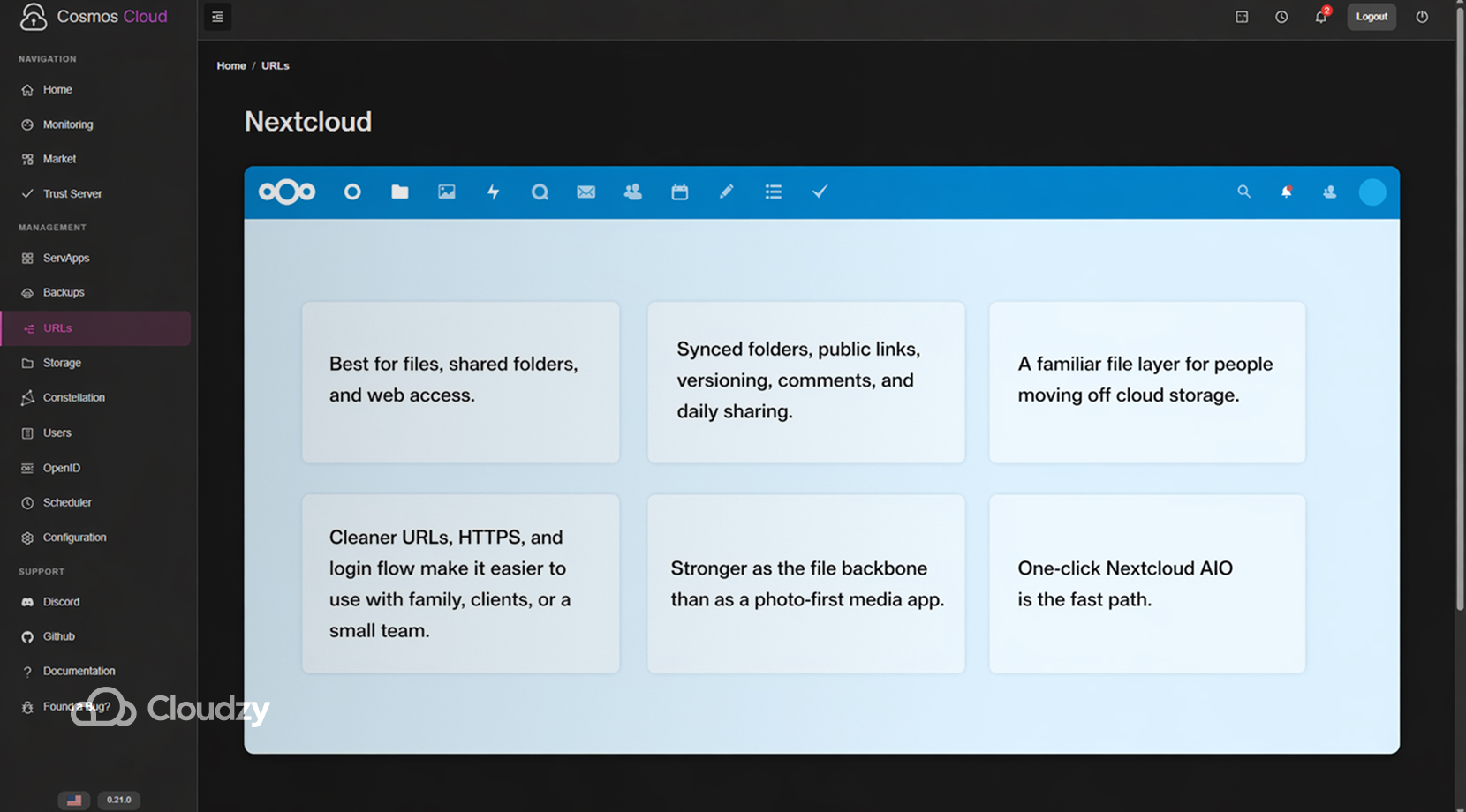
Nextcloud is still one of the most useful apps in this category because it covers the broad file side of self-hosting better than most tools do. The official site leans on sharing and collaboration for a reason. Nextcloud handles synced folders, public links, versioning, comments, and day-to-day sharing in a way that feels familiar to people moving off commercial cloud storage.
If Cosmos is the front door, Nextcloud is often the first room people build behind it. It benefits from cleaner URLs, proper HTTPS, and a neater login path, especially once you start using it with family, clients, or a small team instead of keeping it as a private personal folder.
If you already know you want that file layer up quickly, you can deploy Nextcloud AIO from our marketplace in one click rather than building the whole path by hand.
A quick way to judge if Nextcloud is the right first pick is this:
- Best if your main need is files, shared folders, and web access
- Less ideal if your main need is a polished photo-first mobile experience
- Usually stronger as the file backbone than as an all-in-one media app
If you haven’t picked Cosmos Cloud as your platform for self-hosting, especially if you have file-heavy setups, you can benefit a lot from reading my post on Cosmos Cloud vs CasaOS vs Umbrel.
Immich
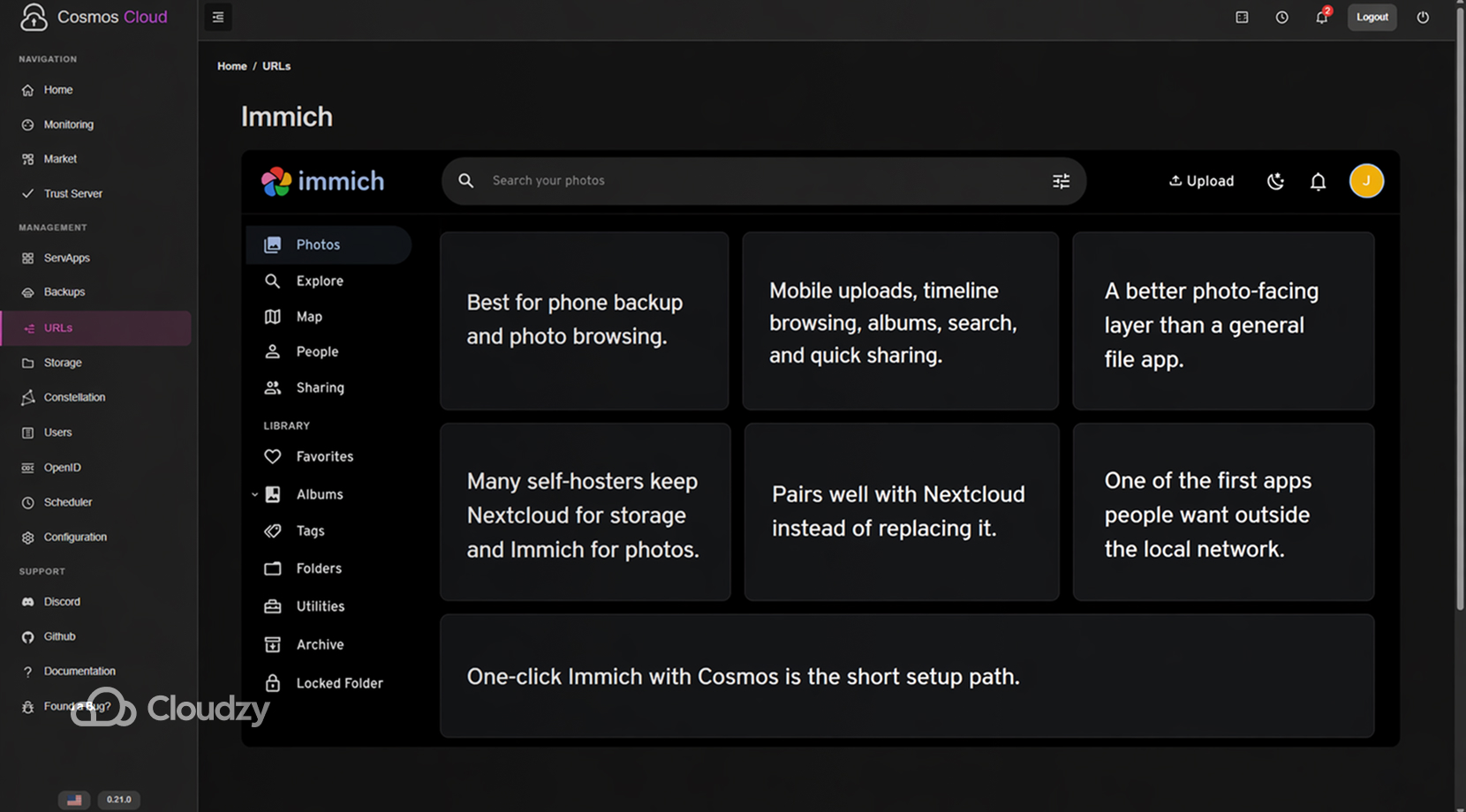
Immich’s site is very direct about the job. It is a self-hosted photo and video management tool built for backup, browsing, search, and privacy on your own server. Mobile uploads, timeline browsing, albums, search, and quick sharing are all things that make photo workflows different from file workflows.
A lot of self-hosters split up the jobs now, keeping Nextcloud for ordinary storage, and handing photos over to Immich because the mobile backup flow and photo browsing feel better there. Some even tie both together, using Nextcloud as the broader storage layer and Immich as the photo-facing layer.
If you want a shorter setup path, you can deploy Immich and Cosmos from our marketplace in one click and let Cosmos handle the cleaner access side while we handle the setup of both.
A quick read on Immich looks like this:
- Best if your main priority is phone backup and photo browsing
- Pairs well with Nextcloud instead of replacing it
- Usually one of the first apps people want accessible outside the local network
Jellyfin
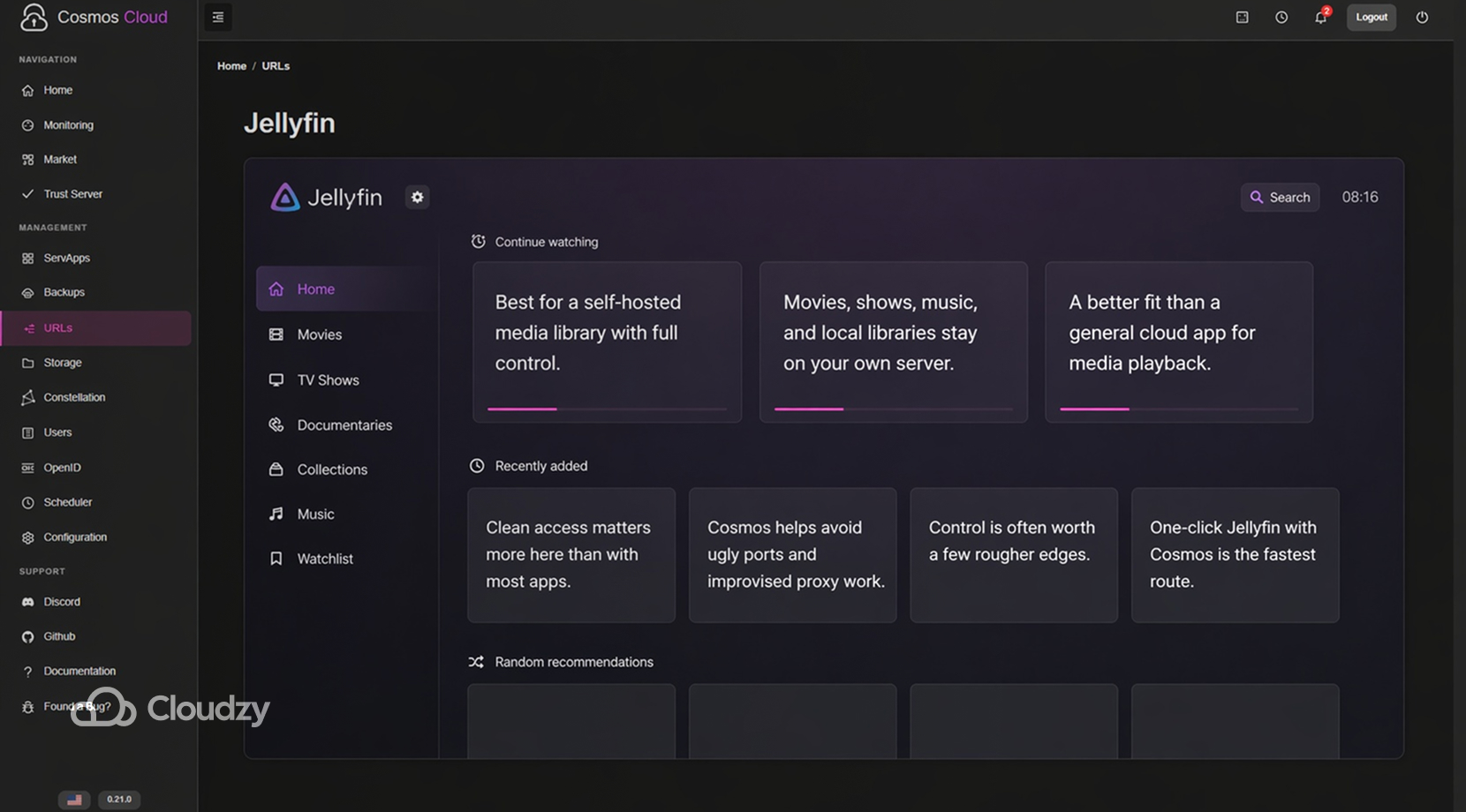
Jellyfin handles the media side. The official project describes it as a free software media system that lets you collect, manage, and stream your media from your own server, with no strings attached. Jellyfin appeals to people who want their media library to stay theirs, without tying playback and access to a separate service account or subscription path.
A recent migration thread from Plex to Jellyfin talked about Jellyfin feeling easier to manage, even for someone already used to running both side by side. That does not mean Jellyfin is perfect or smoother in every corner, just that the control it gives people is often worth the rougher edges.
Jellyfin also makes Cosmos more valuable than a plain container screen does. Media servers are one of the fastest ways to run into public-access headaches, ugly port handling, and improvised reverse-proxy work.
If media is the main reason you are building the stack, deploying Jellyfin and Cosmos Cloud from our marketplace in one click on our VPS is the fastest route.
Jellyfin can be summarized like this:
- Best if you want a self-hosted media library with full control
- Better fit than a general cloud app for movies, shows, and music
- More useful once access is clean and you are not managing it on raw ports
Private Access, Home Control, and Team Docs Under One Roof
Vaultwarden, Home Assistant, and Docmost solve three different jobs on a self-hosted server. Vaultwarden stores passwords, Home Assistant handles devices and automations, and Docmost keeps notes, runbooks, and shared instructions in one place. Put together, they cover access, control, and documentation.
The usual layout here looks like this.
| App | Main Job | Usually Best At |
| Vaultwarden | password management | Bitwarden-compatible self-hosted vaults |
| Home Assistant | home control | local-first automations and dashboards |
| Docmost | internal docs | team notes, runbooks, SOPs, and shared knowledge |
Vaultwarden
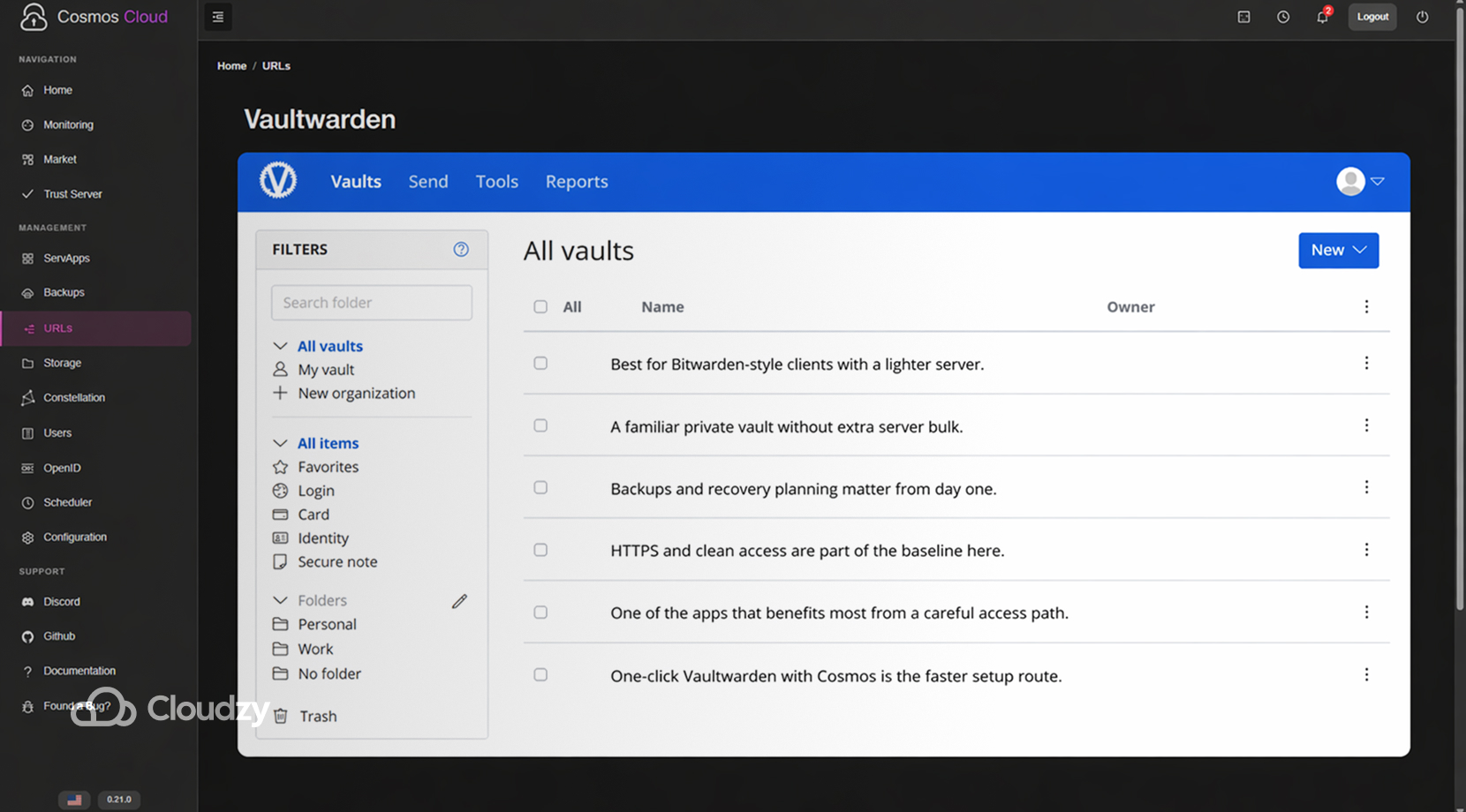
Vaultwarden is a lighter Bitwarden-compatible server written in Rust. The project’s GitHub page says that it is aimed at self-hosted deployment, where the official service may feel too resource-heavy. Vaultwarden is popular because it gives people a familiar Bitwarden client experience without asking them to run more than they need.
If you self-host passwords, you need backups, recovery planning, and a clear idea of how you get back in if the server goes down. A recent backup discussion in the Vaultwarden community is basically a reminder that the app is easy to like, but not something to run casually.
For Cosmos, Vaultwarden is a natural fit because HTTPS and neat access handling are not nice extras here and are part of the baseline. If you want the deployment side done faster, you can bring up Vaultwarden from our marketplace in one click on a VPS with Cosmos included and leave Cosmos to handle the cleaner exposure path.
A short read on Vaultwarden:
- Best if you want Bitwarden-style clients with a lighter server
- Needs backups and recovery planning from day one
- One of the apps that benefits most from a careful access path
Home Assistant
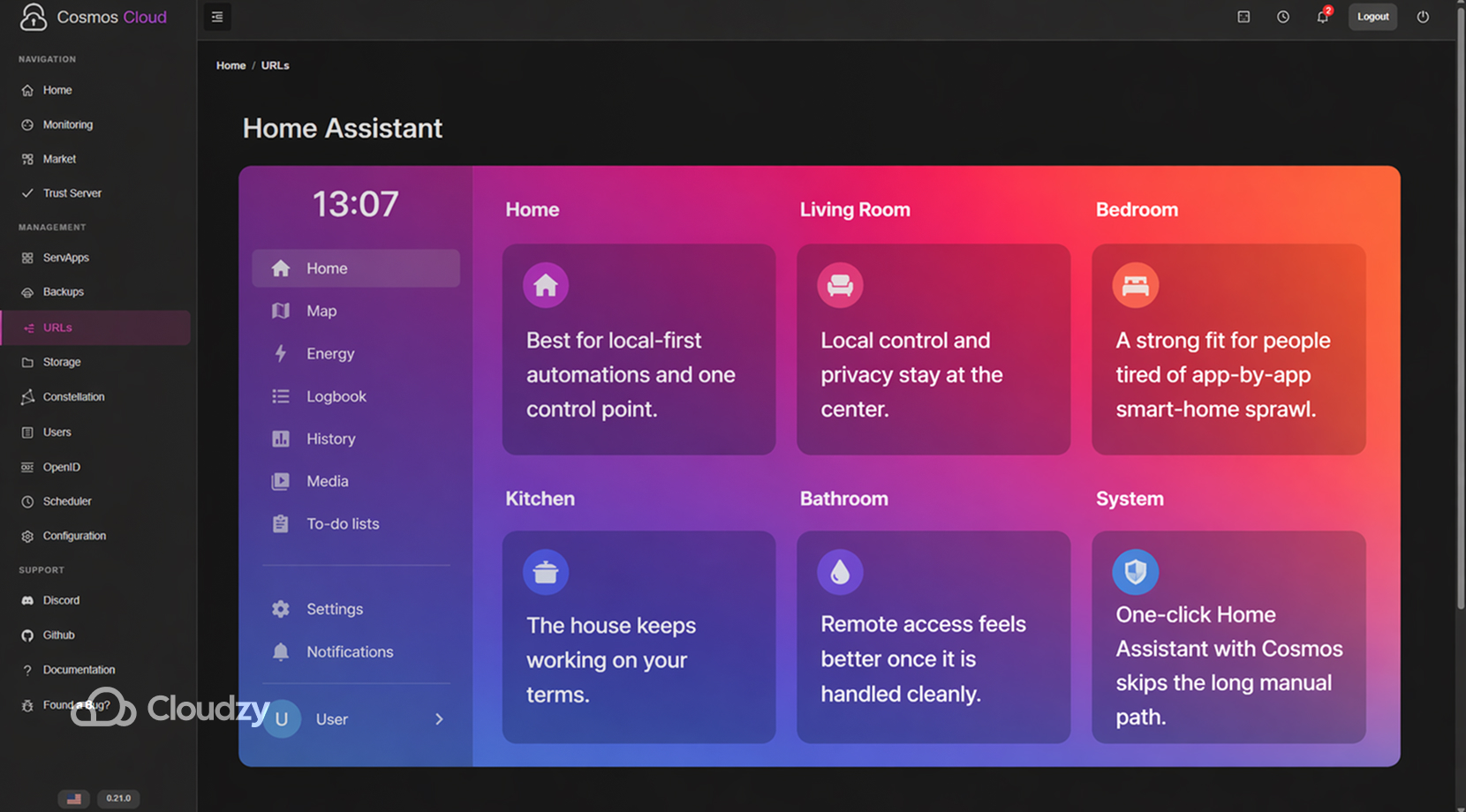
Home Assistant’s official homepage still says the same thing people have liked about it for years. It is open-source home automation that puts local control and privacy first. That is the entire reason many people use it instead of leaving their home routines spread across a stack of vendor apps and cloud dependencies.
A lot of the discussion around Home Assistant still circles back to one thing. People want the house to keep working on their terms, not on the timetable of whichever device maker changes its cloud rules next.
In a Cosmos setup, Home Assistant is the app that often turns a general-purpose server into something people in the house notice and use.
If you want it online without doing the long manual path first, you can deploy Home Assistant from our marketplace in one click, on a VPS, alongside Cosmos, and keep Cosmos as the front layer for access and service exposure.
A short read on Home Assistant:
- Best if you want local-first automations and one control point
- Strong fit for people tired of app-by-app smart-home sprawl
- More comfortable to live with once remote access is handled cleanly
Docmost
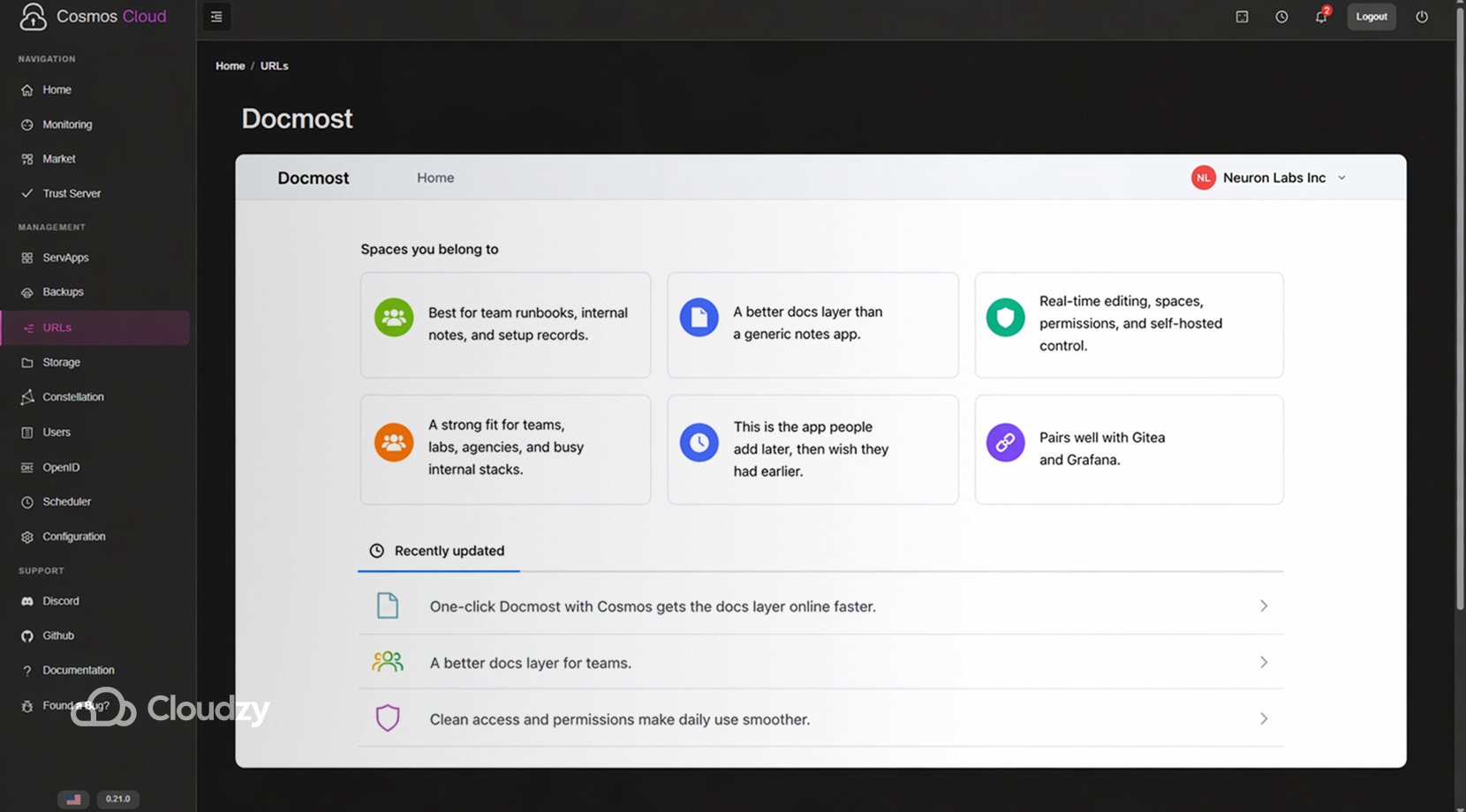
Docmost fills the docs slot better than a generic notes tool would. Its docs describe it as an open-source collaborative wiki and documentation platform with real-time editing, spaces, permissions, and support for self-hosted and even air-gapped environments.
That makes it a good fit for teams, labs, agencies, and anyone whose server already has enough moving parts that setup knowledge should stop living in chat threads and markdown files.
This is one of those apps people tend to add later, then wish they had added earlier. Once you have code, automations, dashboards, users, and backups in the mix, a shared docs layer saves a lot of time.
In that sense, it pairs nicely with Gitea and Grafana because it gives all the small operational details somewhere stable to live. If you want that layer up quickly, you can deploy Docmost from our marketplace in one click, on a VPS, alongside Cosmos, and those two, and keep Cosmos as the access layer above it.
A short read on Docmost looks like this:
- Best if your stack has enough moving parts to justify shared docs
- Good fit for team runbooks, internal notes, and setup records
- Stronger once it sits beside the other services it documents
Code, Workflows, and Visibility Tools That Fit Cosmos Cloud
Once the server is useful, the next step is usually making it easier to manage, automate, and keep an eye on. That is where Gitea, n8n, and Grafana come in.
A quick comparison looks like this.
| App | Main Job | Usually Best At |
| Gitea | code hosting | repos, pull requests, small-team Git workflows |
| n8n | automation | webhooks, app-to-app flows, routine actions |
| Grafana | monitoring | metrics, logs, dashboards, and alerts |
If automation-heavy workflows are your main priority and you still have not fully settled on Cosmos, our Portainer vs Cosmos Cloud for Managing Docker Apps article will help you pick the platform that fits better. That comparison is most useful for things like access, domains, HTTPS, and everyday management, which affect how comfortable the setup is to run.
Gitea
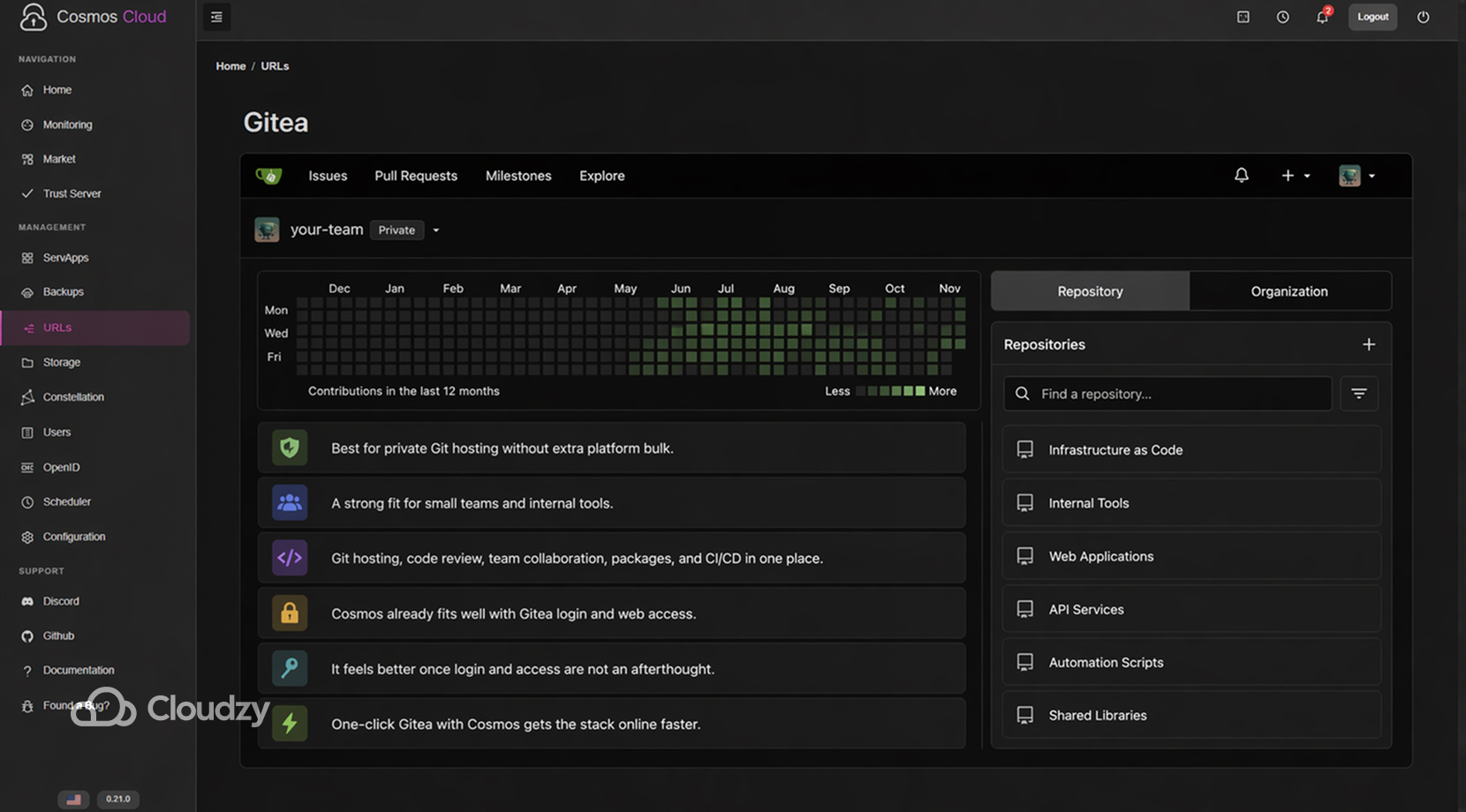
Gitea’s docs call it a painless, self-hosted, all-in-one software development service with Git hosting, code review, team collaboration, package registry, and CI/CD. Gitea works well for people who want private Git hosting and a straightforward team workflow without pulling in a much heavier platform than they need.
It also fits Cosmos neatly, because Cosmos already has documentation around using Gitea with OpenID. It is one of the more natural combinations if you want self-hosted Git with cleaner access and login handling.
If you want to skip the long first setup, you can deploy Gitea from our marketplace in one click, on a VPS, alongside Cosmos, and let Cosmos handle the cleaner front side.
A short read on Gitea:
- Best if you want private Git hosting without extra platform bulk
- Good fit for small teams and internal tools
- More comfortable once login and web access are not an afterthought
n8n
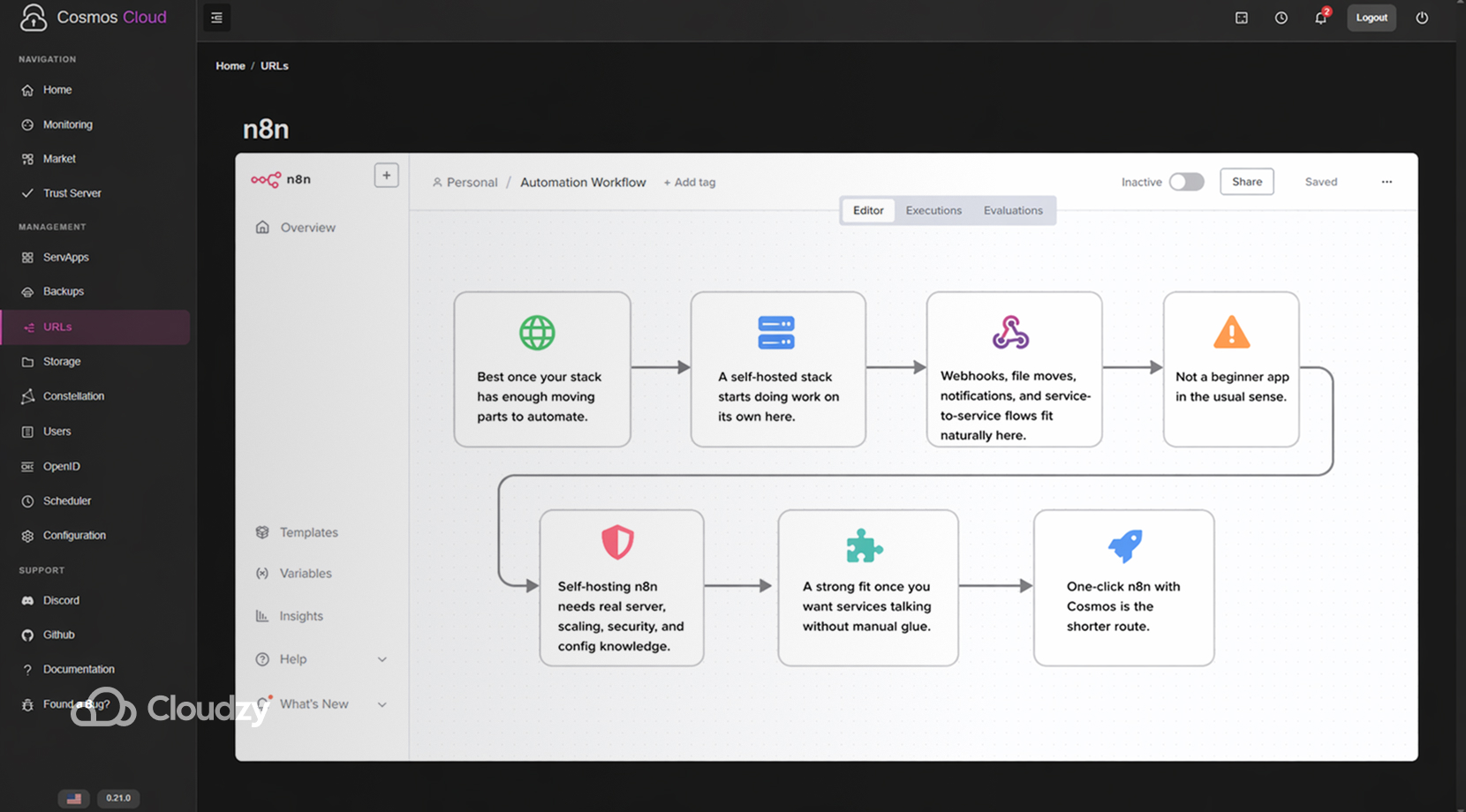
n8n is where a self-hosted stack starts doing work on its own. n8n recommends self-hosting for production or customized use cases, but it also says clearly that self-hosting needs real server knowledge around containers, scaling, security, and app configuration, and that mistakes can lead to downtime or data loss.
That makes n8n a strong fit for Cosmos, but not as a toy app. It belongs in setups where the server is already doing enough that automations save time, like moving files, handling webhooks, triggering notifications, or tying services together behind the scenes.
If that is the lane you are in, you can deploy n8n from our marketplace in one click, on a VPS, alongside Cosmos, and keep Cosmos as the cleaner access layer around it.
A short read on n8n:
- Best if the stack already has enough moving parts to automate
- Not a beginner app in the usual sense
- Strong fit once you want your services talking to each other without manual glue
Grafana
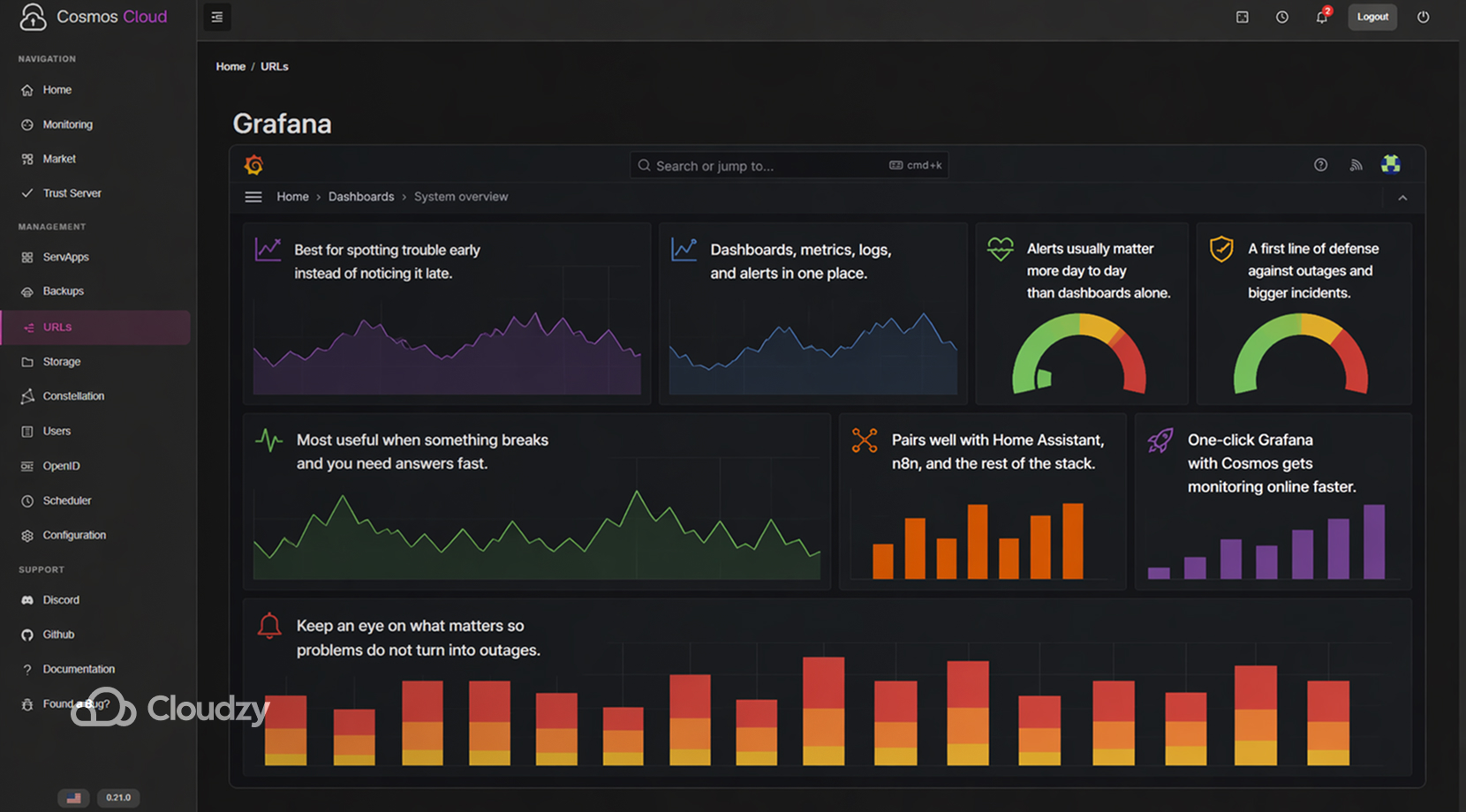
Grafana is popular enough that a lot of people think they already know what it is before they use it. The official docs describe dashboards, metrics, logs, and alerting, which is accurate, but the part worth knowing comes a little later.
Grafana’s alerting docs say the goal is to get rid of manual monitoring and act as a first line of defense against outages and bigger incidents.
That said, Grafana has one common failure mode in self-hosted setups. People spend a lot of time making dashboards look good, then end up checking them far less than they expected.
A recent self-hosted thread on which dashboards people really use pushed the more practical view that alerts matter more day-to-day, and dashboards matter most when you need to dig into why something broke.
If you want that layer online quickly, you can deploy Grafana from our marketplace in one click, on a VPS, alongside Cosmos, and let Cosmos keep the access path cleaner around it.
A short read on Grafana:
- Best if you want to spot trouble early instead of noticing it late
- More useful with alerts than with dashboards alone
- Pairs well with Home Assistant, n8n, and anything else that needs watching
Building Your Self-Hosted Ecosystem
The main point of a Cosmos setup is not that it runs one app nicely, but rather that several apps can live together without turning the server into a mess. Most people building a longer-term setup end up somewhere close to one of these patterns:
- Personal cloud setup
Nextcloud for files, Immich for photos, Jellyfin for media, Vaultwarden for passwords - Smart-home setup
Home Assistant for control, Grafana for visibility, n8n for background actions - Small-team setup
Gitea for code, Docmost for docs, n8n for workflows, Grafana for monitoring
Once several services share a box, routing, login handling, HTTPS, and public access become part of daily maintenance. Cosmos is better at that part than a plain app shelf, which is why it tends to feel more comfortable once the stack grows past the first few installs.
A Simpler Way to Launch a Self-Hosted Stack
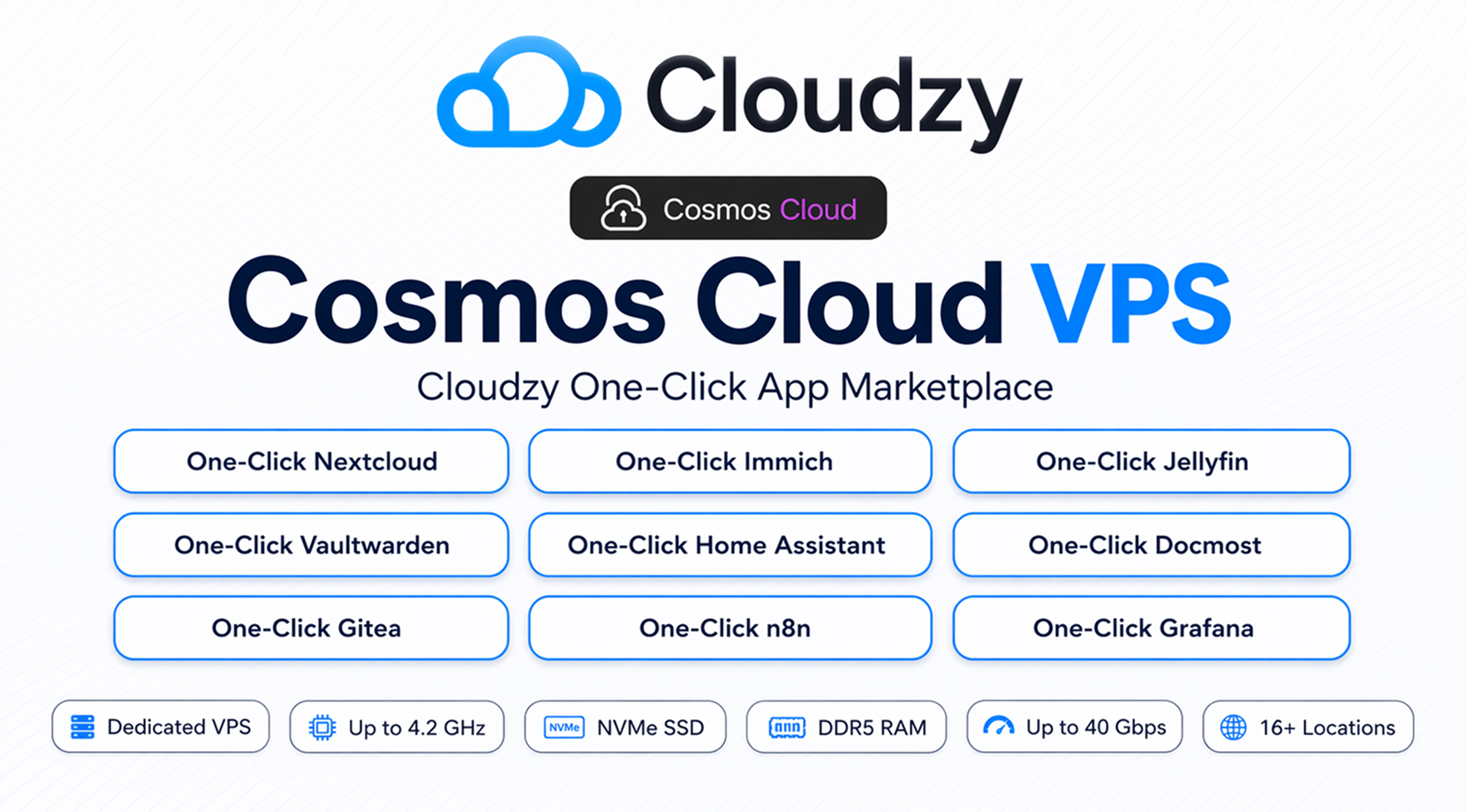
Once you’ve decided which apps belong in your setup, the next job is getting all of it online without wasting time on avoidable setup work. Cosmos has to be installed, the apps have to be deployed, domains and HTTPS have to be sorted out, and then the server still needs enough headroom for storage, media, backups, automations, and whatever else you add later.
On paper, a self-hosted stack can look pretty simple; however, in practice, the setup around it is where a lot of people lose time.
That is why I kept mentioning our marketplace throughout this article. Cloudzy offers Cosmos Cloud, as well as the apps covered here, as pre-installed one-click apps on our marketplace.
For this kind of setup, the VPS itself is part of the deal, not just the place the apps happen to run. Cloudzy’s relevant specs for a Cosmos stack include:
- Dedicated resources
- AMD EPYC and Ryzen CPUs, up to 4.2 GHz
- NVMe SSD storage
- DDR5 RAM
- Up to 40 Gbps networking
- 12 locations
- Full root access
- Free IPv6
- Advanced multi-layer DDoS protection with automatic mitigation
- Daily automated backups with 30-day retention
- 24/7/365 technical support
- Hourly, monthly, and yearly billing
So if your plan is to run Cosmos with Nextcloud, Immich, Jellyfin, Vaultwarden, Home Assistant, Gitea, n8n, Grafana, Docmost, you can do that through our marketplace as one-click apps on your own VPS.
Plus, if you find out that Cosmos just isn’t the right fit, or our service isn’t, we offer a 14-day money-back guarantee!
A Quick Recap
Cosmos Cloud works well with most of the self-hosted apps people already care about. The bigger issue is not what it can run, but which apps are worth pairing with it once the server starts doing daily work.
Here’s a reminder on which apps, and the best use cases:
- Nextcloud for files and sharing
- Immich for photos
- Jellyfin for media
- Vaultwarden for passwords
- Home Assistant for home controls
- Gitea for code hosting
- Docmost for docs and runbooks
- n8n for automation
- Grafana for monitoring
If you already know the apps you want, Cloudzy can make the deployment side much easier through the marketplace, while Cosmos keeps the whole setup cleaner once it starts to grow.
FAQ
What can you actually run on Cosmos Cloud?
Do Nextcloud and Immich overlap?
Is n8n a beginner app?
Is Grafana worth it for a small self-hosted stack?
Do I need a separate VPS for each app?


Discussion
Comments
Sign in to join the discussion.