

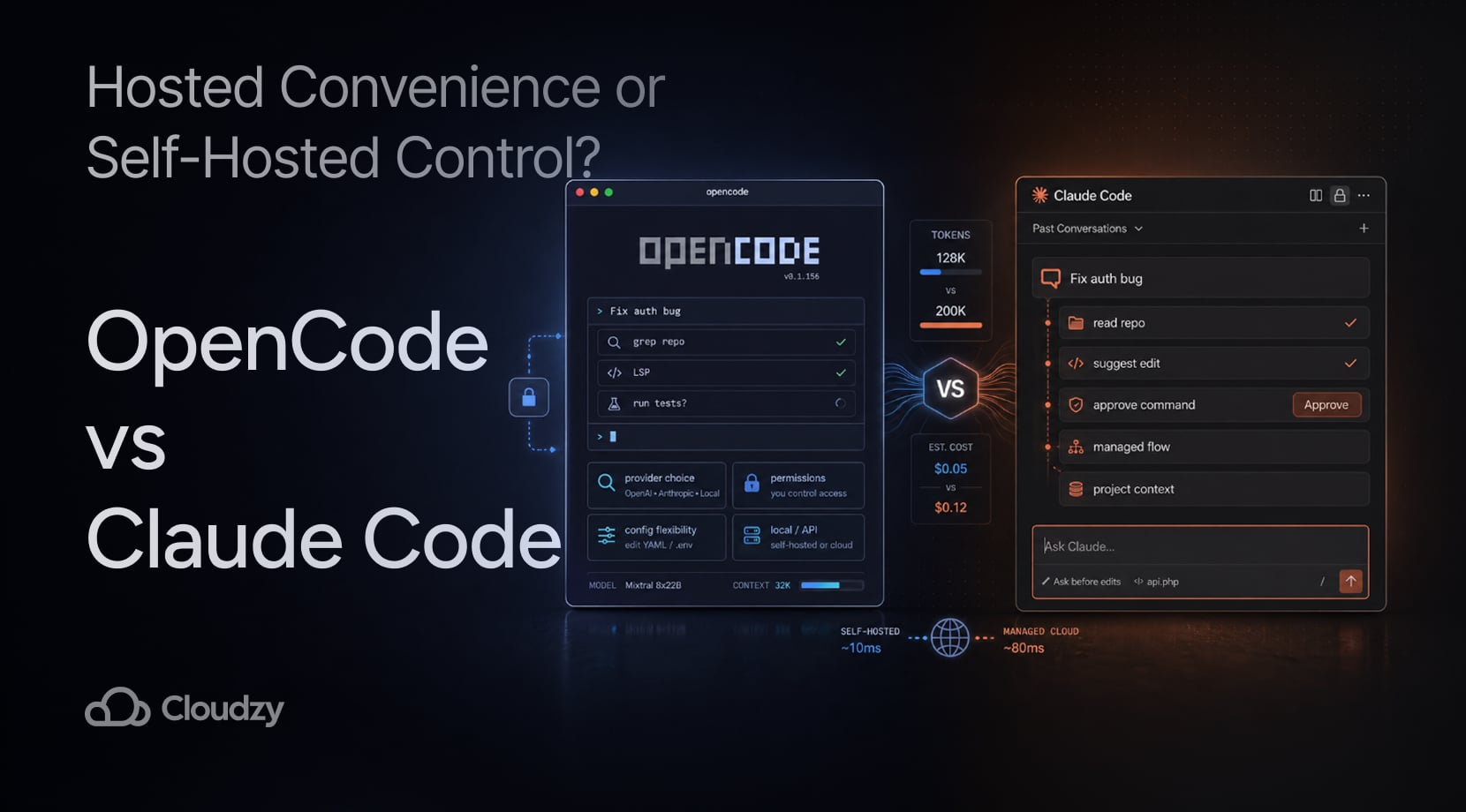
OpenCode vs Claude Code boils down to a choice between a managed AI coding agent and a coding agent you can run in your own environment.
Claude Code is easier to start with because Anthropic handles the product layer, model access, and most of the day-to-day wrapper around the agent.
OpenCode gives you broader provider choice and deeper self-hosted control, while Claude Code keeps you closer to Anthropic’s product path and Claude-native workflow.
While that may make it seem like the decision is easy, the devil is in the details, so let’s break it down.
Quick Answer: Claude Code Is Easier, OpenCode Gives You More Control
If you’re almost set on either one and maybe need that last bit of assurance, here’s where you might find that, instead of going through the entire article (which I still do recommend, no matter where you are in your decision-making process).
| Pick | Best Fit |
| Claude Code | Fast setup, managed workflow, fewer infrastructure decisions |
| OpenCode | Model choice, local/VPS use, open source control |
| OpenCode on Cloudzy VPS | Self-hosted OpenCode without preparing the server by hand |
That’s the short version. The rest of the comparison breaks down the tradeoffs around cost, privacy, context handling, latency, setup work, and long-term developer workflow.
How Claude Code and OpenCode Handle a Coding Task
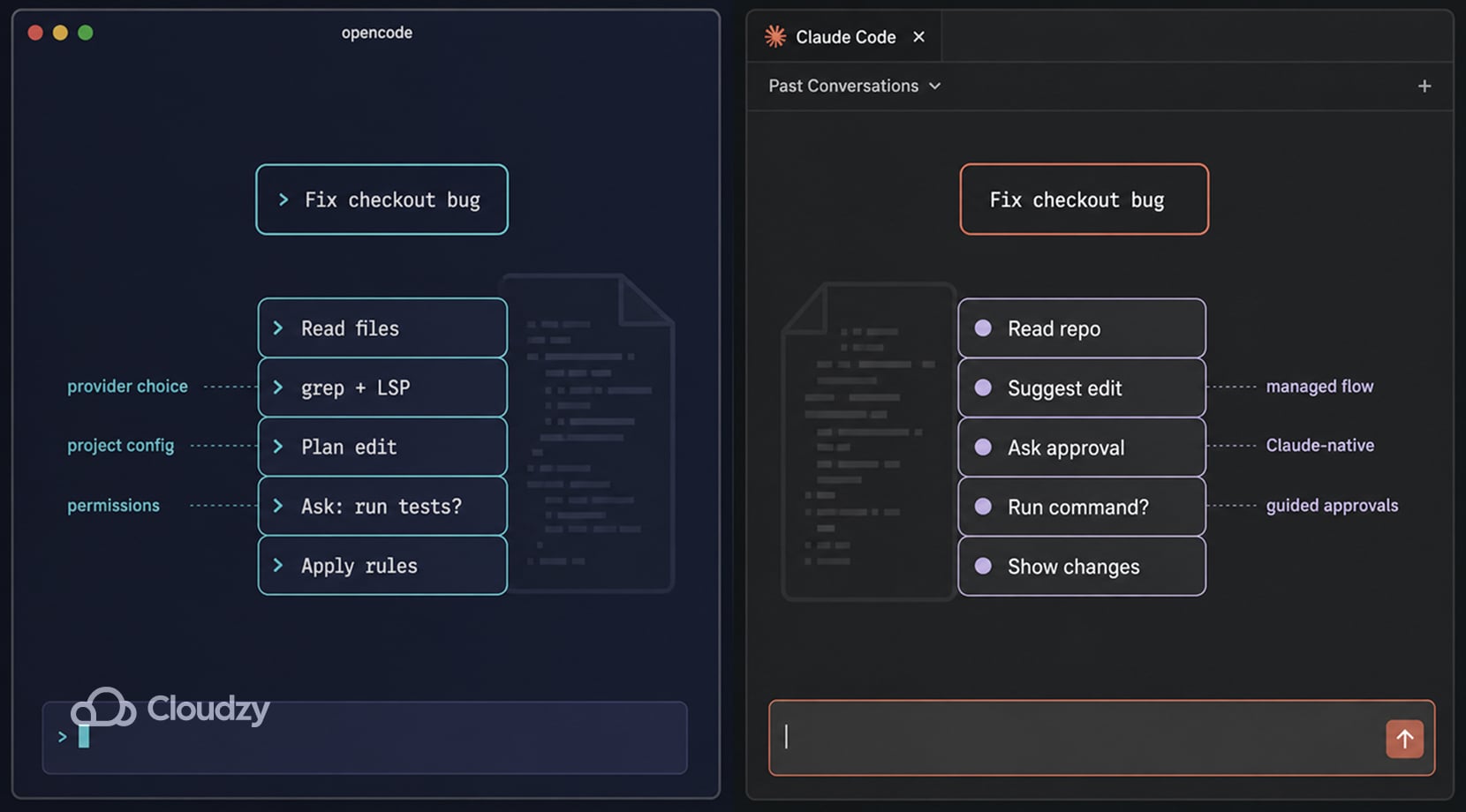
Ask either tool to fix a bug, and the workflow starts in the same place. It needs to read the repo, figure out which files matter, suggest an edit, and maybe run a command.
Claude Code and OpenCode both work in that agentic lane, but the way each one does it is different once a task gets to repo context, file edits, shell commands, tests, and approvals.
With Claude Code, the managed flow is the main appeal. You install it, sign in, open a project, describe the task, then review the edits and command requests it proposes.
Anthropic presents Claude Code as an agent that can understand a codebase, edit files, run commands, and work through development tasks while asking for permission before risky actions.
OpenCode gives you a similar agent loop, but the setup is more configurable from the start. Its tool system covers file reads, edits, shell commands, file search, grep, glob, LSP, and MCP, while its permission rules let you decide which actions are allowed, blocked, or sent for approval.
Here’s how they look in each context:
| Task Step | Claude Code | OpenCode |
| Read the repo | Managed agent searches and inspects files through Claude Code | Agent uses file tools, search, grep, glob, LSP, and project config |
| Plan the edit | Claude Code stays inside Anthropic’s managed agent flow | OpenCode uses the selected provider and project rules |
| Edit files | Agent proposes changes inside the managed workflow | Agent edits through OpenCode tools and permission rules |
| Run commands | Permission modes, sandboxing, and prompts control shell execution, depending on setup | Permission config can allow, ask, or deny shell actions |
| Keep project context | Uses Claude Code project context and guidance files | Uses global config, project config, rules files, and optional MCP tools |
Basically, Claude Code gives you a more ready setup out of the box, while OpenCode gives you a more configurable agent loop for those who want to shape how files, commands, approvals, and project context are handled.
Pricing and Usage Limits: Subscriptions, Tokens, and Repo Size
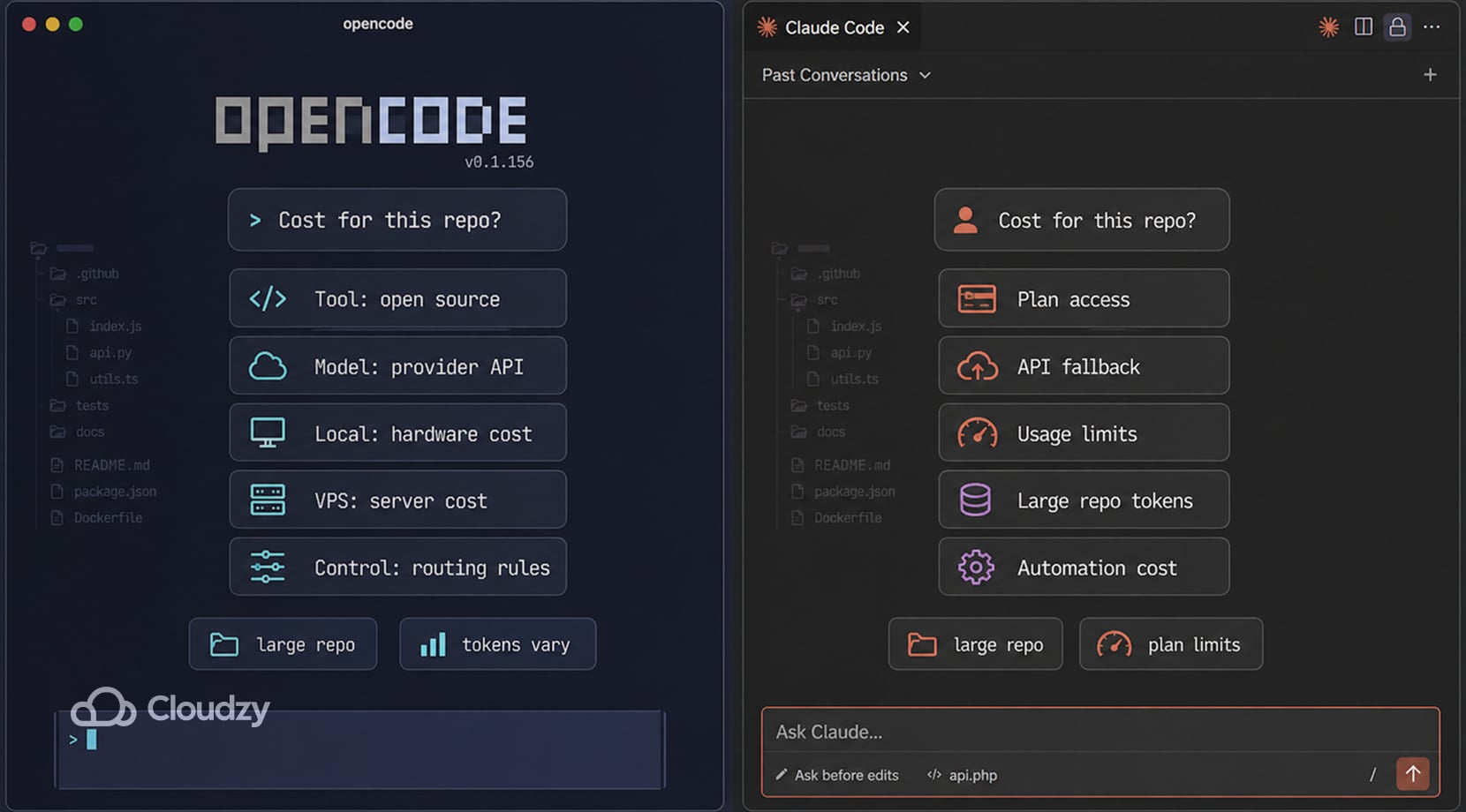
Claude Code looks simple if you only compare subscription tiers, but the actual cost can get confusing once shared Claude/Claude Code limits, API fallback, extra usage, repo size, model choice, automation, and parallel sessions enter the picture.
Anthropic’s current pricing page lists paid Claude plans and team options with Claude Code access, while the Claude Code cost docs explain that API-based usage varies by model selection, codebase size, multiple instances, and automation.
OpenCode has a different cost shape, since the tool is open source; however, that does not mean every workflow is free.
That’s because if you use hosted models, you pay the model provider. If you run local models, you pay for hardware, power, setup time, and lower output quality if the model is not strong enough for code plus tool calling. And, finally, if you run it on a VPS, you add server cost, but gain a stable remote environment.
| Cost Area | Claude Code | OpenCode |
| Tool access | Paid Claude plans or API billing | Open source tool |
| Model cost | Wrapped into plan usage or billed through API tokens | Depends on hosted API, local model, or provider mix |
| Large repos | More code and longer context can raise token use | Same risk exists with hosted models; local models shift the limit to hardware and quality |
| Team cost | Plan seats or API spend controls | Server, model provider, permissions, shared config, and maintenance |
| Cost control | Anthropic usage tools, plan limits, spend controls | Provider routing, model choice, local models, VPS sizing, and agent rules |
In one Reddit thread, users complain about Claude Code burning tokens while it orients itself in large repos, with suggestions like better CLAUDE.md files, repo maps, LSP tools, and tighter file-level prompts.
Anthropic’s April 23, 2026, Claude Code postmortem is also of note because it affected both user trust and usage perception. The company said recent quality problems came from product-level changes, including default reasoning behavior, an idle-session cache/thinking bug, and a verbosity-related system prompt change.
The takeaway is that agentic coding tools are much cheaper when the agent has a map. That can be a CLAUDE.md, an OpenCode project config, a repo summary, capability manifests, LSP support, or just a developer giving exact files and test commands.
Control, Privacy, and Model Choice in Live Projects
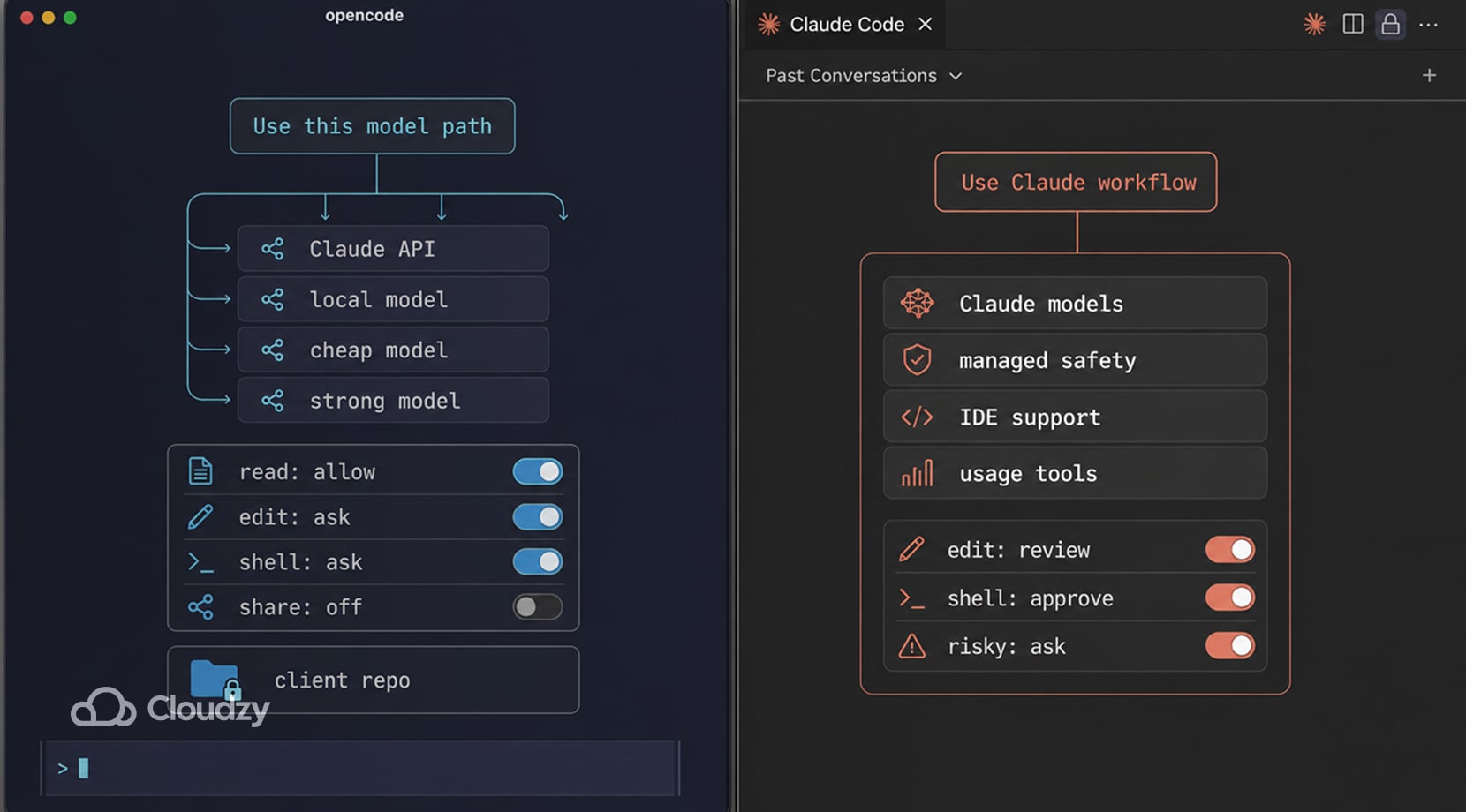
OpenCode gives you more control because the agent is not glued to one model. Its model docs say it supports 75+ providers and local models, while its permission docs let you control tool actions such as reads, edits, shell commands, file search, LSP queries, external directory access, and repeated tool calls.
You might use a stronger model for a risky refactor, a cheaper model for test scaffolding, and a local model for simple repo questions. OpenCode makes that kind of model switching easier because provider choice is part of the setup, but you still need to choose or configure the model path yourself.
On the other hand, Claude Code gives you fewer model choices; however, it gives you a more unified product. You get Anthropic’s agent wrapper, product-level safety defaults, IDE support, usage tools, and a tighter connection to Claude’s coding behavior.
OpenCode can keep more of the workflow under your control, especially with local models or direct provider routing, but sensitive code can still leave the machine if you connect a cloud model. OpenCode’s own share docs also warn that shared conversations sync to OpenCode servers and should not include private code.
The same logic applies to the tools around the agent. If OpenCode is part of a broader self-hosted setup, our guide to self-hosted cloud platforms with a web UI can help you think through the control panel side of that workflow, from app access and routing to updates and recovery.
Performance and Latency Depend on Context, Model Routing, and Server Location
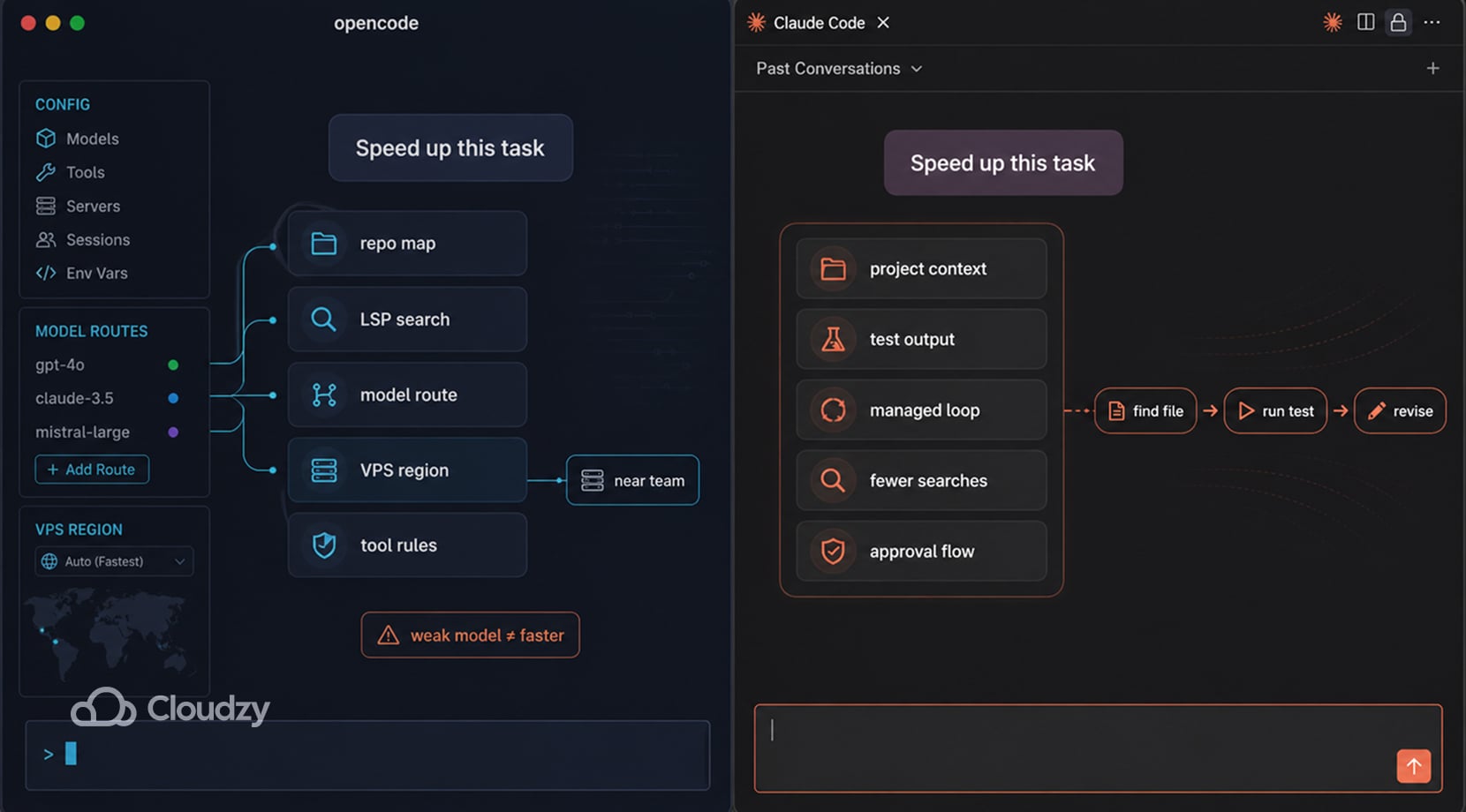
In coding-agent work, speed and quality come from context size, repo structure, file search, permissions, shell output, retries, model routing, and how many tool calls the agent needs before it reaches the file you care about.
Claude Code has a strong baseline for multi-file coding, test runs, debugging, and planning. The issue is that the wrapper can still affect the user experience.
As for OpenCode, its performance depends more on your choices. A hosted frontier model can usually follow longer repo context, recover from failed test output, and use tools more reliably.
A smaller local model may still be useful for simple explanations or narrow edits, but it can break down on multi-file changes if the inference backend, context length, prompt format, or tool-calling support is not solid.
In a recent LocalLLaMA thread, users said local tool calling depends heavily on the harness, model, quantization, context settings, and native function-calling support.
For remote work, server location is another thing to keep in mind. Running OpenCode on a VPS near your location or near your team can give you a stable coding box that is reachable from your laptop, tablet, or office machine.
We’ll talk about the VPS angle later on, as, while it will not make a weak model smarter, it can remove the friction of moving your dev setup between devices.
| Factor | Why It Affects the Coding Agent |
| Repo map | Agents waste fewer requests when they know where code lives |
| Context size | More history and more files raise cost and can blur the task |
| Model choice | Code generation and tool calling vary a lot across models |
| LSP support | Symbol-aware navigation can reduce blind search |
| Server location | A closer remote environment can reduce access latency |
| Permissions | Too many prompts slow work; too much auto-approval raises risk |
If the agent spends five requests finding the right controller, rereads the same files after every failed test, or loses track of earlier shell output, the workflow gets slower even if the model is strong.
Claude Code hides more of that behavior behind the managed agent loop. OpenCode exposes more of it through provider choice, tool settings, project config, and the way you host the environment.
OpenCode Vs Claude Code: Which Tool Fits Your Workflow?
As with almost any tool, choosing one or the other ultimately comes down to practical use. A developer doing quick fixes in a small repo has a different problem than a founder trying to keep AI costs manageable across five internal tools, or a team that cannot let client code drift through random third-party services.
| Situation | Better Fit | Reason |
| You want the fastest start | Claude Code | Less setup and a managed agent wrapper |
| You want model choice | OpenCode | You can switch providers and use local models |
| You work in large repos | Depends | Claude Code is strong, but both tools need repo maps and scoped tasks |
| You need strict data-path control | OpenCode | More control over provider, server, and sharing settings |
| You hate server upkeep | Claude Code | Fewer infrastructure chores |
| You want a remote coding box | OpenCode on a VPS | The agent can live near your project environment |
| You already self-host Git, docs, or dashboards | OpenCode | It fits a self-managed dev stack better |
| You want one polished product path | Claude Code | Fewer config choices and less assembly work |
For most individual developers, Claude Code is the easier first stop. But, for developers who have already hit cost, provider, privacy, or deployment limits, OpenCode makes more sense.
The “already self-hosted Git, docs, or dashboards” row is also worth pausing on. If your team is already moving source control into your own environment, our self-hosted GitLab alternatives guide gives you a better look at the Git side of that setup before you decide where an AI coding agent should live.
For a wider comparison beyond these two tools, our Claude Code alternatives guide covers CLI agents, IDE-first tools, and open-source coding assistants that solve different parts of the same AI coding workflow.
Some of you may get to this point and realize you do not only need a coding agent. Tools like OpenClaw exist, which are built more like a personal agent gateway for connecting assistants to messaging channels, tools, dashboards, and scheduled actions.
We have a full OpenCode vs OpenClaw comparison for that decision, as well, if you’re interested in something like that instead.
How to Run OpenCode without Setting it Up or Upgrading Your Hardware
If you’ve realized that OpenCode is the better choice for you, it’s important to know that while it’s light enough to start quickly, it still has a lot around it.
For daily use, the setup needs more than the OpenCode install itself:
- A prepared server and working SSH access
- Project folders in place
- Provider keys stored safely
- Logs you can check
- Backups you trust
- Update habits that do not break the workspace
- Enough CPU, memory, and storage for agent work
Plus, as I mentioned earlier, if remote work is part of your system, OpenCode needs to run somewhere stable and close to where you actually work.
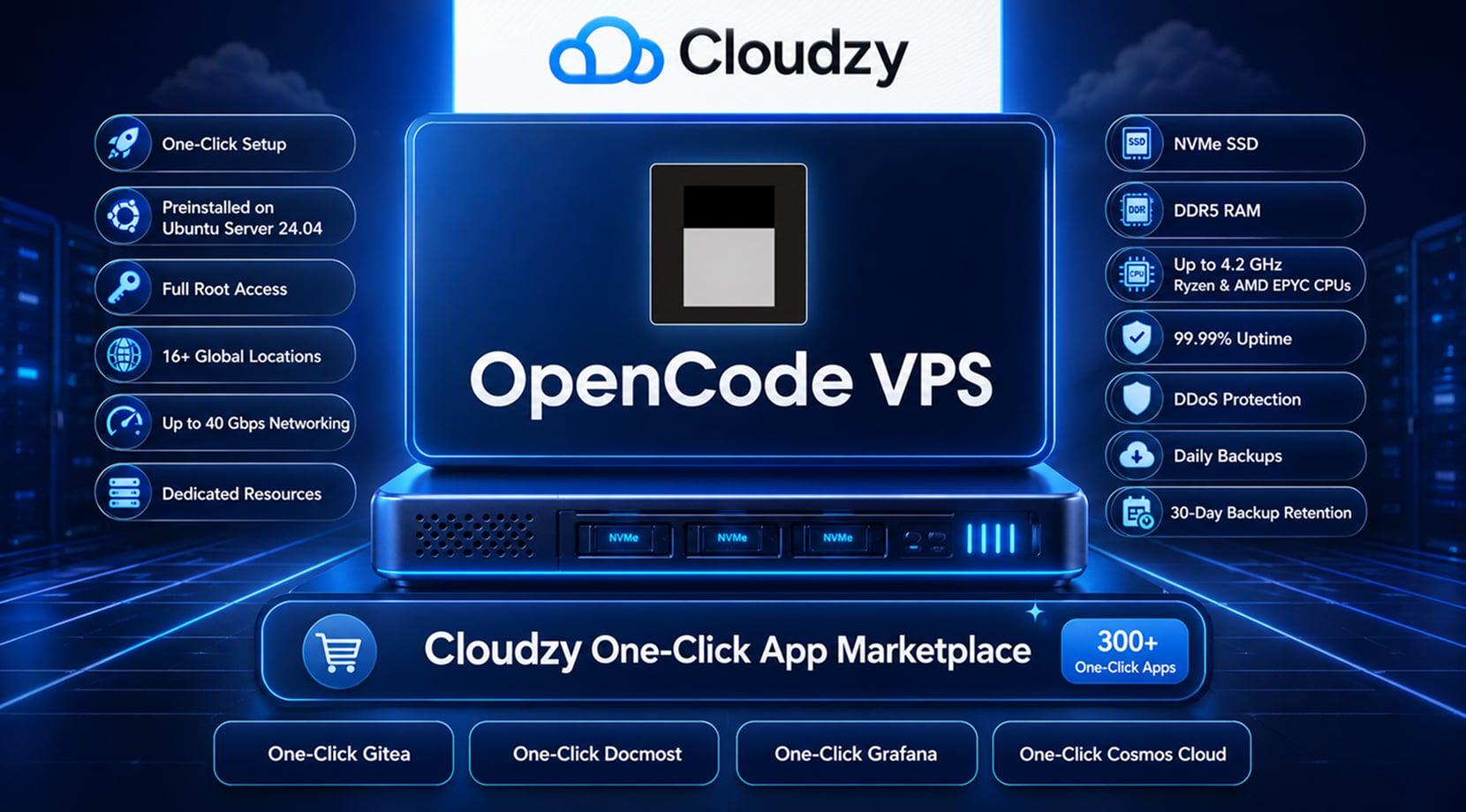
With our One-Click OpenCode VPS, the server setup and installation are already handled because OpenCode comes preinstalled on Ubuntu Server 24.04. You still get full root access, so you can choose the model provider, set project config, adjust permission rules, and decide how much access the agent gets inside the repo.
| OpenCode Requirements | How Cloudzy’s OpenCode VPS Handles Them |
| Server prep | One-Click OpenCode setup on Ubuntu Server 24.04 |
| Remote access | 12 locations, so the workspace can sit closer to your daily access point |
| Transfers | Up to 40 Gbps networking helps with larger file movement, package pulls, and artifact transfers |
| Hardware | Dedicated resources, NVMe SSD, DDR5 RAM, and up to 4.2 GHz Ryzen and AMD EPYC CPUs |
| Reliability | 99.95% uptime guarantee, DDoS protection, and daily backups with 30-day retention |
Developers building a broader self-hosted stack can also run separate One-Click apps for tools like Gitea, Docmost, Grafana, or Cosmos Cloud from our marketplace page, where we offer over 300 one-click apps!
Our guide to self-hosted apps you can run with Cosmos Cloud can help with that next layer, especially if you want OpenCode to sit beside docs, Git, dashboards, automation tools, or media and file apps instead of being the only self-hosted tool in the stack.
Final Take: Convenience, Control, and the Setup You Want to Own
In conclusion, Claude Code is the better pick when you want a managed agent, fast setup, strong Claude-native coding behavior, and fewer infrastructure decisions. OpenCode is the better fit when you want provider choice, local-model options, project-level config, permission control, and a coding agent that can live on your own server.
Neither tool removes the need to understand your repo. The best results still come from scoped tasks, clear test commands, repo maps, and sensible approval rules.
For developers leaning toward the self-hosted path, Cloudzy’s One-Click OpenCode VPS gives you the OpenCode environment without the base deployment work. You still own the workflow, but the first server step is already handled.
FAQ
What Is the Main Difference Between OpenCode and Claude Code?
Is OpenCode a Free Claude Code Alternative?
Can OpenCode Use Claude Models?
Can OpenCode Run Local Models?
Is OpenCode More Private Than Claude Code?
Is Claude Code Cheaper Than OpenCode?
Can You Run OpenCode on a VPS?
Does Claude Code Work Better for Large Codebases?

Discussion
Comments
Sign in to join the discussion.