

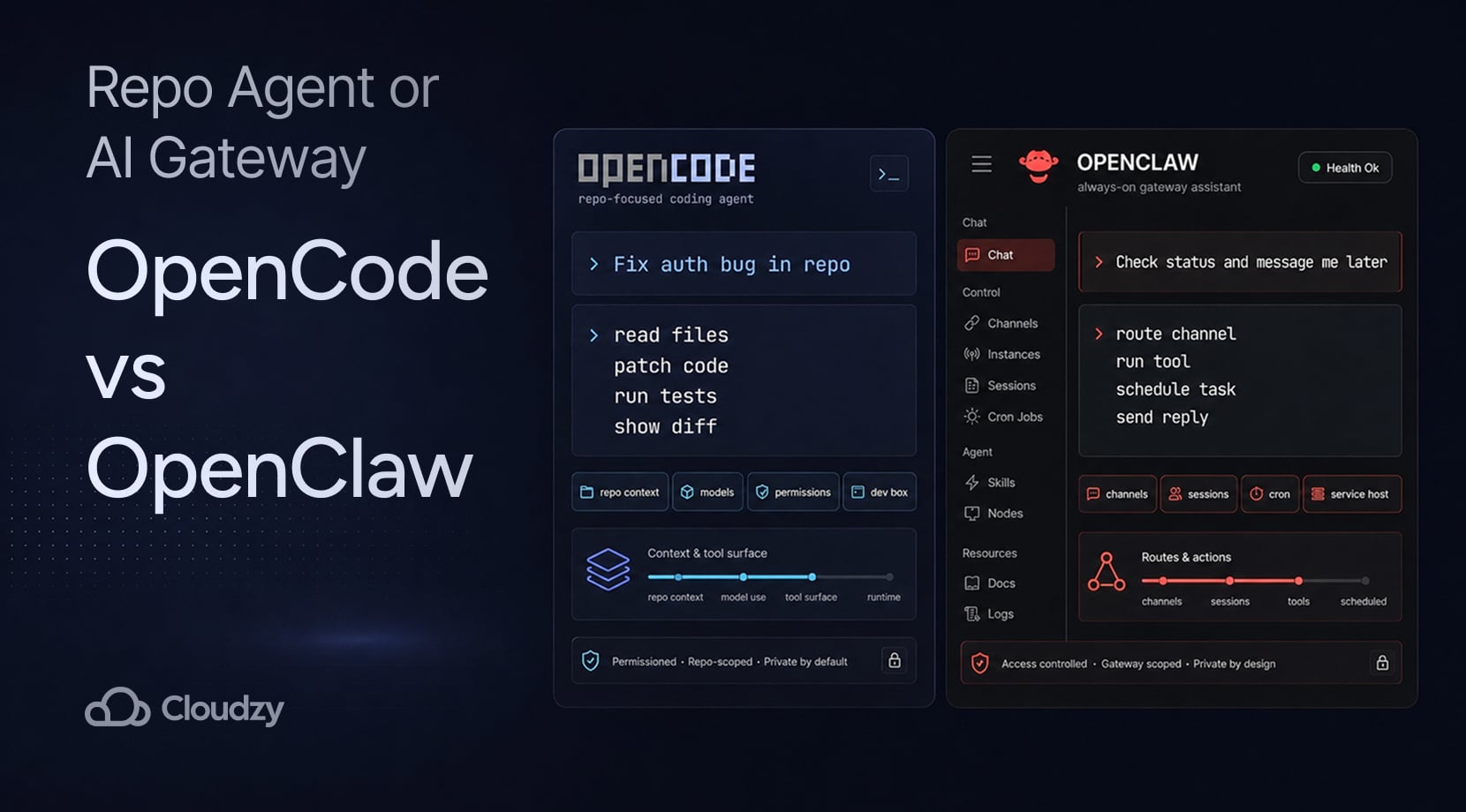
OpenCode vs OpenClaw is mostly a choice between a coding agent that works inside your repo and an always-on assistant gateway that connects chat apps, tools, and scheduled actions.
Pick OpenCode if the job starts with code, things like reading files, editing a project, running tests, or keeping model choice under your control. Pick OpenClaw if the job starts from messages, alerts, browser actions, or recurring workflows.
A VPS makes sense for either one once the agent needs to stay available after your laptop sleeps. But we’ll get to that later on.
Quick Answer: OpenCode Is for Repo Work, OpenClaw Is for Always-On Automation
OpenCode and OpenClaw both sit in the self-hosted AI agent boat, but they do not replace each other cleanly. OpenCode is built around codebase work, while OpenClaw is built around a Gateway that connects channels, agents, sessions, tools, and background tasks.
| Need | Better Fit | Why |
| Fix, refactor, or explain code inside a repo | OpenCode | It works through repo context, file tools, shell commands, plans, and provider choice |
| Run an assistant through Telegram, Slack, WhatsApp, Discord, or WebChat | OpenClaw | Its Gateway connects channels to agents, tools, memory, and sessions |
| Keep a coding agent on a remote Linux dev box | OpenCode on a VPS | The project folder, shell, model keys, and coding session can stay on one server |
| Keep an assistant gateway online after logout or reboot | OpenClaw on a VPS | The Gateway, daemon, dashboard, logs, and channels benefit from a persistent host |
Coding Agent vs Always-On Assistant Gateway
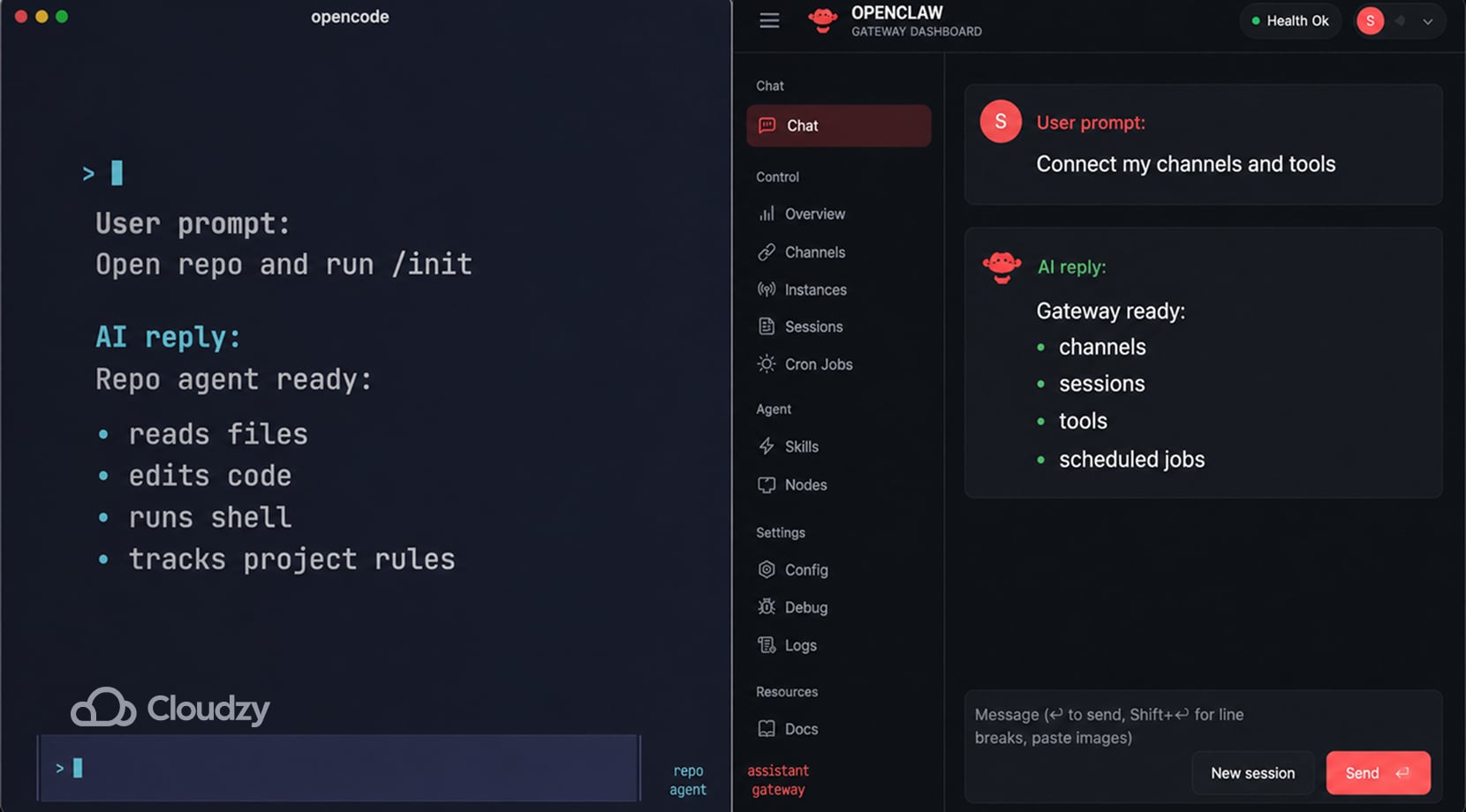
OpenCode is an open-source AI coding agent with terminal, desktop, and IDE interfaces. Its own docs describe the basic flow as installing the tool, adding provider credentials, opening a project, running opencode, then using /init so OpenCode can analyze the project and create an AGENTS.md file in the repo root.
OpenClaw works differently; the its docs describe it as a personal AI assistant gateway, with one Gateway process handling channels, sessions, tools, events, nodes, and assistant routing.
It supports channels such as WhatsApp, Telegram, Slack, Discord, Google Chat, Signal, iMessage, Matrix, Microsoft Teams, WebChat, mobile nodes, and plugin channels. Instead of living mainly in a repo, it lives between a user, a channel, and a set of tools.
| Area | OpenCode | OpenClaw |
| Main job | Coding inside repos | Assistant gateway across chat apps, tools, and sessions |
| Main surface | Terminal, desktop, IDE, and web | Chat channels, WebChat, Control UI, mobile nodes |
| Setup center | Provider keys, project folder, AGENTS.md, permissions | Gateway, channels, auth, dashboard, daemon, routing |
| Tool style | Read, edit, write, grep, glob, shell, LSP, web tools, MCP | Browser automation, exec, sandboxing, search, cron, skills, plugins |
| Long-running use | Project/session-based | Gateway/service-based |
Overall, OpenCode is much more suited to the coding-agent type of work, that’s also covered in our OpenCode vs Claude Code comparison.
However, while OpenClaw belongs beside that conversation, it is a different tool for a different job; that job being a personal assistant gateway that can reach coding agents and other tools from the places you already message from.
How Each Tool Handles a Normal Task
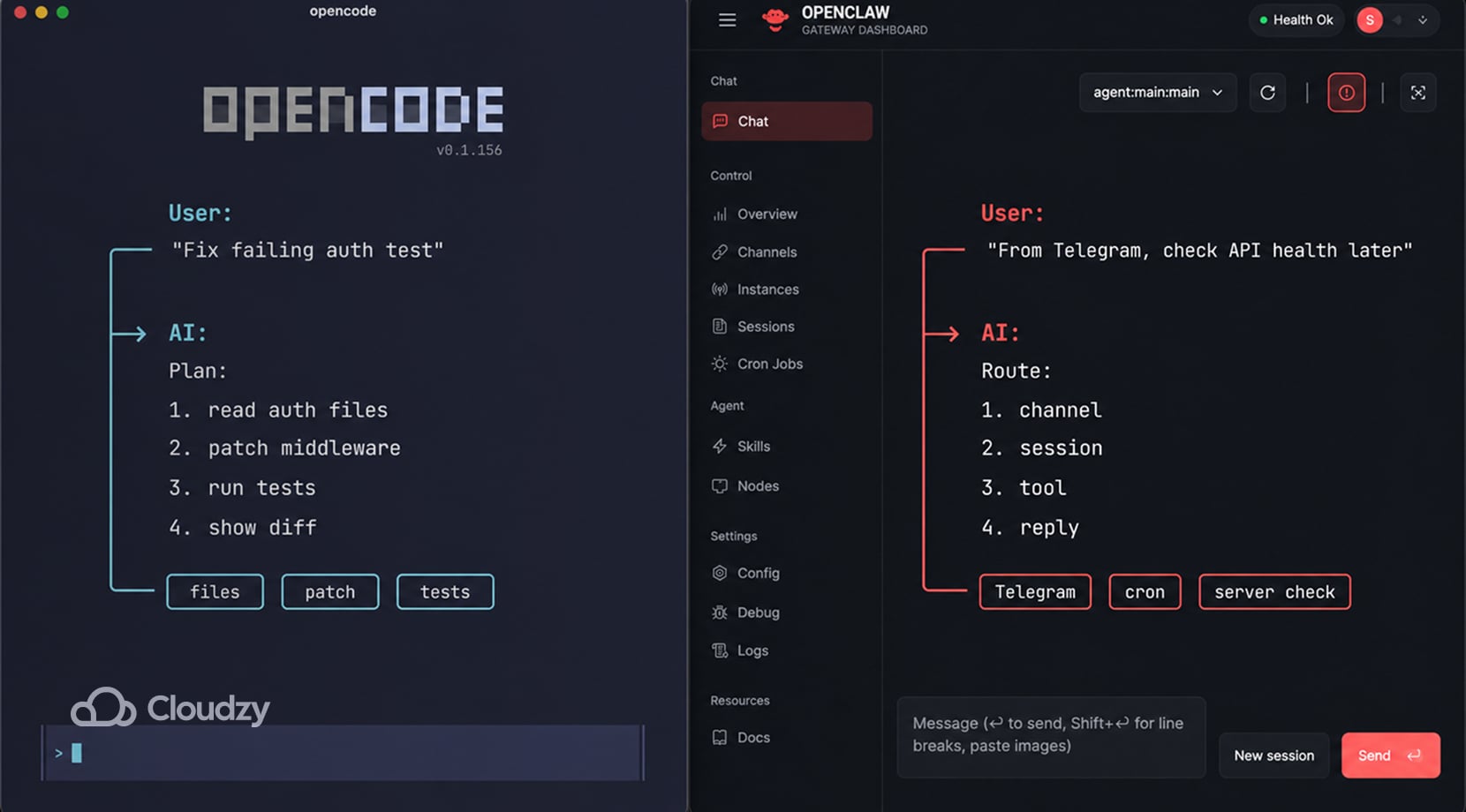
If you want OpenCode to fix a failing test, it has to inspect the files, understand project patterns, plan the patch, edit code, maybe run a command, and then show you what changed. The better your prompt points it toward the right file, test, or error output, the less time it spends wandering around the project.
On the other hand, you ask OpenClaw to check something and message you back later, and it needs a channel, a session, a Gateway that stays online, auth rules, tool access, and often a route into a browser, shell, plugin, or external service. The repo may still matter, but the task now depends on channels, permissions, tools, and routing too.
| Task | OpenCode Flow | OpenClaw Flow |
| Fix a bug in a Node app | Read files, create a plan, edit code, run tests | Could call a coding agent, but only after channel and agent routing are set |
| Explain a file | Read local repo context and answer inside the coding session | Answer through a chat channel if the file/tool path is reachable |
| Run a scheduled check | Needs outside scheduling or a wrapper | Cron jobs and heartbeat scheduling are part of the OpenClaw feature set |
| Use Telegram to ask for a server check | Not its natural surface | Telegram can connect through the Gateway |
| Run a browser task | Possible through tools or MCP setup | Browser automation is listed in OpenClaw’s tool and automation set |
How you talk to each one is also different, as OpenCode wants tight coding requests, like “Use this test error and patch only the auth middleware.”
In contrast, OpenClaw wants operating boundaries, like “In this Telegram DM, allow only server-status checks and read-only browser actions.”
This OpenCode Reddit thread shows how prompts, skills, agents, MCP, LSP feedback, and better project context can shape an OpenCode session in ways that make it very different from OpenClaw.
Models, Context, and Tool Bloat Affect the Costs Considerably
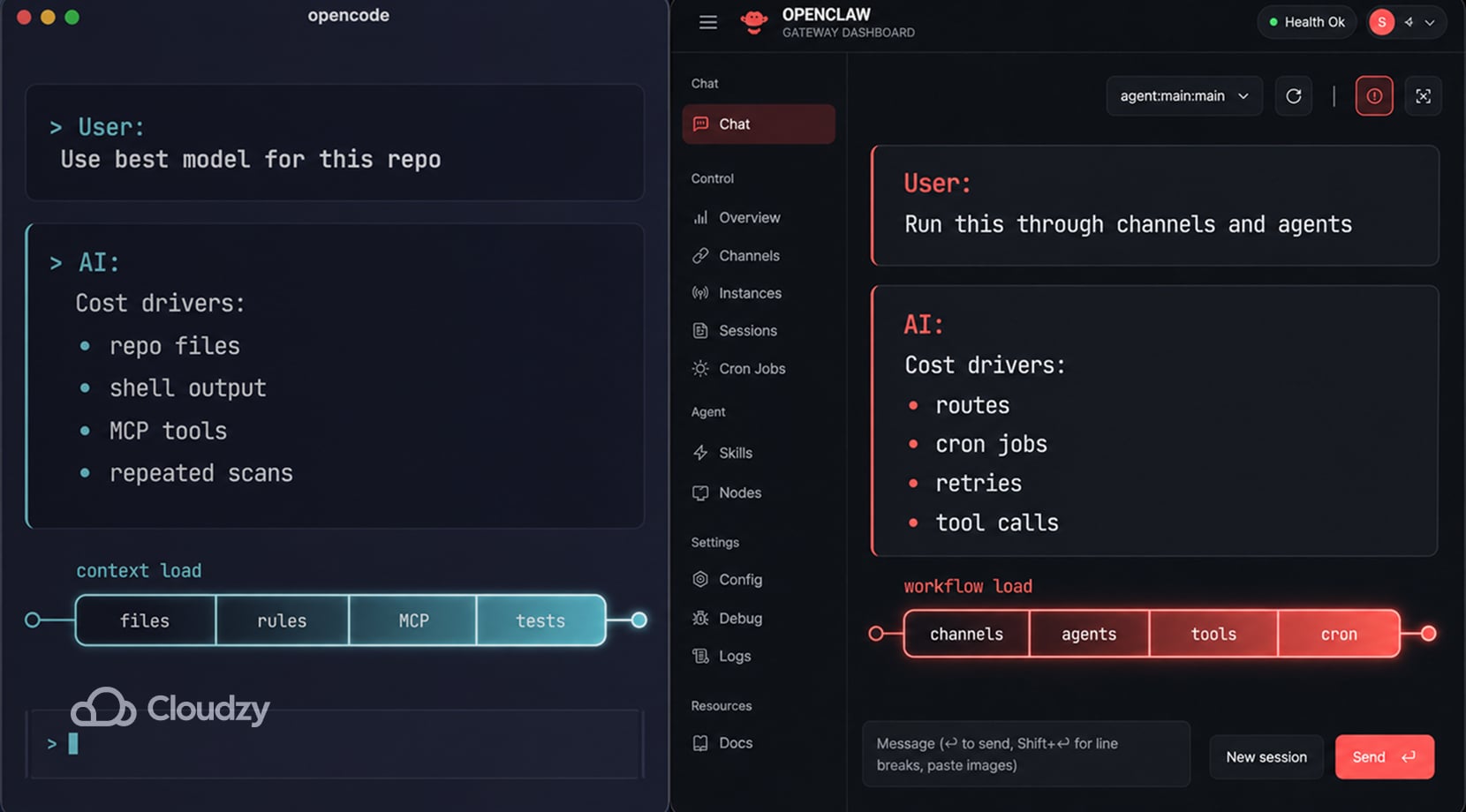
OpenCode being open source does not make every OpenCode workflow free. If you connect hosted models, you pay those providers, and if you run local models, you pay for hardware, setup time, and weaker output if the model is not good at code plus tool calling.
OpenCode’s model docs say it supports 75+ LLM providers and local models, which gives you control but also more choices to manage.
OpenClaw has a similar cost curve, just in routes, sessions, tools, cron jobs, retries, and multi-agent workflows instead of repo scans alone. Its feature docs list 35+ model providers, custom and self-hosted endpoints, multi-agent routing, tools, cron jobs, plugins, skills, and workflow pipelines.
That said, every extra route can add requests, context, and repeat calls if the workflow is not scoped.
Lastly, MCP is another thing to keep in mind, because OpenCode’s MCP docs warn that MCP tools add to context and can pile up fast, especially with large tool surfaces such as GitHub MCP servers.
| Cost Driver | OpenCode | OpenClaw |
| Hosted model calls | Depends on provider and selected model | Depends on provider, agents, channels, and tool runs |
| Local model path | Possible, but quality depends on model and hardware | Possible through self-hosted or compatible endpoints |
| Context size | Repo files, rules, MCP tools, shell output | Channel history, sessions, tools, agent routes, media, workflows |
| Repeated work | Large repo scans, vague prompts, broad edits | Cron jobs, subagents, long workflows, retries, channel-triggered tasks |
| Control point | Provider routing, AGENTS.md, permissions, MCP discipline | Gateway config, routing, tool profiles, channel access, schedules |
OpenClaw’s cost risk comes from the way its own feature set is designed. Its docs list multi-agent routing, cron jobs, browser automation, exec tools, plugins, skills, and workflow pipelines, so a loose setup can create repeated model calls long after the first prompt.
If you route OpenClaw or OpenCode through Claude API, Anthropic’s rate-limit docs describe both spend limits and request-rate limits, which means background jobs, broad tool access, and expensive model choices need tight boundaries from day one.
Control, Privacy, and Permissions Depend on the Setup You Build
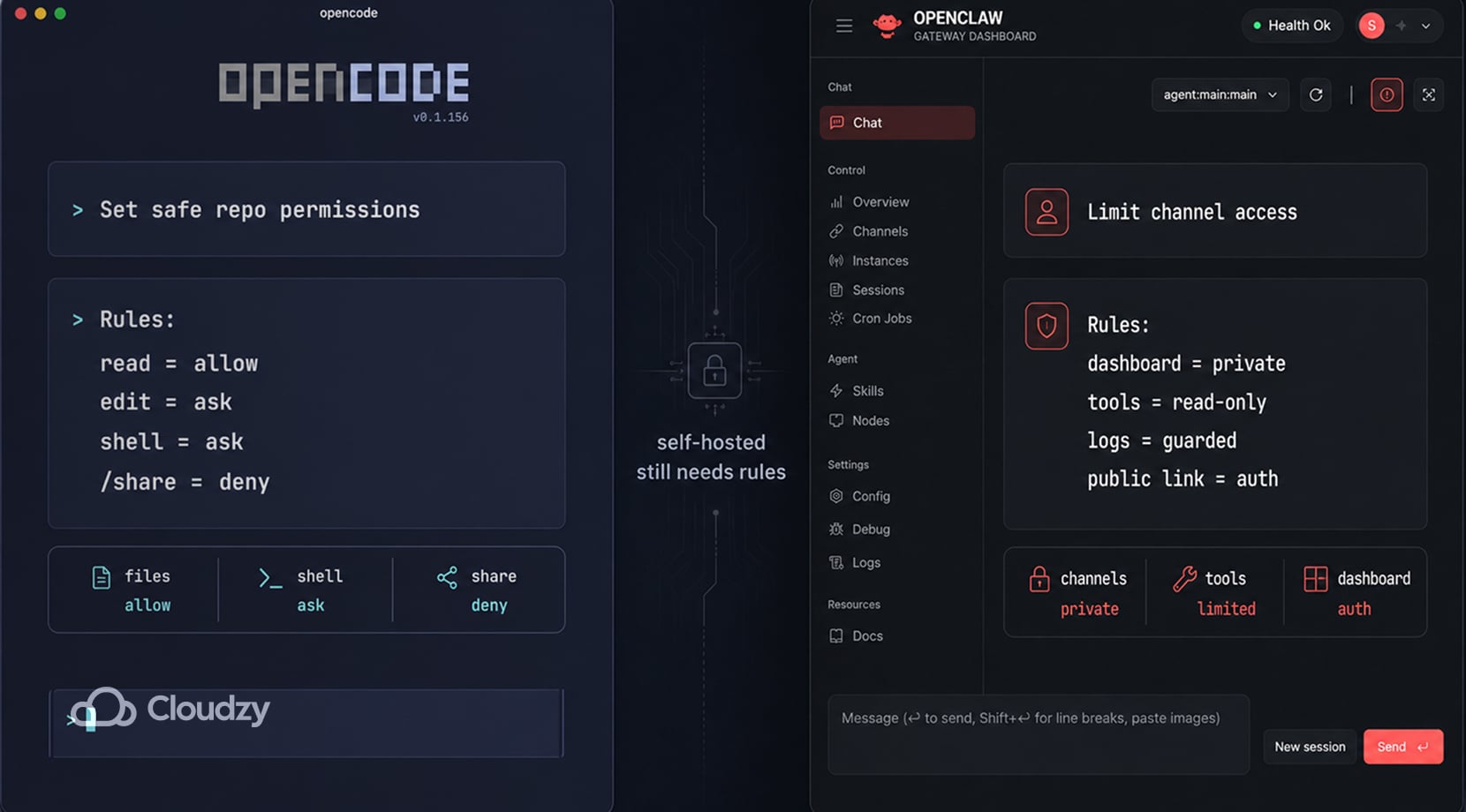
Self-hosted does not automatically mean private; rather, it means you control more of the setup. If OpenCode sends repo context to a hosted model, the data path still includes that provider. If OpenClaw exposes a dashboard badly or gives a channel too much tool access, the Gateway becomes risky.
| Tool | Main Risk Area | What to Check |
| OpenCode | Repo context, file edits, shell commands, shared sessions | Provider routing, permission rules, /share behavior |
| OpenClaw | Gateway access, channel auth, tool permissions, dashboard exposure | Private access mode, shared-password auth, logs, channel rules |
OpenCode gives you control at the tool layer. Its permissions docs let you set actions to allow, ask, or deny, including broad rules and tool-specific overrides. That layer is worth using carefully because reading a file, editing a source file, and running a shell command carry different levels of risk.
OpenCode also has a sharing caveat. Its share docs say conversations are not shared by default, but /share creates a link, and shared sessions sync conversation history to OpenCode servers. That is fine for demos and non-private debugging, but it is not a place for proprietary client code or secret-bearing logs.
However, for OpenClaw, the permission questions move to the Gateway. The Tailscale page in the OpenClaw docs shows private and public access modes for the Gateway dashboard, including tailnet-only Serve and public Funnel. It also says Funnel needs shared-password auth, which makes sense for a messaging gateway tied to tools.
If your setup grows beyond one agent and one app, our guide to self-hosted cloud platforms with a web UI can help with dashboards, routing, app access, and recovery before every service becomes a separate SSH habit.
Deployment and Maintenance are Different Problems
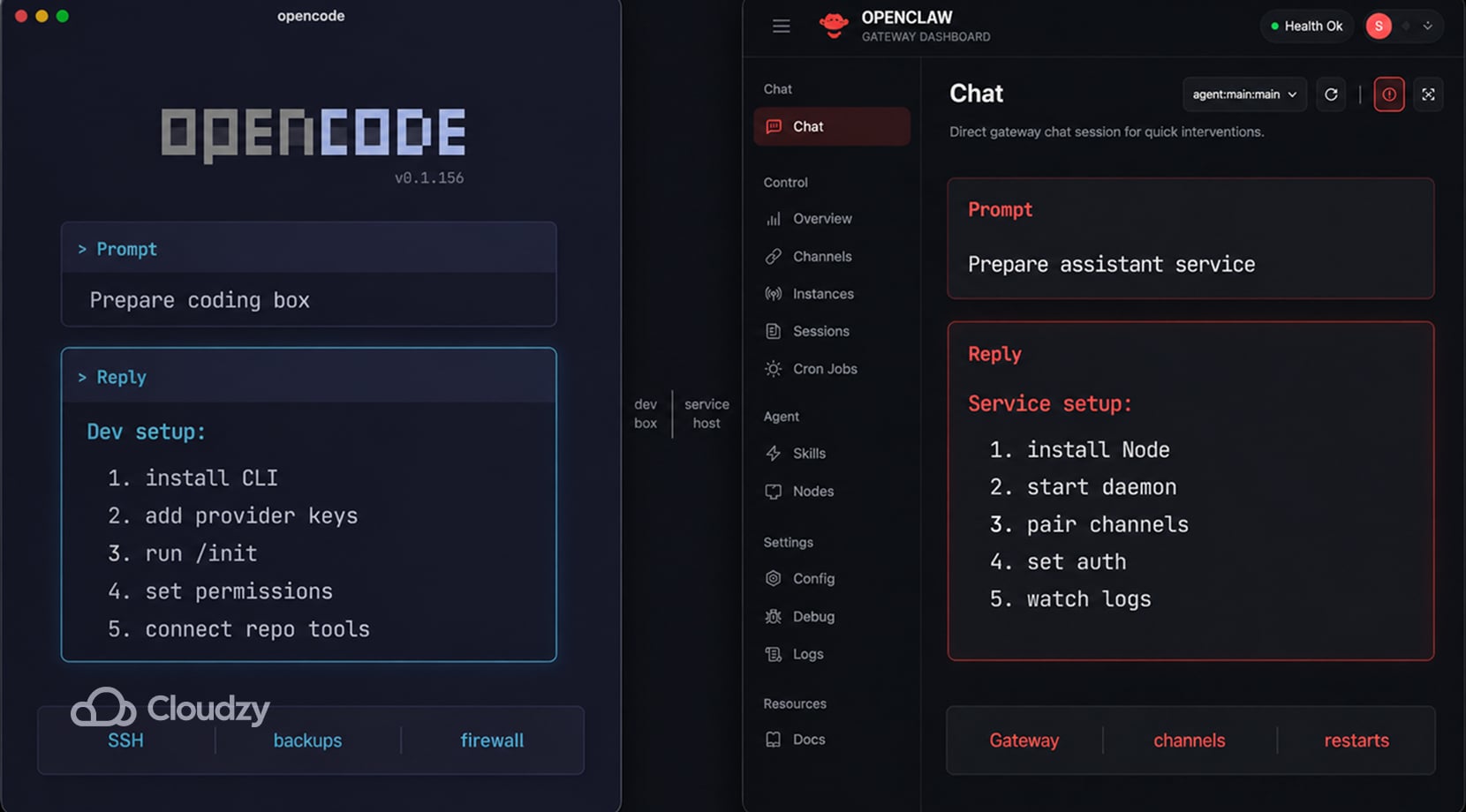
OpenCode setup is mostly a dev-environment problem. You install the tool, add provider keys, choose a project folder, run /init, review AGENTS.md, set permissions, and decide how the agent should reach tests, linters, package managers, and extra tools.
On a VPS, you also need SSH access, backups, updates, firewall rules, and a clean path to the web or terminal interface.
In contrast, OpenClaw’s setup is more like running a small service. The install docs say Node 24 is recommended, Node 22.14+ works for compatibility, and openclaw onboard –install-daemon installs the service.
Then you deal with Gateway status, channel pairing, dashboard access, logs, auth, remote access, and restarts.
| Maintenance Area | OpenCode | OpenClaw |
| Base install | CLI, package manager, provider setup | Node runtime, Gateway, daemon, dashboard |
| Project setup | AGENTS.md, permissions, repo tools, shell access | Channels, agents, sessions, tools, routing, auth |
| Runtime care | Model keys, project drift, command approval, repo size | Service health, logs, channel pairing, dashboard access |
| Failure mode | Bad edits, runaway shell commands, wasted context | Broken channel, exposed gateway, runaway cron, provider limits |
| VPS fit | Remote dev box | Always-on assistant gateway |
Your repo setup can affect the decision, too. A solo dev using GitHub and one laptop has a different setup from a small team already running Gitea, GitLab, docs, and dashboards on a private server.
So, if your coding workflow is moving in that direction, our self-hosted GitLab alternatives guide helps map where the repo layer might sit before you add an AI coding agent near it.
For both tools, the best maintenance tip is to start with fewer tools, fewer provider routes, fewer always-on jobs, and clearer permissions. Then, you can add more if the first workflow works well for a few days.
Use Case Scenarios: Which One Fits the Job?
You might have seen this before, but it’s still true that what you want to do defines which tool is better for you, in particular. OpenCode can be too narrow if you want an assistant you can text from a phone. OpenClaw can be too much wiring if all you wanted was help refactoring a backend service.
| Scenario | Better Fit | Why |
| Fixing bugs across a repo | OpenCode | It works directly with files, shell commands, plans, and repo context |
| Refactoring with model switching | OpenCode | Provider choice and local model support are part of the workflow |
| Asking Telegram to check a website and report back | OpenClaw | The Gateway can connect channels to tools and sessions |
| Running scheduled checks | OpenClaw | Cron jobs and heartbeat scheduling fit background agent work |
| Building a small internal AI helper | Depends | OpenCode fits coding; OpenClaw fits chat and workflow access |
| Keeping the setup available outside your laptop | VPS for either | A remote host keeps the tool reachable after your local machine sleeps |
If this article made you realize your main need is repo-level coding, our Claude Code alternatives guide covers CLI agents, editor-first tools, open-source options, and cloud workflows.
You might also realize that you may need both, which is fair, but that should be justified. OpenCode is made for repo work, so code edits, test loops, file questions, and project context are all suitable jobs for OpenCode.
But, I would only recommend adding OpenClaw if chat needs to trigger checks, reports, browser actions, or guarded operations. Otherwise, you are just adding another log stream, permission layer, and provider-limit problem to the same workflow.
Run OpenCode or OpenClaw Without Building the Server First
No matter which option you go for (or if you opt for both), that’s only step one. The rest of it is where the agent runs, how it stays online, and how much server work you want before you even get to test them.
OpenCode benefits from a clean remote Linux box because the repo, shell tools, provider keys, package cache, and coding session can stay in one place. OpenClaw benefits even more from an always-on host because the Gateway, daemon, channels, dashboard, logs, and scheduled jobs are supposed to survive logout, laptop sleep, and local network changes.
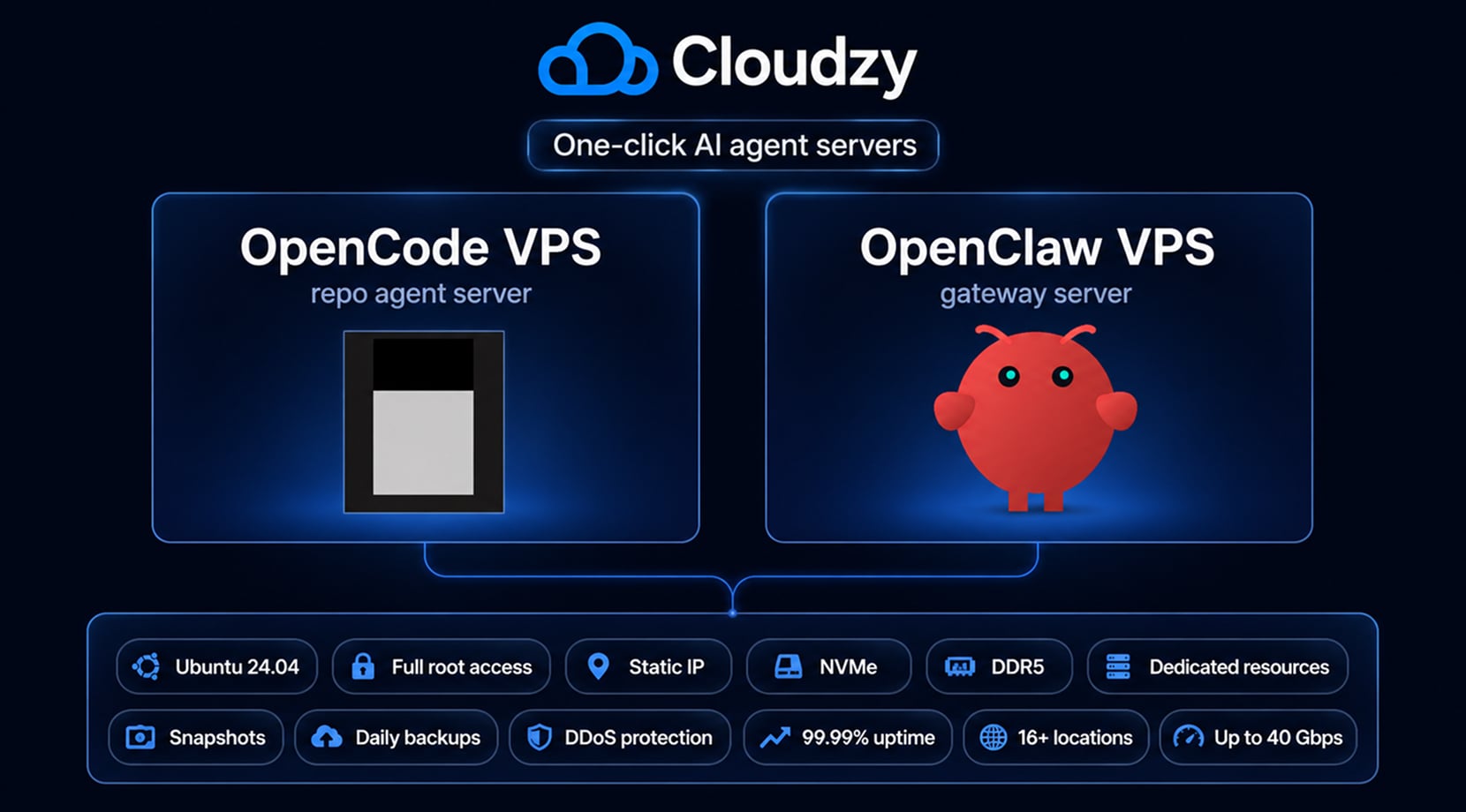
That is why we offer both as one-click setups. Our One-Click OpenCode VPS ships with OpenCode preinstalled on Ubuntu 24.04 and added to PATH, so you can start from a ready server.
Our OpenClaw VPS ships with Ubuntu 24.04, Node.js, OpenClaw, systemd service setup, SSH-tunnel dashboard access, full root access, snapshots, static IP, DDR5, NVMe, and up to 40 Gbps networking.
What do all those features mean for your setup? this:
| Setup Need | Why It Helps |
| Full root access | You can tune providers, tools, shell access, firewall rules, and project layout |
| NVMe and DDR5 | Repo scans, logs, workspaces, package installs, and browser runs stay responsive |
| Dedicated resources | Agent sessions are less likely to fight noisy shared environments |
| Snapshots and daily backups | You can test new channels, skills, or config changes with a safer rollback path |
| DDoS protection and 99.95% uptime | The server has a steadier network base than a laptop-only setup, especially for exposed dashboards, tunnels, APIs, or chat channels. |
| 12 locations | The server can sit closer to the users, repos, or APIs it talks to |
Do keep in mind that a VPS does not make the agent smarter. It does, however, remove the first layer of server chores and gives the workflow a steadier home. You still need good prompts, clear permissions, sane provider choices, and tight tool access.
For small teams, a coding agent is often one piece of a private dev stack. If you want OpenCode or OpenClaw in addition to docs, Git, metrics, runbooks, and automation tools, our guide to self-hosted apps you can run with Cosmos Cloud can help you get a good idea of how that works.
Before You Build Your Agent Stack
Before you build your agent stack, think about how you’ll have to handle bugs and issues. With OpenCode, most problems stay near the repo, the patch, the shell command, or the project rules. With OpenClaw, a broken run might come from the Gateway, channel auth, schedules, tool permissions, logs, or provider limits.
That’s why I suggest you keep the first setup small. Simply, start with the tool that matches the main workflow, add permissions before you add more tools, and make sure you know where logs and backups live.
If you want the self-hosted option without preparing the server from scratch, Cloudzy’s One-Click OpenCode VPS and OpenClaw VPS give you a ready base, then let you handle the workflow from there, putting you a few steps ahead!
FAQ
What Is OpenCode?
What Is OpenClaw?
Can OpenCode and OpenClaw Work Together?
Can OpenCode Run on a VPS?
Can OpenClaw Run on a VPS?
Is OpenClaw Better Than OpenCode for Coding?

Discussion
Comments
Sign in to join the discussion.