
PhpMyAdmin VPS Hosting
Open phpMyAdmin in Minutes
Get a phpMyAdmin VPS with Apache and MySQL ready out of the box. Build on Ubuntu 24.04 using a preinstalled image and full root control.

 Trustpilot
There’s a reason 119,000+ developers & businesses choose us.







Money-Back Guarantee

Online Support

Network Speed

Network Uptime
What Is phpMyAdmin VPS?
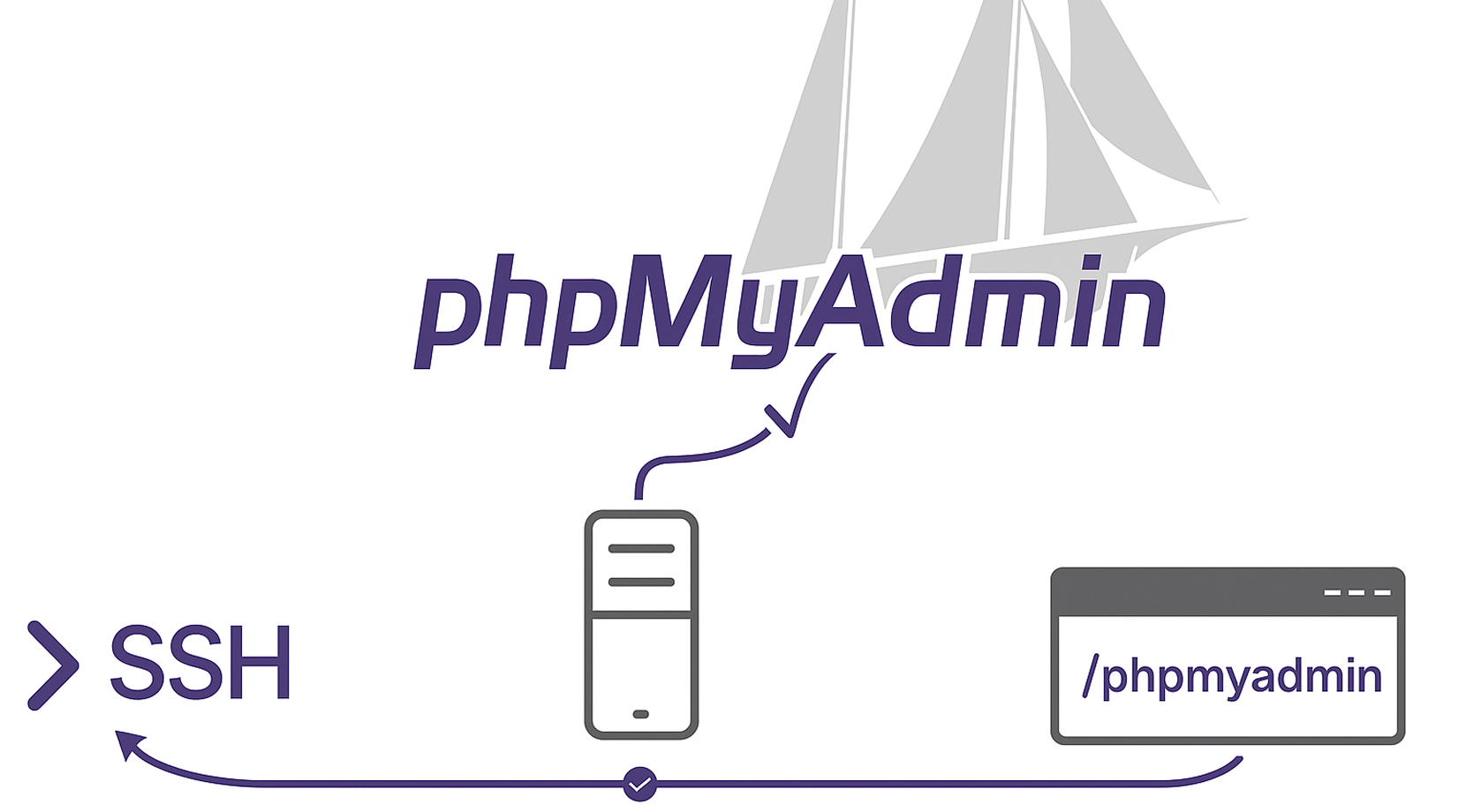
phpMyAdmin is a web interface for managing MySQL and MariaDB. With Cloudzy’s phpMyAdmin VPS, the stack comes ready on Ubuntu 24.04: system packages updated, MySQL installed and hardened, phpMyAdmin configured with Apache, and required PHP extensions enabled. The script removes anonymous users, drops the test database, creates a management user, and links the app at /phpmyadmin, so you can sign in and start working. Use SSH and root to tune PHP, adjust MySQL settings, and manage backups. Dedicated vCPUs, NVMe storage, DDR5 memory, and a 10 Gbps network keep page loads quick while snapshots make rollbacks safe. If you need phpMyAdmin hosting without manual steps, start here.
-
DDoS Protection

-
Various Payment Methods Available
-
Full Admin Access
-
Latency-Free Connectivity
-
Dallas GPU Server Location


How To Use?
How to Set Up a phpMyAdmin VPS
Not sure how to deploy your stack? It’s straightforward. With Cloudzy’s phpMyAdmin image, you start on Ubuntu 24.04 with Apache, MySQL, and phpMyAdmin already connected.
16+ Locations. Because Every Millisecond Matters
Deploy your VPS closer to users for optimal performance.


0Gbps Network Speed

0.00% Network Uptime

<0ms Average Latency

0/7 Monitoring





 Romania
Malaysia
Tokyo
Sydney
Romania
Malaysia
Tokyo
Sydney
Why Choose Cloudzy’s phpMyAdmin VPS hosting
Unlock the Power of Flexibility and Performance
Launch-ready admin panel
One-click image ships with Ubuntu 24.04, Apache2, MySQL Server, and phpMyAdmin configured. Log in and start managing databases.

High-performance infrastructure
Dedicated vCPUs, NVMe, and DDR5 keep exports, imports, and query browsing responsive on your phpMyAdmin VPS.
Full control
Tune PHP limits, enable extensions, edit /etc/phpmyadmin/config.inc.php, and manage services with systemd over SSH.
Clean, secure access
Default alias at /phpmyadmin out of the box, plus root access to change the alias, add HTTP auth, or lock by IP as your policy requires.
Admin-friendly and reliable
Fast provisioning, snapshots, and a 99.95% uptime SLA give you a stable platform for labs, staging, or production.
FAQ | phpMyAdmin VPS
Is phpMyAdmin safe to use in production environments?
Yes, when deployed with sane defaults and basic hardening. Keep packages updated, avoid the default /phpmyadmin path, consider HTTP authentication, use HTTPS, and limit access by IP or VPN. Application security also depends on database user privileges.
Does phpMyAdmin support MySQL 8 and MariaDB?
Current stable releases support modern MySQL and MariaDB versions. It can connect to local or remote servers and manage common tasks like users, privileges, imports, exports, and schema changes.
What PHP and browser requirements does phpMyAdmin have?
Recent releases work with contemporary PHP versions and need common extensions like mbstring, json, zip, and openssl. Any modern browser with cookies and JavaScript enabled will work.
Can I change the default login URL for phpMyAdmin?
Yes. Update the Apache alias from /phpmyadmin to a custom path and reload the web server. Many admins also add HTTP basic auth and IP allowlisting to reduce bot traffic.
How is phpMyAdmin different from desktop tools like MySQL Workbench?
phpMyAdmin is browser-based and server-hosted, good for quick admin, exports, imports, and routine operations. Desktop tools typically add modeling, performance profiling, and client-side workflows but require local installation.
How do I access my phpMyAdmin VPS on Cloudzy?
After provisioning, SSH as root to review settings, then open http:///phpmyadmin. You can rotate credentials, change the alias, and adjust PHP upload limits from the config.
What performance should I expect from a Cloudzy phpMyAdmin VPS?
Dedicated vCPUs, DDR5 RAM, NVMe storage, and a 10 Gbps uplink keep interface actions, imports, and exports responsive. Choose a nearby region for lower latency.
How do I secure a Cloudzy phpMyAdmin VPS?
Keep software updated, change the default alias, add HTTP auth, and limit access by IP or VPN. Use least-privilege MySQL users and store credentials safely.
Can I scale, snapshot, or reinstall my phpMyAdmin VPS?
Yes. You can resize CPU, RAM, or disk, take snapshots before changes, or redeploy the image. Snapshots help test updates with easy rollback.
Do I need to install phpMyAdmin on VPS manually with Cloudzy?
No. The image ships preinstalled and linked with Apache and MySQL. If you prefer to install phpMyAdmin on VPS yourself, you still have root access to do it, but the one-click template saves time. This also means you are effectively using managed phpMyAdmin hosting on your own VPS.
Need help? Contact our support team.
 Submit a Ticket
 No Setup Fees
Deploy in 60 Seconds
Cancel Anytime
No Setup Fees
Deploy in 60 Seconds
Cancel Anytime
