

NGINX VPS Hosting
Spin Up an NGINX VPS in Minutes
Deploy a clean NGINX setup for static sites, reverse proxy, or load balancing. Start building right away with a preinstalled image, official repositories configured, and full root control.

 Trustpilot
There’s a reason 119,000+ developers & businesses choose us.







Money-Back Guarantee

Online Support

Network Speed

Network Uptime
What Is NGINX VPS?
NGINX is a fast, event-driven web server that also works as a reverse proxy, cache, and load balancer. Cloudzy’s NGINX VPS ships on Ubuntu 24.04 LTS with the official nginx.org repository preconfigured, so you get signed packages and pinned updates. Log in with root, edit /etc/nginx/nginx.conf or drop files under /etc/nginx/conf.d, and serve static content from /usr/share/nginx/html or proxy to your app servers. Dedicated vCPUs, DDR5 memory, and NVMe SSDs with up to a 40 Gbps network keep latency low for websites and APIs. Snapshots help you test config changes safely, and you can scale CPU, RAM, or storage as traffic grows. A static IP and a 99.99% uptime SLA make it a steady base for staging or production. If you want performance and control, start with Cloudzy’s NGINX VPS hosting.
-
DDoS Protection

-
Various Payment Methods Available
-
Full Admin Access
-
Latency-Free Connectivity
-
Dallas GPU Server Location


Why Choose Cloudzy’s NGINX VPS Hosting
Unlock the Power of Flexibility and Performance
Launch-ready NGINX server
Start with a one-click image on Ubuntu 24.04 LTS using the official nginx.org repository for signed, pinned packages. Log in with root and deploy right away.

High-performance infrastructure
Dedicated vCPUs, NVMe storage, and DDR5 memory keep TTFB low for static sites, APIs, and reverse-proxied apps on your NGINX VPS.
Full config control
Manage /etc/nginx/nginx.conf, use conf.d or sites-available, manage services with systemd, and automate first-boot tasks using cloud-init.
Highly scalable, plus backups
Create server blocks, define upstream groups, enable HTTP/2 or QUIC, and scale CPU, RAM, or disk as your projects grow on NGINX VPS hosting.
Admin-friendly and reliable
A familiar Linux base with quick provisioning, snapshots, and predictable performance for labs, staging, or production.
How To Use?
How to Set Up an NGINX VPS
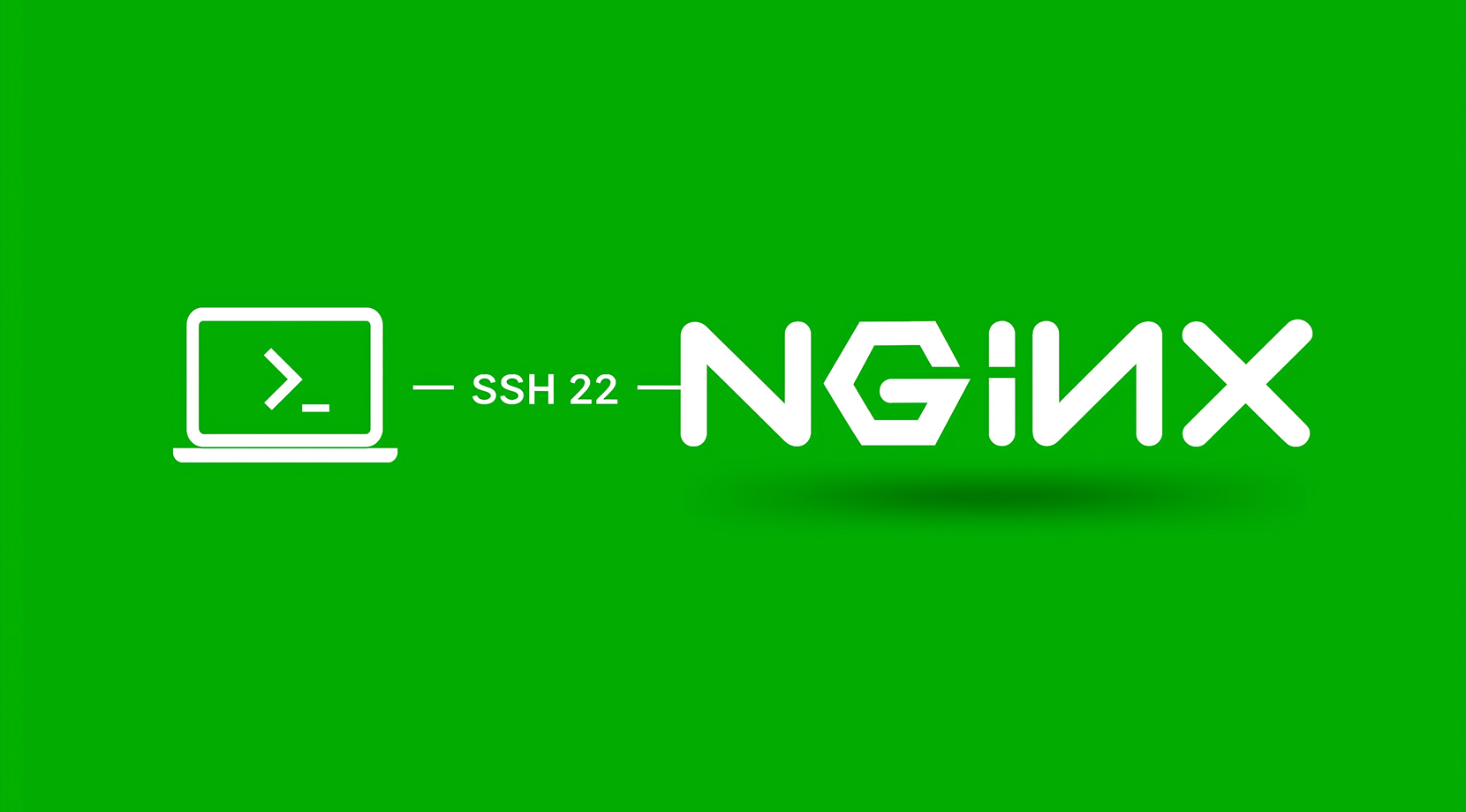
Not sure how to deploy your stack? It’s straightforward. With Cloudzy’s NGINX VPS hosting, you start from a preinstalled image on Ubuntu 24.04 LTS with the official nginx.org repo configured. SSH in with root, review /root/.cloudzy-creds, and add server blocks in /etc/nginx/conf.d. Serve static files from /usr/share/nginx/html or proxy to your app.
Cloudzy, Through Our Users’ Words
Hear how 119124 developers make Cloudzy part of their workflow.
Engineering Without Interruptions



FAQ | NGINX VPS
Is it a web server or a reverse proxy?
Both. It can serve static content and forward requests to application servers. It also supports caching, TLS termination, and TCP/UDP proxying with the stream module.
What’s the difference between mainline and stable releases?
Mainline receives features and fixes more frequently and is recommended for most deployments. Stable updates less often and suits environments with stricter change control.
Can it load balance across multiple servers?
Yes. You can define upstream groups and use round robin, least connections, IP hash, or generic hash in open source, with additional methods in NGINX Plus.
How do you enable HTTPS?
Create a server block on port 443 with ssl, reference your certificate and key, then reload the service. Modern configs commonly allow TLS 1.2 and 1.3.
Where are config and web root located by default?
Packages typically place nginx.conf under /etc/nginx/, logs under /var/log/nginx/, and a default site under /usr/share/nginx/html or /var/www/html depending on the distro.
How does NGINX VPS performance compare on Cloudzy?
Plans use dedicated vCPUs, DDR5 memory, and NVMe storage to keep latency low. An up to 40 Gbps network helps static files and proxied backends respond quickly during peaks.
How do I access my NGINX VPS on Cloudzy?
You receive full root access on Ubuntu 24.04 with NGINX from the official repository. Log in over SSH, review /root/.cloudzy-creds, and start adding server blocks or upstreams.
What security options come with NGINX VPS on Cloudzy?
You control firewall rules, SSH keys, and TLS at the OS and NGINX layers. Use signed packages from nginx.org, keep configs minimal, and reload after changes to apply them safely.
What uptime and support do I get for NGINX VPS hosting on Cloudzy?
Infrastructure is backed by a 99.99% uptime SLA. Support is available 24/7 to help with regions, sizing, or configuration issues.
Can I scale or snapshot my NGINX VPS on Cloudzy?
Yes. Increase CPU, RAM, or storage as projects grow and take snapshots before major changes. This makes experiments and rollbacks safer.
Need help? Contact our support team.
 Submit a Ticket
 No Setup Fees
Deploy in 60 Seconds
Cancel Anytime
No Setup Fees
Deploy in 60 Seconds
Cancel Anytime
