

Managed Moodle VPS Hosting
Launch a Moodle VPS in Minutes
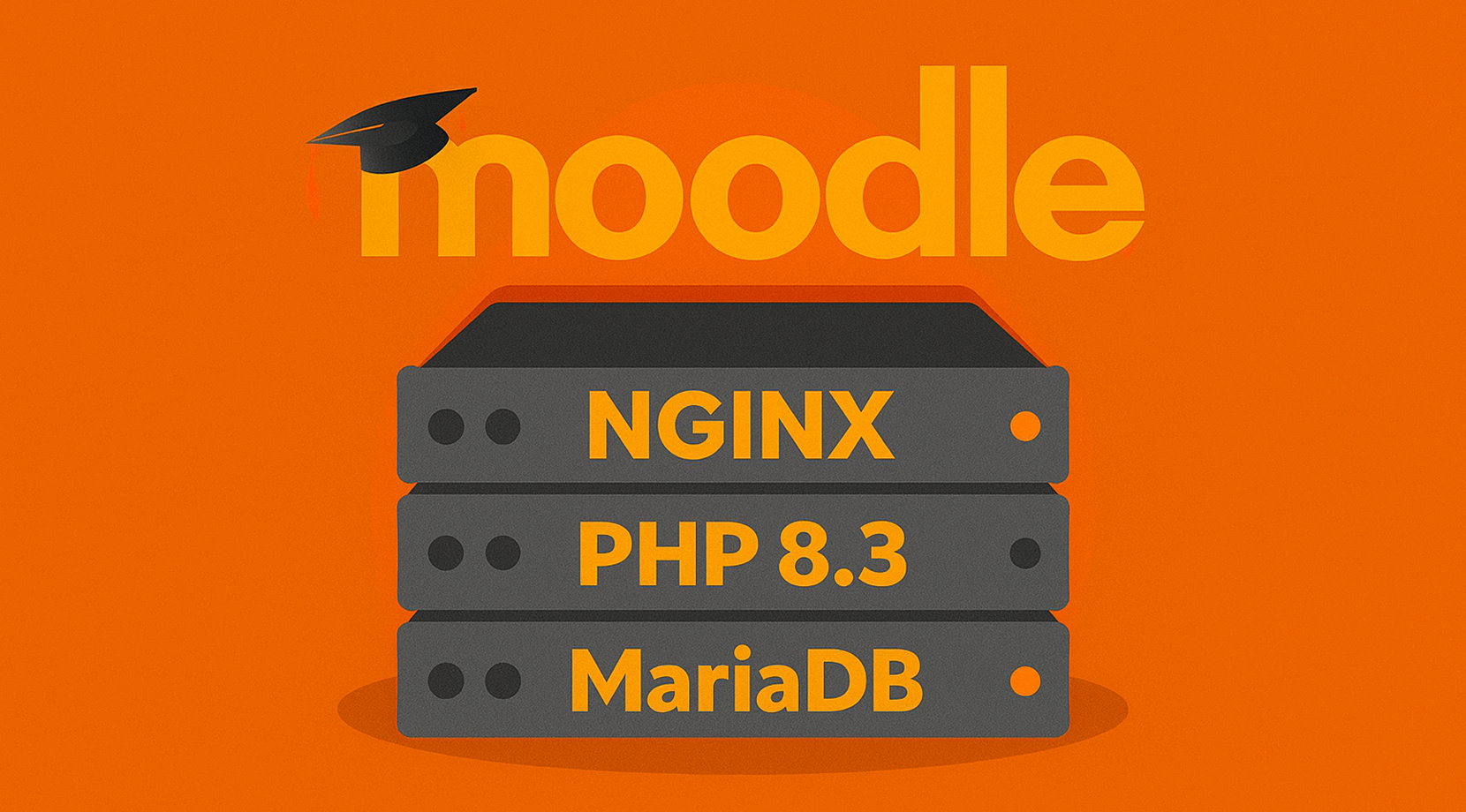
Deploy a production-ready Moodle on Nginx, PHP 8.3, and MariaDB. Start teaching with a preinstalled image, full root control, and quick provisioning on Moodle VPS hosting.

 Trustpilot
There’s a reason 119,000+ developers & businesses choose us.







Money-Back Guarantee

Online Support

Network Speed

Network Uptime
What Is Moodle VPS?
Moodle is a popular open-source Learning Management System for building courses, assessments, and blended learning. With Cloudzy’s Moodle VPS, you skip manual setup and start with a tuned image on Ubuntu 24.04 LTS. The stack uses Nginx, PHP 8.3, and MariaDB with server-level hardening, so you can create courses, enroll users, and install plugins without delay. Dedicated vCPUs, DDR5 RAM, and NVMe SSDs pair with up to a 40 Gbps network for fast page loads and smooth activity attempts. Snapshots help you test upgrades and plugins safely, and you can scale CPU, RAM, or storage as enrollments grow. A static IP and a 99.99% uptime SLA keep access stable for students and staff. From small teams to institution-wide rollouts, Moodle VPS gives you flexibility and control without the limits of shared hosting.
-
DDoS Protection

-
Various Payment Methods Available
-
Pre-Installed OS of Your Choice
-
Full Admin Access
-
Latency-Free Connectivity
-
Dallas GPU Server Location


Why Choose Cloudzy’s Moodle VPS Hosting
Unlock the Power of Flexibility and Performance
Launch-ready Moodle stack
Start with a one-click image on Ubuntu 24.04 LTS with Nginx, PHP 8.3, and MariaDB preconfigured. Log in as root and begin configuring courses.

High-performance infrastructure
Dedicated vCPUs, NVMe storage, and DDR5 memory keep pages and activities responsive on Moodle VPS.
Full platform control
Tune PHP settings, enable opcache, manage cron, and configure Nginx and database access. You get root on every server.
Highly scalable, plus backups
Add CPU, RAM, or disk as usage grows. Store large files in moodledata and keep the database lean.
Admin-friendly and reliable
Predictable performance, fast provisioning, and snapshots give you a stable base for staging or production.
How To Use?
How to Set Up a Moodle VPS
Not sure where to start? With Cloudzy’s Moodle VPS, you begin on Ubuntu 24.04 LTS with Moodle preinstalled. Follow the setup guide below, and if you run into any problems, feel free to contact our 24/7 support.
Cloudzy, Through Our Users’ Words
Hear how 119490 developers make Cloudzy part of their workflow.
Engineering Without Interruptions



FAQ | Moodle VPS
Is Moodle free to use?
Yes. It is open source under the GNU GPL and can be downloaded without licensing fees. You can self host and extend it with plugins and themes maintained by the community.
What are the system requirements?
You need a web server such as Nginx or Apache, PHP in a supported version, and a relational database like MariaDB, MySQL, or PostgreSQL. Exact PHP and extension requirements vary by release.
Does Moodle scale for large numbers of users?
Capacity depends on concurrent activity and hardware. You can scale vertically with CPU, RAM, and fast storage, and horizontally with caching and web/database tier separation.
Does Moodle support standards like SCORM?
Yes. Moodle supports common e-learning standards, and you can add more capabilities through plugins. Format support depends on the plugin or core feature set of your version.
How do I access my Moodle VPS after deployment?
You receive root SSH access on Ubuntu 24.04 with Nginx, PHP 8.3, and MariaDB preconfigured. Visit http://, then switch to your domain with HTTPS and update Moodle URLs.
What performance do I get on a Moodle VPS with Cloudzy?
Plans include dedicated vCPUs, DDR5 memory, and NVMe storage to keep course pages and quizzes responsive. An up to 40 Gbps network and regional locations help reduce wait times for users.
How secure is a Moodle VPS on Cloudzy?
You control firewall rules, SSH keys, and service configs. The image applies hardening defaults, and you can add TLS, opcache, and cron. Keep the stack patched from Ubuntu repositories.
Can I scale or snapshot my Moodle VPS?
Yes. You can add CPU, RAM, or disk as enrollments grow and take snapshots before upgrades or plugin changes. This makes testing and rollbacks safer.
Does Cloudzy provide uptime and support for Moodle VPS hosting?
Infrastructure is backed by a 99.99% uptime SLA. Support is available 24/7 for region choice, sizing, and stack troubleshooting.
Need help? Contact our support team.
 Submit a Ticket
 No Setup Fees
Deploy in 60 Seconds
Cancel Anytime
No Setup Fees
Deploy in 60 Seconds
Cancel Anytime
