

Node.js VPS Hosting
Spin Up a Node.js Server in Minutes
Get a Node.js VPS with NGINX and PM2 ready out of the box. Build on Ubuntu 24.04 using a preinstalled image and full root control.

 Trustpilot
There’s a reason 119,000+ developers & businesses choose us.







Money-Back Guarantee

Online Support

Network Speed

Network Uptime
What is Node.js VPS?
A Node.js VPS is a private server image tailored for JavaScript back ends, APIs, and SSR apps. On Cloudzy, you get a preinstalled runtime with Node.js on VPS plus NGINX and PM2, all on Ubuntu 24.04. Use SSH to drop in your code, start it under PM2, and publish through NGINX for stable URLs and clean logs. Dedicated vCPUs, DDR5 RAM, pure NVMe, and up to a 40 Gbps uplink keep installs and responses quick, while snapshots and hourly billing make tests and rollbacks low-risk. If you want VPS for Node.js with root access, a static IP, and a 99.99% uptime SLA, this image gives you a fast path from clone to production.
-
DDoS Protection

-
Various Payment Methods Available
-
Full Admin Access
-
Latency-Free Connectivity
-
Dallas GPU Server Location


Why Choose Cloudzy’s Node.js VPS Hosting?
Unlock the Power of Flexibility and Performance
Launch a ready Node.js stack
Start with a one-click image that ships with Ubuntu 24.04, Node.js 22, NGINX, and PM2. Log in with root and begin deploying right away.

Keep stack control
Manage NGINX vhosts, PM2 apps, and OS services with systemd. You get root access on every server.
Ship many apps cleanly
Run multiple PM2 processes, add NGINX server blocks, and scale CPU, RAM, or disk as needs grow.
Admin-friendly and reliable
Quick provisioning, snapshots, and a 99.99% SLA make it a stable base for labs, staging, or production.
Built for real Node workloads
Dedicated vCPUs, NVMe, and DDR5 keep installs, builds, and responses quick on your Node.js VPS.
How To Use?
How to Set Up a Node.js VPS?
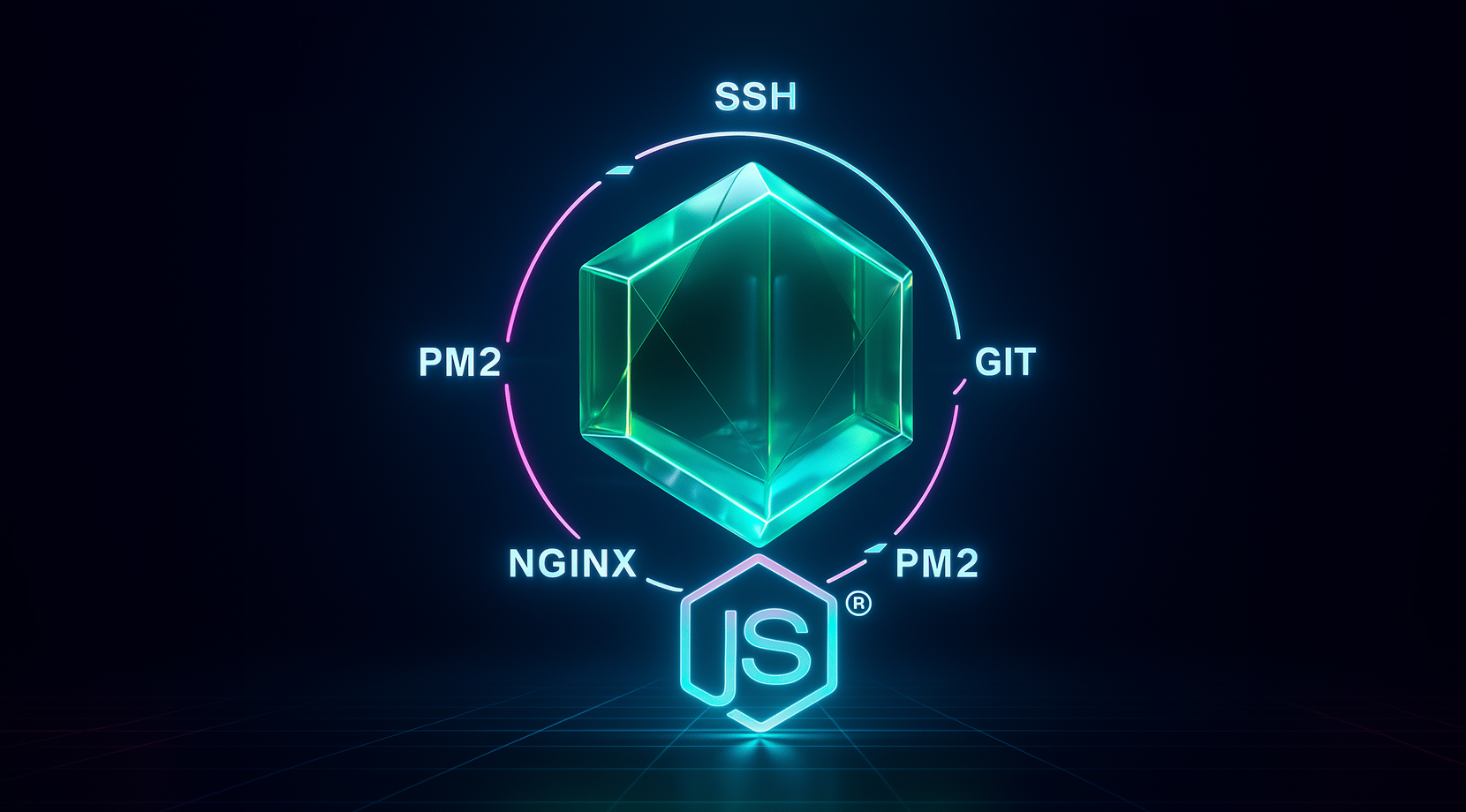
Not sure how to deploy your stack. It’s straightforward. With Cloudzy’s image, you start from Ubuntu 24.04 with Node.js 22, NGINX, and PM2 already present.
16+ Locations. Because Every Millisecond Matters
Deploy your VPS closer to users for optimal performance.


0Gbps Network Speed

0.00% Network Uptime

<0ms Average Latency

0/7 Monitoring





 Romania
Malaysia
Tokyo
Sydney
Romania
Malaysia
Tokyo
Sydney
FAQ | Node.js VPS
Is Node.js single-threaded and how does it handle concurrency?
Node.js runs JavaScript in a single thread but uses an event loop with libuv to handle asynchronous I/O, timers, and callbacks efficiently. This model allows high concurrency for I/O-bound work without a thread per request.
Which Node.js version should I choose for production?
Pick an even-numbered LTS release, such as 22.x, because LTS branches get long-term security and bug fixes. Current releases move to LTS on a schedule, and older lines transition to maintenance or end-of-life.
Do I need a reverse proxy in front of Node.js?
Many teams place NGINX in front to handle keep-alive, buffering, TLS, and host-based routing. You can also load balance across multiple Node instances when traffic grows.
How do I keep a Node.js app running after I log out?
Use a process manager like PM2 to daemonize the app, enable restart on crash, and persist processes across reboots. PM2 also offers cluster mode to use multiple CPU cores.
What’s the best way to deploy on Ubuntu 24.04?
Use the distro or NodeSource packages, or a version manager like NVM or Volta, then run the app behind NGINX with PM2. Keep the runtime on an LTS branch for stability.
How does Node.js VPS perform on Cloudzy hardware?
Plans include dedicated vCPUs, DDR5 memory, and pure NVMe, so builds, installs, and responses stay quick. The up to a 40 Gbps uplink helps npm and CI pulls and keeps latency low for users. Node.js VPS hosting benefits from regional locations.
How do I access a new Node.js VPS on Cloudzy?
You get full root over SSH on Ubuntu 24.04 with Node.js 22, NGINX, and PM2 preinstalled. Check /root/.cloudzy-creds for the app user, then deploy Node.js to VPS with Git and PM2.
What security controls do I have on a Node.js VPS?
You control firewall rules, SSH keys, TLS via Certbot, and NGINX vhosts. Keep secrets in env files, restrict ports, and rotate credentials before pushing to production on Node.js hosting.
Can I scale or snapshot a Node.js VPS on Cloudzy?
Yes. You can resize CPU, RAM, or storage without migrations and take snapshots before major changes. This makes tests, blue-green deploys, and rollbacks simple on VPS for Node.js.
Do I get a static IP and root access with Node.js VPS?
Every instance includes dedicated IPv4/IPv6 and full root. That keeps admin access, webhook endpoints, and DNS records predictable after you deploy Node.js app on VPS.
Need help? Contact our support team.
 Submit a Ticket
 No Setup Fees
Deploy in 60 Seconds
Cancel Anytime
No Setup Fees
Deploy in 60 Seconds
Cancel Anytime
