

ownCloud Cloud VPS Hosting
Bring Private File Sync Online in Minutes
Start with a one-click image of ownCloud on Cloud VPS. Your server comes on Ubuntu 22.04 LTS with the web UI ready, admin credentials in /root/.cloudzy-creds, and full root. Build a private hub for file sync and sharing on dedicated vCPUs, DDR5 memory, and pure NVMe. Keep projects fast on an up to 40 Gbps network, scale as you grow, and snapshot before changes.

 Trustpilot
There’s a reason 118,000+ developers & businesses choose us.







Money-Back Guarantee

Online Support

Network Speed

Network Uptime
What is ownCloud Cloud VPS
ownCloud is an open-source platform for secure file sync, sharing, and collaboration. With Cloudzy’s ownCloud Cloud VPS, it ships as a ready image on Ubuntu 22.04 LTS, so you sign in, finish setup in the browser, and start inviting users.
Desktop and mobile clients connect over HTTPS or WebDAV for simple access. Dedicated vCPUs, DDR5 RAM, NVMe storage, and an up to 40 Gbps uplink keep uploads and previews quick. You can add a domain, enable TLS, tune storage, and manage jobs with the occ tool. Snapshots make rollbacks simple, scaling adjusts CPU, RAM, or disk when usage rises, and a 99.99% uptime SLA keeps access predictable for teams and clients.
-
DDoS Protection

-
Various Payment Methods Available
-
Full Admin Access
-
Latency-Free Connectivity
-
Dallas GPU Server Location


Why Choose Cloudzy’s ownCloud Cloud VPS
Unlock the Power of Flexibility and Performance
Launch-ready
One-click image on Ubuntu 22.04 with ownCloud preinstalled on your ownCloud Cloud VPS. Log in with admin details from /root/.cloudzy-creds and finish setup in the browser.

Performance-first
Dedicated vCPUs, NVMe storage, DDR5 memory, and an up to 40 Gbps uplink keep sync, previews, and sharing responsive.
Full control
Root access on every server. Manage with occ, set trusted domains, configure cron, and connect clients over HTTPS or WebDAV.
Flexible scaling
Grow CPU, RAM, or disk on demand. Use snapshots before upgrades or app changes to keep rollbacks simple.
Admin-friendly and reliable
Fast provisioning, predictable performance, and a 99.99% uptime SLA fit labs, portals, and production spaces.
How To Use?
How to Set Up an ownCloud Cloud VPS
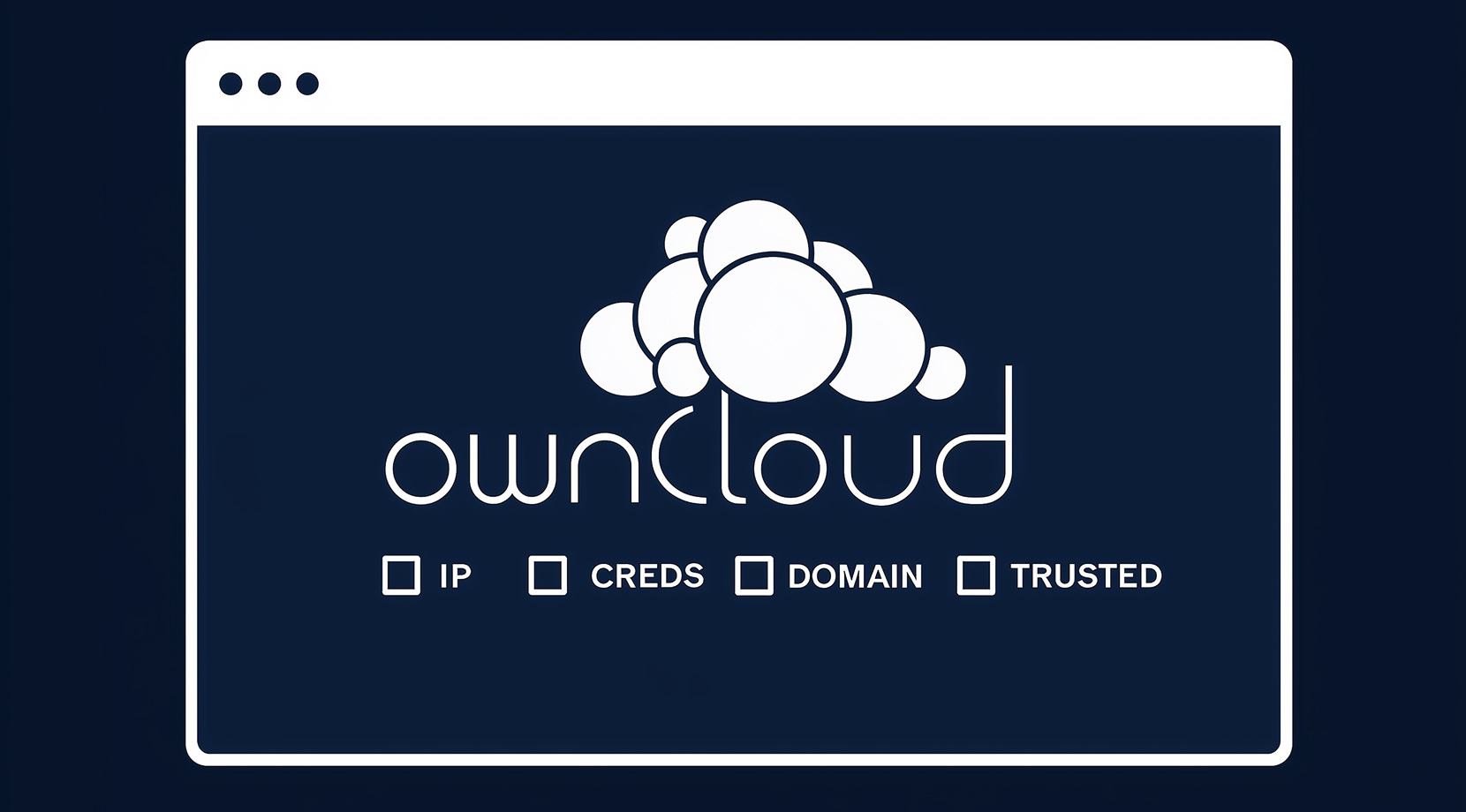
Not sure where to start? With Cloudzy’s ownCloud Cloud VPS, you open the server IP in your browser to finish the installer. The admin username and password are in /root/.cloudzy-creds. Add your domain, enable HTTPS, and set trusted domains. Use the occ tool to switch background jobs to cron and to manage users and apps.
Cloudzy, Through Our Users’ Words
Hear how 118626 developers make Cloudzy part of their workflow.
Engineering Without Interruptions



FAQ | ownCloud
Is ownCloud open source and self-hostable?
Yes. The server is open source and designed for on-prem, hybrid, or cloud installs you control. It provides a web UI, desktop and mobile apps, and WebDAV access for file sync and sharing.
What are the typical server components and requirements for ownCloud?
A supported Linux host with Apache 2.4, PHP, and MySQL or MariaDB is standard. Ubuntu 22.04 LTS is supported, and background jobs should run on cron for reliable tasks.
How do desktop and mobile clients connect to ownCloud?
Users can install the official desktop client for Windows, macOS, or Linux, and the mobile apps for iOS and Android. Clients sync over HTTPS and can also use WebDAV endpoints.
Does ownCloud support external storage backends?
You can mount external providers such as S3-compatible object storage, SMB, or other backends. Admins can restrict mounts to specific users or manage them centrally.
How is data protected in transit and at rest on ownCloud?
TLS protects data in transit. For storage, the platform offers server-side encryption features and guidance for using S3 bucket encryption when object storage is primary. Admin hardening and regular updates are recommended.
How do I access ownCloud on Cloudzy after deployment?
Open the server IP to finish setup, then sign in with the admin credentials from /root/.cloudzy-creds. You get full root on Ubuntu 22.04 LTS to adjust settings or add a domain.
What performance profile do I get with Cloudzy for ownCloud Cloud VPS?
Plans feature dedicated vCPUs, DDR5 RAM, NVMe storage, and an up to 40 Gbps uplink. This helps file sync, previews, and link sharing stay responsive under load.
How do I keep jobs running and the app healthy on Cloudzy?
Switch background jobs to cron with occ and add a crontab entry. Use snapshots before upgrades, and scale CPU, RAM, or disk if team usage grows.
How do I secure access on Cloudzy’s platform?
Add a custom domain, enable HTTPS, and set trusted domains. Use app passwords or tokens for clients, restrict admin access, and keep packages updated.
Can I extend storage or use S3 on ownCloud Cloud VPS?
Yes. You can add more NVMe space to your instance or mount S3-compatible storage as external storage. For primary object storage, follow the official guidance and plan backups.
Need help? Contact our support team.
 Submit a Ticket
 No Setup Fees
Deploy in 60 Seconds
Cancel Anytime
No Setup Fees
Deploy in 60 Seconds
Cancel Anytime
