

V2Ray VPS Hosting
Control Your Traffic with V2Ray VPS Server in Minutes
Bring a private proxy online fast with a one-click V2Ray VPS image on Ubuntu 24.04 LTS. VMess is preinstalled and ready, complete with a generated UUID and client files. Start with full root access, a static IP, and NVMe storage. If you need V2ray VPS hosting for stable, private egress or labs, you can grow resources and take snapshots any time.

 Trustpilot
There’s a reason 119,000+ developers & businesses choose us.







Money-Back Guarantee

Online Support

Network Speed

Network Uptime
What is V2Ray VPS?
V2Ray is a modular proxy platform that supports multiple transport layers and protocols like VMess and VLESS. A V2Ray VPS from Cloudzy ships as a ready image on Ubuntu 24.04 LTS with VMess preconfigured, so you can connect clients immediately or tailor routing rules later. Manage the service with systemd, edit /usr/local/etc/v2ray/config.json, and review logs under /var/log/v2ray/. You also receive /root/client.json and a VMESS share link for quick import into desktop or mobile clients. Dedicated vCPUs, DDR5 memory, NVMe disks, and an up to 40 Gbps uplink keep latency low, while snapshots let you test configuration changes safely. You can scale CPU, RAM, or disk on demand, and a static IPv6 keeps access predictable. If you want VPS for V2ray that balances speed with control, start here.
-
DDoS Protection

-
Various Payment Methods Available
-
Full Admin Access
-
Latency-Free Connectivity
-
Dallas GPU Server Location


How To Use?
How to Set Up a V2Ray VPS
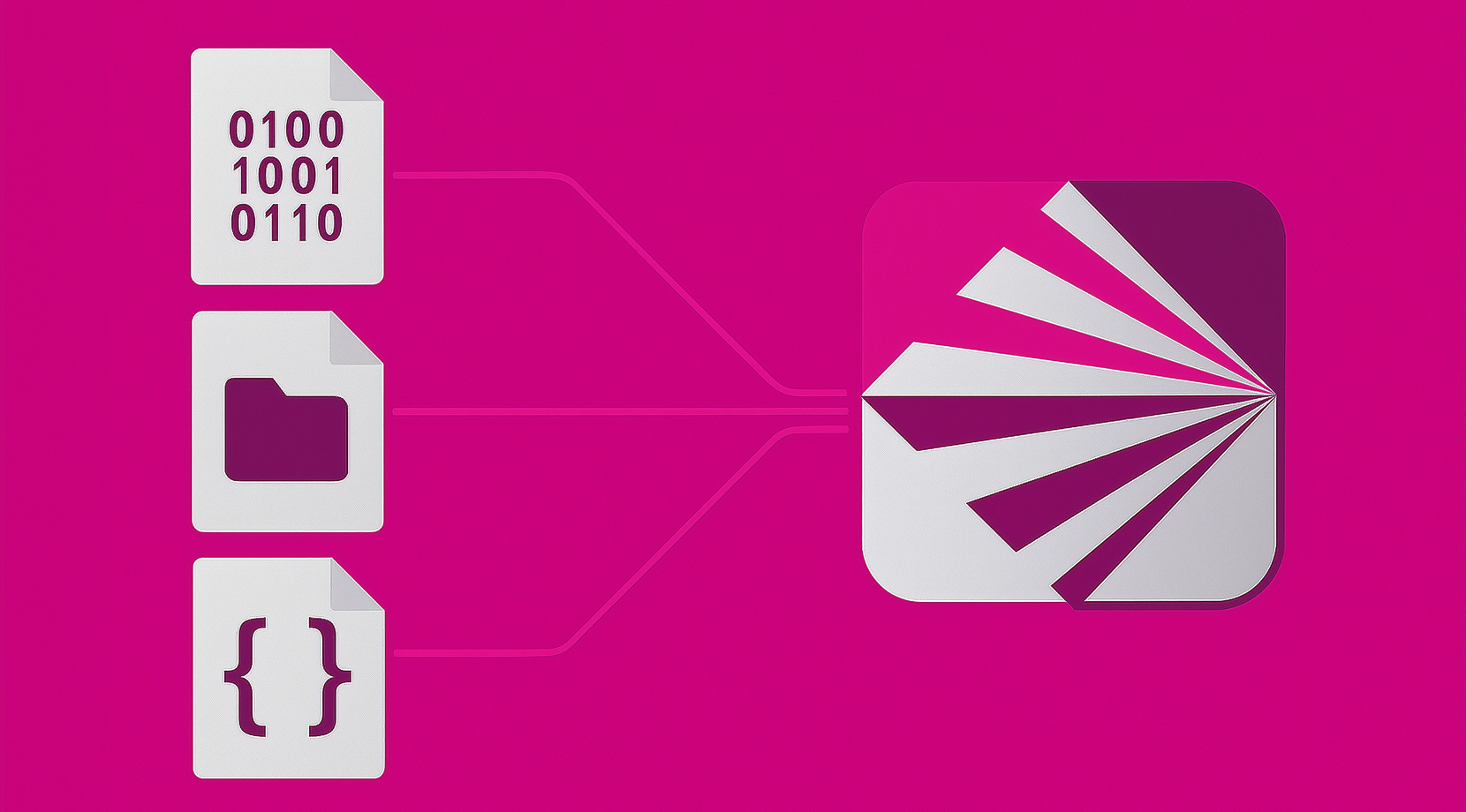
Not sure how to start? With Cloudzy’s V2Ray VPS, you begin on Ubuntu 24.04 LTS with VMess preconfigured. SSH in with root, review the files below, and connect a client using the JSON or the VMESS URL.
16+ Locations. Because Every Millisecond Matters
Deploy your VPS closer to users for optimal performance.


0Gbps Network Speed

0.00% Network Uptime

<0ms Average Latency

0/7 Monitoring





 Romania
Malaysia
Tokyo
Sydney
Romania
Malaysia
Tokyo
Sydney
Why Choose Cloudzy’s V2Ray VPS Hosting
Unlock the Power of Flexibility and Performance
Launch-ready image
Start with a one-click VMess server on Ubuntu 24.04 LTS. Log in as root, find credentials in /root/.cloudzy-creds, and connect clients right away.

Real-world performance
Dedicated vCPUs, NVMe storage, and DDR5 memory help VMess keep latency and jitter low.
Full configuration control
Edit config.json, manage with systemd, rotate UUIDs, and automate first-boot tasks with cloud-init.
Clean networking
A static dedicated IPv6 simplifies firewall rules and client whitelists across all V2ray VPS hosting plans.
Reliable by design
Quick provisioning, snapshots, and a 99.95% uptime SLA give you a stable base for labs or daily use.
FAQ | V2Ray VPS
What is V2Ray and how does it work?
V2Ray is a proxy platform that routes traffic through configurable inbounds and outbounds. It supports multiple protocols like VMess and VLESS and can run over transports such as TCP or WebSocket with optional TLS. Its modular design lets you split traffic by domain or region.
What is the difference between VMess and VLESS?
VMess includes built-in encryption and time-based authentication, while VLESS is a lightweight alternative that relies on a secure channel like TLS for confidentiality. VMess is widely used for client-to-server links, and many setups add WebSocket and TLS for better reachability.
Do you need TLS with V2Ray?
TLS is strongly recommended, especially when using WebSocket or VLESS, because it blends traffic with normal HTTPS and protects session data in transit. Server-side TLS can be terminated by Nginx or Caddy that forwards to V2Ray on an internal port.
How do clients connect using a VMess link?
A VMess URL encodes server address, port, UUID, transport, and optional TLS flags. Most desktop and mobile clients accept the link directly, or you can import a JSON file with the same fields.
Which transports are common for V2Ray today?
TCP is the simplest path, while WebSocket over TLS is popular for strong reachability through standard HTTPS ports. Some users add a reverse proxy or CDN in front of WebSocket to further blend traffic patterns.
How do I access a Cloudzy V2Ray VPS after provisioning?
You receive full root access on Ubuntu 24.04 with VMess preinstalled. Log in over SSH, review /root/.cloudzy-creds, and use /root/client.json or /root/client.vmess to connect a client.
What performance can I expect on a Cloudzy V2Ray VPS?
Plans use dedicated vCPUs, DDR5 memory, and NVMe storage on an up to 40 Gbps network. This helps reduce latency and keeps VMess throughput steady during peak hours.
How is security handled on a Cloudzy V2Ray VPS?
You control firewall rules, TLS termination, and UUID rotation at the OS level. Logs live under /var/log/v2ray/, and you can place the service behind Nginx or Caddy with TLS on port 443.
What uptime and support come with Cloudzy V2Ray VPS hosting?
Infrastructure is backed by a 99.95% uptime SLA. Support is available 24/7 to help with sizing, region choice, or configuration issues.
Can I scale, snapshot, and keep a static IP on my Cloudzy V2Ray VPS server?
Yes. You can scale CPU, RAM, or disk from the panel, take snapshots before changes, and your server includes a static dedicated IPv6 for predictable access across all V2ray installations on VPS.
Need help? Contact our support team.
 Submit a Ticket
 No Setup Fees
Deploy in 60 Seconds
Cancel Anytime
No Setup Fees
Deploy in 60 Seconds
Cancel Anytime
