

1-Click Zabbix Server
Spin Up Zabbix in Minutes
Deploy a ready Zabbix Server stack with one click. Our Ubuntu 24.04 image installs the server, frontend, and agent with MySQL and Apache, secures the Admin password, and writes access details to /root/.cloudzy-creds. Start monitoring apps, databases, and network gear right away on dedicated vCPUs, DDR5 RAM, and NVMe storage over up to a 40 Gbps network.

 Trustpilot
There’s a reason 119,000+ developers & businesses choose us.







Money-Back Guarantee

Online Support

Network Speed

Network Uptime
What Is Zabbix Server VPS?
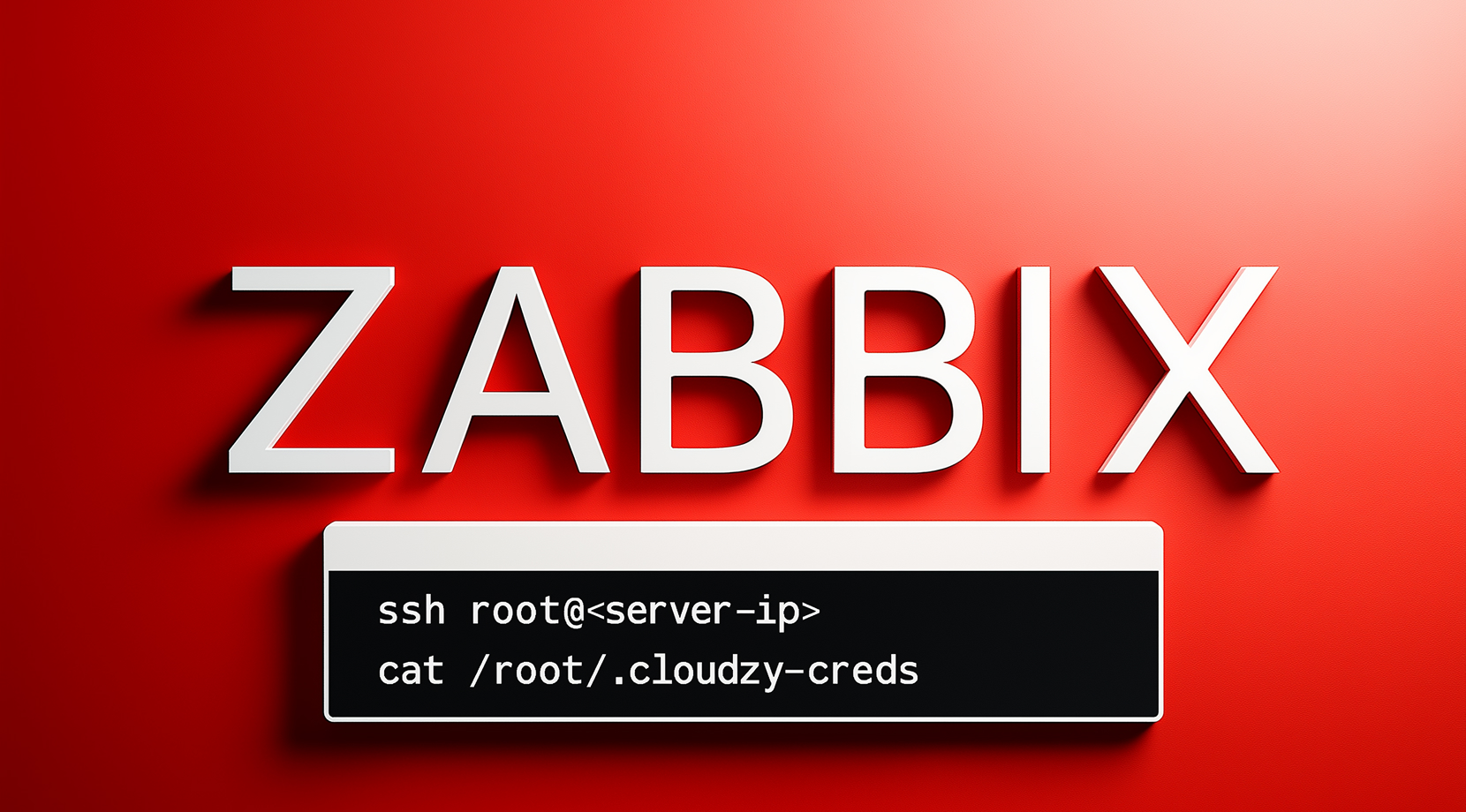
Zabbix Server is an open-source monitoring platform for hosts, services, and networks with alerting, visualization, and automation. Cloudzy’s Zabbix server 1-Click App ships on Ubuntu 24.04 with the server, frontend, agent, MySQL, and Apache already installed. The script creates the database, imports the schema, injects credentials, and hardens the default Admin password using bcrypt. Boot, SSH in to read /root/.cloudzy-creds, then open http://<server-ip>/zabbix to finish the wizard or log in if preconfigured. You can tune zabbix_server.conf, review logs under /var/log/zabbix/, and scale CPU, RAM, or disk as needs grow. Dedicated vCPUs, DDR5, NVMe, and regional 40 Gbps connectivity keep checks fast and dashboards responsive, backed by snapshots and a 99.99% uptime SLA.
-
DDoS Protection

-
Various Payment Methods Available
-
Full Admin Access
-
Latency-Free Connectivity
-
Dallas GPU Server Location


Why Choose Cloudzy’s Zabbix Server VPS
Unlock the Power of Flexibility and Performance
Launch-ready image
One click installs Ubuntu 24.04 plus server, frontend, agent, MySQL, and Apache. Log in with root and get to work.

High-performance infrastructure
Dedicated vCPUs, NVMe, and DDR5 help keep check processing and UI response times low.
Full control
Edit zabbix_server.conf, manage services with systemd, and adjust PHP and Apache settings.
Clean multi-environment hosting
Add proxies, segment host groups, and grow CPU, RAM, or storage without migrations.
Reliable operations
Fast provisioning, snapshots, and a 99.99% uptime SLA support labs, staging, or production.
How To Use?
How to Set Up a Zabbix Server VPS
Not sure where to start? With Cloudzy’s Zabbix server 1-Click App, you begin on Ubuntu 24.04 LTS with the server, frontend, and agent installed.
Cloudzy, Through Our Users’ Words
Hear how 119363 developers make Cloudzy part of their workflow.
Engineering Without Interruptions



FAQ | Zabbix Server
What is Zabbix and how does it work?
It is an open-source platform that collects metrics from agents, SNMP, and other sources, stores them in a database, and evaluates triggers for alerting and dashboards. You can add proxies to collect data from remote sites and reduce load on the main server.
Is Zabbix free and supported long term?
Yes. The software is free and the 7.0 line is an LTS release with three years of full support and two additional years of limited support according to the project’s life-cycle policy.
Which databases can Zabbix use?
It supports MySQL or Percona, and PostgreSQL for the server and frontend. Supported versions vary by release; current 7.0 builds support modern MySQL and Percona versions and InnoDB.
What is the difference between Zabbix agent and agent2?
The classic agent is written in C, while agent2 is based on Go with plugin support and concurrent checks. Agent2 adds native integrations for popular services and runs under systemd on Linux.
What ports does Zabbix use by default?
The web frontend uses HTTP 80 or HTTPS 443. The server listens on TCP 10051 and agents on TCP 10050. Java gateway and web service use 10052 and 10053.
How do I access my Zabbix Server on Cloudzy VPS after deployment?
You receive full root access on Ubuntu 24.04 with server, frontend, and agent installed. Read /root/.cloudzy-creds for credentials, then open http:///zabbix to complete setup or log in.
What performance do I get for Zabbix Server on Cloudzy VPS?
Plans include dedicated vCPUs, DDR5 RAM, and NVMe storage with up to a 40 Gbps network, which helps keep polling intervals tight and the UI responsive under load.
How is security handled for Zabbix Server on Cloudzy VPS?
The installer secures the Admin password with bcrypt and writes secrets to /root/.cloudzy-creds. You control SSH keys, firewall rules, TLS, and can restrict DB and UI access as needed.
What uptime and support are available for Zabbix Server on Cloudzy VPS?
Infrastructure is backed by a 99.99% uptime SLA. Our team is available 24/7 for sizing, regions, and configuration questions about the Zabbix server 1-Click App.
Can I scale, snapshot, or change regions for Zabbix Server on Cloudzy VPS?
Yes. You can grow CPU, RAM, or storage as devices increase, take snapshots before upgrades, and deploy in additional regions for proxies or DR scenarios.
Need help? Contact our support team.
 Submit a Ticket
 No Setup Fees
Deploy in 60 Seconds
Cancel Anytime
No Setup Fees
Deploy in 60 Seconds
Cancel Anytime
