

WireGuard VPS Hosting
WireGuard VPS For Private Access
Set up a WireGuard VPS server on Ubuntu 24.04, import the client config, and route traffic through an encrypted tunnel with full root access and a static IP.

 Trustpilot
There’s a reason 118,000+ developers & businesses choose us.







Money-Back Guarantee

Online Support

Network Speed

Network Uptime
What is WireGuard VPS?
Cloudzy’s WireGuard VPS hosting installs WireGuard on Ubuntu 24.04 or 22.04 with systemd and cloud-init. A ready client .conf is placed in /root, so you can connect right after SSH.
Dedicated vCPUs, DDR5 RAM, NVMe SSDs, and networking up to 40 Gbps keep remote access smooth. You also get a static IPv4/IPv6 address, snapshots for safe changes, hourly billing, and a 99.99% uptime SLA.
-
DDoS Protection

-
Various Payment Methods Available
-
Pre-Installed OS of Your Choice
-
Full Admin Access
-
Latency-Free Connectivity


Why Choose Cloudzy’s WireGuard VPS Hosting
Unlock the Power of Flexibility and Performance
Preinstalled WireGuard setup
Choose Ubuntu 24.04 or 22.04 and start from a working tunnel baseline. A client config is placed in /root, so you can connect right after SSH.

Built for real VPN traffic
Dedicated vCPUs, DDR5 memory, and NVMe SSDs help keep jitter and stalls down during busy hours. Networking up to 40 Gbps supports many peers without queueing surprises.
Full control
You have root access, so you can tune routing, DNS, firewall rules, and peer policies for your WireGuard on VPS setup. Manage the service with systemd plus wg and wg-quick.
Predictable endpoints
Each WireGuard VPS includes static IPv4 and IPv6, making it easier to allowlist your VPN gateway in office firewalls and apps. Add or revoke peers by editing plain-text configs.
Safe changes and flexible billing
Take snapshots before updates, test new routes, and roll back fast. Hourly billing helps you build temporary labs or duplicate a production tunnel for checks.
Installation Guide
How to Set Up a WireGuard VPS
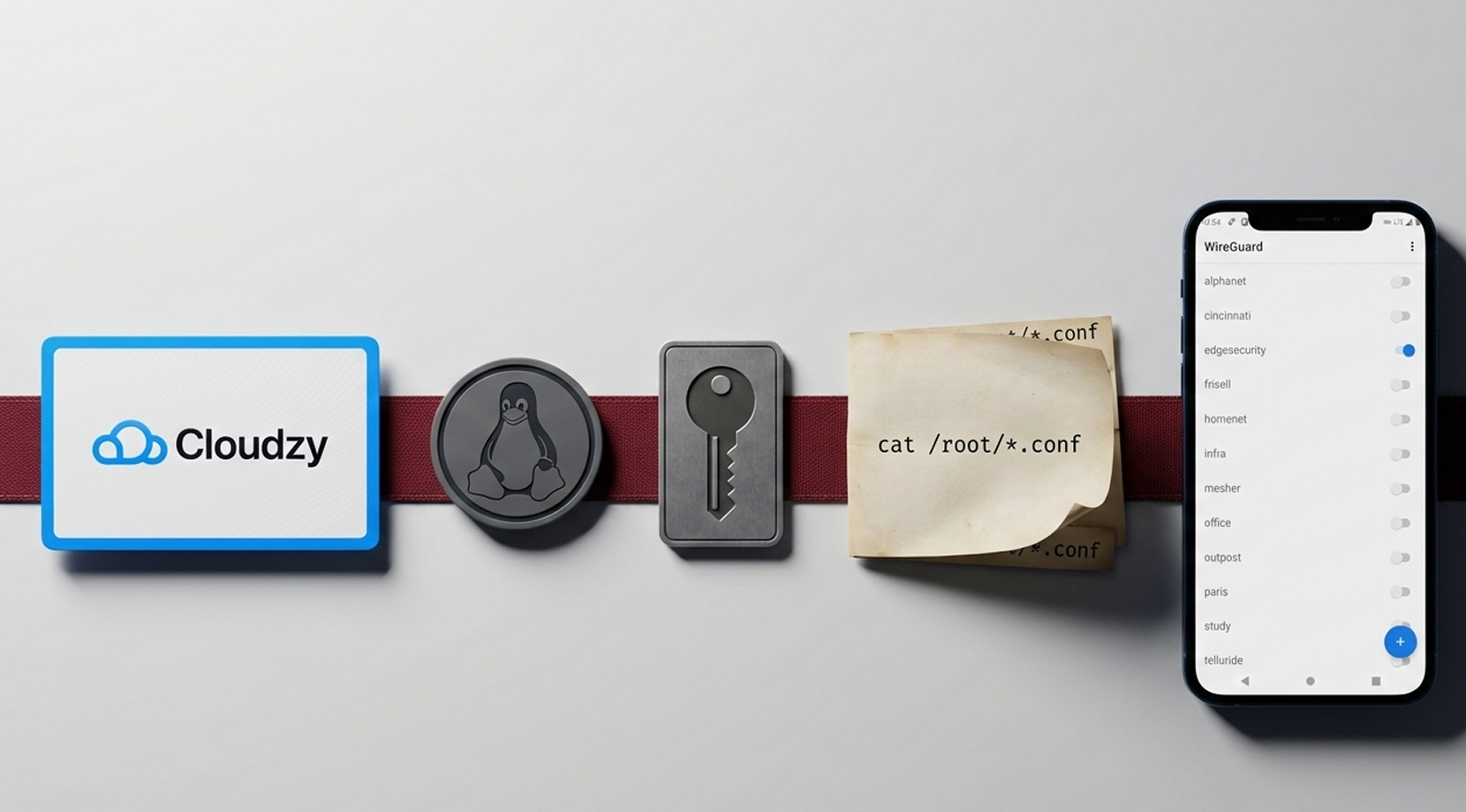
Setting up Cloudzy’s WireGuard VPS is simple. Pick a plan, choose an OS image, and log in via SSH. Run cat /root/*.conf to copy your client profile, import it in the WireGuard app, and connect. For step-by-step help, follow our WireGuard Server VPS guide below.
16+ Locations. Because Every Millisecond Matters
Deploy your VPS closer to users for optimal performance.


0Gbps Network Speed

0.00% Network Uptime

<0ms Average Latency

0/7 Monitoring





 Romania
Malaysia
Tokyo
Sydney
Romania
Malaysia
Tokyo
Sydney
Cloudzy, Through Our Users’ Words
Hear how 118958 developers make Cloudzy part of their workflow.
Engineering Without Interruptions



FAQ | WireGuard VPS
What is a WireGuard VPS used for?
A WireGuard VPS runs a lightweight VPN tunnel on a server with a public IP. It is used for remote access, private browsing, and site-to-site links with simple key-based peers.
How does a WireGuard VPS create encrypted tunnels?
It uses public and private keys and a compact handshake over UDP to set up an encrypted tunnel. Peers exchange traffic only if the keys match and AllowedIPs routing permits it.
What port does a WireGuard VPS server use by default?
Most setups listen on UDP 51820, but you can pick another port. The same port must be open in the firewall and referenced in the client endpoint.
WireGuard VPS vs OpenVPN VPS: what are the differences?
WireGuard has a smaller codebase and typically connects faster, while OpenVPN uses TLS and has broader legacy compatibility. In practice, choice depends on client support, audit preferences, and routing needs.
Does a WireGuard VPN VPS need a web panel to manage peers?
No. It is commonly managed via config files and the wg or wg-quick tools. Many admins add peers by editing configs and reloading the interface through systemd.
How do I connect to my Cloudzy WireGuard VPS after setup?
SSH in as root, then run cat /root/*.conf to copy the client profile. Import it into the official WireGuard app, activate the tunnel, and confirm your traffic routes through the VPS.
What performance can I expect from Cloudzy WireGuard VPS hosting?
Dedicated vCPUs, DDR5 RAM, and NVMe storage keep the tunnel responsive during concurrent use. Networking up to 40 Gbps helps with many peers and high-throughput links, depending on plan and distance.
Is the IP address of my WireGuard VPS shared with others?
Not at all. Each Cloudzy server comes with a dedicated and static IP, so you will be the only user of the IP while using our services. That means having full control over your privacy and online activities.
Can I get additional IP addresses for my WireGuard VPS?
Yes, we offer floating IP addresses. You can buy additional IP addresses right from your panel and assign them to desired servers. Bear in mind that you can use Cloudzy floating IPs only on Cloudzy servers.
Does Cloudzy WireGuard VPN VPS include static IP and support?
Each instance includes a static IPv4 and IPv6 address for predictable endpoints. Support is available 24/7, and the service is backed by a 99.99% uptime SLA.
Need help? Contact our support team.
 Submit a Ticket
 No Setup Fees
Deploy in 60 Seconds
Cancel Anytime
No Setup Fees
Deploy in 60 Seconds
Cancel Anytime
