Vanilla Minecraft gets stale after hundreds of hours. You’ve beaten the Ender Dragon, built farms, and explored biomes. What’s next? Modpacks fix this by bundling mods that actually work together, so you don’t have to waste time fixing crashes.
2026 brings updates to classics, plus new packs pushing limits. Minecraft 26.x is stable, so developers created experiences from brutal survival to tech playgrounds. Want automation, magic, or RPG adventures? This guide covers top modpacks and hosting tips.
What Are Minecraft Modpacks?
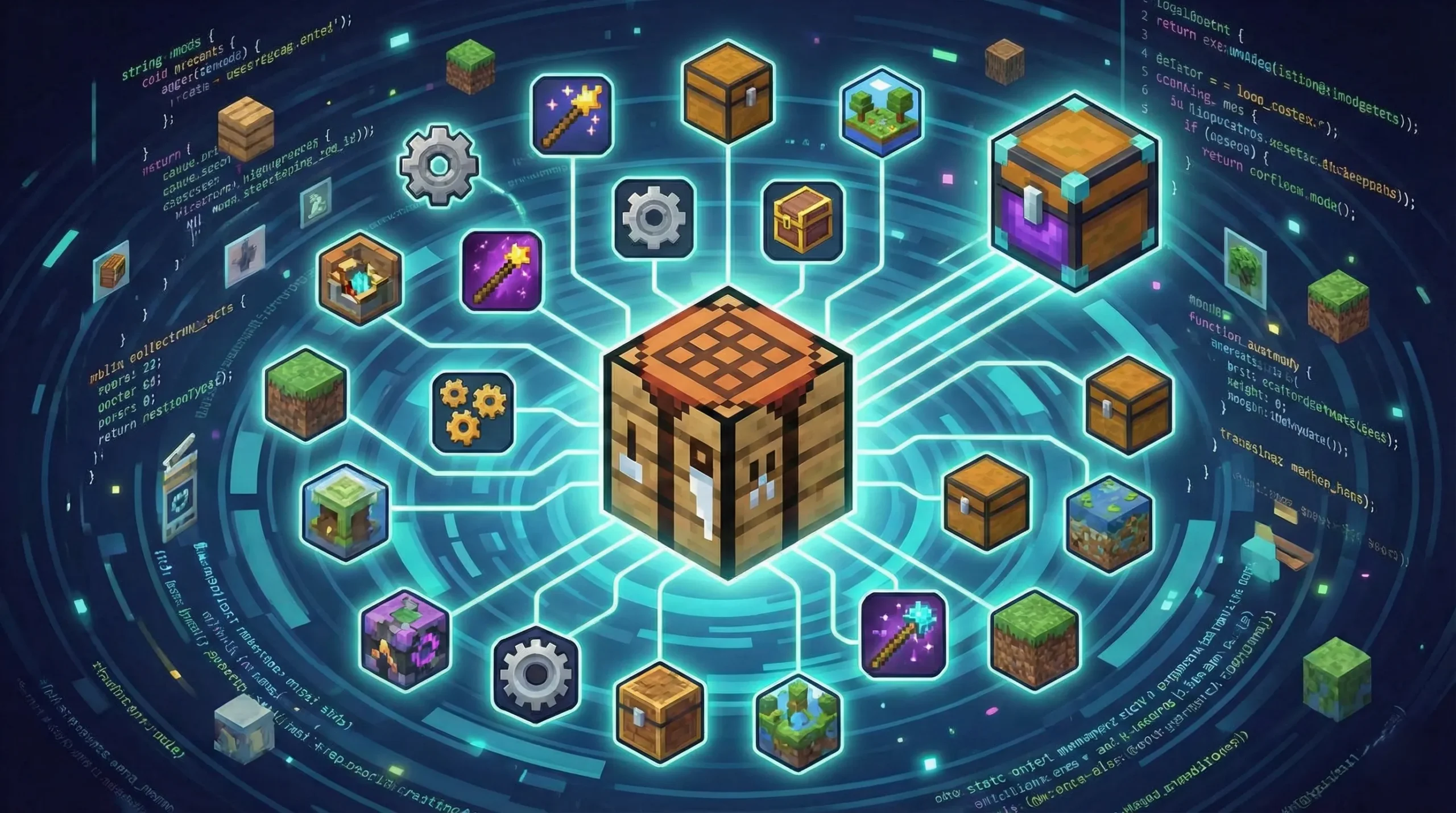
A modpack is a curated collection of mods designed to work together. Unlike popular Minecraft mods that add single features, modpacks combine multiple modifications to create balanced gameplay with tested compatibility.
Developers spend months preventing mod conflicts and building progression paths. Custom recipes, quest systems, and unique mechanics come standard; this saves you from manually testing combinations and troubleshooting crashes.
Install modpacks through CurseForge, Modrinth, or FTB Launcher. These platforms handle downloads, updates, and management automatically. Each modpack runs on NeoForge, Forge, or Fabric mod loaders, depending on included mods, while the launcher manages technical setup so you can focus on playing.
Server hosting matters for multiplayer, as modpacks demand more resources than vanilla. Proper hardware and configuration prevent lag. Check out our guide on what is Minecraft server architecture to pick the right host.
Why Use Modpacks for Minecraft?
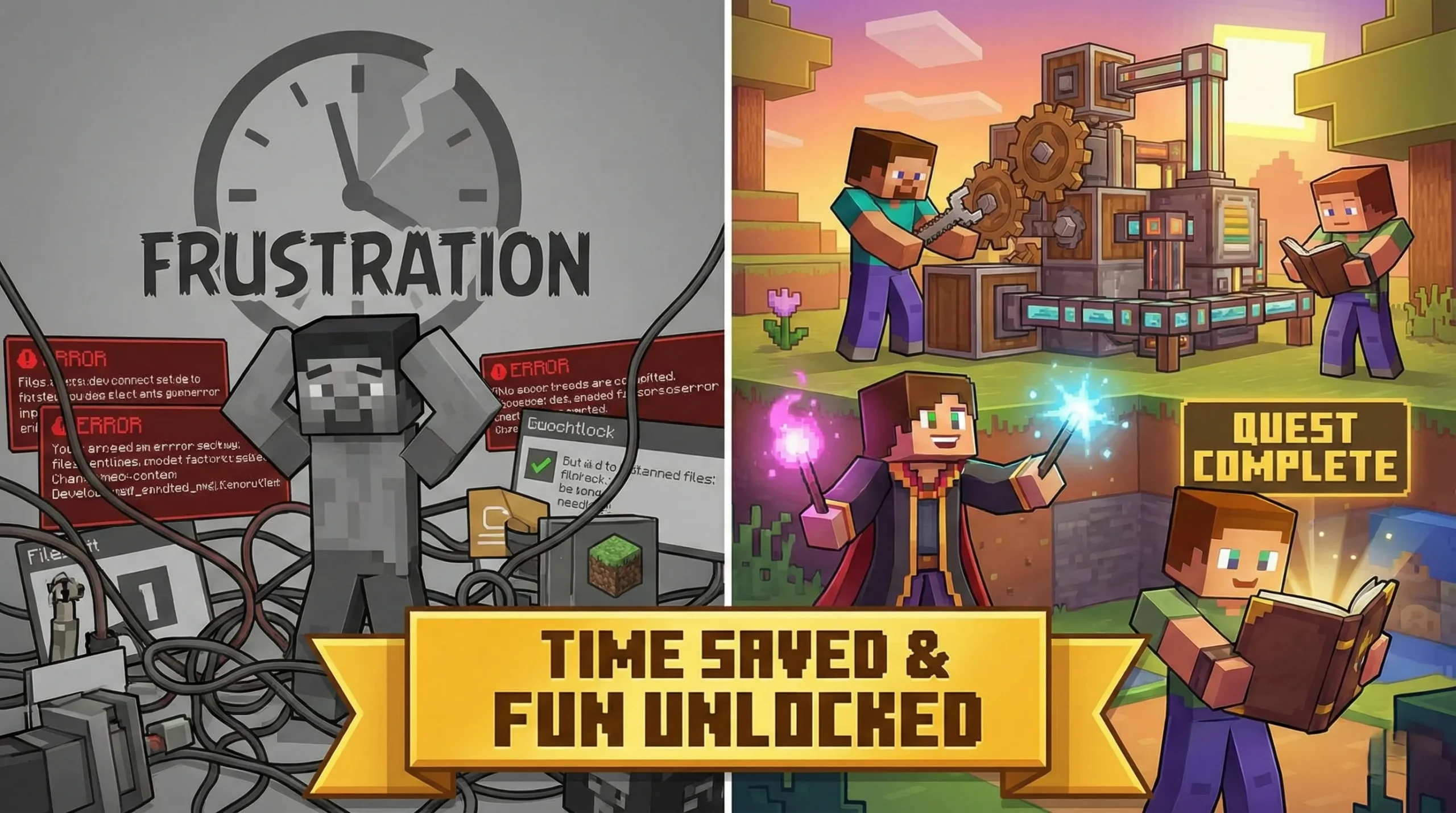
Modpacks for Minecraft save massive time. Researching compatible mods, checking versions, and fixing conflicts reduces setup time. Creators already tested everything, so you get stable experiences you can play in minutes.
Fresh gameplay is the main draw. Tech modpacks let you build automated factories while magic packs introduce spell crafting and mystical dimensions. Quest packs feel like different games with storylines and progression systems.
Multiplayer becomes simpler. Everyone downloads the same pack with identical mods and versions; this means no debugging crashes or missing textures. Players experience the same content from the start.
| Category | Focus | Best For |
| Tech & Automation | Machines, power systems, factories | Players who love engineering and optimization |
| Magic & Fantasy | Spells, magical items, mystical dimensions | Players seeking fantasy RPG elements |
| Adventure & Quests | Structured progression, boss fights | Players want guided experiences |
| Lightweight & Performance | Vanilla+ with better performance | Players with lower-end PCs |
| Hardcore Survival | Realistic mechanics, tough difficulty | Players seeking extreme challenges |
Best Minecraft Modpacks in 2026
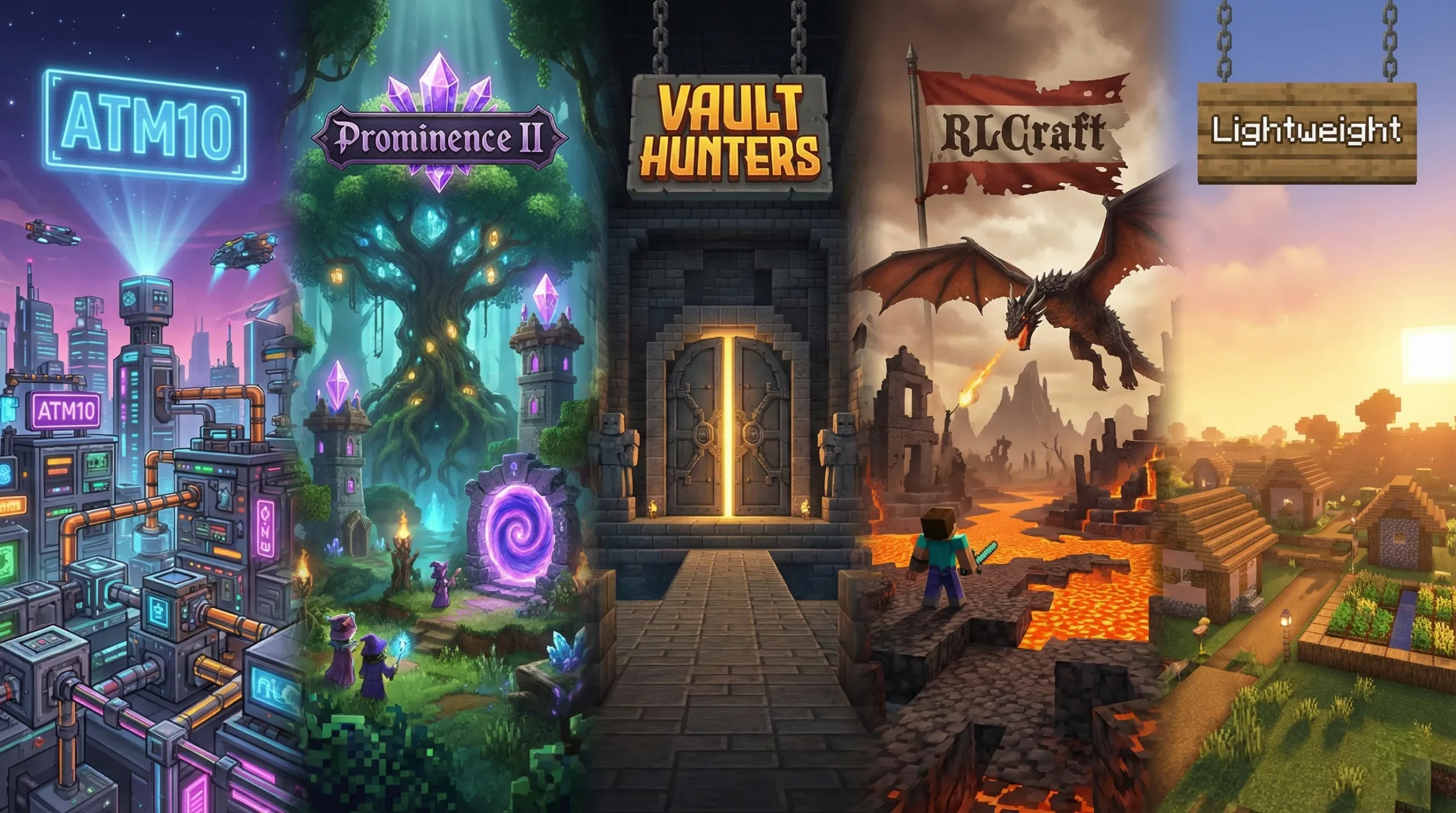
The top Minecraft modpacks of 2026 offer more diversity than ever. From space exploration to medieval RPGs, there’s content for every playstyle. Popular Minecraft modpacks now support the latest game versions while older favorites remain active.
These picks mix the biggest hits with fresh releases, each with strong communities and regular updates.
Tech & Automation Modpacks
Some of the coolest Minecraft modpacks focus on engineering and automation. These packs transform gameplay into factory-building challenges with complex systems.
All the Mods 10 (ATM10): ATM10 dominates 2026 with over 13 million downloads and 500+ mods. Built for Minecraft 26.x, it combines tech, magic, and exploration with extensive questing. An excellent choice for players wanting everything in one place.
Create: Astral: This Fabric 1.18.2 pack features Create-focused automation with space exploration. Players work through five chapters of quests while exploring Moon, Mars, and Mercury dimensions; plus, over 1.3 million downloads prove its appeal.
FTB Presents Direwolf20 26: A beloved series featuring tech and magic mods hand-picked by content creator Direwolf20. Lighter than ATM10 yet still offers deep automation through Mekanism and Applied Energistics. Newcomers to modded Minecraft will find this approachable.
Magic & Fantasy Modpacks
Prominence II RPG: Story-driven quests, enhanced combat, deadly bosses, and talent trees define this RPG powerhouse. Built for 1.20.1, it feels like a standalone RPG layered onto Minecraft’s foundation.
Arcane Ascension: A techno-magical pack blending spell crafting with advanced machinery. Players unlock powerful abilities and high-tech tools while exploring mystical dimensions. Combines magic gameplay with complex automation.
Quest & Adventure Modpacks
Quest-focused experiences offer some of the best Minecraft modpacks for structured progression. These packs guide players through curated content with clear objectives.
Vault Hunters 3rd Edition: With 5.5 million downloads, this roguelike transforms Minecraft into a dungeon crawler. Craft Vault Crystals to enter procedurally generated vaults with loot and bosses. Collect 25 artifacts before the final challenge; compatible with 1.18.2 for solo and multiplayer.
DawnCraft: At over 9.6 million downloads, DawnCraft delivers souls-like combat with special attacks and animated bosses. Tactical thinking and combat skills become requirements in this 1.18.2 pack, plus it includes custom structures and reputation systems.
FTB StoneBlock 4: Underground survival evolution on 26.1. Start surrounded by stone and automate your escape. Includes handcrafted vaults and custom progression rewarding clever automation.
Survival & Hardcore Modpacks
Modded survival transforms basic Minecraft into punishing realism or complete overhauls. These packs challenge even experienced players.
RLCraft: The toughest survival pack with 27+ million downloads. Features brutal realism with temperature, thirst, injuries, and terrifying enemies. Players’ level skills unlock abilities. This pack shows no mercy.
TerraFirmaCraft: Complete survival overhaul with realistic crafting, seasonal farming, proper tool progression, and temperature challenges. Minecraft rebuilt with survival realism as its core philosophy.
Sevtech: Ages: Forces progression through technological eras from the Stone Age to the Space Age. Each age unlocks new mods and mechanics. Cannot skip ahead, making progression methodical and rewarding.
Lightweight Minecraft Modpacks
Fabulously Optimized: With over 5.9 million downloads, this Fabric pack uses Sodium, Lithium, and Iris Shaders to boost FPS while supporting OptiFine features. Updates quickly to new versions and serves as a base for adding content mods.
Simply Optimized: Pure performance optimization with carefully configured settings for maximum speed. Includes minimal features, leaving customization to players. Perfect for budget PCs or building custom modpacks.
Cloudzy Gaming VPS for Heavy Modpacks
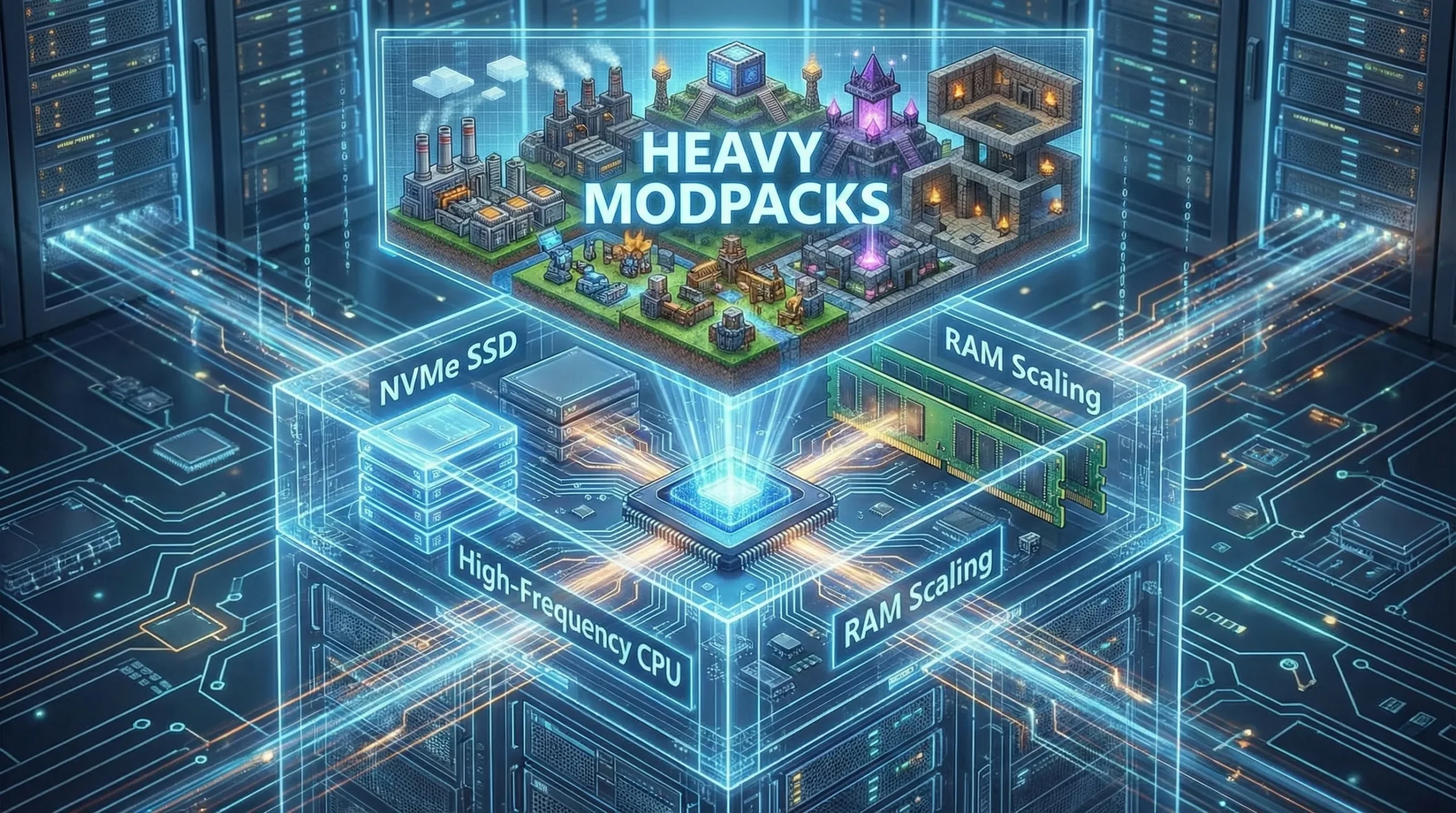
Running massive modpacks like All the Mods 10 or RLCraft with multiple players demands serious hardware. At Cloudzy, our Gaming VPS solutions simplify the technical complexity of hosting resource-heavy modded servers.
You’re not stuck manually configuring files or troubleshooting Java versions; our system handles technical setup while you focus on playing. Automatic backups protect your world from corruption, so you never lose progress from unexpected crashes.
Check the Best Minecraft VPS Hosting for Modded Servers section at the end of this guide for full specs.
Creative & Building Modpacks
Better Minecraft: With 14+ million downloads, this vanilla+ experience adds biomes, mobs, structures, and dimensions. It includes 100+ quests introducing modded Minecraft without overwhelming mechanics while staying true to core gameplay.
Conquest Reforged: Specialized medieval and fantasy building pack with thousands of new blocks and textures. Ideal for creative builders wanting detailed construction options for historically-inspired structures.
Honorable Mentions
Several Minecraft top modpacks deserve recognition despite not fitting the main categories.
SkyFactory 4 remains a skyblock favorite with 13 million downloads.
Pixelmon brings Pokémon into Minecraft with 18+ million downloads.
Cobblemon offers an open-source alternative with active 26.1 development.
Best Minecraft Modpacks to Play With Friends
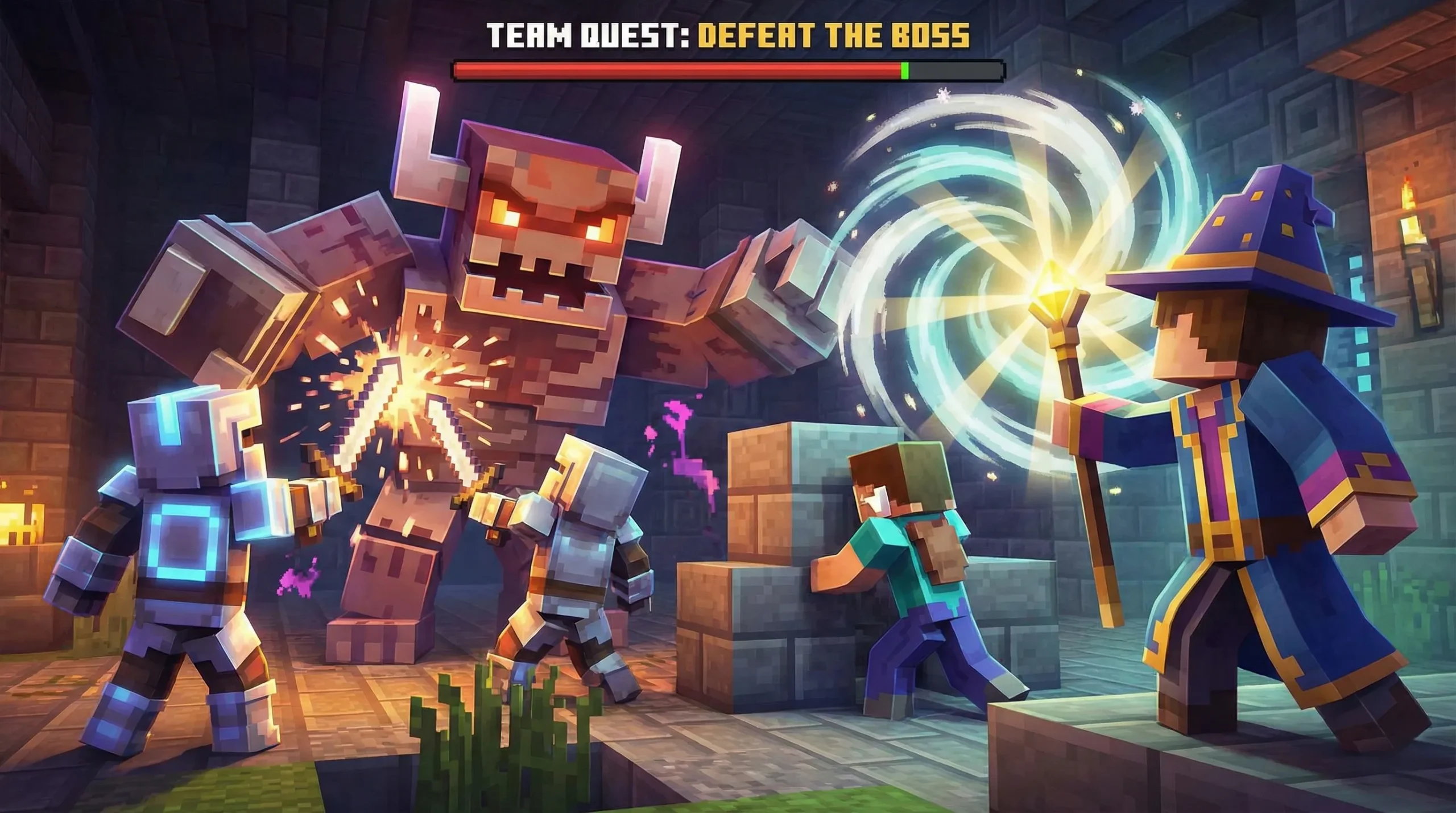
Minecraft modpacks for multiplayer need server-friendly performance, team-oriented mechanics, and content encouraging cooperation. The best experiences balance individual progression with group achievements.
All the Mods 10 excels in multiplayer with 500+ mods. Different players focus on different systems, then trade resources. One might specialize in tech while another masters magic; massive content prevents running out of activities together.
Vault Hunters 3rd Edition was built for co-op. Players run vaults together, combining abilities and gear for harder challenges while shared progression and team mechanics reward cooperation.
Create: Astral has great potential for building automated factories as group projects. Players divide tasks, specialize in automation chains, and collaborate on ambitious builds.
DawnCraft has challenging co-op boss fights. The souls-like combat works well in groups where players coordinate attacks; plus, reputation systems and quests create shared objectives.
Best Minecraft Modpacks to Play Solo
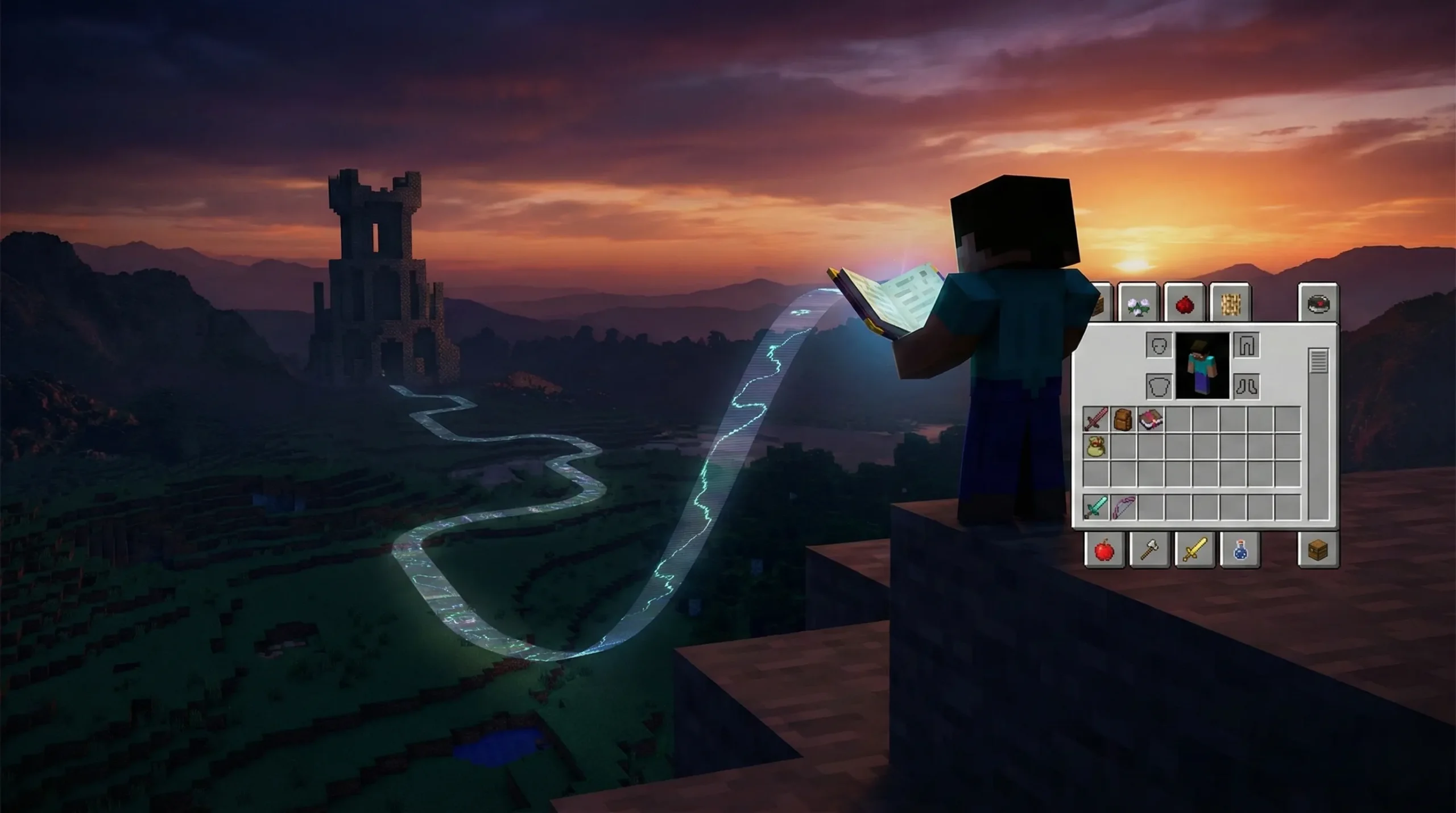
Solo players seek the best Minecraft modpacks with strong progression systems, clear objectives, and engaging content without needing other players. Quest-driven packs work exceptionally well alone.
Vault Hunters 3rd Edition delivers roguelike gameplay perfect for solo sessions. Each vault run feels fresh from procedural generation, while talent systems and artifact collection provide clear long-term goals at your own pace.
DawnCraft delivers a solo RPG experience. The quest line tells an unfolding story while boss fights test combat skills; reputation systems create meaningful consequences for choices.
Create: Astral works beautifully solo for engineering challenges. Planning complex automation systems at your pace can be meditative, while quest books guide progression and allow experimentation.
RLCraft stands as a brutal but rewarding best MC modpack for solo play. Every survival challenge tests skill and knowledge; harsh difficulty creates tension, making victories meaningful.
How to Install a Minecraft Modpack
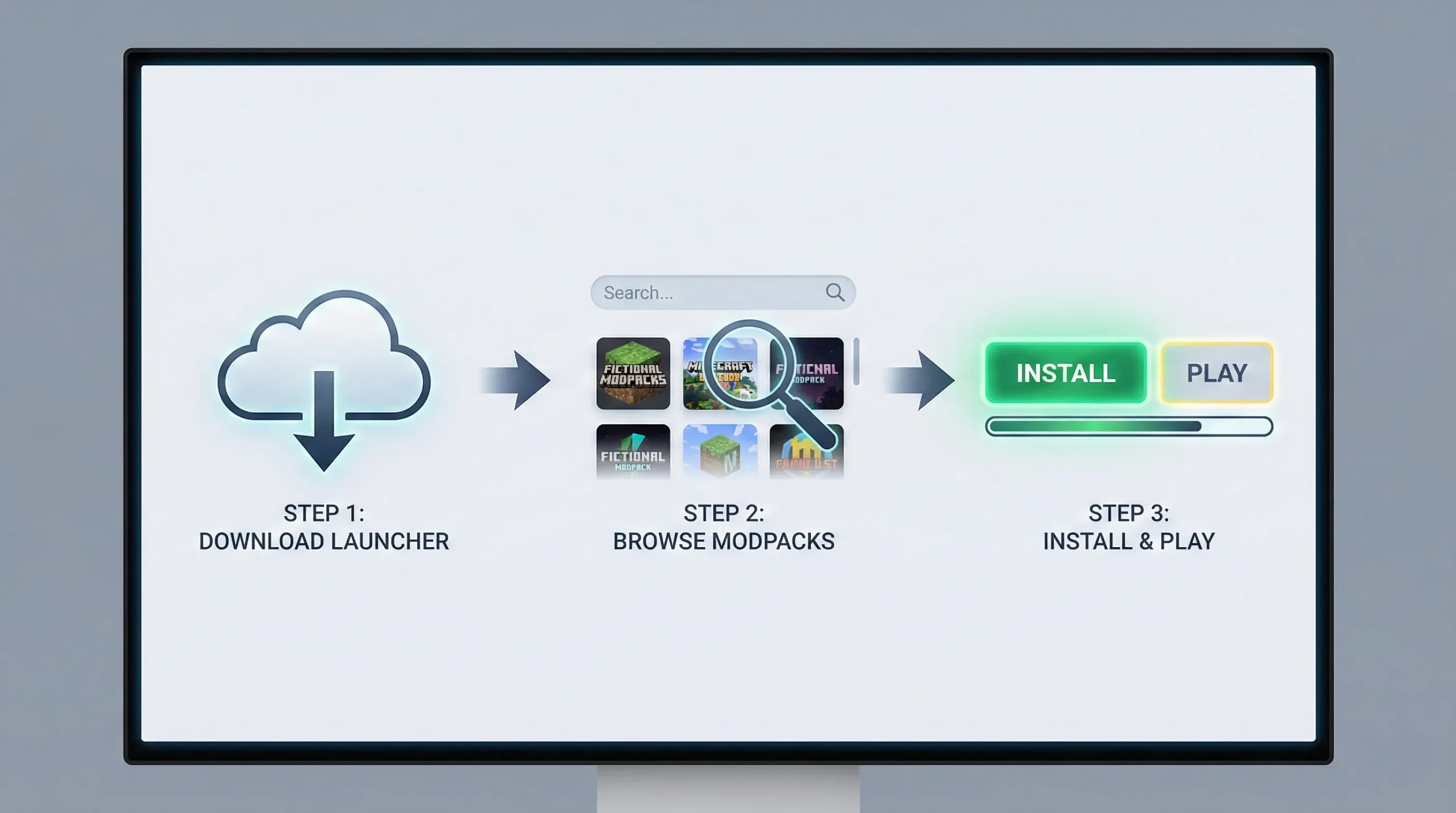
Installing good Minecraft modpacks is straightforward with modern launchers. Here’s the complete process:
Using CurseForge Launcher:
- Download and install the CurseForge App for your operating system
- Open the app and navigate to the Minecraft section
- Browse or search for your desired modpack
- Click “Install”, and the launcher handles everything automatically
- Once installed, click “Play” to launch the modpack
- Allocate appropriate RAM (see hosting section below)
Key Installation Settings:
| Setting | Recommendation | Why |
| RAM Allocation | 6-8GB minimum for most modpacks | Prevents crashes and lag |
| Java Version | Java 21 | Required for modern modpacks |
| Render Distance | 8-12 chunks | Balances performance and visuals |
| Video Settings | Start low, increase gradually | Find your PC’s sweet spot |
Common Installation Issues:
The missing Java version is the most frequent problem. Most 2026 modpacks require Java 21 or newer; download the correct version from Oracle or use the launcher’s built-in Java installer.
Insufficient RAM allocation causes crashes during startup or world loading. Open your launcher settings and increase the memory slider. Most modpacks need at least 6GB allocated, while larger packs require 8-12GB.
Conflicting mods rarely occur in curated modpacks, but can happen if you add extras yourself. Remove recently added mods if crashes suddenly appear; modpacks run on Forge and Fabric loaders that handle compatibility.
Outdated graphics drivers cause rendering issues. Update your GPU drivers before troubleshooting the modpack, since this simple step fixes many performance problems.
If you want to create a Minecraft server for your modpack, the installation process differs slightly since you’ll need server files instead of client files. Most modpacks provide dedicated server downloads on their project pages.
Best Minecraft VPS Hosting for Modded Servers
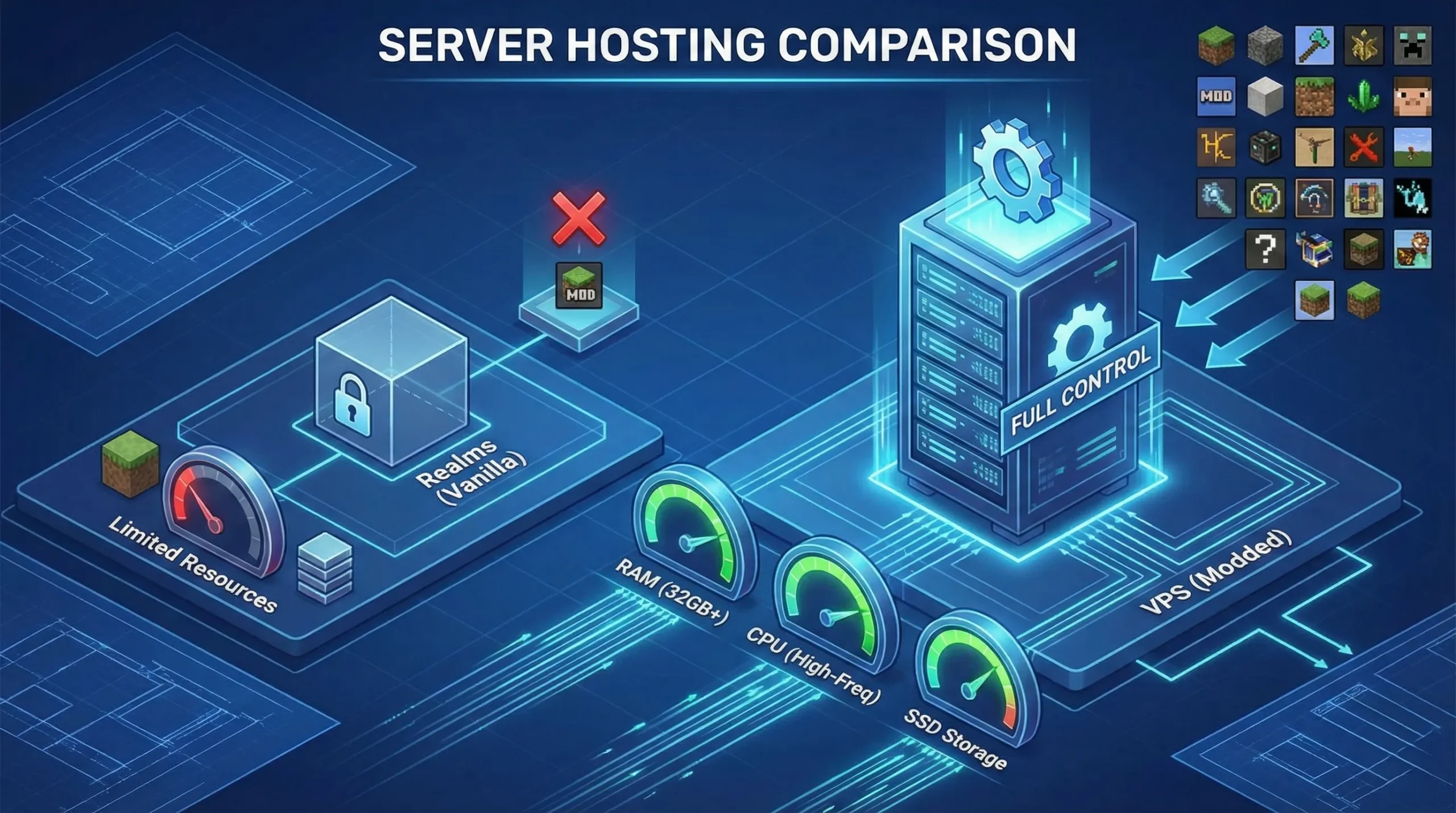
Vanilla Minecraft servers run fine on modest hardware. Modded Minecraft server hosting demands real resources. A 200-mod pack requires more RAM, CPU power, and storage than vanilla; attempting to host heavy modpacks on insufficient hardware creates lag and frustrated players.
Why Modded Servers Need More Resources:
Each mod adds content that must be loaded and processed. Tech mods with automation require constant calculations while magic mods with particle effects demand rendering power. Large modpacks combine hundreds of systems needing resources simultaneously.
Memory usage scales much more than usual with mods. Light modpacks with 50 mods need 6-8GB RAM minimum. Medium packs with 100-150 mods require 8-10GB, while heavy modpacks like All the Mods or RLCraft demand 10-16GB for optimal performance.
CPU performance matters more than core count. The game runs primarily on single-threaded performance; a 4-core CPU with high clock speed (3.5+ GHz) outperforms an 8-core CPU with lower speeds.
VPS vs Minecraft Realms:
| Feature | VPS Hosting | Minecraft Realms |
| Modpack Support | Full support for any modpack | Limited or no mod support |
| RAM Options | 4GB to 32GB+ flexible scaling | Dynamic (Not disclosed) |
| Performance | Dedicated resources | Shared resources |
| Cost | Scales with needs | Fixed monthly cost |
| Control | Full server access | Limited control |
| Backup Options | Complete control | Automatic but limited |
Realms work fine for vanilla Minecraft, but cannot handle modpacks properly. The platform lacks the resources and flexibility needed for modded content.
VPS hosting gives complete control over server configuration, mod installation, backup schedules, and resource allocation. You can install any modpack, adjust settings for game optimization, and scale resources as your server grows.
Key VPS features for modded Minecraft server hosting include SSD storage for faster chunk loading, DDoS protection to prevent attacks, automatic backups to protect your world, and 24/7 uptime so players can connect anytime.
Why Choose Cloudzy for Your Modded Server
Location matters for multiplayer gaming. Our global 16 data center locations reduce latency for international player groups. Lower ping means smoother gameplay, especially in modpacks with combat mechanics or time-sensitive automation. Check out our gaming VPS options built for demanding multiplayer experiences.
At Cloudzy, our infrastructure is purpose-built for demanding modded Minecraft servers. We provide high-frequency CPUs optimized for Minecraft’s single-threaded performance, which matters more than raw core count when running complex automation and magic systems.
Our NVMe SSD storage delivers fast chunk loading and world saves, reducing lag during exploration. Flexible RAM scaling from 8GB up to 32GB+ means you can match resources to your modpack’s exact needs. We include DDoS protection to keep your server online during attacks.
Conclusion
Modpacks transform Minecraft into whatever experience you’re craving. This year brings offers more variety and polish than ever before.
If you are new to modding, try Better Minecraft or Fabulously Optimized. Want a challenge? RLCraft and DawnCraft test your skills, while All the Mods 10 and Create: Astral provide endless engineering puzzles for automation lovers.
Playing with friends means choosing packs built for multiplayer. Vault Hunters and DawnCraft shine in co-op, while Create: Astral lets groups build together. Solo players get deep progression from quest-driven packs.
For multiplayer servers, proper hosting matters. Modded servers need real resources to run smoothly with multiple players exploring simultaneously; pick hosting that matches your modpack’s demands.