

One-Click CyberPanel Hosting VPS
Spin Up a CyberPanel Server in Minutes
Deploy CyberPanel on Ubuntu 24.04 LTS and manage websites, email, DNS, databases, and SSL from one panel. Start with a preinstalled image, full root access, and dedicated resources, then add WordPress or custom apps with OpenLiteSpeed acceleration.

 Trustpilot
There’s a reason 119,000+ developers & businesses choose us.







Money-Back Guarantee

Online Support

Network Speed

Network Uptime
What Is CyberPanel VPS?
CyberPanel is a modern control panel powered by OpenLiteSpeed that centralizes website, DNS, mail, database, and SSL management on a clean dashboard. With Cloudzy’s CyberPanel VPS, you begin on Ubuntu 24.04 with the panel ready, OpenLiteSpeed configured, and access over HTTPS on port 8090. Create websites, add domains, issue free Let’s Encrypt certificates, manage MySQL, and handle email using Postfix and Dovecot. Paths and helpers are available for quick reference, and you keep full root for advanced tuning or automation. Dedicated vCPUs, DDR5 memory, and NVMe storage paired with up to a 40 Gbps network deliver quick page loads for WordPress and PHP sites. Snapshots help you test changes safely, and you can scale CPU, RAM, or storage as traffic grows. A static IP and a 99.99% uptime SLA make CyberPanel VPS hosting a reliable base for agencies, resellers, and site owners.
-
DDoS Protection

-
Various Payment Methods Available
-
Full Admin Access
-
Latency-Free Connectivity
-
Dallas GPU Server Location


Why Choose Cloudzy’s CyberPanel VPS Hosting
Unlock the Power of Flexibility and Performance
Launch-ready stack
Start with a one-click image on Ubuntu 24.04 LTS with CyberPanel and OpenLiteSpeed preinstalled. Log in with admin and begin deploying right away.

High-performance infrastructure
Dedicated vCPUs, NVMe, and DDR5 memory keep pages fast for WordPress, PHP apps, and email on CyberPanel VPS.
Full control
Manage sites, DNS, mail, SSL, and PHP versions in the panel, then fine-tune services at the OS level with root and systemd.
Highly scalable, plus backups
Create websites and databases per domain, add email accounts, and scale resources as projects grow on Cloudzy’s CyberPanel VPS hosting.
Admin-friendly and reliable
Predictable performance, quick provisioning, snapshots, and a 99.99% uptime SLA support labs, staging, or production.
How To Use?
How to Set Up a CyberPanel VPS
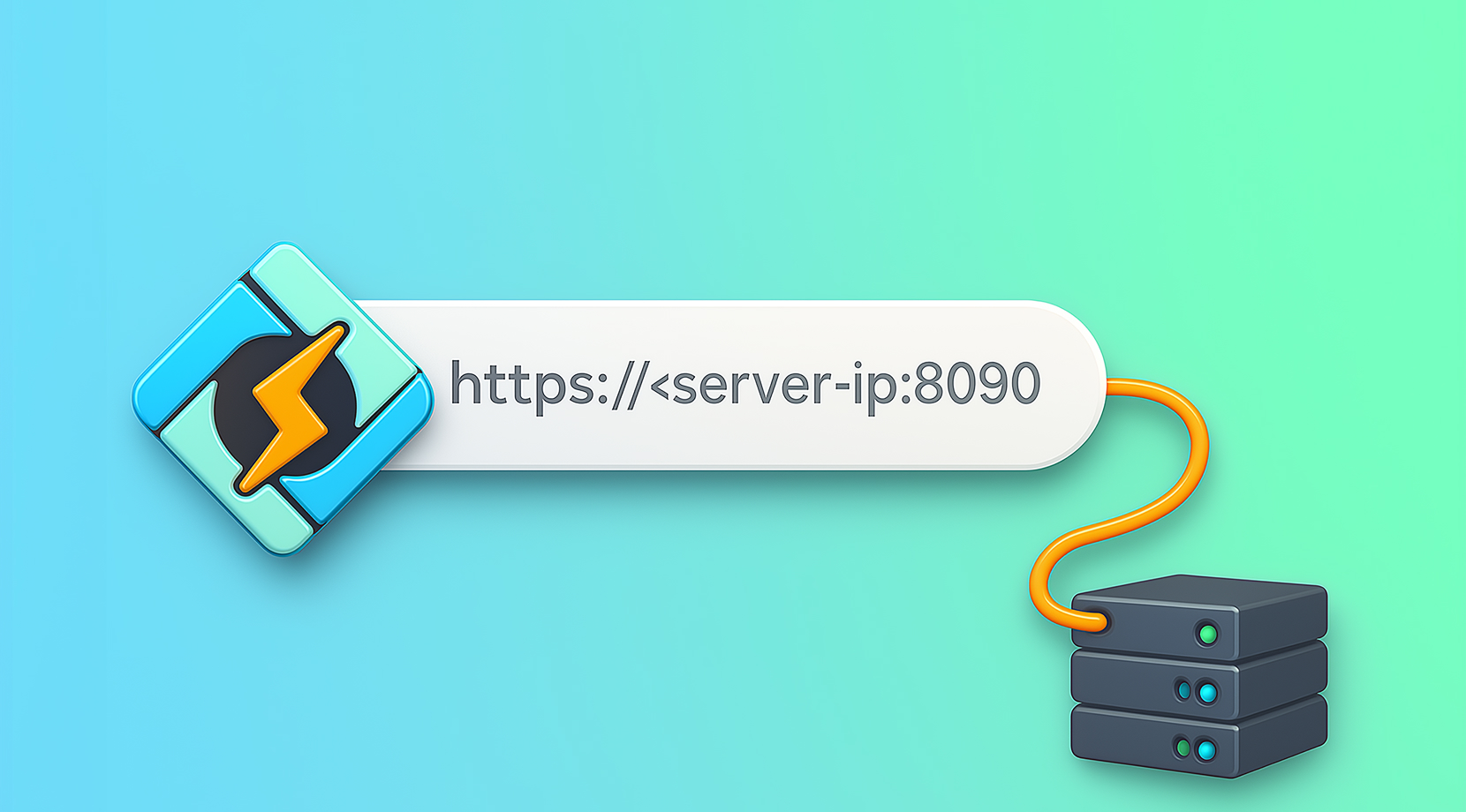
Not sure how to start? It’s straightforward. With Cloudzy’s CyberPanel VPS, you access the panel at https://:8090, accept the self-signed SSL warning, then log in as admin.
Cloudzy, Through Our Users’ Words
Hear how 119465 developers make Cloudzy part of their workflow.
Engineering Without Interruptions



FAQ | CyberPanel VPS
What is CyberPanel and how does it differ from other panels?
It is an open-source hosting control panel built for OpenLiteSpeed and LiteSpeed Enterprise. It includes site, DNS, mail, SSL, backups, and one-click installers like WordPress with LSCache.
Does CyberPanel support HTTP/3 and modern web features?
Via OpenLiteSpeed or LiteSpeed, you get HTTP/2 today and HTTP/3 support on current builds, plus Brotli or Gzip, caching, and rewrite-rule compatibility.
How do you access the CyberPanel dashboard after install?
Browse to your server’s IP with port 8090 over HTTPS, accept the initial self-signed warning, then sign in as admin using the set or default password.
What are typical services managed inside CyberPanel?
Websites on OpenLiteSpeed, MySQL databases, DNS zones with PowerDNS, email using Postfix and Dovecot, FTP via Pure-FTPd, and security tools like ModSecurity.
What are the basic system requirements for CyberPanel?
A small VPS works for light sites, but plans with 2 vCPUs, 2–4 GB RAM, and fast SSD storage are commonly recommended for smooth panel and site performance.
How do I access CyberPanel on Cloudzy VPS?
After deployment, visit https://\:8090 and log in as admin. Review helper files such as /etc/cyberpanel/mysqlPassword, then start adding websites and SSL.
What performance do I get running CyberPanel on Cloudzy?
Dedicated vCPUs, DDR5 RAM, NVMe storage, and up to 40 Gbps network keep OpenLiteSpeed and PHP workloads responsive. This setup suits WordPress and multi-site hosting.
How is security handled for CyberPanel on Cloudzy VPS?
You control firewall ports, SSH keys, and system services. Use Let’s Encrypt for panel and mail, enable ModSecurity in the panel, and keep packages updated.
What uptime and support are available for CyberPanel VPS hosting on Cloudzy?
Infrastructure is backed by a 99.99% uptime SLA. Our support team is available 24/7 for region selection, sizing, or troubleshooting.
Can I scale or snapshot my CyberPanel VPS on Cloudzy?
Yes. You can scale CPU, RAM, or disk from the dashboard and take snapshots before major changes for safe rollbacks.
Need help? Contact our support team.
 Submit a Ticket
 No Setup Fees
Deploy in 60 Seconds
Cancel Anytime
No Setup Fees
Deploy in 60 Seconds
Cancel Anytime
