
L2TP VPS Hosting
One Click L2TP VPN Server
Set up a clean IPsec/L2TP base on Ubuntu 24.04 with Libreswan and xl2tpd preinstalled. Add your PSK and users, open standard UDP ports, and connect Windows, macOS, iOS, and Android with native clients. Scale vCPU, RAM, or disk and snapshot before policy changes.

 Trustpilot
There’s a reason 118,000+ developers & businesses choose us.







Money-Back Guarantee

Online Support

Network Speed

Network Uptime
What is an L2TP VPS?
L2TP is a tunneling protocol that carries PPP, and it is commonly paired with IPsec for encryption. This image combines Libreswan for IPsec and xl2tpd for L2TP on Ubuntu 24.04 LTS, also supporting IPsec/XAuth and IKEv2 for broad device compatibility. Cloudzy’s L2TP VPS ships ready to log in as root, with generated credentials in /root/.cloudzy-creds. Add your pre-shared key, create users, and bring the service online. Dedicated vCPUs, DDR5 memory, NVMe storage, and up to 40 Gbps uplink support steady throughput, while a static IPv4 keeps endpoints predictable. You can scale resources as needs grow and use snapshots to test changes safely. For a straightforward remote access setup you control, start with Cloudzy’s L2TP VPS hosting.
-
DDoS Protection

-
Various Payment Methods Available
-
Full Admin Access
-
Latency-Free Connectivity
-
Dallas GPU Server Location


Why Choose Cloudzy’s L2TP VPS Hosting
Unlock the Power of Flexibility and Performance
Launch-Ready Image
Ubuntu 24.04 LTS with Libreswan (IPsec) and xl2tpd (L2TP) preinstalled, plus IPsec/XAuth and IKEv2 support. Log in as root and finalize PSK and users.

Predictable Performance
Dedicated vCPUs, DDR5, NVMe, and up to 40 Gbps uplink support steady throughput and low latency.
Full Control
Edit ipsec.conf, ipsec.secrets, xl2tpd.conf, and chap-secrets. Manage services with systemd and automate first-boot tasks with cloud-init.
Clean Networking
Dedicated IP, open standard UDP ports 500, 4500, and 1701, and simple firewall policies for NAT-T scenarios.
Reliable SLA
Quick provisioning, snapshots, regional choices, and a 99.99% uptime SLA for labs, staging, or production access.
How To Use?
How to Set Up an L2TP VPS
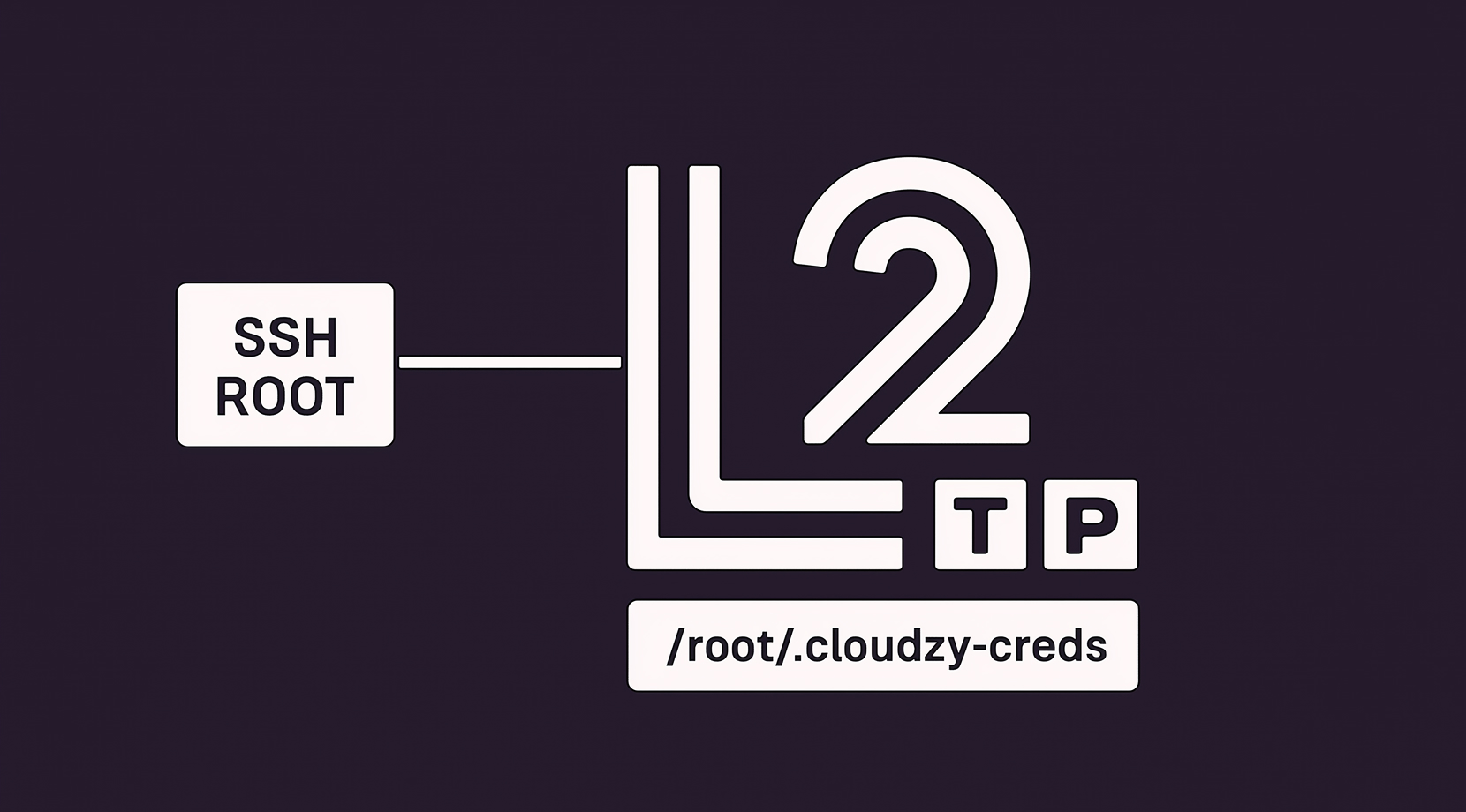
Not sure how to configure it? With Cloudzy’s L2TP VPS hosting, you start from a preinstalled image on Ubuntu 24.04 LTS using Lin Song’s setup-ipsec-vpn scripts as the baseline. SSH in as root, review /root/.cloudzy-creds, and proceed.
Cloudzy, Through Our Users’ Words
Hear how 118497 developers make Cloudzy part of their workflow.
Engineering Without Interruptions



16+ Locations. Because Every Millisecond Matters
Deploy your VPS closer to users for optimal performance.


0Gbps Network Speed

0.00% Network Uptime

<0ms Average Latency

0/7 Monitoring





 Romania
Malaysia
Tokyo
Sydney
Romania
Malaysia
Tokyo
Sydney
FAQ | L2TP VPS
Is L2TP secure on its own?
No. L2TP by itself does not encrypt traffic. It is commonly paired with IPsec for confidentiality, integrity, and authentication, which is the recommended mode for remote access.
Which ports does L2TP use with IPsec?
Typical setups use UDP 500 for IKE, UDP 4500 for NAT-T, and UDP 1701 for L2TP, plus ESP. Many home routers pass this combination without special tuning.
Does L2TP work behind NAT?
Yes, via IPsec NAT traversal on UDP 4500, which allows clients behind home or office routers to connect reliably to the server.
What devices support L2TP with IPsec?
Current versions of Windows, macOS, iOS, and Android include native L2TP/IPsec clients, so no extra app is required for basic connectivity.
How does L2TP compare to IKEv2 or OpenVPN?
L2TP/IPsec is widely supported and simple to onboard, although many teams prefer IKEv2 for newer features and performance. Choice depends on client support, policy, and network needs.
How do I access a Cloudzy L2TP VPS after provisioning?
You receive root on Ubuntu 24.04 with a preinstalled L2TP/IPsec stack. Log in over SSH, review /root/.cloudzy-creds, then set your PSK and users to finalize setup on your L2TP VPS.
What ports are open on a Cloudzy L2TP VPN server on a VPS?
Standard UDP 500, 4500, and 1701 are available for IPsec plus L2TP. Keep SSH restricted and allow ESP as needed for your L2TP VPS hosting policy.
How does hardware impact a Cloudzy L2TP VPS?
Dedicated vCPUs, DDR5 RAM, and NVMe help sustain throughput and quick handshakes over a up to 40 Gbps uplink. This supports stable sessions during peak use on an L2TP VPN server on a VPS.
Can I scale or snapshot my Cloudzy L2TP VPS?
Yes. You can scale CPU, RAM, or disk as demand grows and take snapshots before policy edits or user changes, which helps during Setup L2TP VPN Server on VPS tasks.
What security controls do I have on a Cloudzy L2TP VPS?
You manage PSKs, users, and ciphers at the OS level. Adjust ipsec.conf, xl2tpd.conf, and chap-secrets, rotate credentials, and keep packages current on your L2TP VPS.
Need help? Contact our support team.
 Submit a Ticket
 No Setup Fees
Deploy in 60 Seconds
Cancel Anytime
No Setup Fees
Deploy in 60 Seconds
Cancel Anytime
