Flat-file CMS platforms are gaining traction for one simple reason. They cut out the extra layers. No database, fewer moving parts, and faster performance out of the box.
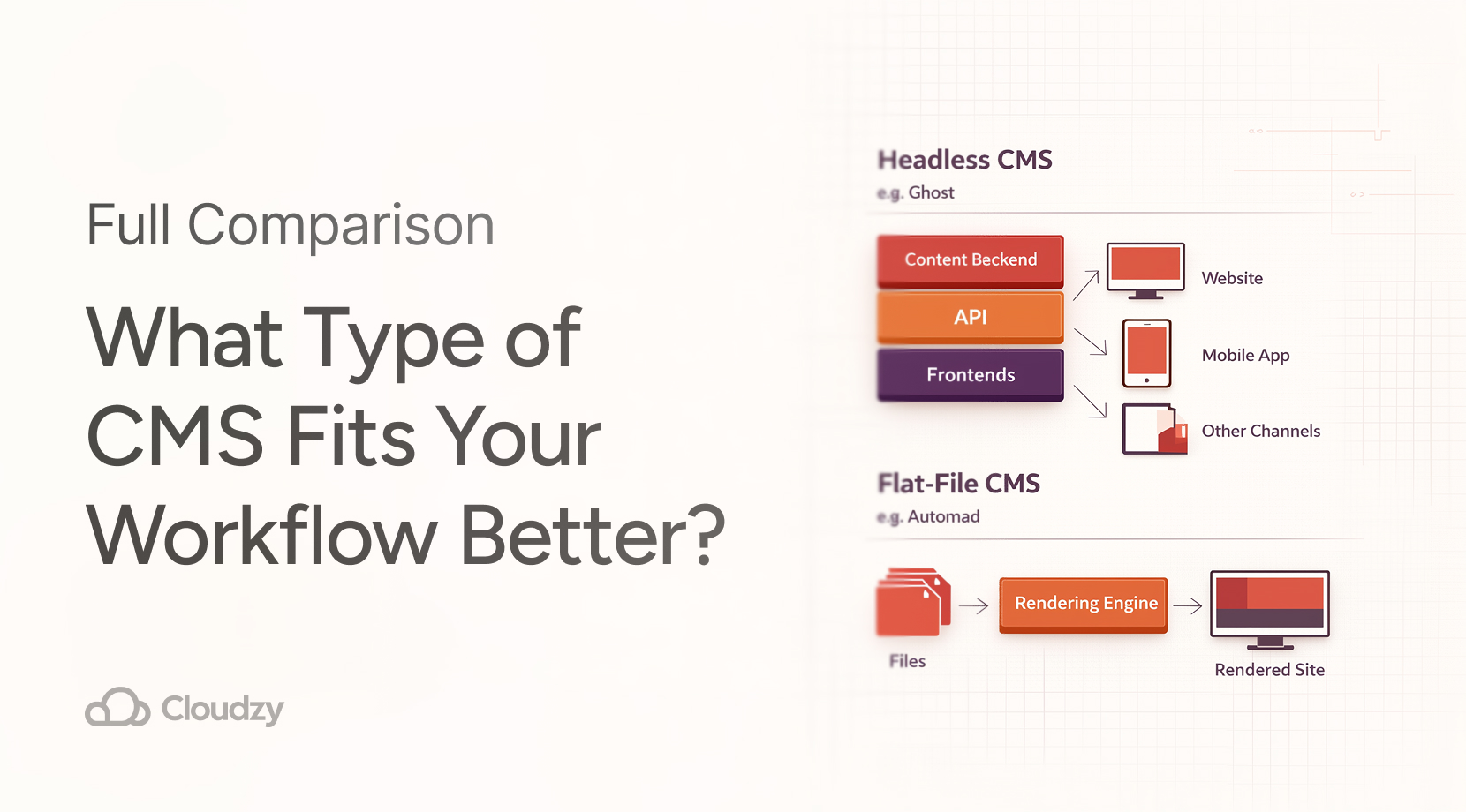
In contrast to headless CMSs, a flat-file CMS stores all content in regular files or folders. Typically, developers and specialists manage posts and pages in Markdown, HTML, or JSON files. After requesting a page, the CMS reads the corresponding file and serves it, avoiding any database lookup.
Here we will compare eight of the most relevant flat-file CMS options in 2026 and show where each one fits.
Flat-File CMSs: Developer-Friendly Option
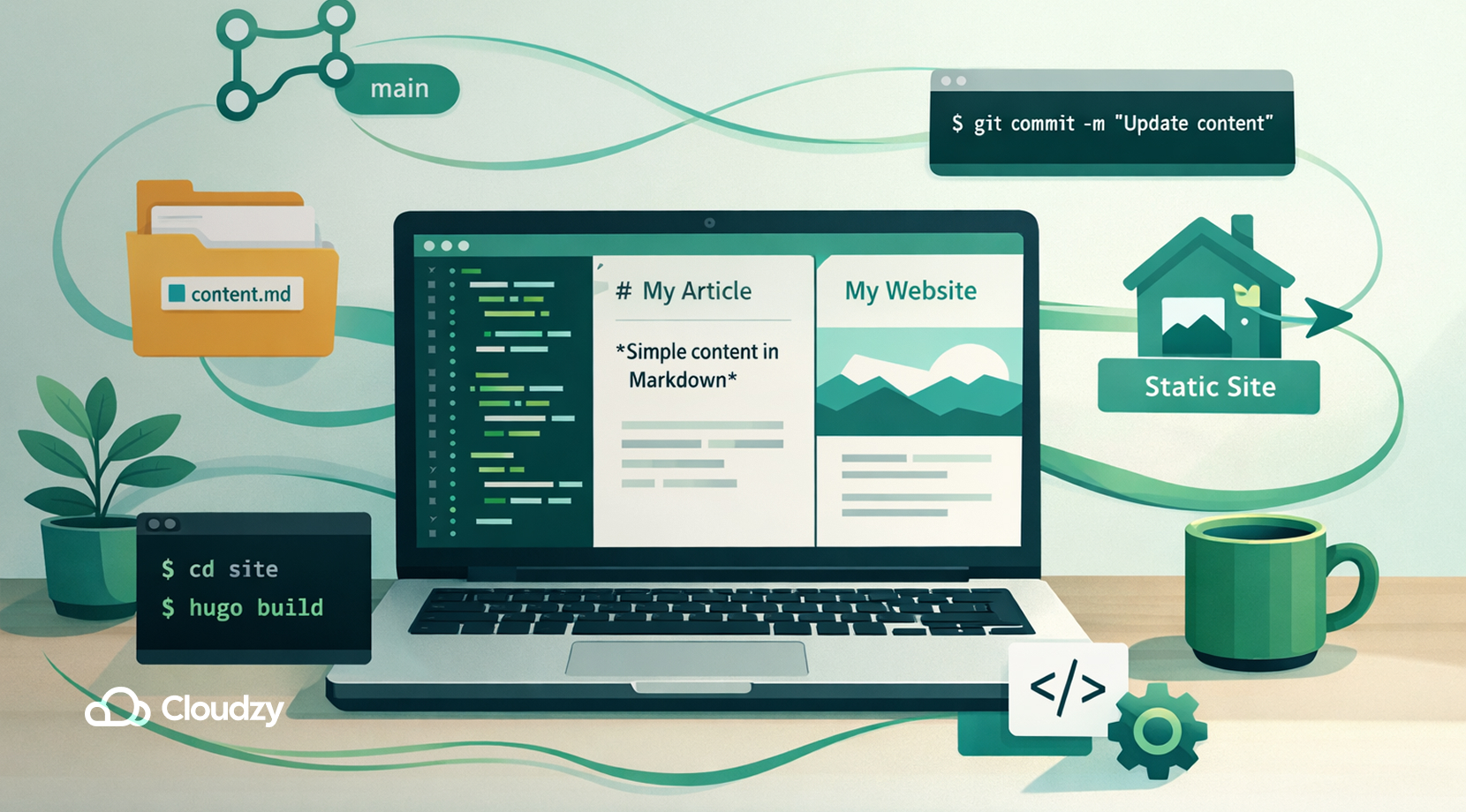
Developers have grown a fond relationship with flat-file CMSs because they align well with many modern web development trends, such as:
- JAMstack and static sites: Developers embrace architectures where content is pre-rendered. Flat-file systems easily fit into static-site generators or headless setups.
- Lightweight deployments: With no database to install, deployment is simpler. You just upload files or pull from version control, which makes hosting cheaper and migrations trivial.
- Developer-friendly workflows: Developers can use familiar tools, like Markdown editors, Git, and CLI, to build content. Many flat-file CMSs also provide clear APIs and template systems.
- Performance and scalability: Flat-file sites can be extremely fast, especially with caching. Many systems also offer built-in page caching or generate static HTML, which scales easily under traffic.
- Security and simplicity: Without a heavy backend, there are fewer components to secure and maintain. This is why many small businesses and startups prefer the simplicity and lower attack surface of flat-file setups.
All of these elements make for a compelling consideration for developers when it comes to choosing an alternative to monolithic and heavy CMSs like WordPress. Flat-file options give control over every layer of the stack, like hosting, caching, and backups, and often require less maintenance, which results in snappier sites and happier devs and clients.
With all that said, let’s proceed to our main topic of which flat-file CMSs are best. But before mentioning our top picks for flat-file CMSs, we must also consider based on what reasons these CMSs are picked.
How We Selected the Best Flat-File CMS
To pick the top flat-file CMSs, each platform was evaluated on several criteria, which are:
- User-friendliness: The simplicity of setup, content editing, and having a user-friendly admin interface.
- Handling different sites: The capability of handling different site types, like blogs, portfolios, and docs, and also the customization ability for templates and content fields.
- Performance features: Having options to speed up delivery, like caching or static-generation features.
- Strong ecosystem and support: The project is actively maintained and has plugins, themes, and a community for help.
- Developer-friendliness: Being capable of integrating well with modern dev tools, such as CLI tools, APIs, and version control.
- Licensing evaluation: Evaluating the licensing of the CMS in question to see if it’s an open-source or a paid service, but also its security and unique strengths.
By evaluating the said elements of each CMS, certain CMSs stood out from the others in a balanced way. Therefore, the following CMSs are all well-established or promising projects that are actively maintained.
Below are the eight flat-file CMSs, each mentioned with its key features and typical use cases.
Statamic
Statamic is a powerful flat-file CMS built on the Laravel framework. It stores content in YAML-Frontmatter/Markdown files, but can run fully dynamically. Developers love its clean control panel and Blueprint system.
Moreover, it has 40+ field types, built-in asset management, forms, navigation builders, and role-based permissions. It also includes a block editor (called Bard) for modular content. By default, it works without a database (all entries are flat files), yet you can switch to a database backend if needed for very large sites.
Statamic also offers static site generation and strong caching for performance. In short, it’s ideal for teams that need a modern, feature-rich CMS with great editorial UX and Laravel under the hood.
Grav

Grav is a popular open-source flat-file CMS known for its flexibility and performance. It uses Markdown files for content and YAML for configuration. It even comes with a powerful Twig templating system and supports unlimited taxonomies to filter content.
It also comes with a one-click installer and an admin plugin for easy setup and content editing. But the most unique feature of Grav is its smart caching engine, since pages, templates, and even image transformations are cached for speed.
Users can develop entirely via text files or use the built-in Markdown editor if they want to. In terms of maintenance, it is very well documented and has many themes and plugins via its package manager. Grav is, ultimately, a great choice for blogs, portfolios, documentation sites, or any project that needs a balance of simplicity and extensibility.
Kirby
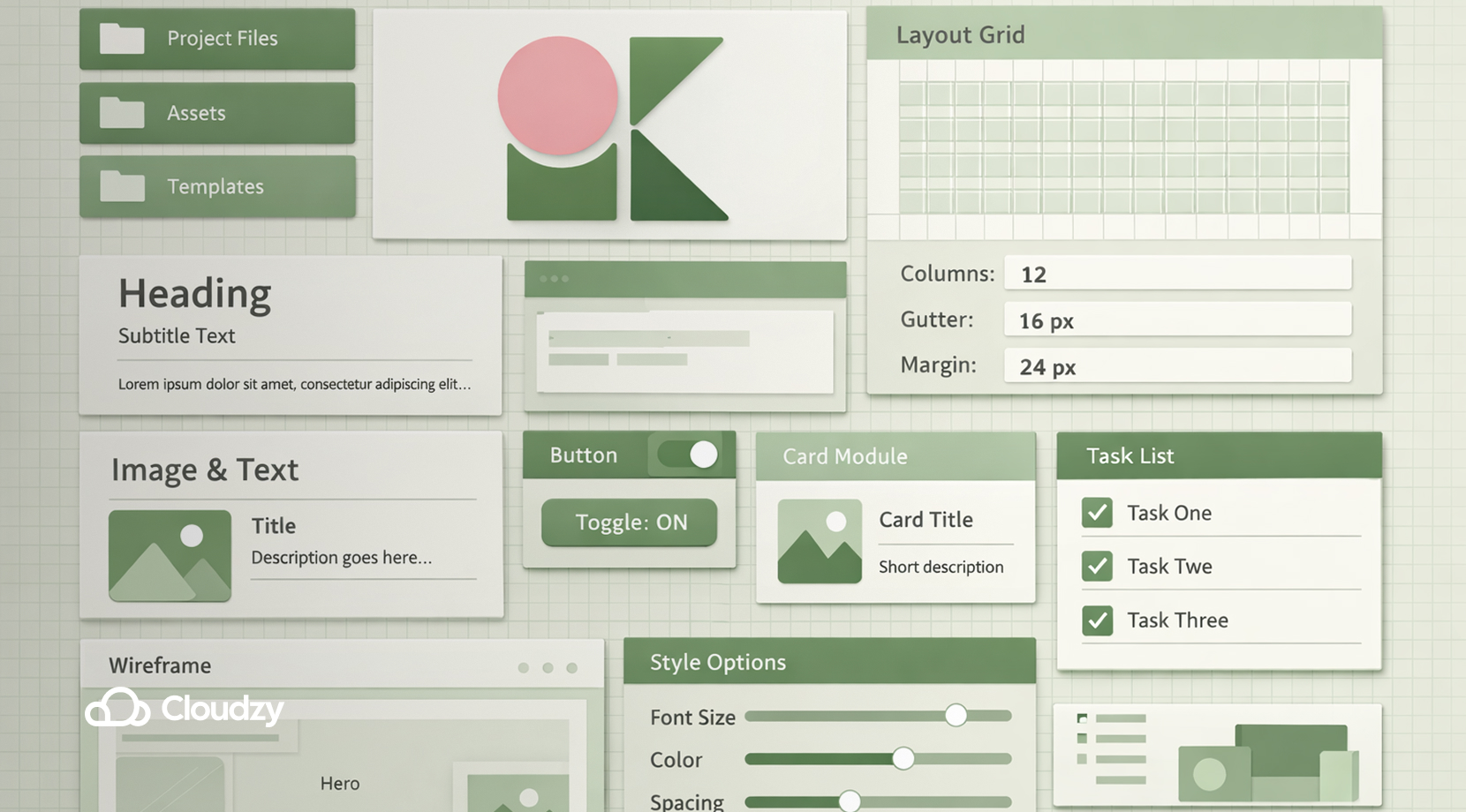
Kirby is a premium flat-file CMS that offers great flexibility for custom projects. Content lives in folders since each page is a directory with text files and optional data files. For its interface, Kirby features a clean Admin UI that is customizable with Blueprints.
You define all your page types, fields, and structure through PHP/YAML blueprints, which makes Kirby highly adaptable since you can build anything from simple blogs to complex multilingual sites while also including features like user accounts and caching.
Although Kirby requires a license for production use, many developers appreciate its uncluttered approach and easy theming. Developers or designers who want full control over the layout and content model without losing the convenience of an admin dashboard are well off using Kirby.
Pico
Pico is an extremely lightweight and overtly simple flat-file CMS. It has no database, no admin panel by default, and everything is managed by editing files. Content is simply written in Markdown and stored in the content folder.
Pico uses the Twig templating engine for themes and only has a few PHP files, making it super fast to load. Because of its minimal nature, Pico is most suitable for very small websites, simple blogs, or documentation where you don’t need complex content types.
Since Pico lacks a built-in interface, more technical users, or those comfortable with editing files directly, benefit from using it. Despite its simplicity, Pico can be extended with plugins for features like SEO or admin pages.
Bludit
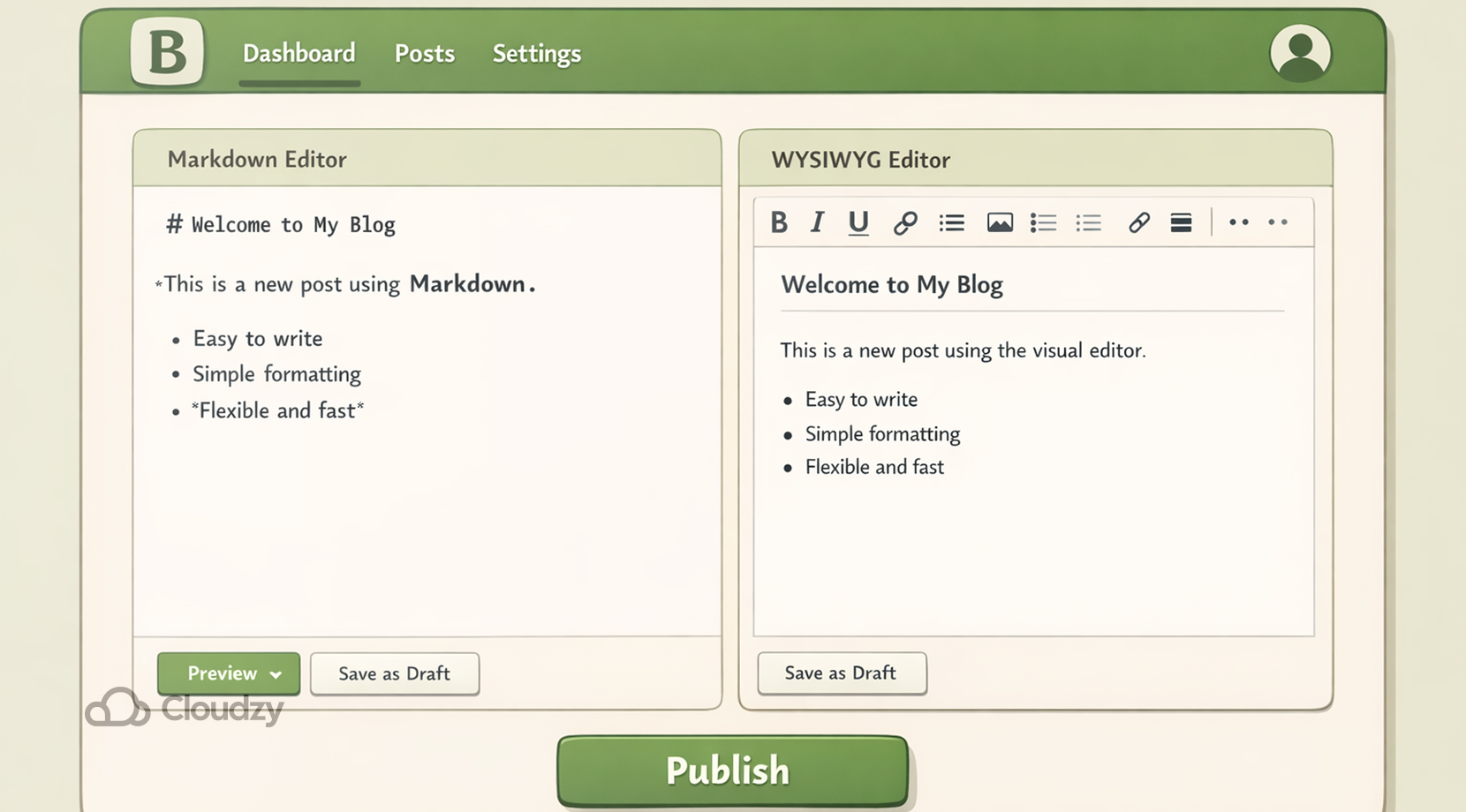
Bludit is a user-friendly flat-file CMS aimed at blogs and small websites. It stores content in JSON files and doesn’t require a database. It offers a simple admin dashboard with a content editor that supports both Markdown and a WYSIWYG mode. You can easily install and switch themes, and it has a plugin ecosystem for extra features.
Notably, Bludit includes built-in SEO tools and a simple, privacy-friendly setup by default. You can quickly set it up by just unzipping Bludit, and you’re running in minutes. Bludit is ideal for users who want a familiar CMS experience like WordPress but without the load of a database, such as personal blogs or small business sites.
Publii
Publii is a different breed. It’s a desktop-based flat-file CMS that generates static websites. You download the Publii app, which is available for Windows, macOS, and Linux, and build your site locally with a GUI interface. The content is stored in the app’s data folders, and when you’re ready, Publii publishes the site as plain HTML/CSS/JS files.
This means your live website is entirely static, leading to excellent security and speed. Moreover, Publii provides features like multiple editors, automatic image optimization, SEO and analytics integration, and a built-in GUI for themes. It also has one-click sync to GitHub Pages, Netlify, or FTP for deployment.
This makes Publii great for users who prefer a desktop workflow and want a static site without manually running a static site generator. Its common uses consist of blogs, portfolios, and documentation sites with high-performance needs.
Automad
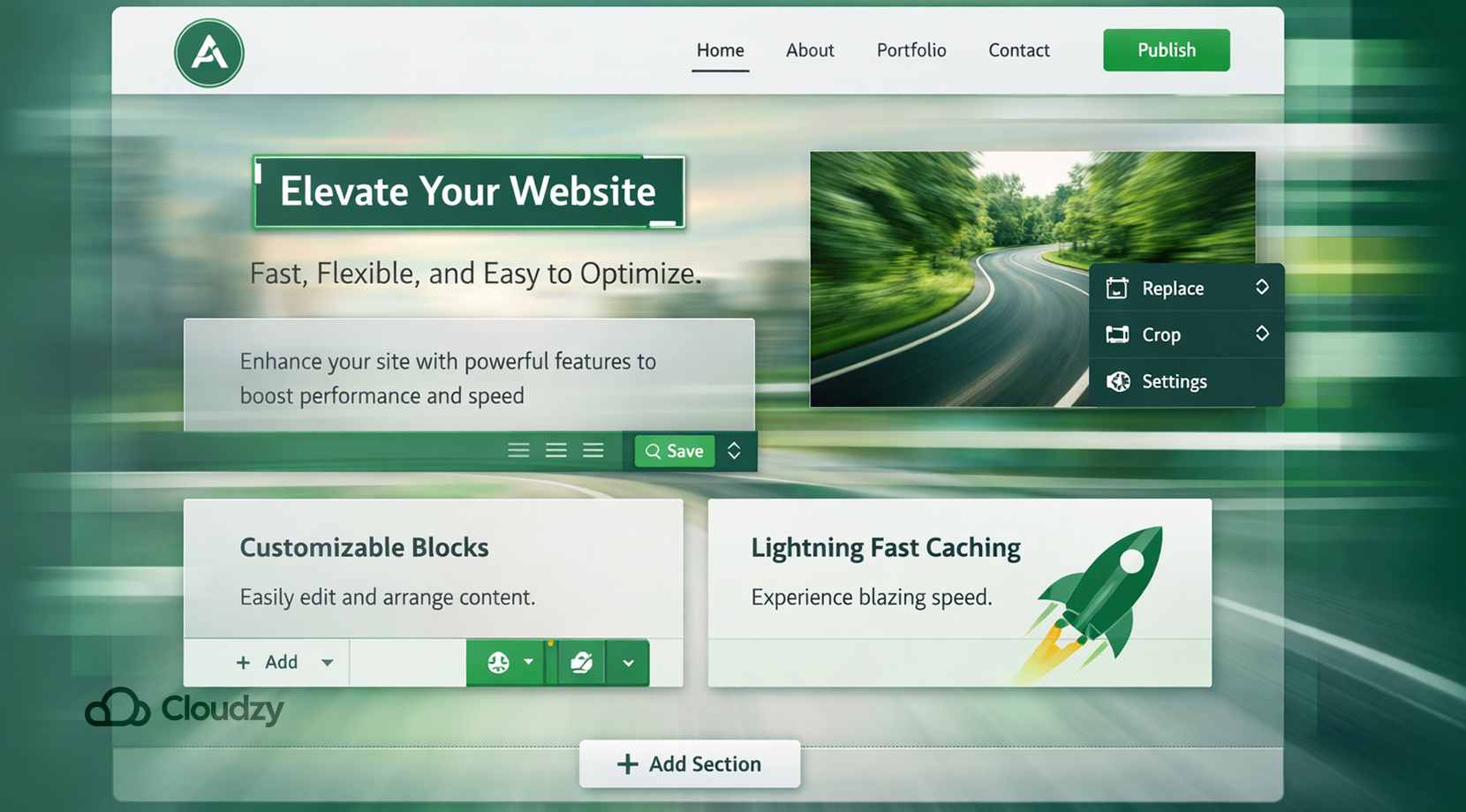
Automad is a modern and fast flat-file CMS with an integrated template engine. Its editing experience is supreme, which has a block-based editor and even an in-page editing mode. When you browse the site and log in, you can edit content right where it appears.
Technically, Automad requires no database, since all content and settings are stored in readable text files, but it still offers dynamic features like search and tagging out of the box. A key strength of Automad is its advanced multi-layer caching, which makes pages load very quickly even on modest servers.
For developers, Automad provides flexible templates by offering the capability to write your layouts in its own template language or extend it with PHP. It is easily themable and supports adding packages (themes/plugins) via its package browser.
There’s also a Headless Mode, using read-only JSON API, for advanced use cases. Ultimately, Automad suits creators who want a lighter yet powerful alternative to WordPress with flexible content blocks, top-notch speed, and a clean admin UI. It works especially well on VPS hosting, where you can fine-tune the server for performance.
WonderCMS
WonderCMS prides itself on being the smallest flat-file CMS. A default install is just five PHP files totalling about 50 KB. It installs by just unzipping and uploading. Internally, all content is kept in a single text file, so there’s absolutely no database.
Despite its size, WonderCMS offers features like in-place editing, 1-click updates and backups, theme and plugin management, and basic SEO settings. Its main focus is simplicity, since the creators aimed for a 100/100 Google PageSpeed score by default.
WonderCMS is perfect for ultra-simple websites or blogs that require minimal effort. A landing page or a personal site with a few subpages, for example, can use WonderCMS and benefit from its extreme speed and tiny footprint.
Now, with our top flat-file CMS picks mentioned, let’s take a quick look at them side by side to negate any possible confusion about which one to choose.
Best Flat-File CMS: Quick Comparison
With the core features of each CMS mentioned, it might still be a difficult choice to choose one or the other; therefore, we will take a look at them all in one place, hopefully making that choice easier for you.
| CMS | Best For | Ease of Use | Flexibility | Admin Panel | Performance |
| Statamic | Teams, Laravel projects | Medium (some setup) | High | Yes | High (caching + SSG) |
| Grav | Custom sites & blogs | Medium | High | Optional | High (smart caching) |
| Kirby | Designer-focused sites | Medium | Very High | Yes | High |
| Pico | Tiny/simple sites | Very High | Low | No | Very High |
| Bludit | Blogs & small sites | High | Medium | Yes | High |
| Publii | Static blogs/portfolios | High (GUI app) | Medium | Local desktop UI | Very High (static) |
| Automad | Flexible modern sites | High | High | Yes | Very High (multi-layer cache) |
| WonderCMS | Simple websites, landing pages, & small blogs | Very High | Low | Yes (inline) | Very High (100% score) |
Each answer above is very brief, just to give some quick info. But, with all that said, there are still some other issues that matter before choosing your own flat-file CMS, like infrastructure requirements, which we will get into next.
Hosting Considerations for Flat-File CMS
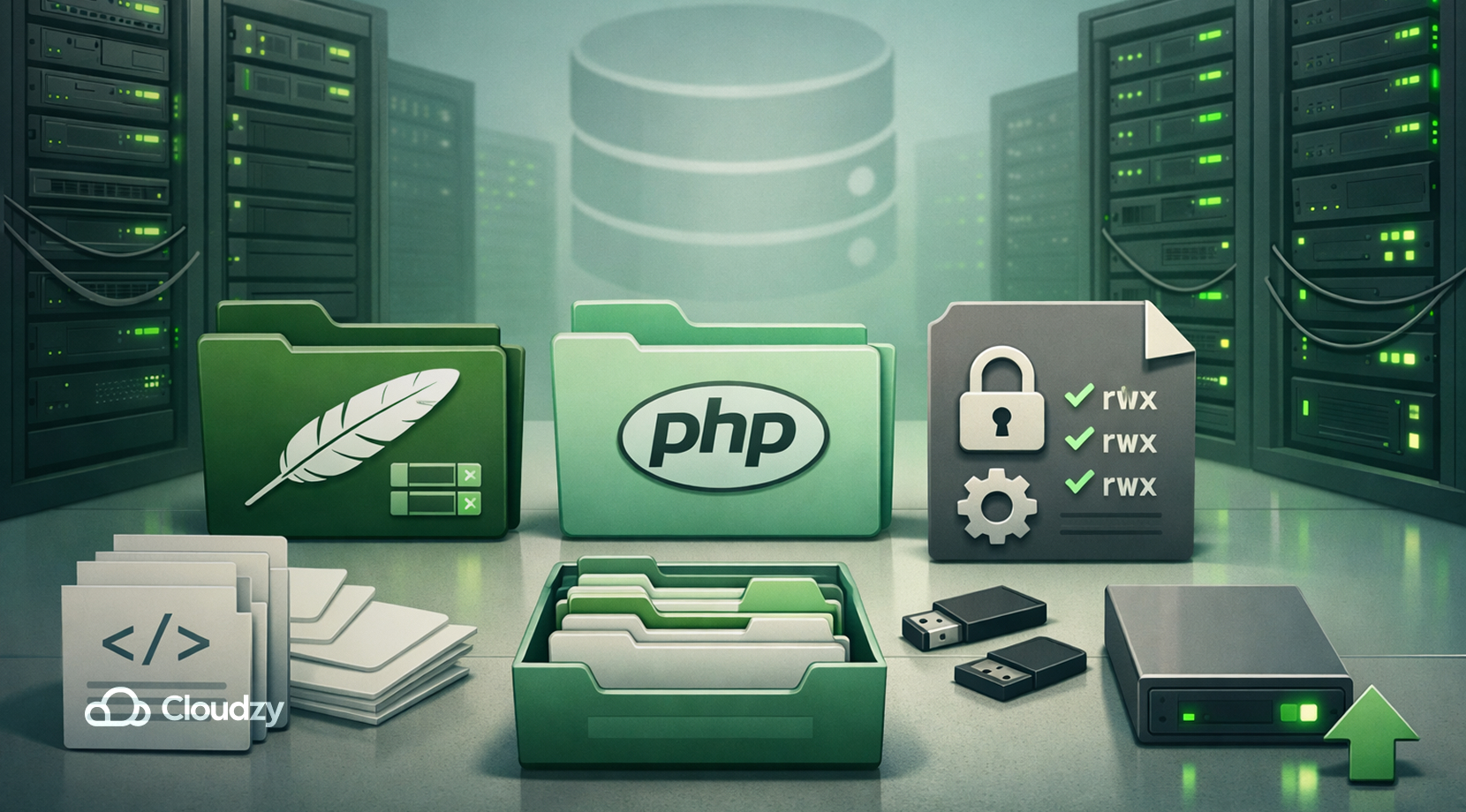
Flat-file CMS platforms are known for their minimal requirements, but that doesn’t mean hosting choice is irrelevant. In fact, the hosting layer plays a bigger role in performance and reliability than many expect.
At a basic level, most flat-file CMS platforms need:
- A web server like Apache or Nginx
- PHP (usually 7.4 or newer)
- File system access with read/write permissions
- No database service at all
Because of this simplicity, you can technically run them almost anywhere. Even entry-level shared hosting environments will work for small sites.
However, there are a few practical realities developers quickly run into when they deploy flat-file CMSs themselves, or through a cheap shared hosting environment, such as:
- File-based systems rely heavily on disk I/O speed
- Caching performance depends on server configuration
- Traffic spikes can overwhelm low-resource environments
- Permissions and deployment workflows are easier with full control
Although flat-file CMSs remove database overhead, they still benefit from fast storage, stable CPU performance, and proper caching. This is where the difference between shared hosting and a VPS becomes noticeable.
Why VPS Hosting Makes More Sense for Flat-File CMS
Just as said before, deploying your CMS of preference on a VPS is usually the safest and most flexible method to manage your content since VPS services offer fast infrastructure and minimal downtime, so you won’t even have to worry about keeping your home laptop always running.
If you’re keen on deploying a flat-file CMS on a VPS service, feel free to check out Cloudzy’s VPS services, since we offer everything you need to deploy a flat-file CMS.
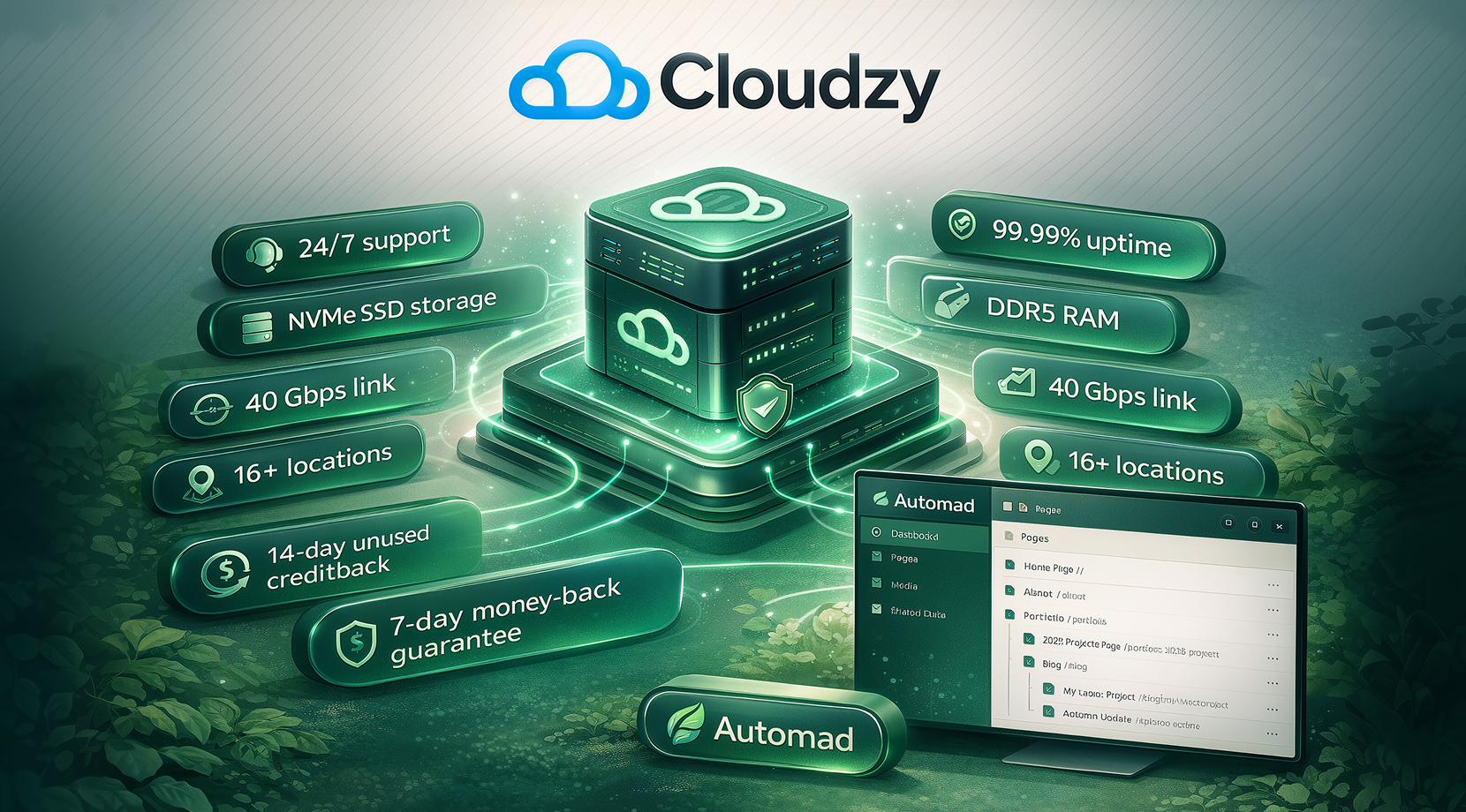
Moreover, Cloudzy even has a one-click Automad VPS, which means that in a minute or two, you can deploy Automad on our VPS without setting it up yourself. Just like any of our VPS services, it has 24/7 support, 99.99% uptime SLA with minimal latency, and up to 40Gbps links.
In terms of infrastructure, it comes with NVMe/SSD storage and DDR5 RAM, and it also includes a 7-day money-back and 14-day credit-back guarantee. Ultimately, thanks to its availability in 16+ locations worldwide, it can be deployed anywhere by anyone.
Best Flat-File CMS: In Short
Flat-file CMS platforms offer a clean way to build fast, secure websites without database overhead. Each option in this list serves a different need. Here are their most prominent use cases.
- Automad: Several use cases (Portfolio websites, documentation, blog sites, and lightweight flat-file websites in need of a real editor UI)
- WonderCMS: Simple websites
- Grav: Small business websites
- Kirby: Portfolio websites
- Statamic: Laravel-based companies
- Pico: Very small markdown websites
- Publii: Static blogs
- Bludit: Simple blogs
For developers who want a balance between flexibility and performance, Automad stands out with its modern editing experience and strong caching. As hosting becomes part of the decision, running a flat-file CMS on a VPS gives you more control and consistency. With the right setup, you can keep things simple while still delivering high-performance sites.
Then again, if you want to get started quickly, Cloudzy’s Automad VPS can simplify the entire setup process with its one-click Automad image ready to go in minutes.