The short answer is that CasaOS is still the easiest place to begin, Umbrel has the cleanest curated feel, and Cosmos Cloud makes more sense once you want tighter control over domains, HTTPS, auth, and app exposure.
The main difference isn’t really “beginner versus advanced.” It’s how far you want to go before the dashboard starts getting in your way. Let’s get into it.
Quick Answer: Cosmos Cloud vs CasaOS vs Umbrel
Instead of giving you a bunch of bios that say “easy self-hosting” in different words, here’s a more practical look at what you can expect from each one.
| Platform | Best Fit | What You Get First | Main Catch |
| CasaOS | First home server or light personal cloud | Friendly dashboard, quick app installs, very low setup friction | Many users outgrow it once custom networking, proxying, or long-term maintenance matter more |
| Umbrel | Polished home server with a curated app shelf | Smooth UI, one-click updates, app permissions, built-in app auth | Happiest on the stock path; deeper custom work gets less comfortable |
| Cosmos Cloud | Multi-app Docker setup with routing and access control | Reverse proxy, HTTPS, SSO, user control, Docker-aware service management | More opinionated, and the install expects you to treat it like the front door to the server |
If you’re not just interested in these three, then you might want to check out our complete comparison of the Best Self-Hosted Cloud Platforms with a Web UI. In this article, however, we go narrower and answer the harder questions: what happens after app number three, after the first public domain, and after the first time you need someone else to log in.
Where the Three Platforms Actually Differ
The biggest mistake anyone can make is treating all three as “Docker dashboards with app stores.” They overlap, but they do not sit at the same layer of the stack. CasaOS feels like a very friendly launcher for a personal box. Umbrel feels like a polished, curated home server OS. Cosmos Cloud acts more like a gateway plus manager for self-hosted services.
Cosmos Cloud
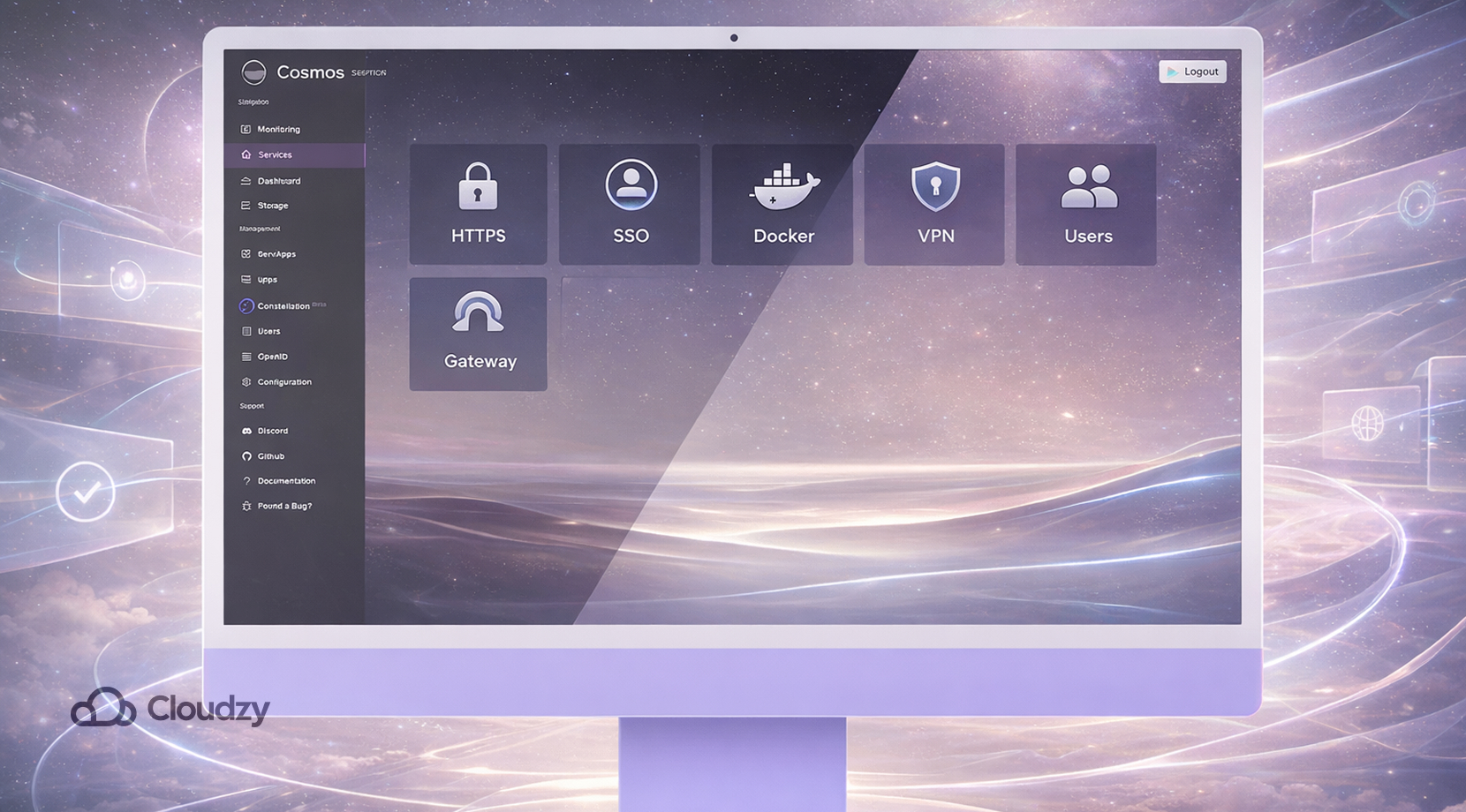
Cosmos Cloud is the one that most clearly tries to solve exposure, access, and service management in the same place. Its URLs guide puts reverse proxying, HTTPS, subdomain routing, SSO, and automatic certificate handling right in the core workflow, not off to the side as a later add-on.
The setup docs also show Cosmos expecting access to the Docker socket so it can manage containers directly, and its Constellation VPN docs show a built-in remote-access path without the old habit of opening random ports and hoping for the best.
That’s important, as a user picked Cosmos over CasaOS and Umbrel because they needed multi-user support, while another thread praises the “all-in-one package” feel but pushes back on Cosmos converting compose-style installs into its own format.
Those are the two sides of the Cosmos penny; it can cut down a lot of side tooling, but it also wants you to work in its lane. If you are stuck between “container manager” and “server gateway,” our piece on Portainer vs Cosmos Cloud for Managing Docker Apps is what you should read up on after this one.
CasaOS
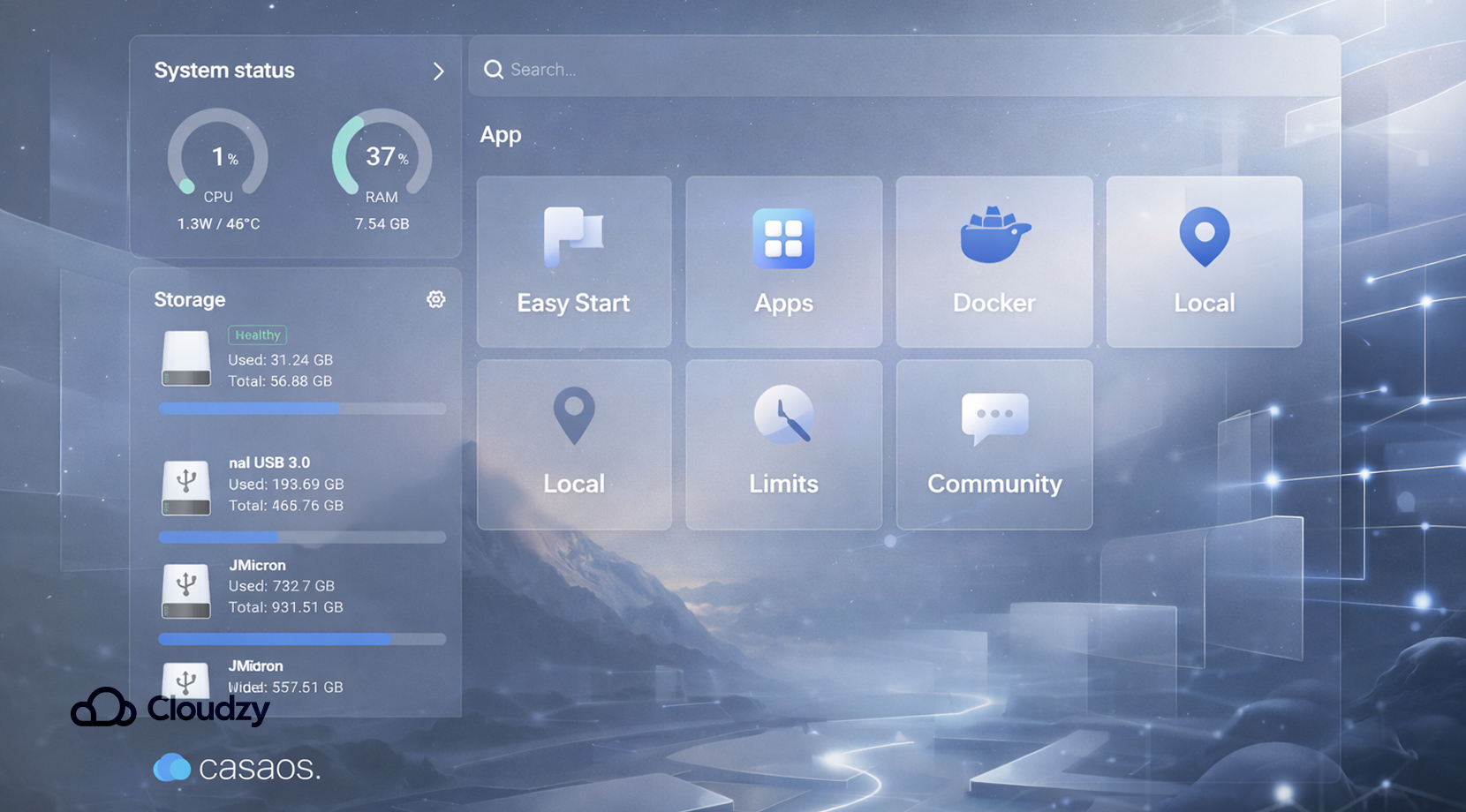
CasaOS still earns its spot by being the least intimidating start. Its apps wiki keeps the app side simple, with App Store, Custom Install App, External App, and Import from Docker all sitting inside the same app flow.
On supported systems, the getting-started guide still boils down to a one-liner on Ubuntu, Debian, Raspberry Pi OS, and a few others, which is a big part of why it remains so popular for first boxes and small home labs.
The catch is that IceWhale’s own messaging now places ZimaOS as the newer path, while CasaOS keeps moving as a community-driven project. That does not make CasaOS obsolete, but it does change the framing.
Some users defend CasaOS as perfectly fine if it gives them the dashboard and file access they want, while others say it starts to feel thin once they want better proxying, app reliability, or more serious storage planning.
Umbrel
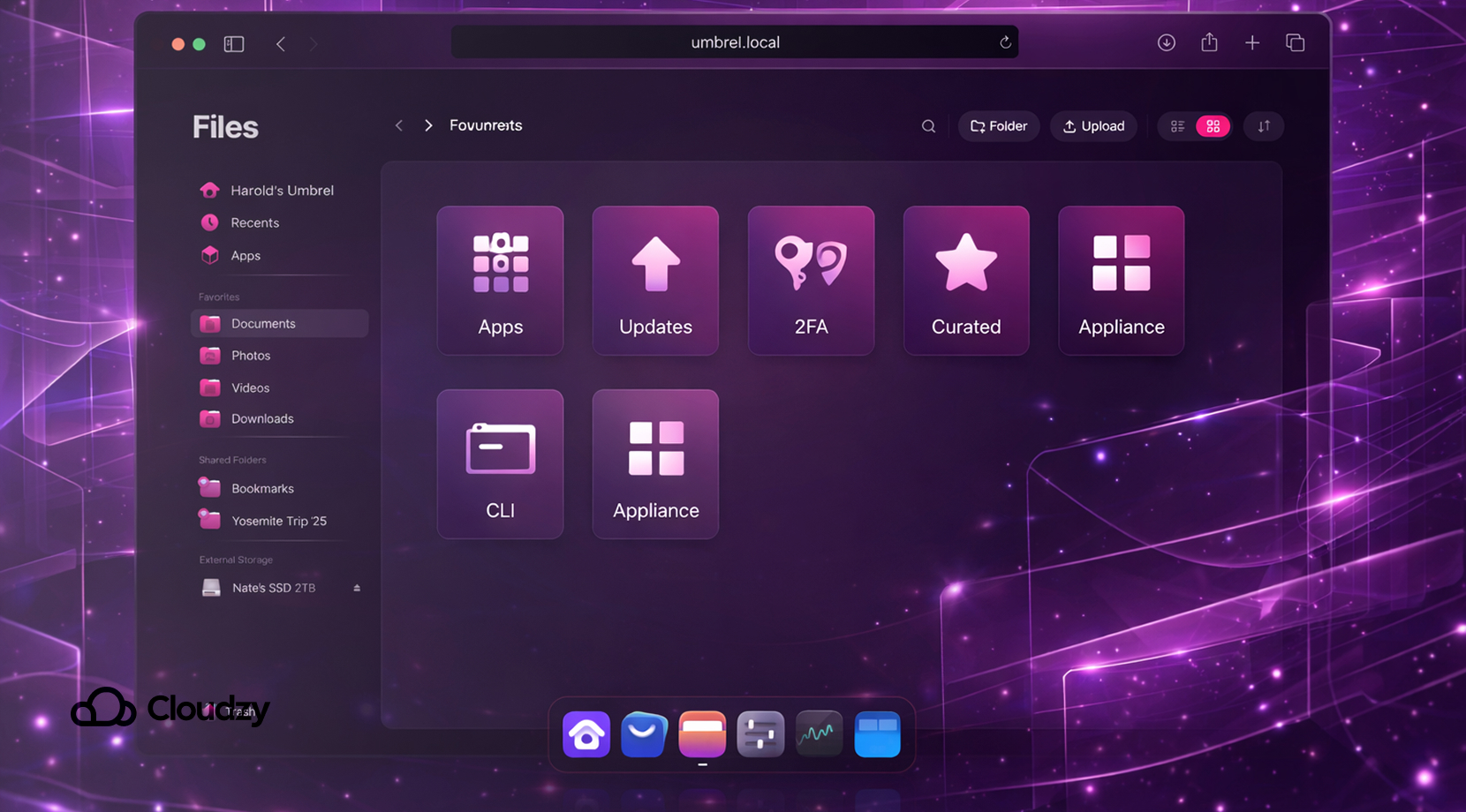
Umbrel has moved well beyond its Bitcoin-only reputation, despite what a lot of old comparison pieces still say it’s a crypto toy.
The current Umbrel site and repo pitch it as a home server OS with over 300 apps, and the official product page leans hard into one-click updates, app permissions, app authentication with 2FA, and a polished browser-based control layer.
Still, Umbrel remains the most curated experience of the three. In practice, that is a plus right up to the point where you want to step outside the approved path. A recent Umbrel community thread sums that up well: one user says Umbrel works fine if you run it stock, but once you start doing deeper CLI customization, updates can wipe away the comfort that made Umbrel attractive in the first place.
So if CasaOS feels like a friendly desktop and Cosmos feels like a managed gateway, Umbrel is like the cleanest appliance.
App Stores, Custom Installs, and How Fast You Hit a Wall
This is the practical part i was talking about. The first install is not the hard part. The hard part is what happens when the app you want is missing, the compose file needs edits, or you need to keep ten services tidy instead of two.
CasaOS is very open about offering multiple app sources, and that is one reason it is easier to like than many stripped-down starter dashboards. You can use the store, pull in Docker-based apps, or add your own install path.
But community reaction is mixed once people get past the honeymoon stage. As one previously mentioned Reddit thread has a user saying CasaOS became a limitation only after it stopped matching what they wanted from the box, which is probably the fairest summary of CasaOS you can give.
Umbrel now has a much wider app spread than older articles admit, with AI, media, networking, developer, and productivity categories in the live Umbrel App Store. That helps a lot. But the official Portainer page on Umbrel also carries warnings to use named volumes only, watch for port conflicts, and expect the Portainer app to be a power-user path.
Cosmos Cloud lands somewhere else. It is not trying to beat Umbrel on polish or CasaOS on first-minute friendliness. It is trying to keep app management, URLs, certificates, and access control in the same control plane.
That is why people who start with simpler dashboards often drift toward Cosmos later. If the thing you care about most is app variety, Best Self-Hosted Apps You Can Run with Cosmos Cloud is the piece that fits after this one.
Networking, HTTPS, Remote Access, and User Control
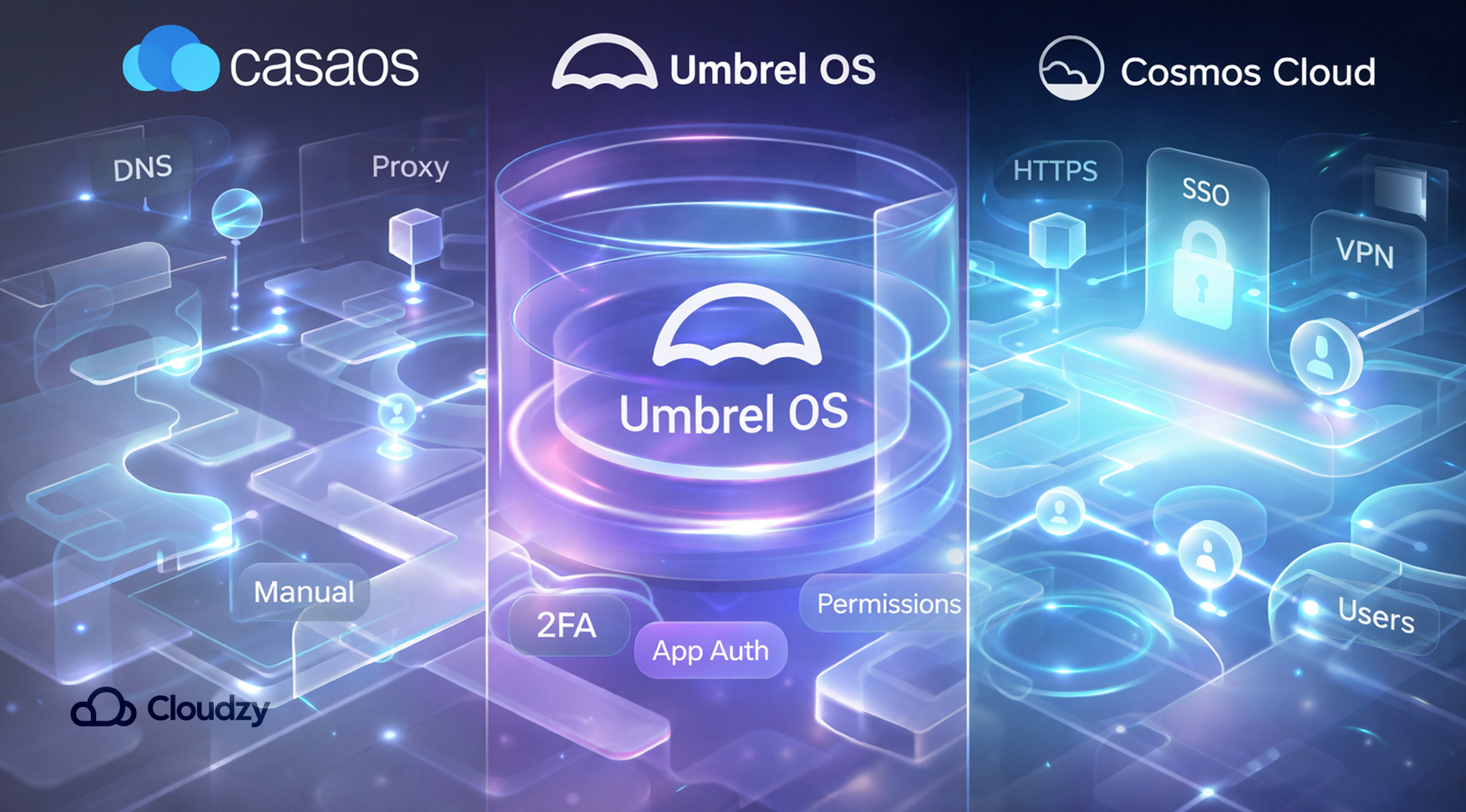
Cosmos Cloud has the clearest built-in features here. The docs say its reverse proxy can expose apps without the old port-sprawl habit, support HTTPS, and move you from raw port numbers to subdomains.
It also has SSO support built in, and Constellation adds a VPN layer for remote access without the same exposure model many home-lab users start with.
CasaOS can sit behind a web server, and its proxy guide lays that out, but you are stepping into manual territory, with root access, your own web server choice, and your own DNS decisions. That is fine for people who already like that part of the work, but certainly less fine for people who picked a dashboard to cut that work down.
Umbrel sits in the middle. Its official site highlights app authentication, 2FA, app permissions, and monitoring, which gives it cleaner security than older writeups suggest. But that’s still closer to “protecting apps inside the Umbrel experience” than “acting as the general front door to every service on your server.”
That is one reason Cosmos and Umbrel can look similar in screenshots yet feel very different after you start exposing services for daily use.
This is also the point where many readers realize they are not just choosing a dashboard. They are choosing how much side work they want their dashboard to absorb.
Which One Makes Sense for Your Setup
By this stage, the best way to decide is to stop asking which platform is “best” and ask which headache you want less of. Overall, you should go for CasaOS for the easiest first box, Umbrel for the smoothest stock experience, and Cosmos Cloud for setups where routing, access, and service sprawl are already part of the job.
- Pick CasaOS if you want the fastest route to a pleasant home server and you do not plan to get fancy right away. It is still the softest landing for someone who wants a small media box, backup target, or personal cloud without starting from a blank Linux prompt. If you know you mostly want local use and a simple dashboard, CasaOS is still hard to hate.
- Pick Umbrel if the thing you care about most is a polished, well-curated experience that feels finished from the moment you log in. Umbrel does a good job making self-hosting feel like a product instead of a weekend project. That matters more than people admit. The trade-off is that it feels better as an appliance than as an endlessly malleable server.
- Pick Cosmos Cloud if you already know the stack will grow, or if your pain point is not “How do I install apps?” but “How do I expose them cleanly, protect them, and stop juggling extra pieces?” Cosmos works for people who want one place to manage containers, access, and routing together.
There is also a fourth group: readers who are already past home-lab romanticism and simply want the box to stay up. For them, the decision is tied as much to deployment as to the platform itself.
Deployment and Hosting Considerations
All three platforms can run on home hardware, and CasaOS in particular still fits spare PCs, Intel NUCs, Raspberry Pi setups, and basic Ubuntu or Debian installs very well. Cosmos also maps cleanly to a plain server with Docker already in place.
Umbrel can run in a Linux VM too, but the project’s own VM install guide says non-Umbrel Home support is best-effort rather than guaranteed, which is a useful detail if you are planning a more standard VPS or VM workflow.
That is where hosted deployment starts to look a lot more practical than the old “just use an old mini PC” advice. A VPS can give you a cleaner public IP setup, steadier uptime, snapshots, backups, and less hardware babysitting.
It also cuts out the usual home-network friction once domains, HTTPS, and remote access matter. Our guides on Docker on VPS and Cloud Hosting vs VPS fit right here because these platforms still sit on top of normal server decisions, even if the UI hides half the plumbing.
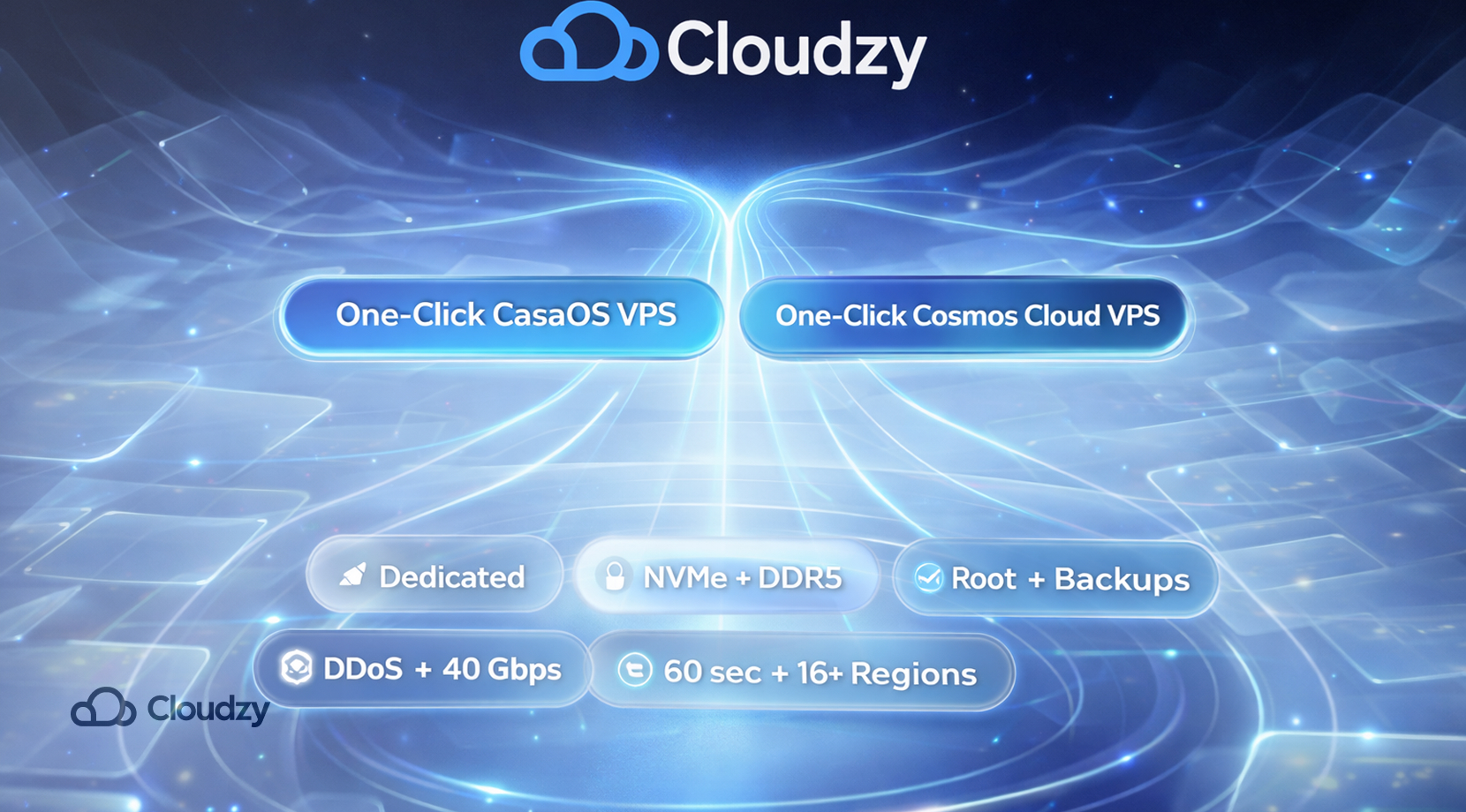
If that is the route you want, then the easiest way is simply one of our One-Click Cosmos Cloud VPS and One-Click CasaOS VPS setups. With Cloudzy, you skip the spare-hardware phase and start with dedicated resources, NVMe SSD storage, DDR5 RAM, full root access, daily backups with 30-day retention, advanced DDoS protection, up to 40 Gbps networking, and deployment in about 60 seconds across 16+ locations.
We’re not peddling a miracle here; they just remove the low-value chores so you can judge Cosmos Cloud or CasaOS on the platform itself, not on how annoying your first server setup was.
Final Verdict
CasaOS is still the easiest first stop. Umbrel is still the nicest stock experience. Cosmos Cloud is the one that makes more sense once apps, access, and routing start blending into one problem instead of three.
If you already know you want Cosmos Cloud or CasaOS but do not want the hardware part to become its own side project, our one-click hosted setups can take a lot of that extra work off the table without changing the platform choice itself.