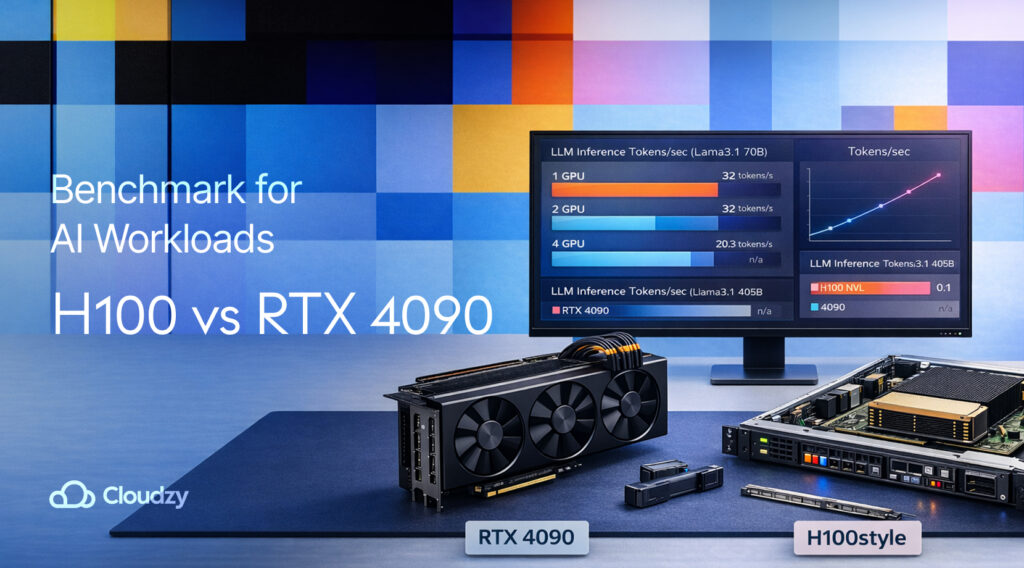
If you’re deciding H100 vs RTX 4090 for AI, keep in mind that most “benchmarks” don’t matter until your model and cache actually fit in VRAM. RTX 4090 is the sweet spot for single-GPU work that stays inside 24 GB.
H100 is what you reach for once you need bigger models, higher concurrency, multi-user isolation, or less time spent doing memory gymnastics.
I’ll break it down by workloads, show benchmark types, then give you a fast test plan you can run on your own stack.
Quick Answer: H100 vs RTX 4090 for AI Workloads
H100 wins for big-model training and serious serving because it brings large HBM pools, very high memory bandwidth, NVLink, and MIG for isolation. RTX 4090 is better for “I need great single-GPU speed at a better price” as long as your workload fits into 24 GB without constant compromises. Specs and platform features make this pretty straightforward.
Here’s the fast pick list by persona:
- Local LLM Builder (Solo Dev / Student): RTX 4090 until VRAM becomes the bottleneck.
- Startup ML Engineer (Shipping An MVP): RTX 4090 for early-stage serving and fine-tuning, H100 once you need stable concurrency or bigger models.
- Applied Researcher (Lots Of Experiments): H100 if you keep hitting OOM, batch caps, or long contexts.
- Production / Platform Team (Multi-Tenant Serving): H100 for MIG slicing, higher headroom, and smoother scaling.
With that framing, the rest of this article is about the limits people run into in real life, and how the benchmark numbers line up with them.
The Only Benchmark Question to Consider: What Has to Fit in VRAM?
Most threads about H100 vs RTX 4090 are technically VRAM arguments. In LLM work, VRAM gets eaten by weights, activations during training, optimizer states in training, and the KV cache during inference. That last one is the one that people don’t really expect, because it grows with context length and concurrency.
The table below is intentionally high-level because the exact fit depends on framework, precision, and overhead.
Here’s the “does it fit without drama?” view:
| Workload | Typical Single-GPU Reality on RTX 4090 (24 GB) | Typical Single-GPU Reality on H100 (80–94 GB) |
| 7B LLM inference (FP16 / BF16) | Usually fine | Comfortable headroom |
| 13B LLM inference | Often tight, depends on context | Usually fine |
| 70B-class inference | Needs heavy quant/offload | Far more realistic |
| SD/SDXL inference + small batch | Usually fine | Fine, plus more batch headroom |
| Serving with higher concurrency | KV cache pressure shows fast | More room, more stable under load |
If you want a broader GPU shortlist (not just these two), our roundup of the Best GPUs for Machine Learning in 2025 is a handy reference table for VRAM and memory bandwidth across common AI GPUs.
Once you know your workload fits, the next thing that decides how “smooth” it feels is memory bandwidth.
Bandwidth: Why HBM Feels Different
A lot of AI performance talk is fixed on compute peaks, but transformers are extremely sensitive to memory movement. H100’s advantage is that it pairs large HBM pools with very high memory bandwidth, plus NVLink bandwidth and MIG partitioning on the platform side.
Specs Snapshot
Specs won’t pick the GPU for you, but they explain why the same workload feels easy on one card and cramped on the other. This snapshot shows what affects LLM training, inference, and serving behavior most.
| Spec | H100 (SXM / NVL) | RTX 4090 |
| VRAM | 80 GB / 94 GB | 24 GB |
| Memory Bandwidth | 3.35–3.9 TB/s | GDDR6X (capacity-limited at 24 GB) |
| Interconnect | NVLink + PCIe Gen5 | PCIe (consumer platform) |
| Multi-Instance | Up to 7 MIG instances | N/A |
Spec references: NVIDIA H100, NVIDIA RTX 4090.
What this translates to in practice:
- If you’re trying to raise batch size or context length, H100 tends to stay stable longer before you get pushed into tradeoffs.
- If you’re serving many requests at once, H100 has more “memory breathing room,” so you don’t get iffy tail latency as quickly.
- If your work is mostly single-user, single-model, modest context, the 4090 often feels fast and satisfying.
Bandwidth doesn’t replace good benchmarking, though. It just explains why two GPUs can look close on a narrow test, then drift apart under real load.
Reliable H100 vs RTX 4090 Benchmarks
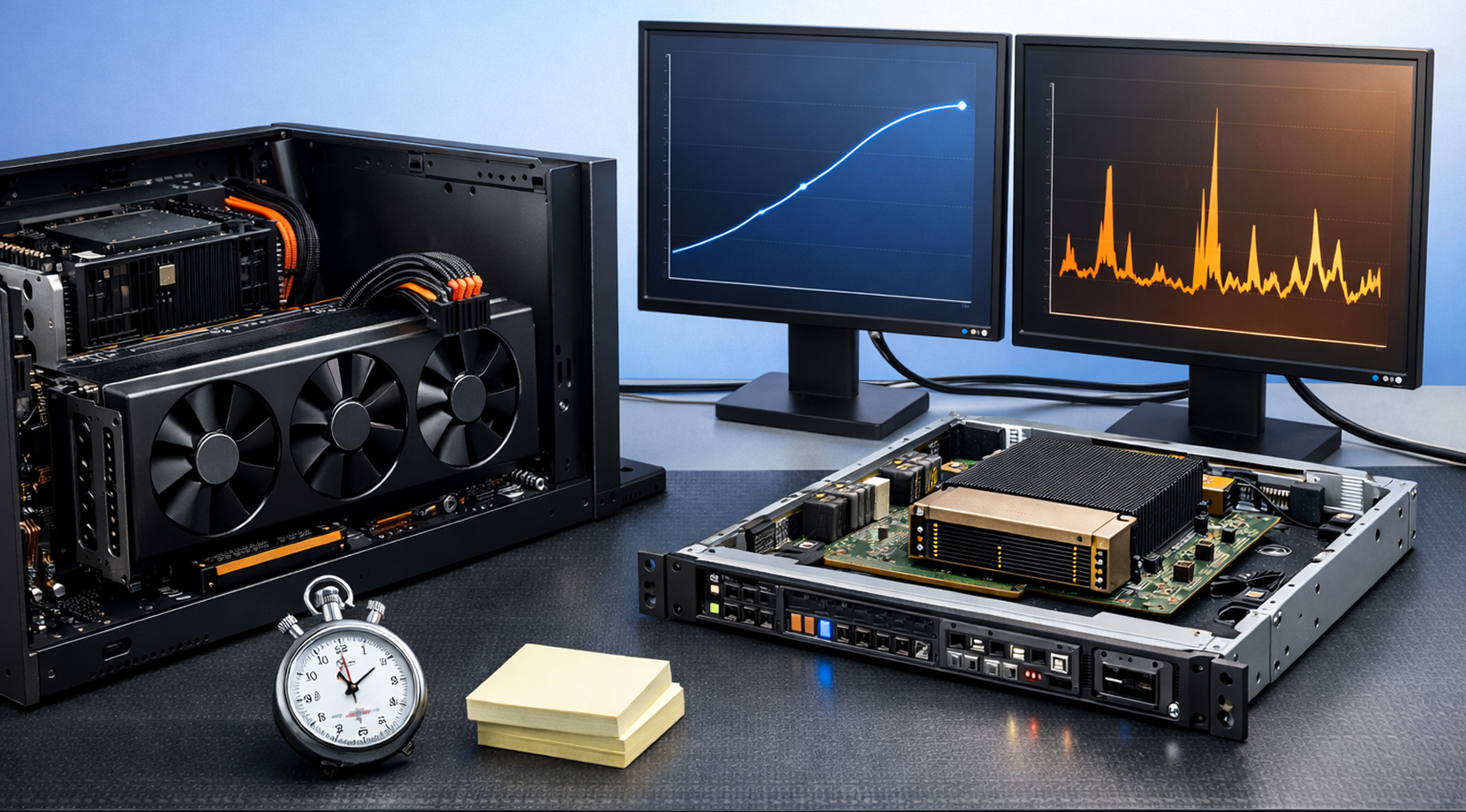
Benchmarks aren’t all the same, and that’s why “my numbers don’t match yours” happens constantly. For H100 vs RTX 4090, it helps to split benchmarks into two lanes:
- Lane A (community feel): llama.cpp-style tokens/sec tests and simple inference scripts.
- Lane B (standardized suites): MLPerf Training and MLPerf Inference style results, which focus on repeatable rules.
Llama.cpp-Style Inference Snapshot
This is the kind of test people run at home, then argue about for three days. It’s useful because it reflects a “real toolchain” many builders use, but it’s also easy to misread if you ignore fit and precision.
Public llama.cpp-style comparisons show RTX 4090 doing very well on smaller models and quantized runs, while large models at higher precision blow past the VRAM ceiling.
Here’s the pattern you should expect:
| Model | GPU | Typical Outcome |
| 7B class | RTX 4090 | High tokens/sec, smooth single-user inference |
| 13B class | RTX 4090 | Still good, but context and overhead start to matter |
| 70B class | RTX 4090 | Doesn’t fit cleanly without aggressive quant/offload |
| 70B class | H100 | Far more realistic to keep resident and serve reliably |
The point of this table isn’t “4090 bad” or “H100 magic.” It’s that the VRAM ceiling decides how much you can keep resident, and that affects speed, stability, and the amount of tinkering you’ll do.
If you’re constantly shaving context length just to stay alive, that’s the moment this comparison stops being theoretical.
What MLPerf Adds That Forum Benchmarks Don’t
MLPerf exists because “random scripts and vibes” doesn’t work once you’re making a several-thousand-dollar decision. MLCommons has added newer gen-AI style workloads over time, and MLPerf is designed to make results more comparable across systems.
On the training side, NVIDIA’s MLPerf Training v5.1 write-up is a good example of how vendors report time-to-train with details on the submission environment and the benchmark rules they’re following.
This lane won’t tell you how your private prompts behave, but it’s a sanity check for system-level scaling and “how this class of hardware performs under rules.”
Now let’s talk about the part that affects purchases the most, which is time and money spent finishing the work.
Cost, Time, and Opportunity Cost
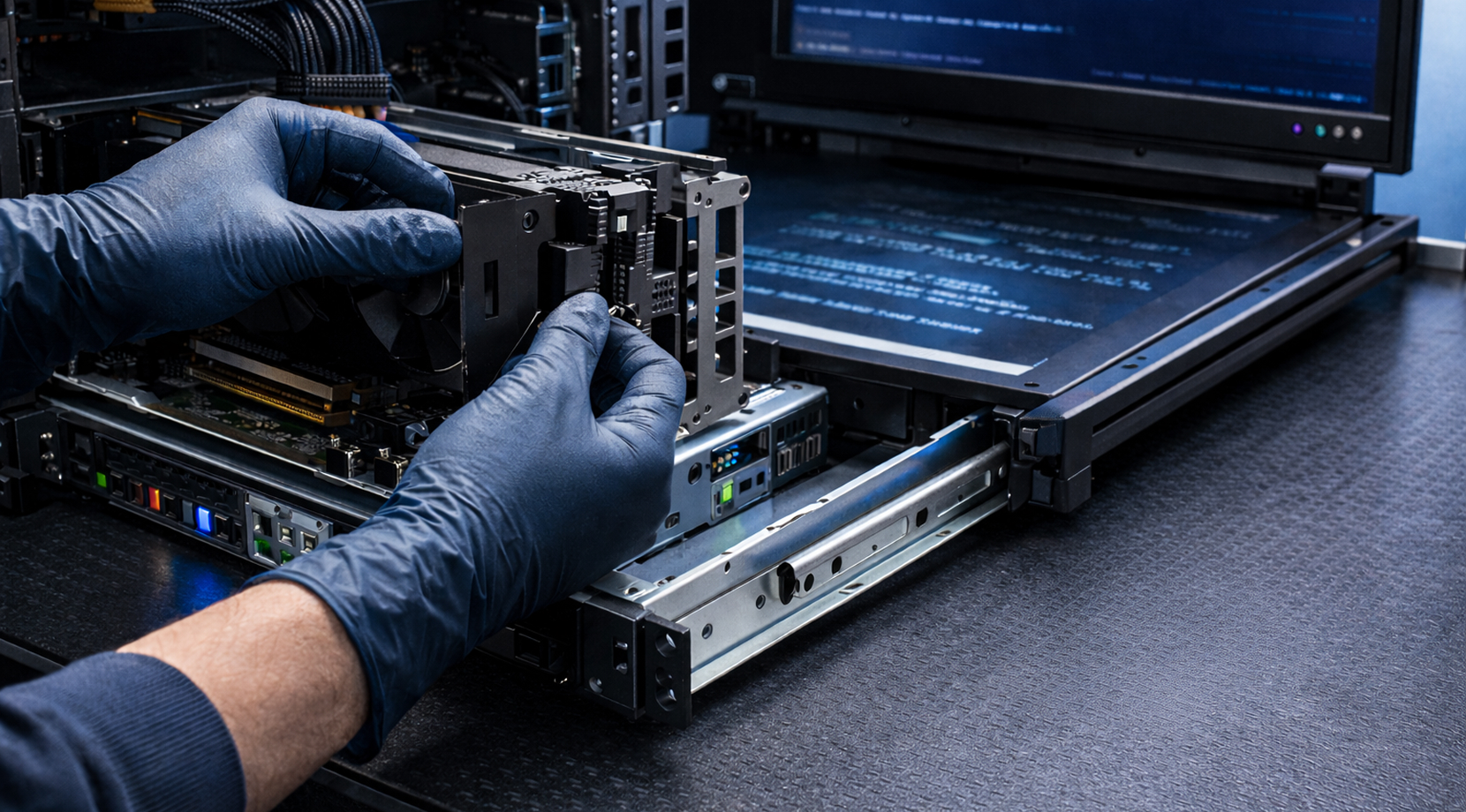
A lot of H100 vs RTX 4090 decisions get framed as “purchase price vs rental price.” That’s rarely the right frame. A better frame is how many hours does it take you to produce a model you can actually use, and how much time do you burn fighting constraints?
Three common scenarios show the tradeoffs pretty clearly.
Weekly Fine-Tuning on Small-to-Mid Models
If your runs stay inside 24 GB without constant compromises, the 4090 path feels great. You iterate quickly, you don’t need to schedule cluster time, and your setup is simple. If every run turns into “lower batch, cut context, retry,” H100 is a much more sensible idea, despite the higher cost.
Serving With Real Concurrency
Concurrency pushes KV cache pressure fast. This is where H100’s headroom and platform controls pay back, especially if you need predictable latency.
If you’re still deciding if a GPU server is even the right shape or fit for your deployment, our GPU VPS vs CPU VPS breakdown is a useful way to map the workload to the infrastructure type before you spend time optimizing the wrong thing.
Bigger Training Jobs With Deadlines
As soon as you’re scaling beyond one person, one box, the boring stuff is the kind of things you want to focus on, things like stable environments, fewer failure modes, and less time sunk into what is basically babysitting. That’s the kind of thing H100 is designed for.
If you’re still torn after this section, the next step isn’t more reading. It’s looking at how your stack behaves in practice, including driver friction and multi-user workloads.
Software and Ops: Drivers, Stability, Multi-User, and Support
This is the part most benchmark charts skip, but it’s a big chunk of day-to-day life.
RTX 4090 is popular because it’s accessible and fast for a lot of AI workflows. The tradeoff is that once your use case grows, you’re more likely to hit edges around memory ceilings and scaling patterns that aren’t built for shared, multi-tenant environments.
H100 is built for clusters. MIG is a big deal for platform teams because it lets you carve one GPU into isolated slices, which reduces “noisy neighbor” problems and makes capacity planning much easier. NVIDIA’s official H100 specs list up to 7 MIG instances depending on form factor.
If your workload is personal and local, you can live happily on the 4090 side for a long time. If your workload is multi-user and customer-facing, H100 is the safer way.
So, overall, who should buy what?
Which One Should You Pick for Your Workload
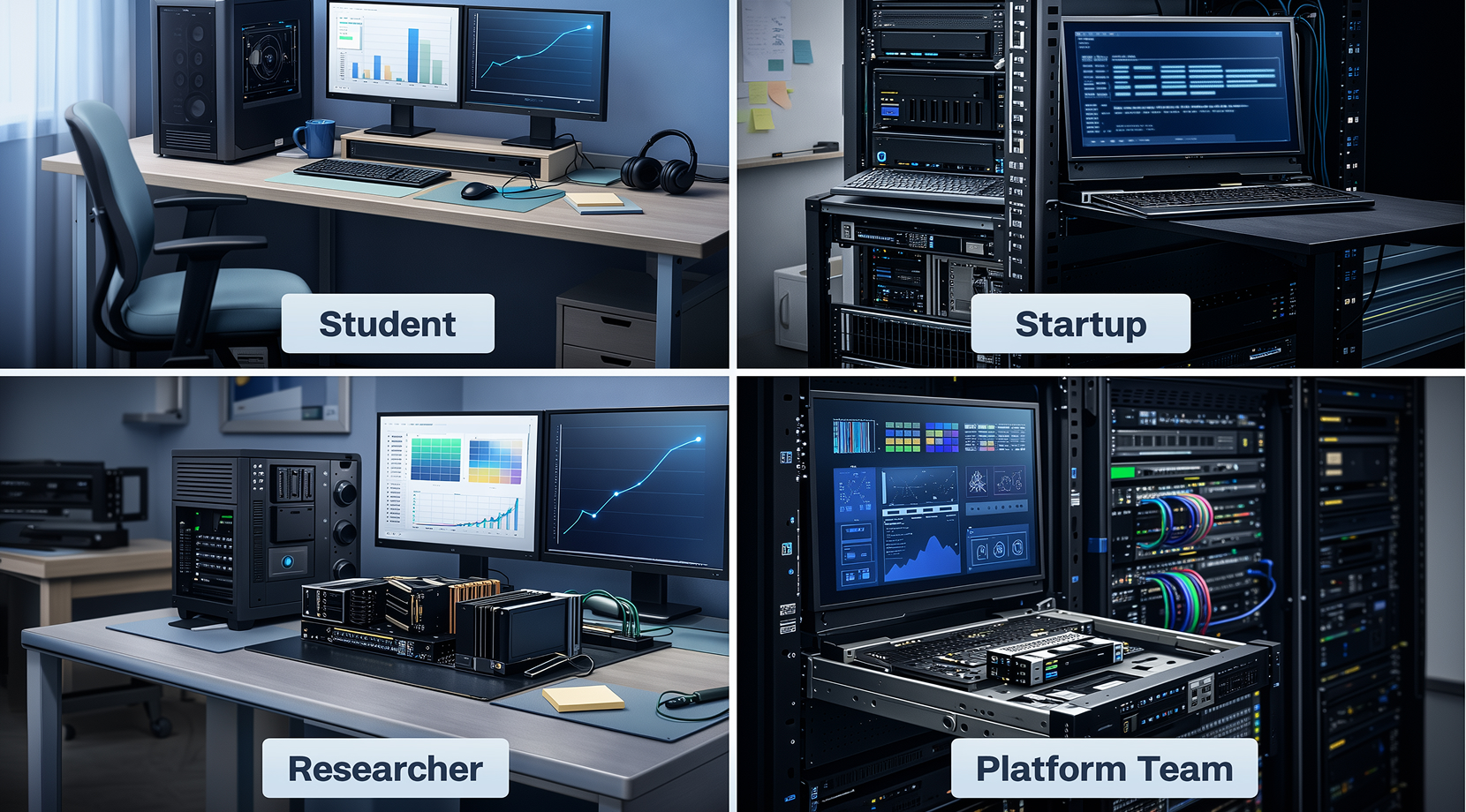
For H100 vs RTX 4090, the right choice is ultimately the one that removes your biggest hurdles.
Local LLM Builder (Solo Dev / Student)
Pick RTX 4090 if you’re mostly in the 7B–13B range, running quantized inference, tinkering with RAG, or working on SDXL. Move up once you’re spending more time working around memory than building the thing you set out to build.
Startup ML Engineer (Shipping an MVP)
If your MVP is a single model with moderate traffic and it fits comfortably, 4090 is a strong start. If you need stable latency under spikes, higher concurrency, or multiple workloads per host, H100 is the calmer path.
Applied Researcher (Lots of Experiments)
If you’re frequently forced into compromises like cutting batch size or doing precision gymnastics, H100 buys you cleaner experiments and fewer dead runs.
Production / Platform Team (Multi-Tenant Serving)
H100 is the easy call, mainly because MIG and higher headroom make capacity planning easier and basically reduce blast radius when something spikes.
If you still don’t want to commit hardware dollars, renting is the best next move.
A Practical Middle Path: Rent GPUs First, Then Commit
The cleanest way to settle H100 vs RTX 4090 is to run your model, your prompts, and your context length on both classes of hardware, then compare tokens/sec and tail latency under load.
That’s exactly why we built Cloudzy GPU VPS, as you can get a GPU box in under a minute, install your stack with full root, and stop guessing based on someone else’s benchmark.
Here’s what you get on our GPU VPS plans:
- Dedicated NVIDIA GPUs (including RTX 4090 and A100-class options) so your results don’t drift from noisy neighbors.
- Up to 40 Gbps networking on all GPU plans, which is a big deal for dataset pulls, multi-node workflows, and moving artifacts around fast.
- NVMe SSD storage, plus DDR5 RAM and high-frequency CPU options on all tiers, so the rest of the box doesn’t drag the GPU down.
- DDoS protection and a 99.99% uptime, so long jobs don’t get wrecked by random internet noise.
- Hourly billing (handy for short benchmark sprints) and a 7-day money-back and 14-day credit-back guarantee for low-risk testing.
Run the same benchmark checklist on an RTX 4090 plan first, then repeat on an A100-class plan once you’re pushing bigger contexts, higher concurrency, or larger models. After that, choosing between H100 vs RTX 4090 usually becomes obvious from your very own logs.
Benchmark Checklist: Run Your Own In 30 Minutes
If you want a decision you can defend, grab four numbers from the exact stack you plan to ship:
- Tokens/sec at your target context length
- p95 latency at your expected concurrency
- VRAM headroom during the hottest phase
- Cost per completed run from start to artifact
A minimal smoke test with vLLM looks like this:
pip install vllm transformers accelerate

python -m vllm.entrypoints.api_server \

  --model meta-llama/Llama-3-8B-Instruct \

  --dtype float16 \

  --max-model-len 8192
If you want a clear idea of what you’re really renting, our post on What Is a GPU VPS? lays out the difference between dedicated GPU access, vGPU sharing, and what to check before you choose a plan.