Modern CMS choices are less about the editor screen and more about how content moves through a project. Some systems keep content management and presentation tied together. Others split them apart with APIs. Flat-file CMS platforms take a different path and store content in files instead of a database. That is why developers compare headless CMS vs. flat-file CMS before they settle on a stack.
Here, we will look into each CMS type in detail to try to understand which is best suited for developers and specialists. Without further ado, let’s see what headless CMSs and Flat-File CMSs do, and how they do it.
Understanding Modern CMS Architectures
A traditional CMS keeps the backend and frontend in one system, but a headless CMS removes the presentation layer and sends content to frontends through APIs.
Flat-File CMSs, on the other hand, usually keep the CMS and templates close together, but store content as files on disk instead of databases. Those three models solve different problems, so the best choice depends on the shape of the project, the team, and the delivery targets.
That’s why developers move away from monolithic CMS platforms like WordPress. Some projects need more frontend freedom, while some need content sent to more than one channel. Others just need a simple system that is easy to deploy, easy to back up, and easy to move.
Now, to examine what each of them actually is.
What Is a Headless CMS?
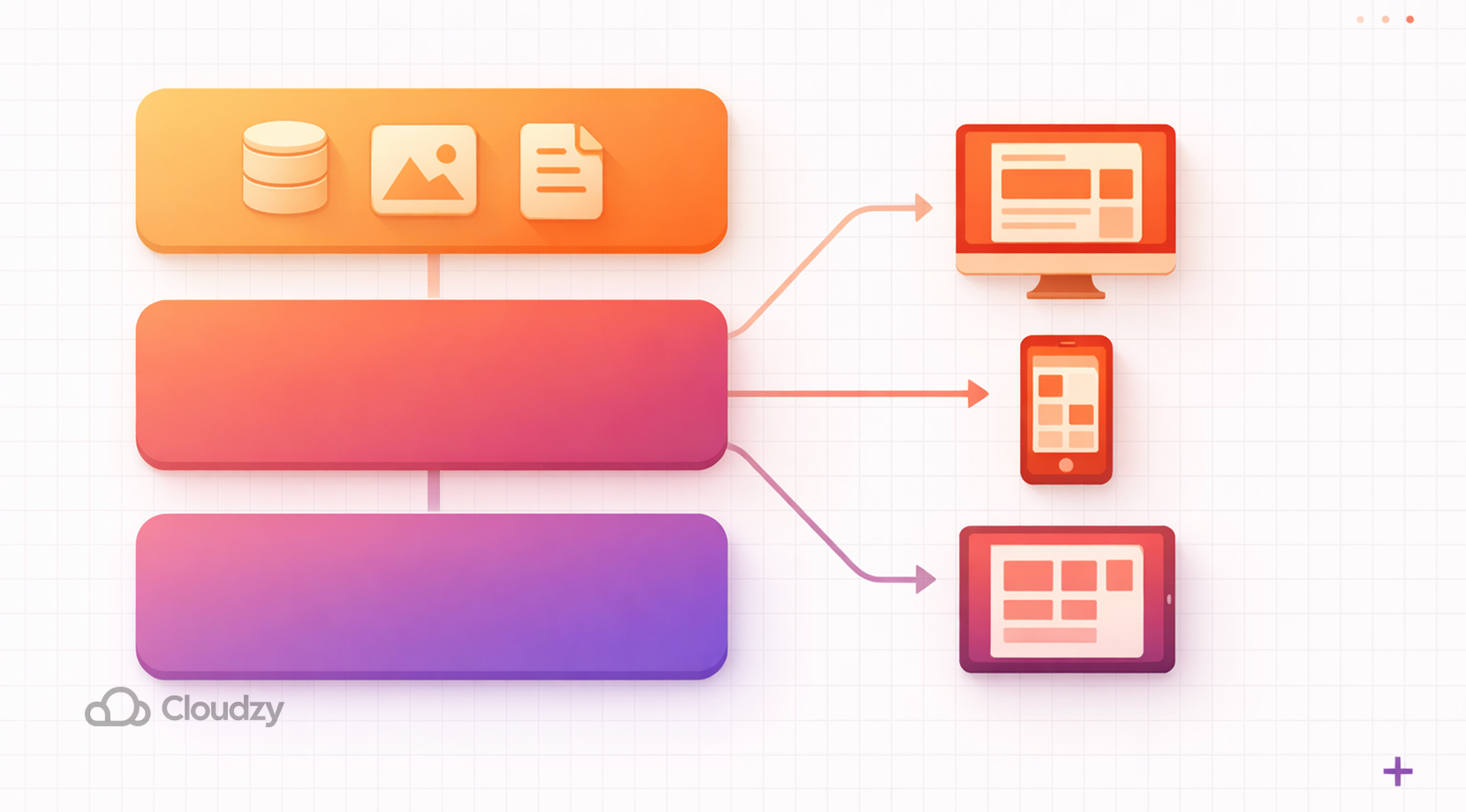
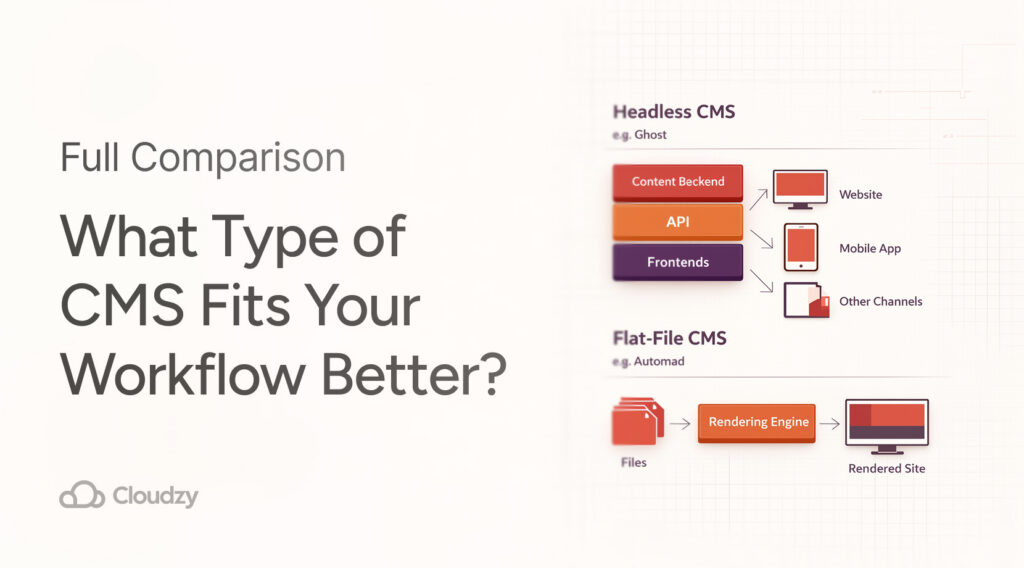
A headless CMS is a backend-first system that delivers content through an API. The frontend is built separately, which gives developers the freedom to use the tools they prefer.
In practice, the CMS becomes a content source, while the website, app, or other client decides how that content looks on screen. Ghost’s Content API, for example, follows this pattern too, since it serves published content for websites, apps, and other clients in a read-only way.
That setup is a strong fit for teams that want content in one place and presentation in another. It also works well for multiple frontends. A site might use React on the public site, a mobile app for readers, and another frontend for internal tools, all drawing from the same content layer. DatoCMS and other headless platforms present that as one of the main reasons to choose the model.
Ghost is an example in the headless CMS category when it comes to API-driven setups. That said, it ships with its own front end and built-in publishing features, so using it headlessly usually means rebuilding part of that layer yourself. Headless CMS platforms are often paired with React, Vue, Nuxt, Next.js, SvelteKit, or similar frontend stacks.
Now that we have covered the features of headless CMSs, let’s take a look at their downsides.
Headless CMS Disadvantages
As you might have guessed, Headless CMSs aren’t perfect and have some disadvantages, like:
- Having more moving parts (frontend + backend)
- Requiring API integration work
- Hosting can be more involved
Hopefully, by now, you have got the gist of how headless CMSs differ from a traditional CMS. And with that out of the way, let’s take a look at what a flat-file CMS does.
What Is a Flat-File CMS?
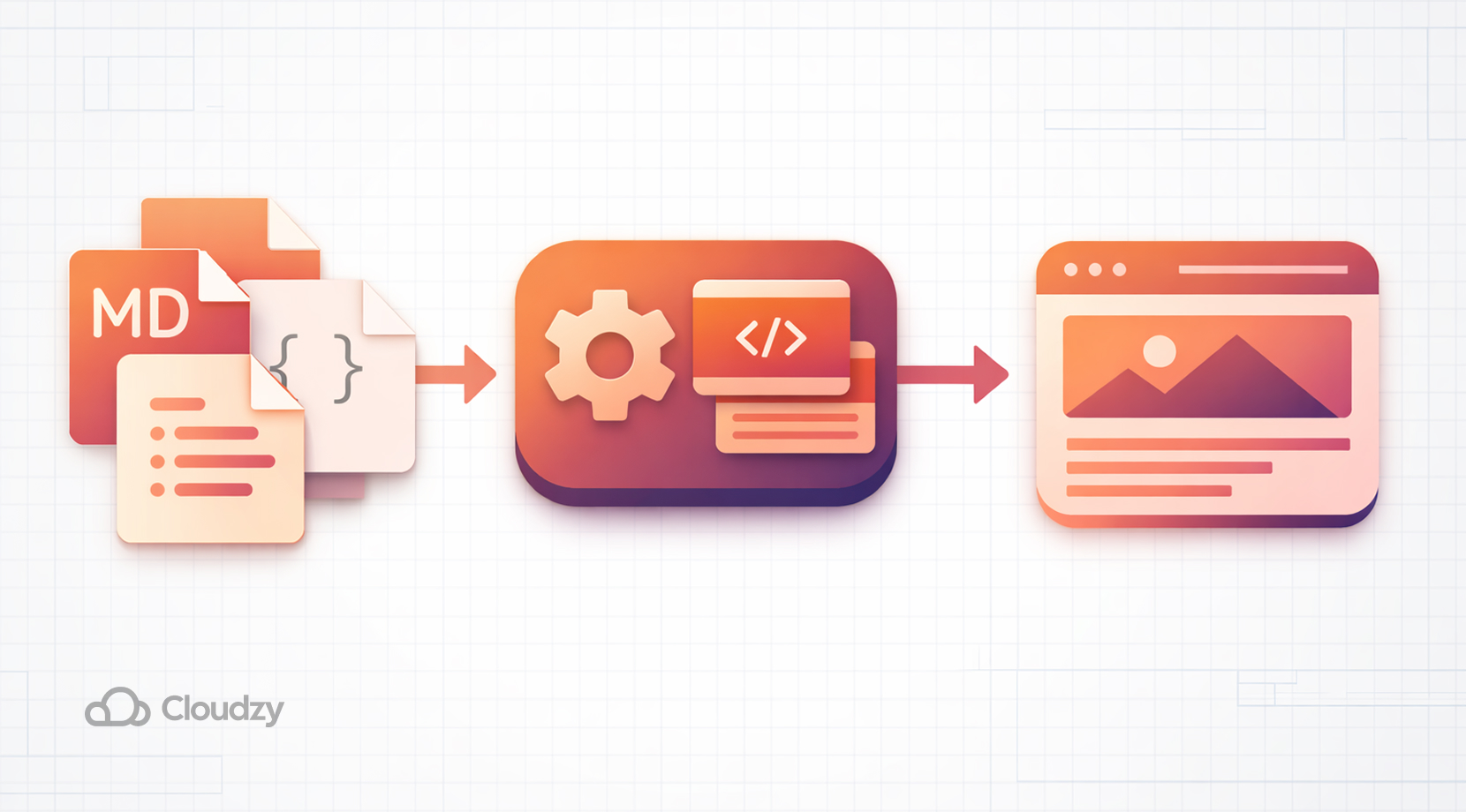
A flat-file CMS stores content in files rather than in a database. The files are often Markdown, YAML, JSON, or plain text. A flat-file CMS reads those files directly, merges them with templates, and renders pages without database queries, which makes the architecture easier to reason about for smaller projects and lighter installs.
This method tends to appeal to developers who want a clean content workflow with less server baggage. File-based systems are typically a good match for small to medium sites with infrequent updates.
Moreover, TBH Creative also points to the lower hosting overhead and the easy setup path. Git is also a natural fit in this category since content changes can exist both in version control and code.
Automad is also a prominent candidate when it comes to flat-file CMSs since it describes itself as a flat-file content management system and template engine. Although Automad is a reliable choice when it comes to the flat-file CMS category, production setups still benefit from a reliable hosting environment.
Some flat-file CMSs can also run in a headless mode. Automad, for example, offers a read-only JSON API, so flat-file and headless are not always mutually exclusive.
Just like with headless CMSs, flat-file CMSs also have some disadvantages that we will cover next.
Flat-File CMS Disadvantages
Flat-File CMSs are usually meant for small to medium-sized workloads. Therefore, users might face some downsides, such as:
- Can be inefficient when it comes to large or frequently updated content
- Limited real-time collaboration
- Scalability issues
But, with all that said, let’s put both flat-file CMSs and Headless CMSs head-to-head to get a better visual about their core differences.
Headless CMS vs. Flat-File CMS: Key Differences
In case you were confused about how a headless CMS and a flat-file CMS differ in terms of key features, here’s a quick comparison.
| Feature | Headless CMS | Flat-File CMS |
| Content storage | Backend system, content delivered through an API | Markdown, YAML, JSON, or plain text files |
| Frontend relation | Frontend and backend separated | Closer to the template layer & file system |
| Setup shape | Separate CMS and frontend pieces, API wiring | Simple file-based deployment, often through Git, CI/CD, Docker, or standard web hosting workflows |
| Best fit | Multi-channel content, apps, frontend frameworks | Small sites, docs, portfolios, lightweight content projects |
| Ongoing overhead | More moving parts to host & connect | Fewer services & less infrastructure work |
The only thing that now remains is their use cases. Let’s see which type of CMS is best suited for which type of workflow.
When to choose a headless CMS
A headless CMS makes sense when content needs to reach more than one surface, which can range from a website plus mobile apps, a public site plus partner portals, or a content layer that feeds several frontends at once. It also fits better with teams that already use React, Vue, Nuxt, Next.js, or similar tools and want the frontend fully separate from the CMS.
It is also a strong pick for projects that expect more structured content delivery over time. If content needs to be reused across channels, API delivery keeps the content source central while letting each frontend render it in its own way. That is the core reason headless CMS design keeps showing up in developer discussions.
When a flat-file CMS makes more sense
A flat-file CMS is a better match for smaller sites that don’t need a large backend stack. That may include anywhere from developer portfolios to documentation sites, personal blogs, small business sites, and lightweight publishing projects. For these cases, the appeal is easy setup, simple deployment, version control support, and fewer server pieces to manage.
It also fits teams that want content and code to live side by side in Git. The file-based model makes the backup process pretty simple and moving hosts easier than a database-heavy setup. Automad shows how this approach can still offer a real CMS interface without the usual database layer.
Running These CMS Platforms In Production
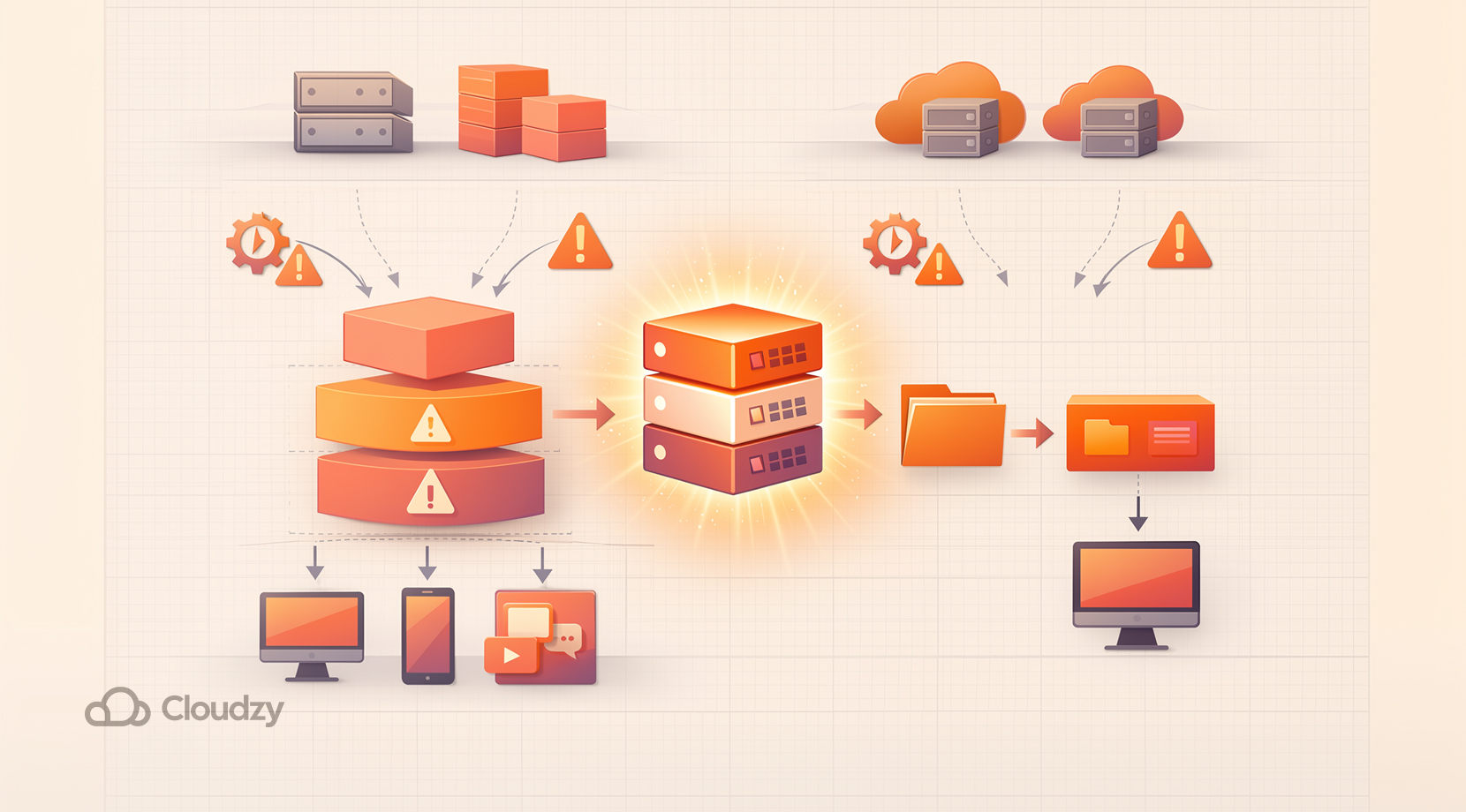
Both models still need a reliable place to run. Headless CMS setups usually need a hosted backend plus one or more frontends. Flat-file CMS setups still need a web server and file-system access, even if the stack is simpler.
Automad’s docs say a web server is required for local installation, and Ghost’s docs include hosting guidance and a read-only Content API that can feed websites, apps, and other clients.
Typical ways of deploying the two CMS platforms may include:
- Manual server setup
- Docker environments
- VPS hosting
Even though both headless and flat-file CMS platforms differ in architecture, they share some common challenges once you move into production.
The first issue is setup. Manually configuring a CMS, especially a headless one, often involves multiple steps such as server provisioning, dependency installation, environment configuration, and API setup. For many users, this process can be time-consuming and error-prone.
The second issue is infrastructure. Even if you are comfortable with manual setup, running a CMS in production still requires a stable and capable environment. Headless CMS platforms may involve multiple services, while flat-file CMS platforms still depend on consistent server performance, uptime, and proper file handling.
This is where a pre-configured hosting setup can make a noticeable difference.
Solving CMS Platforms Deployment Issues
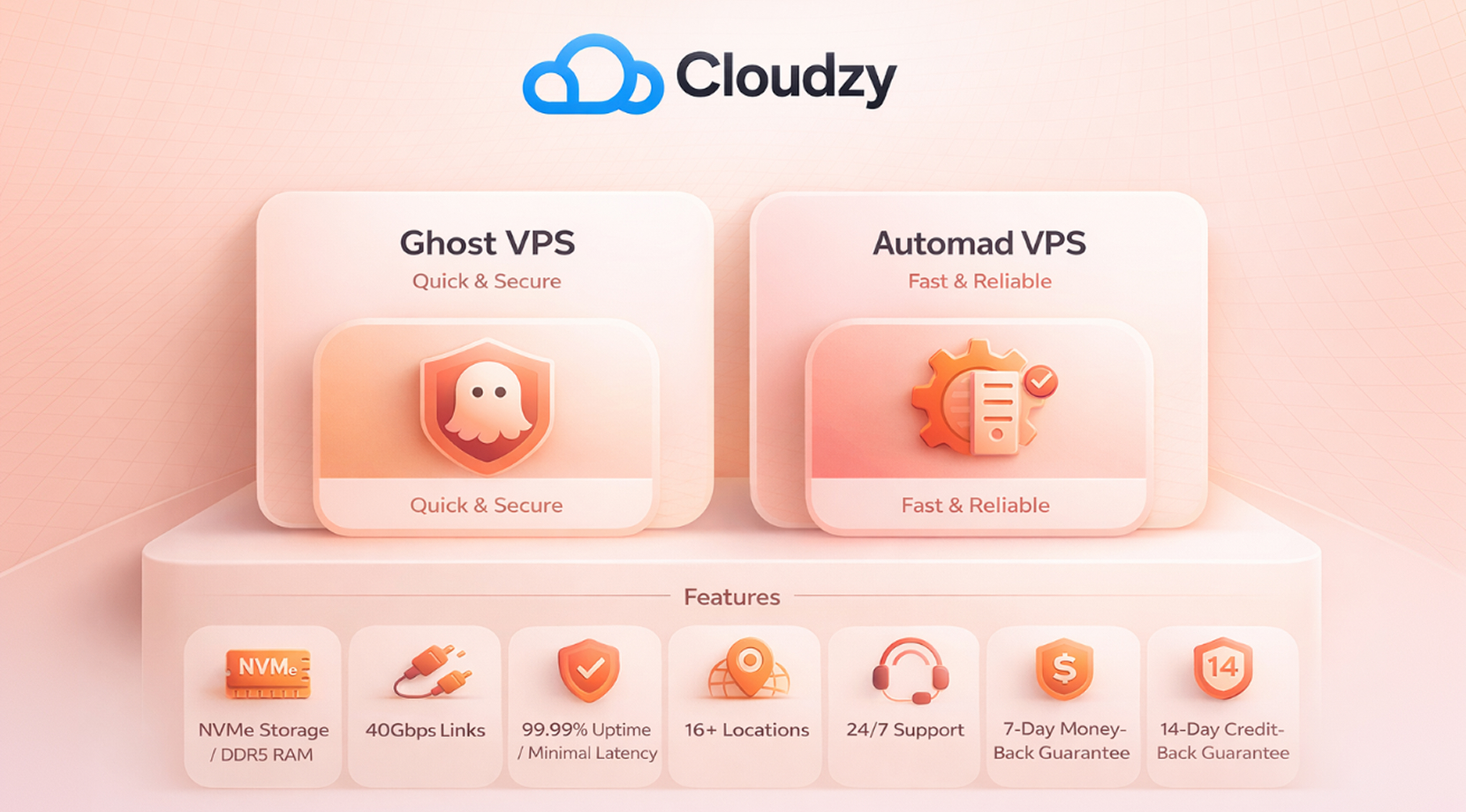
If you’re keen on running Ghost or Automad on a pre-configured hosting environment, make sure to check out Cloudzy’s Ghost VPS and Automad VPS. Both of them come pre-installed on Ubuntu 24.04 for Ghost and Ubuntu Server 24.04 LTS for Automad, as they are the most suitable OS for each one.
Moreover, they are both equipped with NVMe SSD storage and DDR5 RAM with network speeds of up to 40 Gbps. We support these resources with a solid 99.99% uptime SLA with minimal latency, thanks to being available at 16+ locations across the globe.
Not only that, but they also come with 24/7 support plus a 7-day money-back and a 14-day credit-back guarantee.
Headless CMS vs. Flat-file CMS: Final Thoughts
Headless CMS and flat-file CMS systems are built for different types of workflows. A headless CMS favors API delivery, frontend freedom, and multi-channel use, while a flat-file CMS favors simple deployment, file-based content, and a smaller moving parts count.
For developers, the choice usually comes down to how much structure the project needs today and how much room it needs to grow later.
For the sake of simplifying your decision, choose a headless CMS if:
- You are building with React, Vue, or similar frameworks
- You need APIs or multiple frontends
- Your content must be reused across platforms
Choose a flat-file CMS when:
- You want a simple setup with minimal infrastructure
- Your site is mostly static or content-driven
- You prefer working with files and Git-based workflows
Then again, make sure to check out our Ghost and Automad VPS services if you’re struggling when setting them up on your own.