


Have you ever thought about which hosting option would be the best fit for your website? The choice comes down to performance versus cost. In shared hosting, you split server resources with hundreds of other users. This keeps the price low, but your site slows down if a neighbor gets a traffic spike.
VPS hosting isolates your environment. You get allocated RAM and private storage space.This keeps your performance stable regardless of what others do. This guide breaks down the technical differences to help you decide which architecture fits your workload.
What Is Shared Hosting?
Shared hosting is one of the most common types of web hosting, popular for beginners and small businesses. In this setup, multiple websites share the same physical server and its resources, like CPU, RAM, and bandwidth.
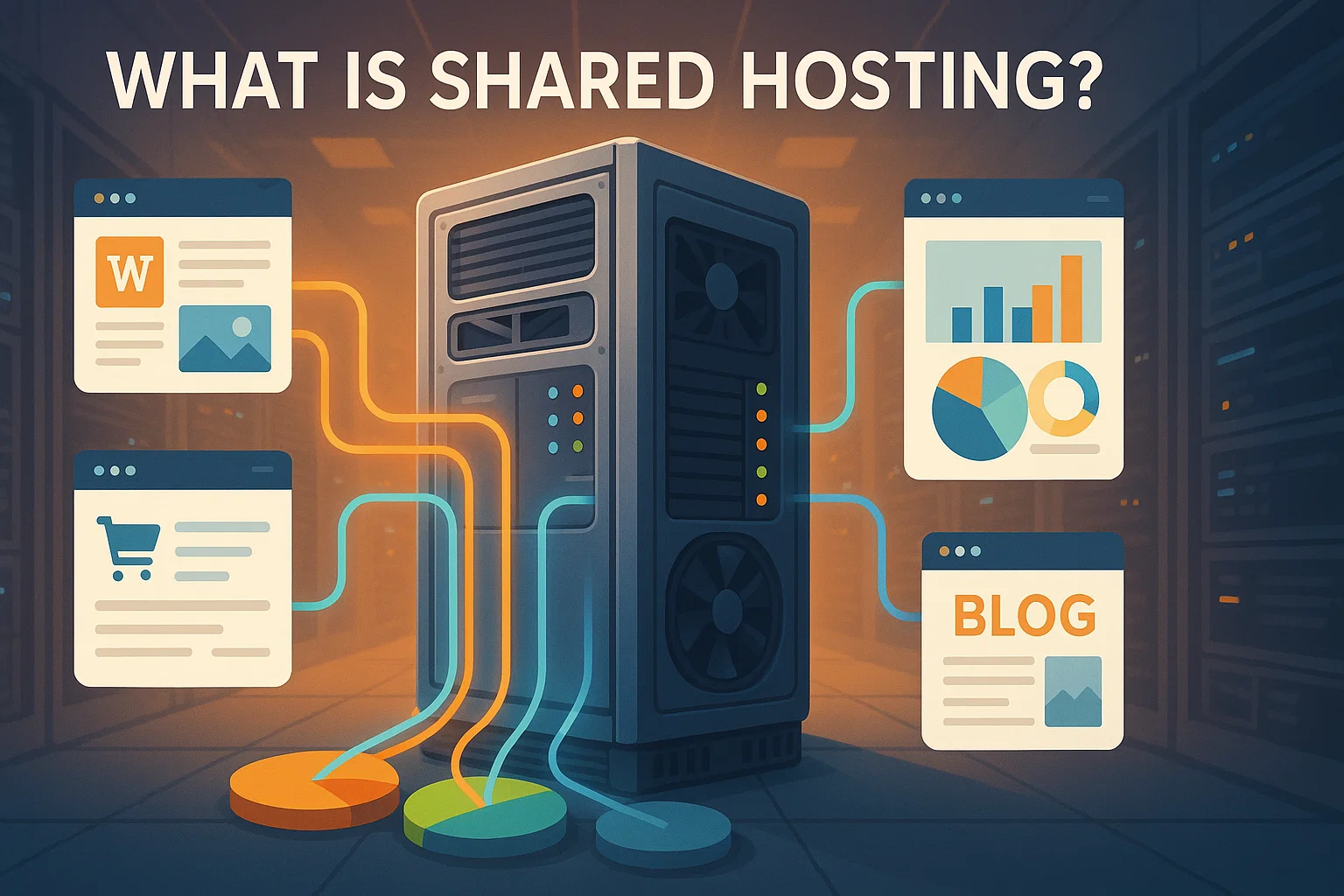
This shared environment helps keep costs low, making it an affordable option for those who don’t need a lot of power or custom features. However, the trade-off is that performance can fluctuate if other sites on the server experience high traffic or resource usage.
According to recent data, shared hosting accounts for 37.6% of the global web hosting market. This makes it the most popular hosting type for those working with limited budgets.
Shared hosting relies on a single physical server. This differs from cloud hosting, which spreads resources across multiple servers for better redundancy. Prices for shared hosting range from $2 to $10 per month. Most users pay around $5 monthly for basic plans.
What Is VPS Hosting?
VPS (Virtual Private Server) hosting offers a step up from shared hosting by providing a virtualized server environment. While multiple VPS instances share the same physical hardware, each operates independently with its own allocated resources.
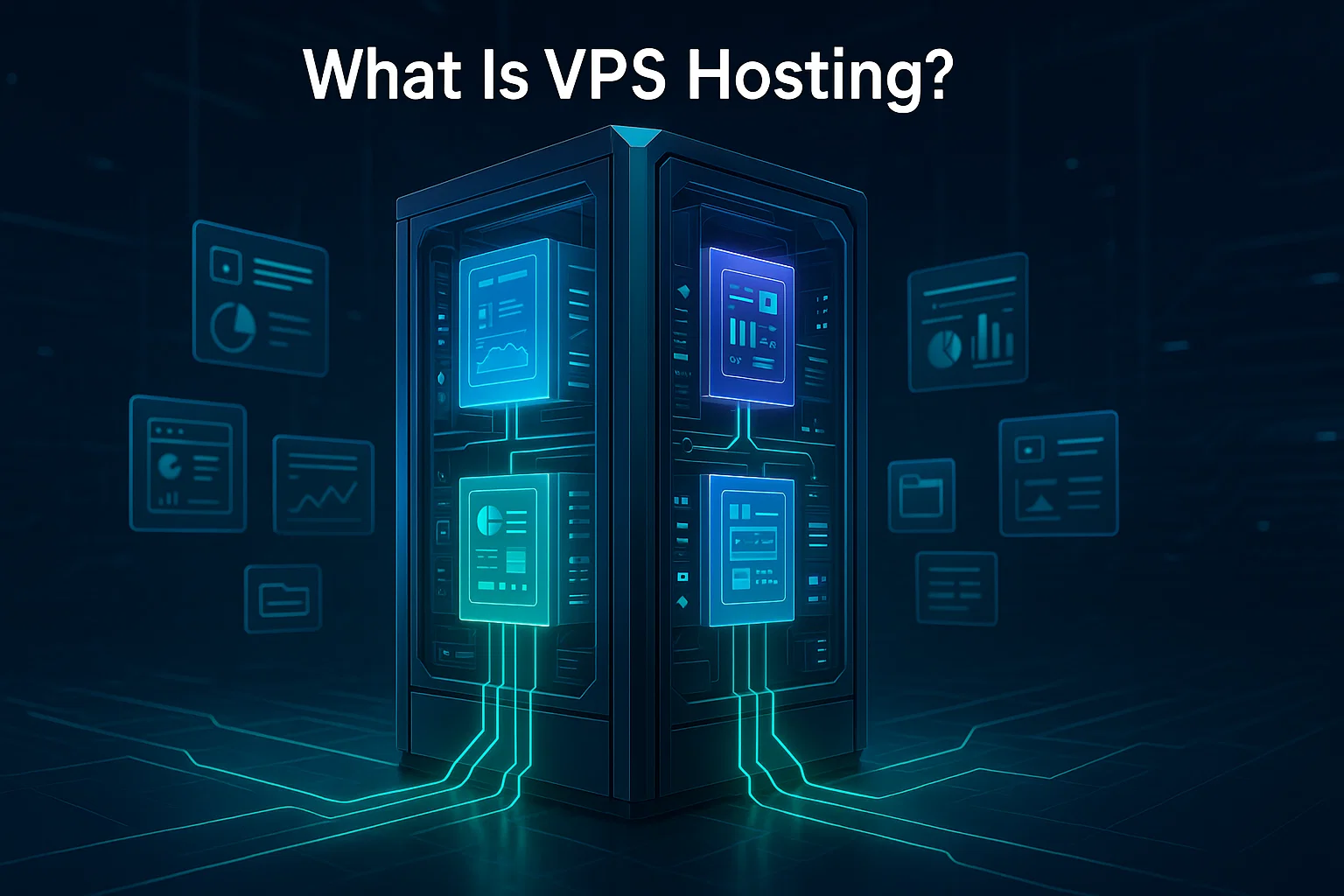
This gives users greater control, customization, and stability compared to shared hosting. If you’re wondering what a VPS provider is, it’s a company that offers these virtualized server environments with allocated resources and root access for better performance.
The VPS hosting market is experiencing rapid growth, with projections indicating it will reach $8.3 billion by 2026, driven by a compound annual growth rate of 16.2%. VPS hosting works well for websites that have outgrown shared hosting or need more reliability and security for handling increased traffic and complex applications.
VPS hosting prices vary widely, typically ranging from $5 to $100 per month. Average plans often sit between $20 and $50 monthly. This price depends on factors like RAM, storage, and whether you choose managed support.
The Key Differences Between VPS Hosting vs. Shared Hosting
Now that we’ve covered what shared hosting and VPS hosting are, let’s talk about their main differences that you should consider before opting for either one. You need to weigh these trade-offs to pick the right setup for your workload.
| Feature | Shared Hosting | VPS Hosting |
| Price | $2-$15/month | $10-$100/month |
| Performance | Variable, affected by neighbors | Stable, allocated resources |
| Uptime | 99.0-99.5% | 99.95% |
| Control | Limited, pre-configured | Full root access |
| Security | Shared environment risks | Isolated environment |
| Scalability | Difficult to scale | Easy resource upgrades |
| Best for | <10,000 monthly visitors | 10,000+ monthly visitors |
Resource Allocation
Shared hosting pools resources across hundreds of accounts. Your site competes for the same CPU cycles and RAM as everyone else on the server. While this keeps costs low, it creates a “noisy neighbor” risk. If another site consumes too much bandwidth, your performance drops.
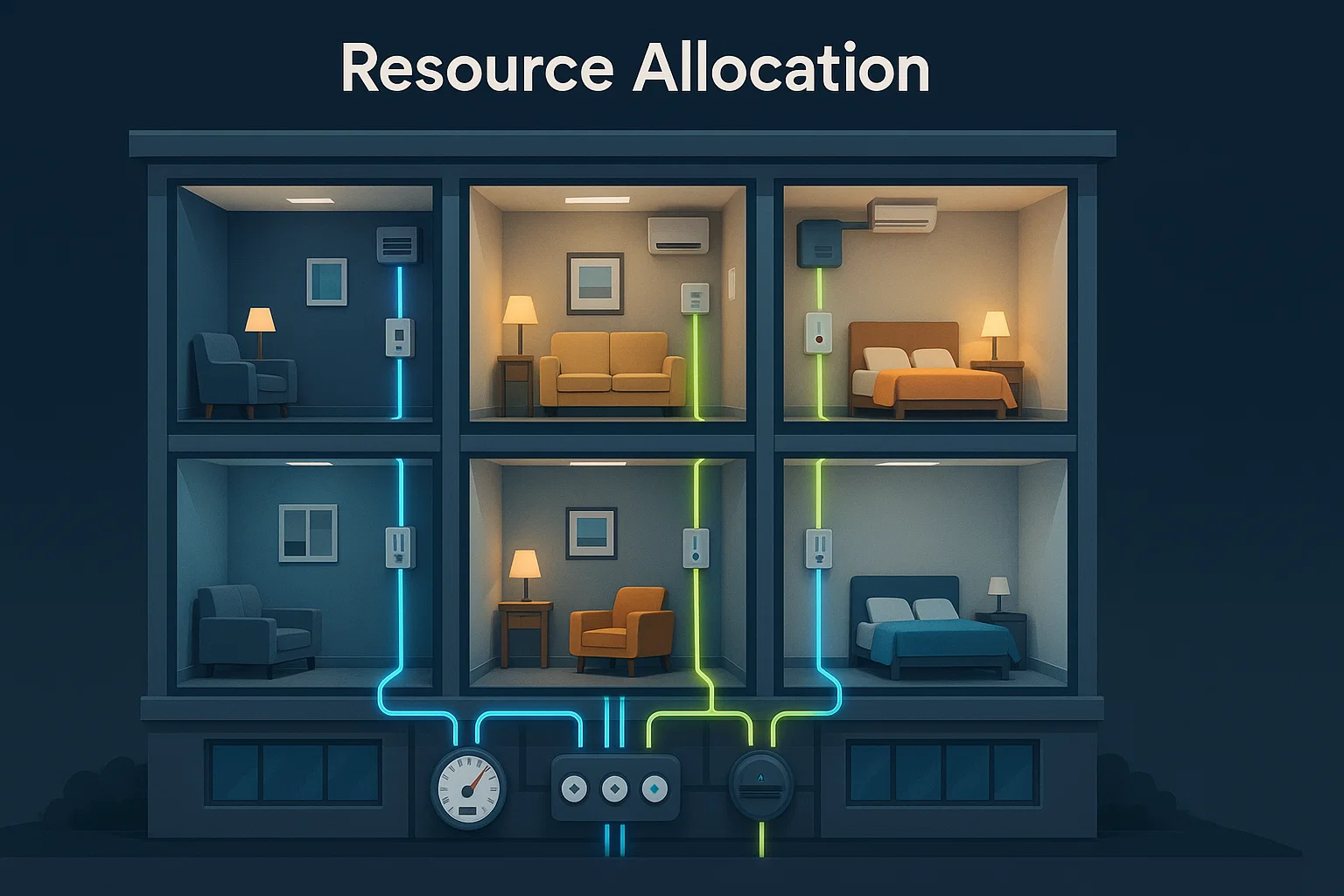
VPS hosting removes this contention by isolating your environment. The hypervisor dedicates specific CPU cores and memory to your instance. This keeps your resources available and performance stable, even if the physical server is under heavy load.
Performance & Reliability
Shared hosting performance fluctuates. Since you share the server with hundreds of other users, a single high-traffic site can drain the available CPU and RAM. This resource contention makes your load times inconsistent.

Why VPS Performs Better:
- Dedicated Resources: The hypervisor assigns private RAM and storage to your instance, preventing the resource exhaustion typical of shared hosting.
- Traffic Isolation: Spikes on other accounts do not impact your speed.
- Faster Load Times: Dedicated resources help you achieve lower server response times (TTFB) compared to shared environments.
Uptime Comparison
Shared hosting environments can struggle with resource contention. If a neighboring site consumes excessive CPU or RAM, your website might experience slowdowns.
You feel the impact of their usage, even if the server itself stays online. Additionally, loose permissions on some shared servers can theoretically expose your files to other users if a neighbor gets breached.
| Feature | Shared Hosting | VPS Hosting (Cloudzy) |
| Uptime SLA | 99.0% – 99.5% | 99.95% |
| Annual Downtime | Up to 87 hours | ~52 minutes |
| Stability | Vulnerable to neighbor spikes | Isolated and stable |
We back our servers with a 99.95% uptime SLA. That reliability is the biggest reason for the cost difference between the two.
Shared Hosting vs. VPS Pricing Breakdown
Shared hosting makes sense if your budget is tight. It works well for personal sites where you don’t need enterprise-grade speed.
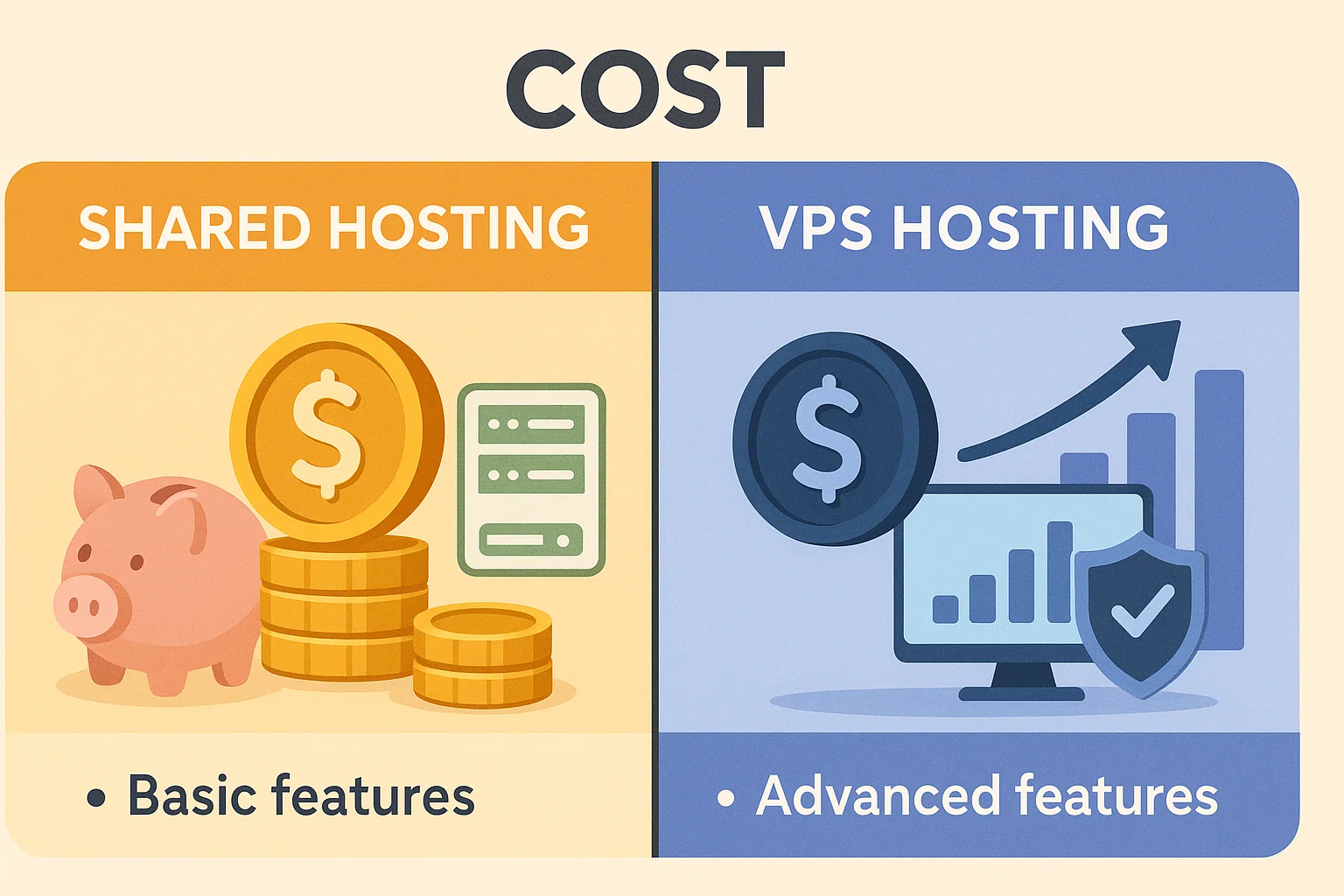
But for a business, cheap hosting can be expensive in the long run.
If your site lags, visitors leave. You might save a few dollars on the bill, but you lose sales. A VPS prevents this. You pay for the performance that protects your revenue.
You can start with shared hosting if your budget is tight. Monitor your growth.
When you need more power, upgrade to Cloudzy VPS. Unlike standard VPS providers that often split CPU cores, we use high-frequency AMD Ryzen 9 processors.You get raw single-thread speed, DDR5 RAM, NVMe storage, and 40 Gbps connections. It is high-end compute power without the enterprise markup.
Security
Security in shared hosting is managed by the hosting provider, but sharing a server inherently brings risks. If another site on your server is compromised, it could potentially affect your site as well.
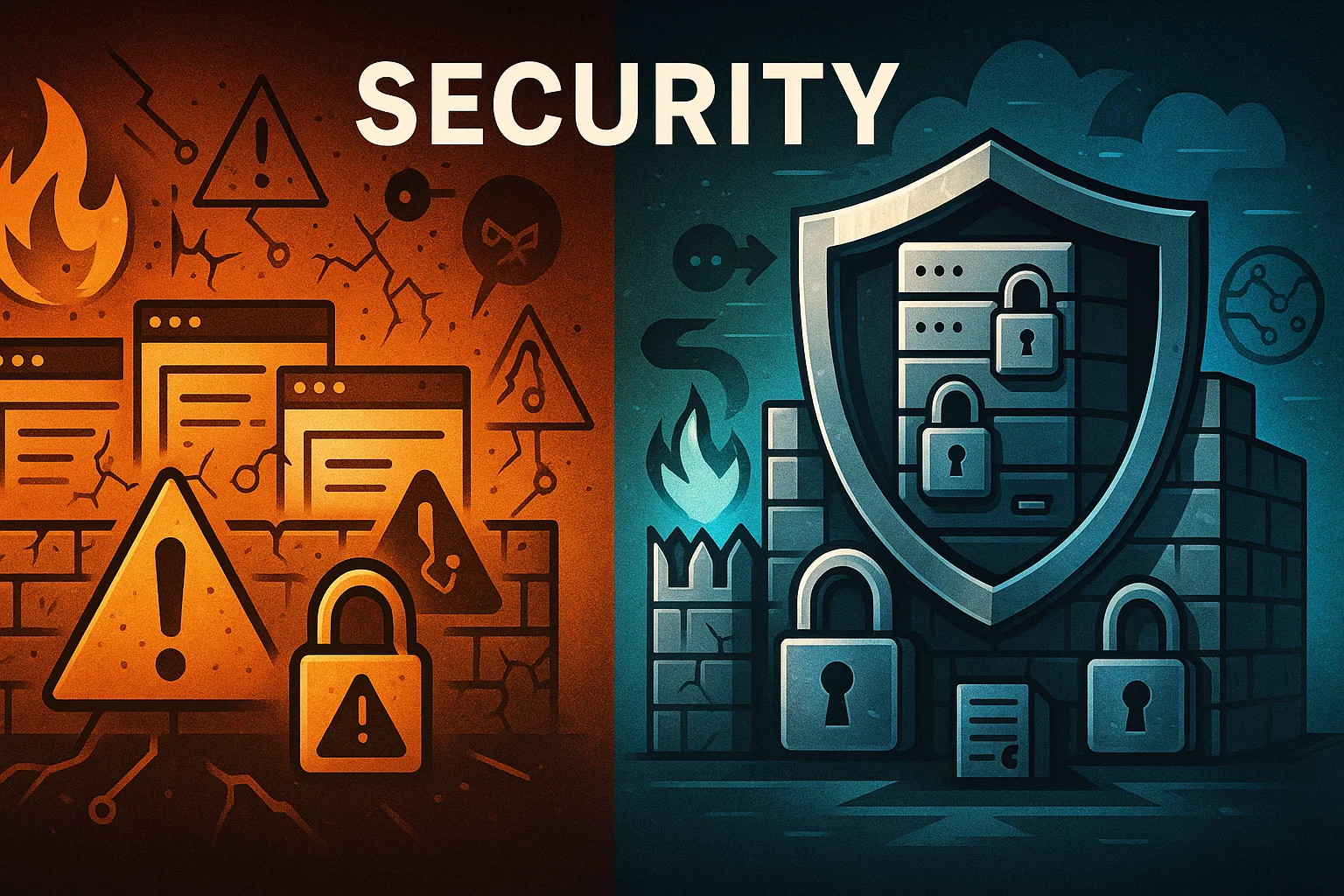
Hosting providers implement firewalls and standard security measures, but customization is limited, meaning you rely entirely on their security protocols.
Recent security research reveals a concerning trend: in 2025, testing across multiple hosting providers, 87.8% of vulnerability exploits successfully bypassed standard hosting environment defenses before reaching application-layer security solutions.
One of the major advantages when comparing shared vs. VPS hosting for growing websites is enhanced security. Each VPS runs in an isolated environment, reducing the risk of cross-contamination from other users.
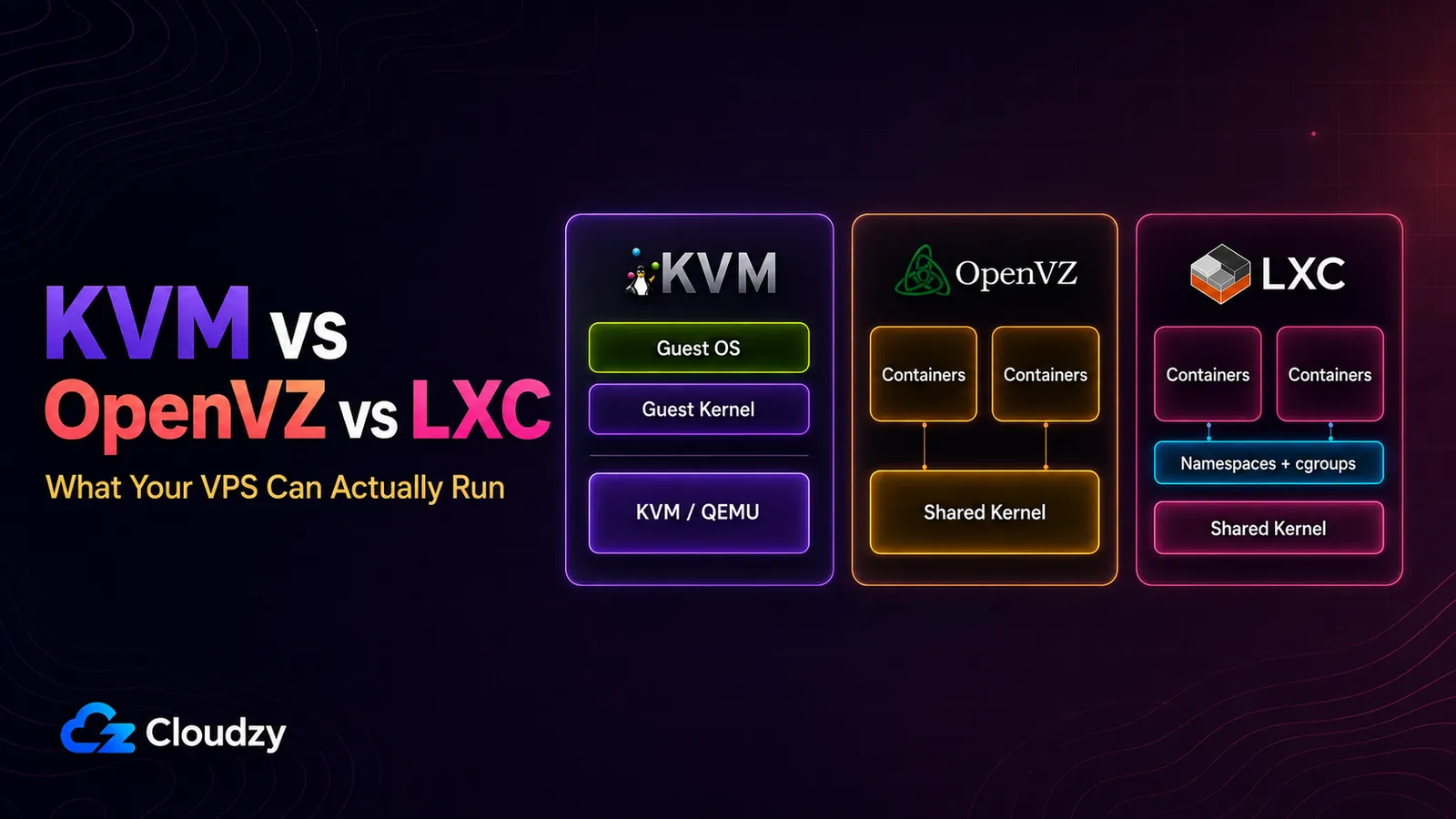
This is managed by hypervisors like KVM or VMware ESXi.
They provide hardware virtualization. You run a private operating system with its own kernel. This creates a hard barrier between you and other users, blocking the exploits that are common in shared environments.
You have the option to implement custom security measures, including firewalls, encryption, and more, to suit your needs.
This is beneficial for websites handling sensitive user data or financial transactions, such as e-commerce or membership sites.
Customization and Control
Customization in shared hosting is generally limited. You’re provided with pre-set configurations that cater to general needs. While this simplicity is convenient for beginners, it can be restrictive for those who need particular server setups or want to install unique software.
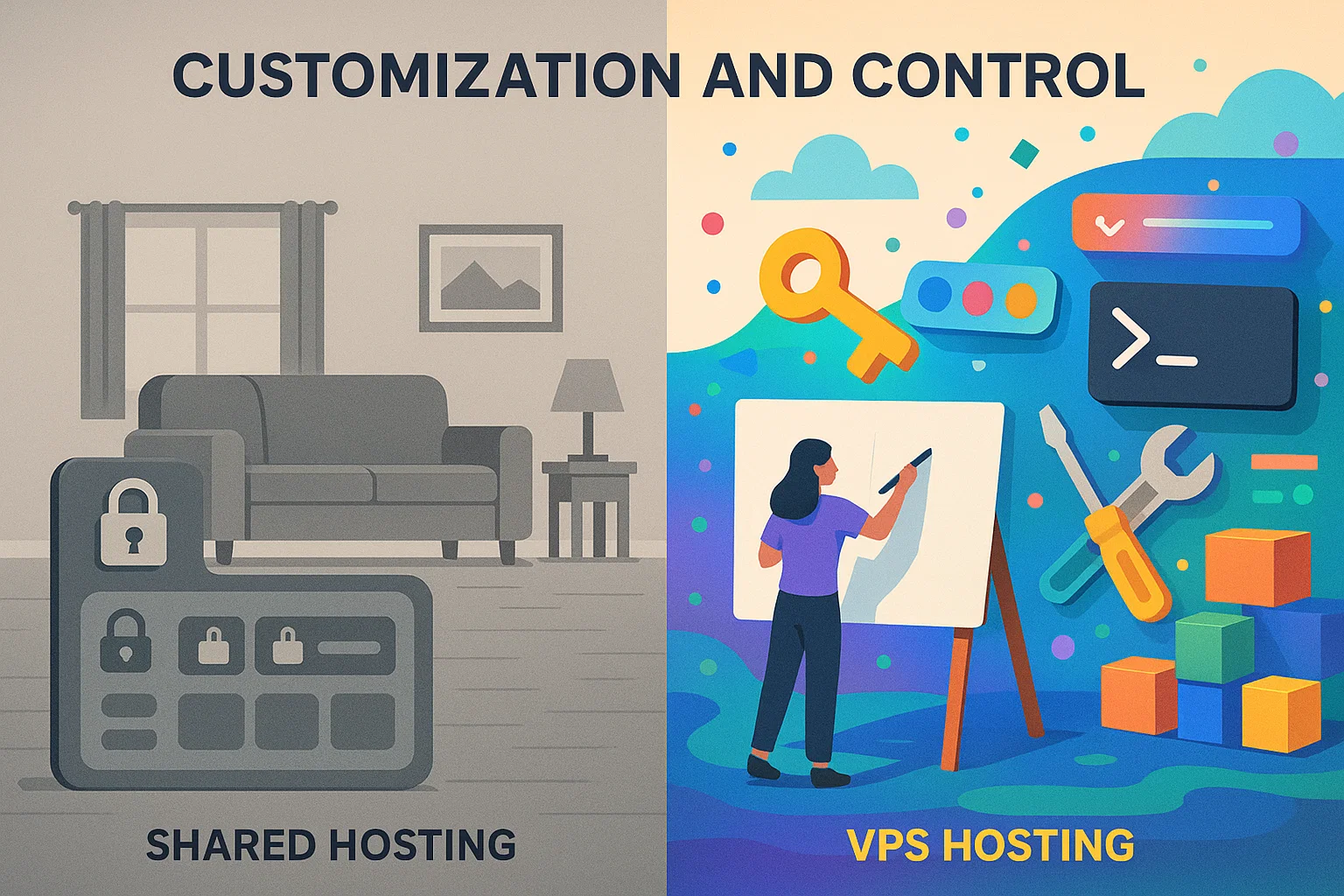
You’re at the mercy of what the hosting provider allows. VPS hosting gives you full root access to your environment. You can install custom software, change security settings, and configure the OS exactly how you need it. You get root access, meaning you can install any software, tweak server settings, and optimize your environment based on your needs.
This level of control works well for developers or businesses that need to run custom applications. You can think of shared hosting as renting a pre-furnished apartment. It’s convenient but not very flexible.
VPS hosting, meanwhile, is like owning your home, where you can knock down walls, paint, and renovate to your heart’s content.
Scalability
When your website begins to outgrow the allocated resources on a shared server, scaling up can be challenging. Most shared hosting plans come with predefined limits, so if your traffic increases notably, you may need to migrate to a new plan or even a different type of hosting altogether.
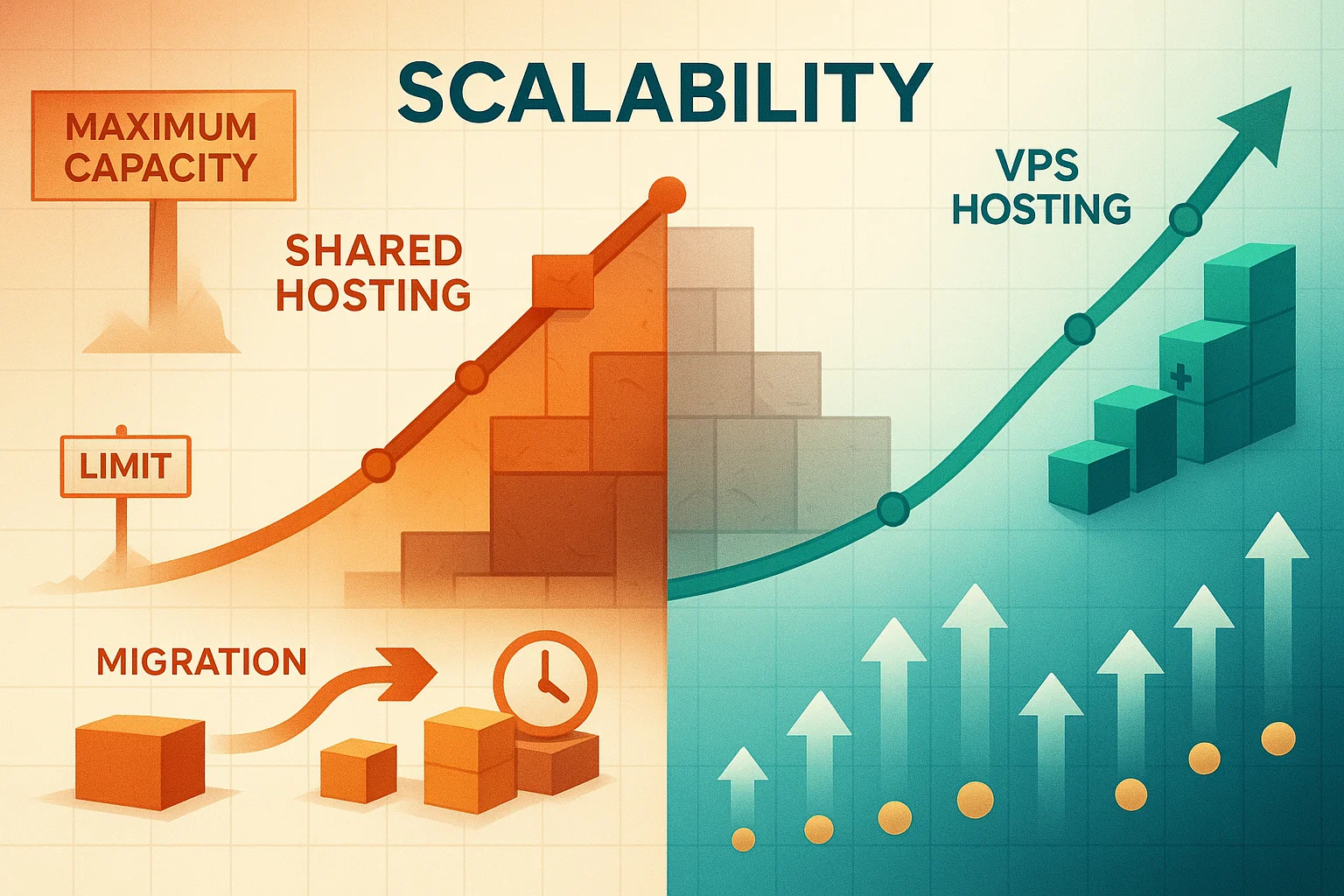
VPS hosting shines in terms of scalability, one of its biggest advantages. You can easily upgrade your resources, such as CPU, RAM, and storage, with minimal hassle and no need to migrate to a new server.
When considering cloud hosting vs shared hosting, cloud-based VPS solutions offer even more flexibility with on-demand resource scaling. This makes VPS hosting a great choice for websites that expect growth or experience seasonal traffic spikes.
With a VPS architecture, scaling often requires a reboot. You usually need to restart the server to apply the new CPU and RAM limits, so it is not always instant. Shared hosting upgrades vary. Sometimes it is a quick plan switch. Other times, it requires moving your accounts to a new server, which can take hours.
Technical Expertise
Shared hosting is the go-to for beginners because of its low maintenance. The hosting provider manages server maintenance, software updates, and most technical aspects, allowing users to focus solely on their content or business without worrying about backend configurations.
VPS hosting gives you more control, but that control comes with responsibility. While more expensive managed VPS options are available, an unmanaged VPS requires you to have technical knowledge or an IT team to handle configurations, updates, and security.
This makes this type of hosting suitable for users who are comfortable with server management or those who want to learn. Rather than strictly weighing shared hosting vs VPS, you can even combine their benefits.
If you want the power of VPS hosting but don’t have the technical expertise, consider going for a managed VPS plan that provides support while still offering you the benefits of allocated resources.
When to Upgrade from Shared to VPS Hosting
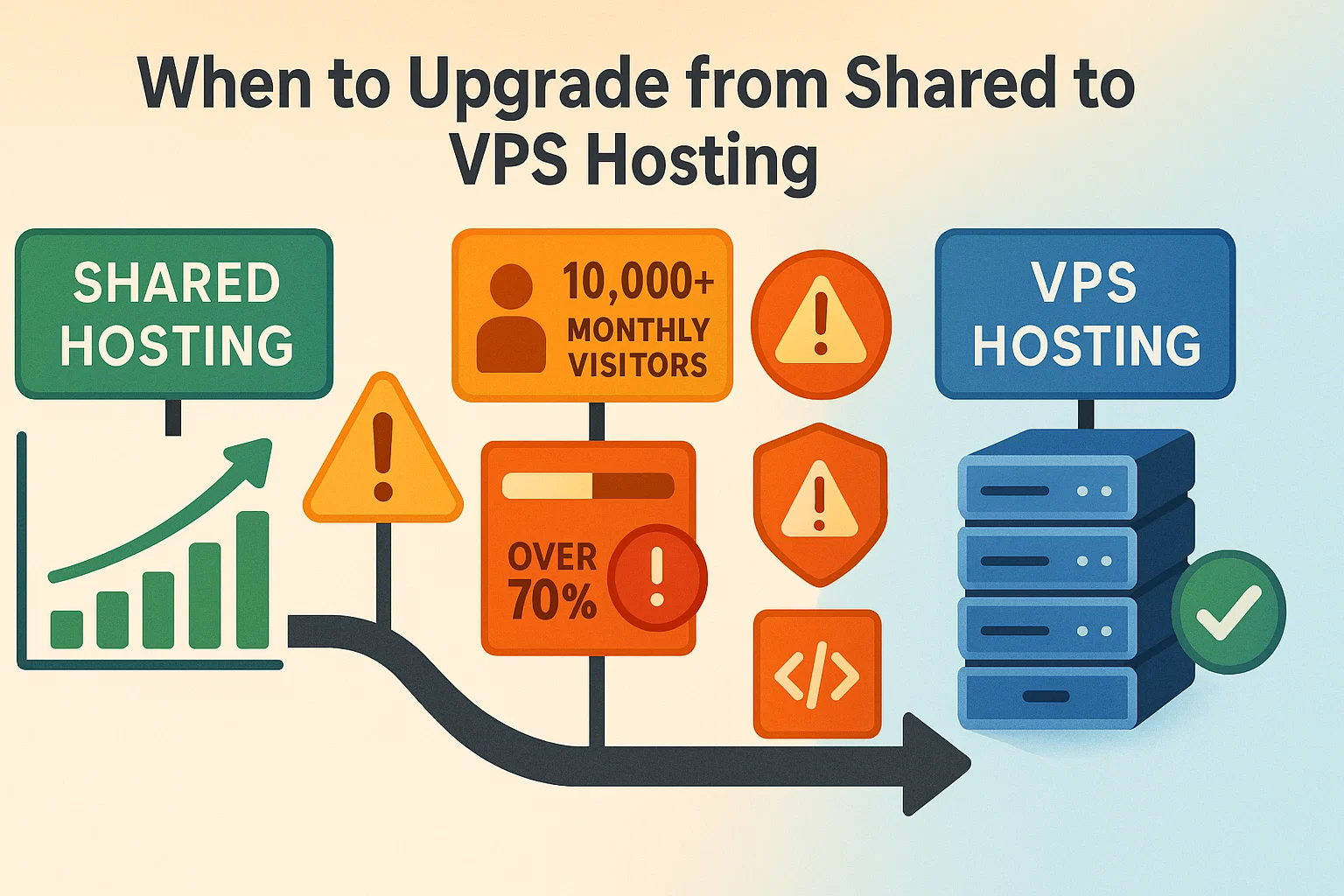
You need to upgrade to a VPS before your site slows down and frustrates your visitors. Here are the key indicators that it’s time to upgrade.
Traffic Growth
If your website receives between 10,000 and 100,000 monthly visitors, you’re approaching the threshold where shared hosting begins to struggle. Research indicates that a well-optimized VPS can handle up to 50,000 daily visitors without performance degradation, making it suitable for growing websites.
Shared hosting providers limit how many processes you can run at the same time. This caps the number of active scripts your site handles. If traffic spikes above that point, the server blocks new visitors right away. Visitors will see an error page instead of your content.
Common codes include 508 Resource Limit Reached or 503 Service Unavailable. These errors explicitly tell potential customers that your hosting plan cannot handle their request.
Performance Issues
Watch for these warning signs that indicate your hosting can’t keep up. Your website takes longer than three seconds to load regularly. You notice major slowdowns during particular hours, often peak traffic times.
You receive resource usage warnings or suspension notices from your hosting provider. Database queries take noticeably longer to execute. Pages timeout during checkout processes or form submissions.
Speed is vital for retention. Google data shows that 53% of mobile visitors abandon a site if it takes longer than three seconds to load. If your shared hosting cannot meet this benchmark, you are effectively turning away half your potential audience.
Resource Limitations
When you hit 70% or more of your allocated resources like RAM, CPU, disk space, or bandwidth, it’s time to consider upgrading. Operating near capacity limits means your website is already experiencing performance constraints that affect user experience.
Security Requirements
If your website handles sensitive information, processes payments, or must comply with regulations, VPS hosting provides the isolation and customization needed to implement robust security measures that shared hosting cannot support.
Development Needs
Developers who need to install custom software, run background processes, configure particular PHP versions, or maintain staging environments will find shared hosting too restrictive. VPS hosting provides the root access and flexibility required for these tasks.
Use Cases: Who Should Use Each Hosting Type
Choosing the right hosting depends on your website’s current demands and growth trajectory. Knowing who benefits most from each hosting type helps you make an informed decision that aligns with your technical needs, budget constraints, and performance expectations.

Shared Hosting Is Best for:
Personal Blogs and Hobby Sites: If you’re running a personal blog, portfolio site, or hobby project with minimal traffic expectations, shared hosting provides everything you need at an affordable price point.
Small Business Websites: Businesses just establishing their online presence with informational websites, basic contact forms, and limited interactive features can start with shared hosting.
Budget-Conscious Beginners: New website owners who want to minimize initial costs while learning the basics of web management benefit from shared hosting’s simplicity and low price.
Low-Traffic Projects: Websites expecting fewer than 10,000 monthly visitors can operate smoothly on shared hosting without encountering resource constraints.
VPS Hosting Is Best for:
Growing E-commerce Stores: Online stores experiencing steady growth, processing transactions, and maintaining customer databases require VPS hosting’s reliability and security.
High-Traffic Websites: Websites receiving 50,000 or more monthly visitors need VPS hosting’s allocated resources to maintain fast loading times.
Business-Critical Applications: Companies whose revenue depends on website availability cannot afford the unpredictable performance of shared hosting.
Developers and Agencies: Those who need to customize server configurations, install particular software, or manage multiple client websites benefit from VPS flexibility.
Resource-Intensive Applications: Websites running complex databases, video streaming, real-time applications, or sophisticated web applications require VPS performance.
Conclusion
Choosing the right hosting type is one of the most important decisions you’ll make for your website’s success. While shared hosting offers an excellent entry point for newcomers with its affordability and simplicity, VPS hosting delivers the performance, security, and scalability that growing websites require.
Consider starting with shared hosting if you’re new to website management, operating on a tight budget, or running a small site with predictable, low traffic. However, be prepared to upgrade to VPS hosting as your traffic grows, your security needs increase, or your business becomes more dependent on stable website performance.
FAQ
What is the main difference between shared hosting vs. VPS hosting?
Which is better, VPS vs. shared hosting?
When should I use shared hosting?
How much traffic can shared hosting handle?
When should I upgrade from shared to VPS hosting?
Is VPS hosting difficult to manage?
How much does VPS hosting cost compared to shared hosting?
What is the difference between shared hosting vs dedicated hosting?

Discussion
Comments
Sign in to join the discussion.