Running your own apps no longer has to mean living in SSH, memorizing container flags, and fixing every URL by hand. Self-hosted cloud platforms with a web UI give you one browser-based place to install apps, check logs, manage updates, route traffic, and keep a growing stack from turning into a weekend project.
The catch is that they are not all built for the same kind of user. Some are great first homes for a media server and private files; some fit people who already think in Docker; some make the most sense only if storage or privacy sits at the center of the build.
Quick Answer to Best Self-Hosted Cloud Platforms with a Web UI
If you want the short version, start here:
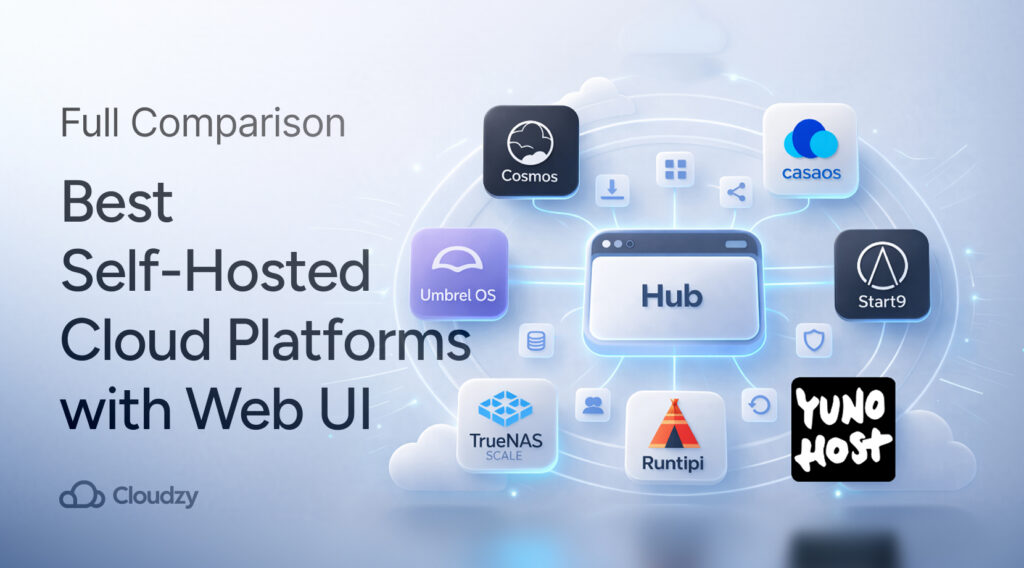
- Best for Beginners: CasaOS
- Best for Running Many Docker Apps on One Box: Cosmos Cloud or Runtipi
- Best for a Polished Home-Cloud Feel: Umbrel
- Best for Privacy-First Self-Hosting: StartOS
- Best for Storage-Led Builds: TrueNAS Scale
- Best for Domain-and-User-Portal Setups: YunoHost
This shortlist gets you close, but the right pick still depends on what usually breaks your flow. We all know that trouble starts after app number three, not app number one. Which is why routing, certs, user access, backups, shared storage, and update habits matter more than a pretty home screen.
What Is a Self-Hosted Cloud Platform?
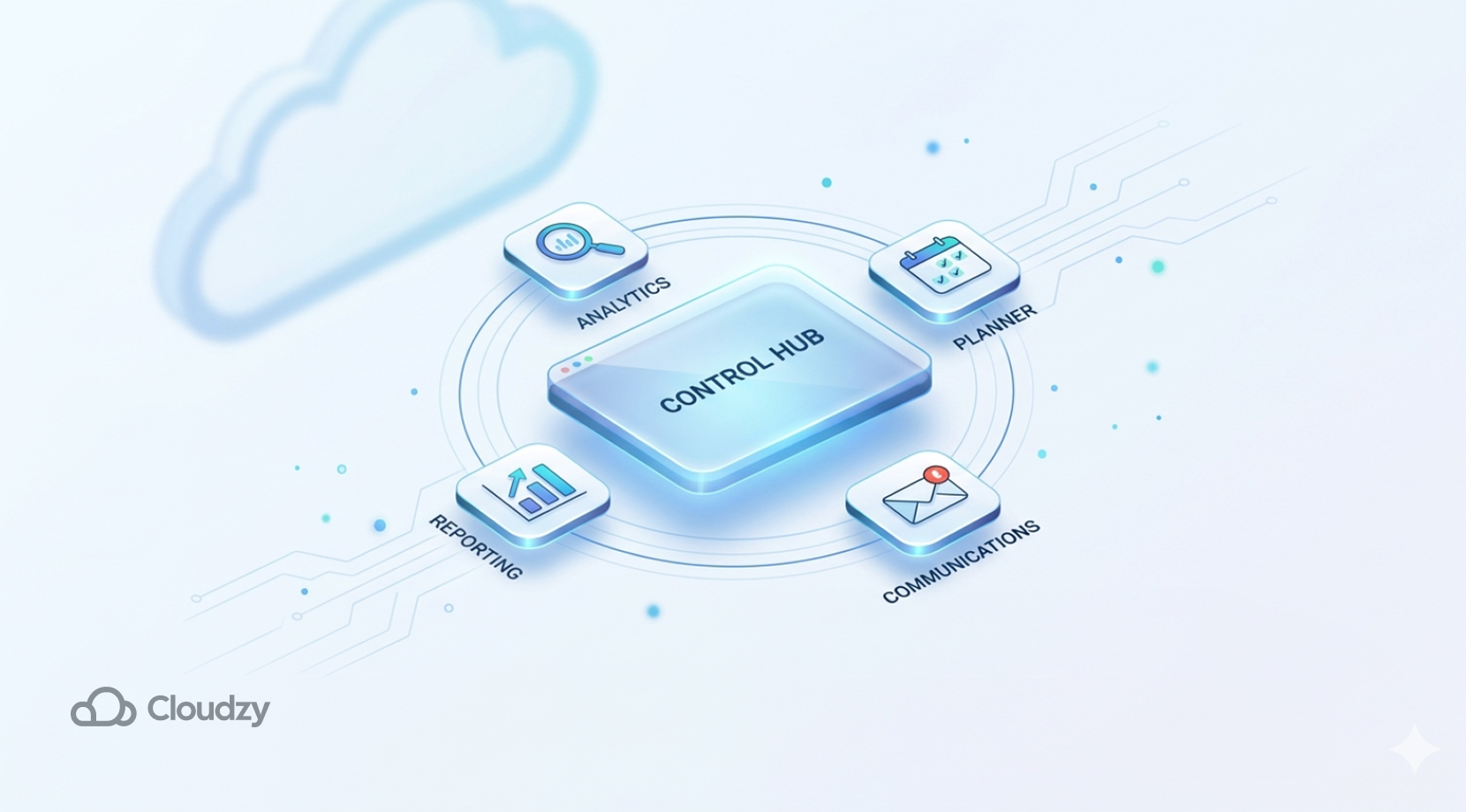
A self-hosted cloud platform is a control layer you run on your own server. Instead of managing every service from the terminal, you get a web dashboard that helps you install, expose, update, and organize apps from one place.
In most cases, that dashboard sits on top of containers or packaged services, which is why a basic grasp of Docker containers still helps, even if the platform hides most of the repetitive work. That is also why our Docker on VPS guide can be a good read; these tools feel easier on the surface, but most of them still rely on Docker-style plumbing underneath.
What they are not is a full public-cloud replacement. You are not getting AWS, Azure, or a giant managed platform in miniature. You are getting a browser-based way to run your own services with less manual work. This is important because people often search this topic, hoping for “my own private cloud,” and while comparing tools built for very different jobs.
Why Users Prefer Self-Hosted Platforms with a Web UI

Most people do not start hunting for a web UI because Linux is scary. They do that because the stack grows, and one app becomes four, then you add a domain, then an SSL certificate, then shared folders, then a second user, and you realize small admin chores eat more time than the apps themselves.
Once people have more than a couple of services, the annoying part is not Docker itself; it is SSHing into the box, hopping through directories, and repeating the same compose, log, and update steps every time they touch a stack
A good dashboard helps with this in a few practical ways:
- It keeps installs, updates, status checks, and restarts in one place.
- It cuts down on manual port juggling and app-by-app bookmark sprawl.
- It makes logs, app health, and shared settings easier to find.
- It gives first-time self-hosters a cleaner path into Docker-backed apps.
- It can help with domains and HTTPS, often through Let’s Encrypt, instead of leaving that work entirely on your shoulders.
- It lowers the odds of your setup turning into a pile of half-remembered commands.
That does not mean the web UI replaces basic server sense. It just gives you a better control surface.
Best Self-Hosted Cloud Platforms with a Web UI
The seven platforms below all fit the topic, but they do not solve the same pain in the same way. Some are app shelves for home users. Some are closer to a cleaner control plane for Docker apps. Some make more sense if you care about storage, user access, or private ownership more than quick one-click installs.
| Platform | Best Fit | What It Feels Like | Main Catch |
| Cosmos Cloud | Multi-app Docker setups with routing and auth | A server manager with gateway features built in | More opinionated than a plain Docker host |
| CasaOS | First-time self-hosters | Friendly personal-cloud dashboard | Many users outgrow it |
| Umbrel | Polished home server setups | Curated app shelf with strong visual polish | Less fun once you start changing defaults |
| StartOS | Privacy-first users | A private server built around ownership and self-custody | Narrower fit for general app tinkerers |
| Runtipi | Users moving past beginner tools | Clean app manager with room to grow | Still aimed at homeserver-style workflows |
| TrueNAS Scale | Storage-led builds | NAS first, apps second | New container layer is still in flux |
| YunoHost | Domain-led personal server setups | Webadmin plus user portal and app catalog | More package-driven and opinionated than Docker-first tools |
Cosmos Cloud
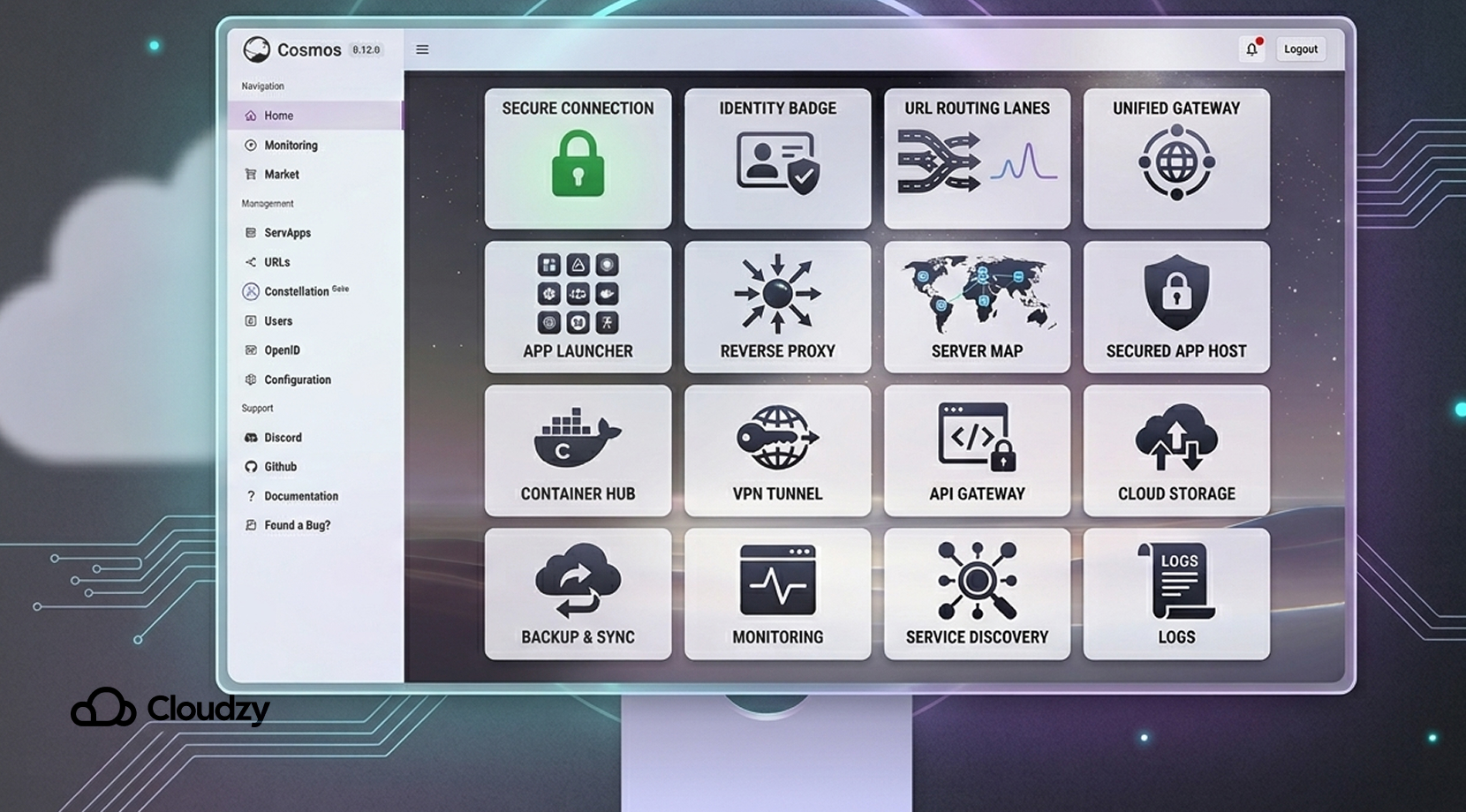
Cosmos Cloud is one of the more interesting entries here because it is not just a dashboard for starting containers. It blends Docker app management with built-in reverse proxying, automatic HTTPS, URL routing, and OpenID-based sign-in.
In plain English, it is one of the few tools in this group that tries to solve both “how do I run this app?” and “how do I expose this app cleanly?” from the same interface. That makes it a strong fit for people who want several services on one server without stitching together five separate admin tools.
Some readers just want a launcher; others want a launcher, a gateway, and a cleaner auth story. Cosmos fits the second camp.
That is also where Portainer vs Cosmos Cloud for Managing Docker Apps can be a useful next read, because the question usually isn’t ‘Can this start containers?’ It’s ‘How much of the server busywork does it remove before it starts getting in my way?
CasaOS
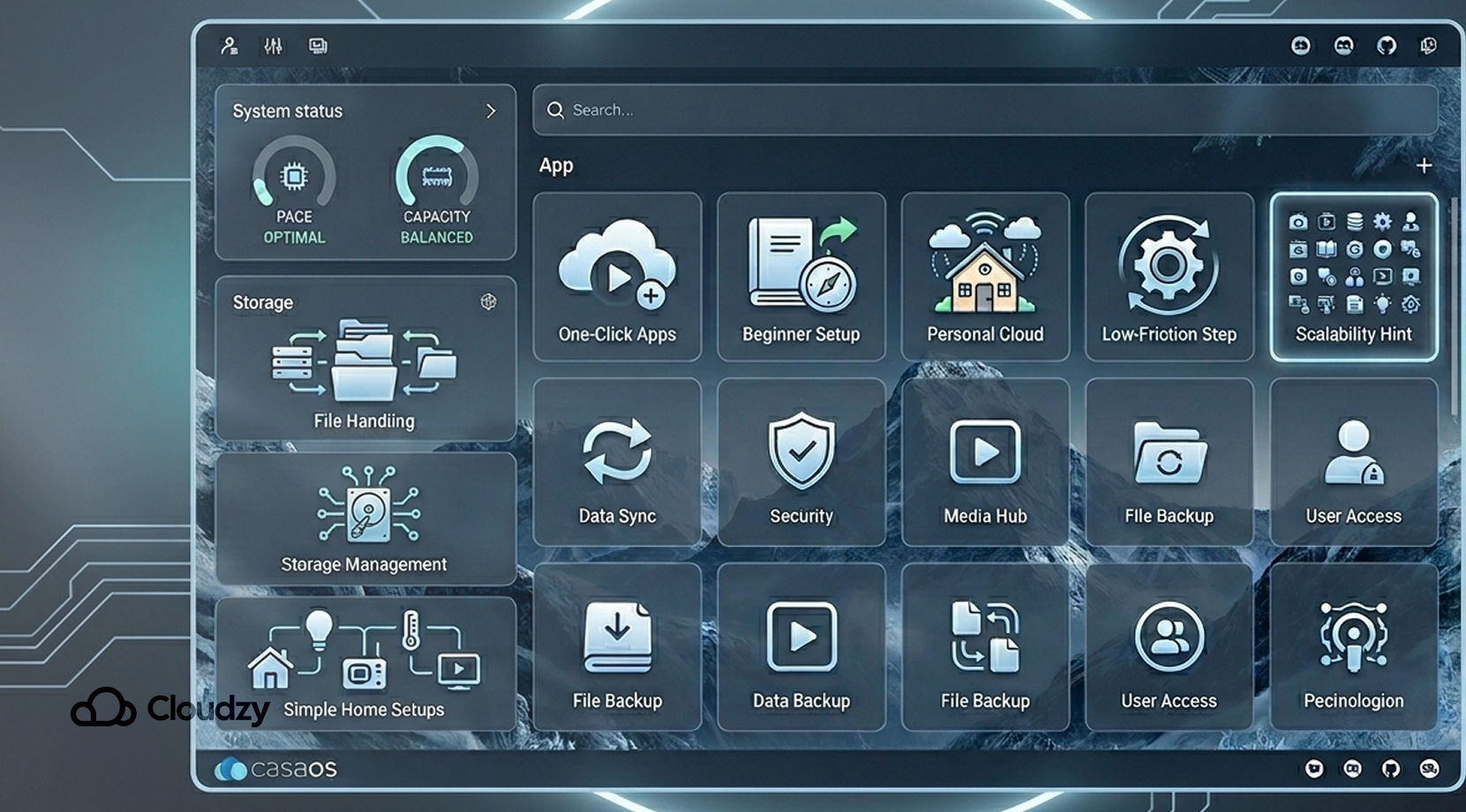
CasaOS is still a good beginner-friendly option, but IceWhale now pushes ZimaOS as the newer path, so readers should see CasaOS more as a stable, lightweight favorite than the company’s main forward-looking platform.
CasaOS is still one of the easiest starting points in self-hosting. Its core pitch is simple: friendly UI, app-store feel, drive and file management, and a setup that does not assume you want to think about Linux internals on day one.
The official project still presents it as a personal cloud system with one-click apps, file handling, and support for common low-cost hardware and older machines.
Users tend to describe CasaOS as a great first step, less great once your stack gets messier. That does not make it bad. It just means CasaOS is strongest when the goal is “I want Jellyfin, Immich, backups, maybe a file browser, and I do not want to think too hard yet,” but if you start caring about deeper routing, tight backup flows, or custom container work, the soft edges can start to feel limiting.
Umbrel
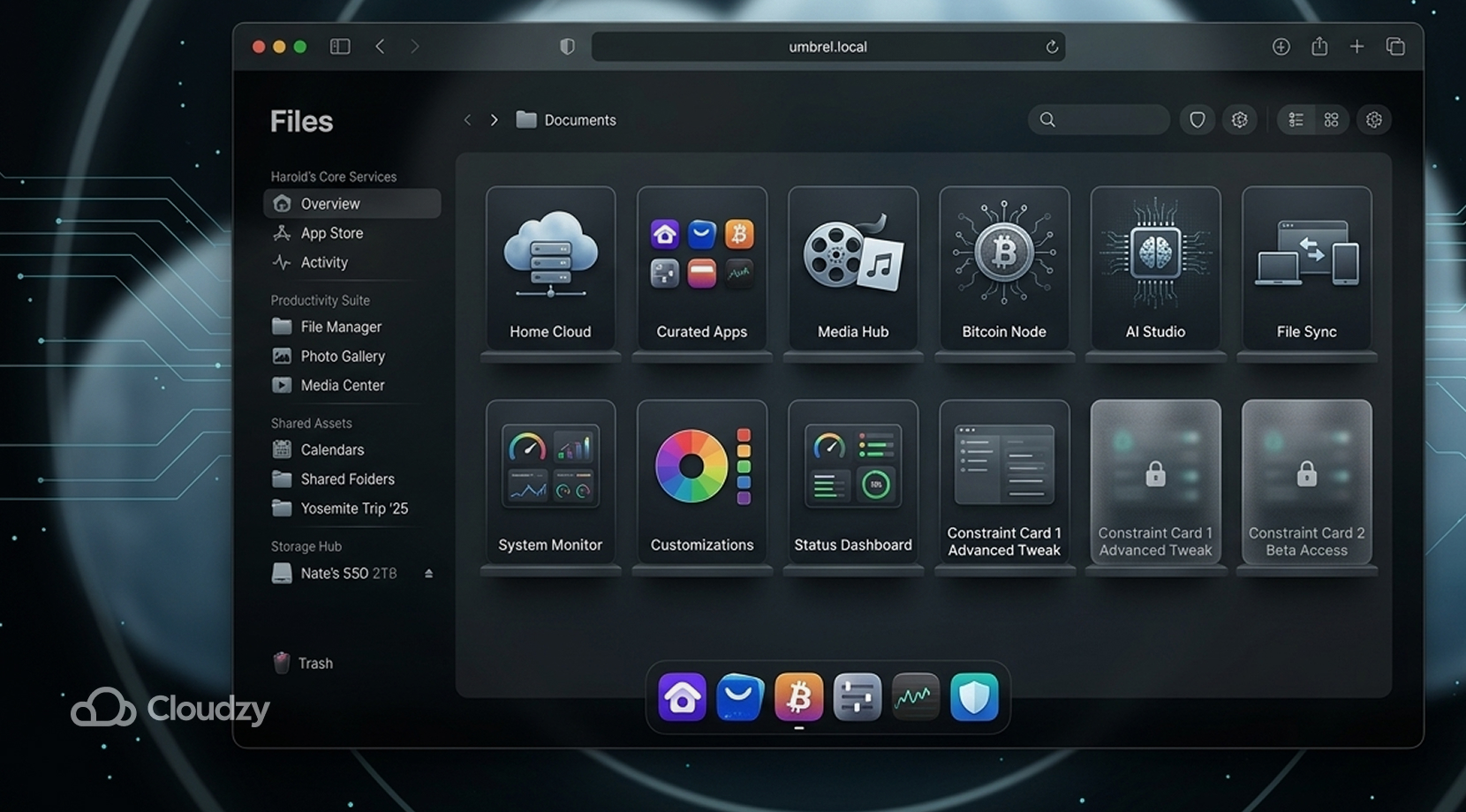
Umbrel has one of the cleanest and most polished experiences in this part of the self-hosting world. Its whole identity leans into the idea of a personal home cloud, and its app store now covers everything from media tools and file sync to AI and Bitcoin services. That polish is a big reason people try it first, or switch to it after getting tired of rougher interfaces elsewhere.
The trade-off is that Umbrel works best when you are happy staying close to the path it lays out for you. In forums, the praise is usually about how smooth it feels out of the box, while the pushback shows up once someone wants more custom behavior, more storage flexibility, or app handling that goes beyond the stock flow.
So if your dream setup is “nice UI, curated app shelf, home-server vibes,” Umbrel makes sense. If your dream setup is “I want to tweak everything,” it can get frustrating faster than the screenshots suggest.
StartOS
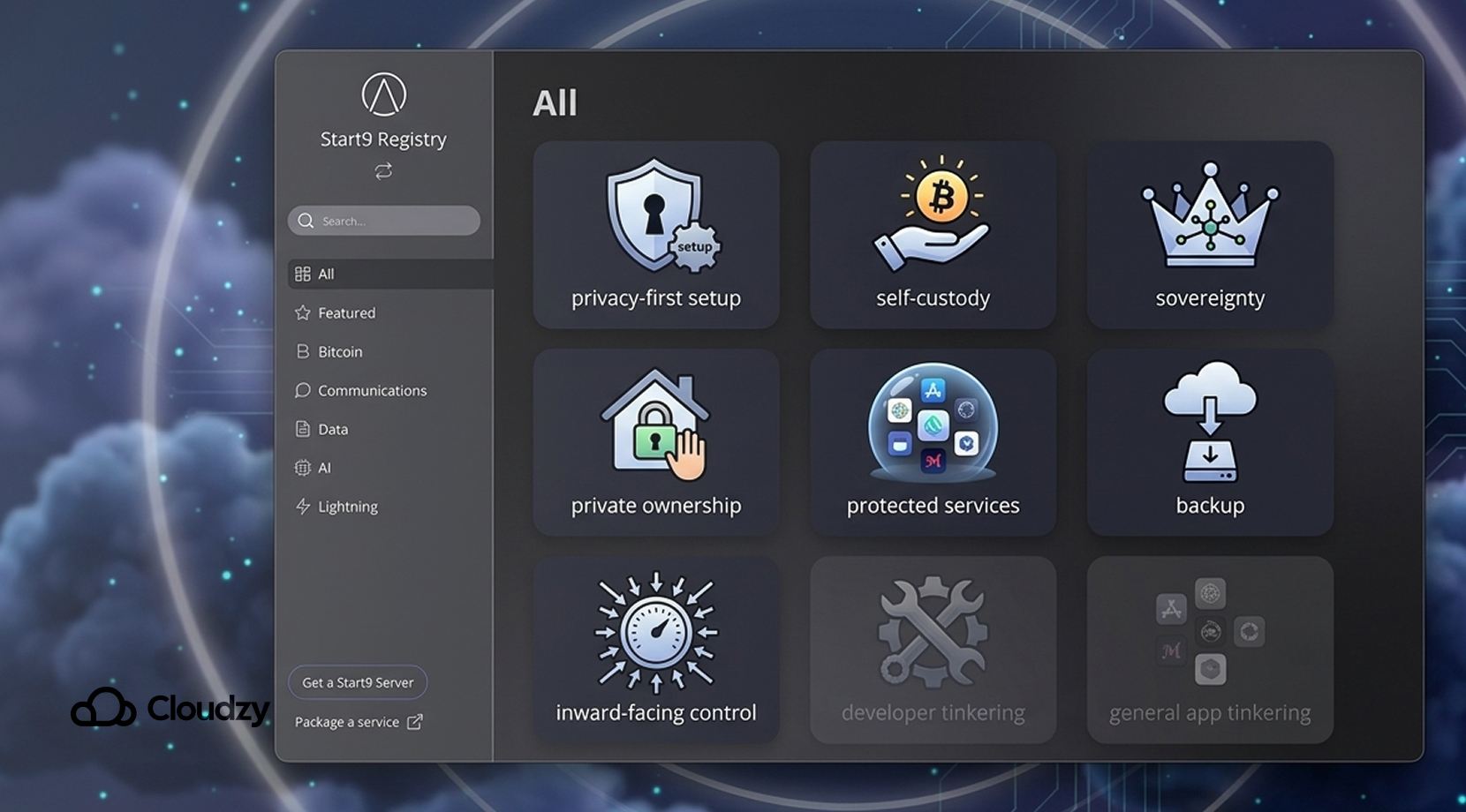
StartOS by Start9 is the most opinionated platform on this list, and that is exactly why some people love it. Its own language is built around sovereign computing, private servers, and cutting dependence on hosted services.
StartOS is designed to make it easier to run your own services from a browser-accessible dashboard, with backup and service management tied directly into that privacy-first frame.
That angle makes StartOS a strong match for readers who care deeply about self-custody, private ownership, and long-term independence from hosted platforms. It is less universal for the broader “I just want a clean dashboard for a bunch of Docker apps” crowd.
So if your priorities start with privacy and control, StartOS deserves serious attention. If your priorities start with app variety and quick experimentation, other tools on this list usually feel looser.
Runtipi
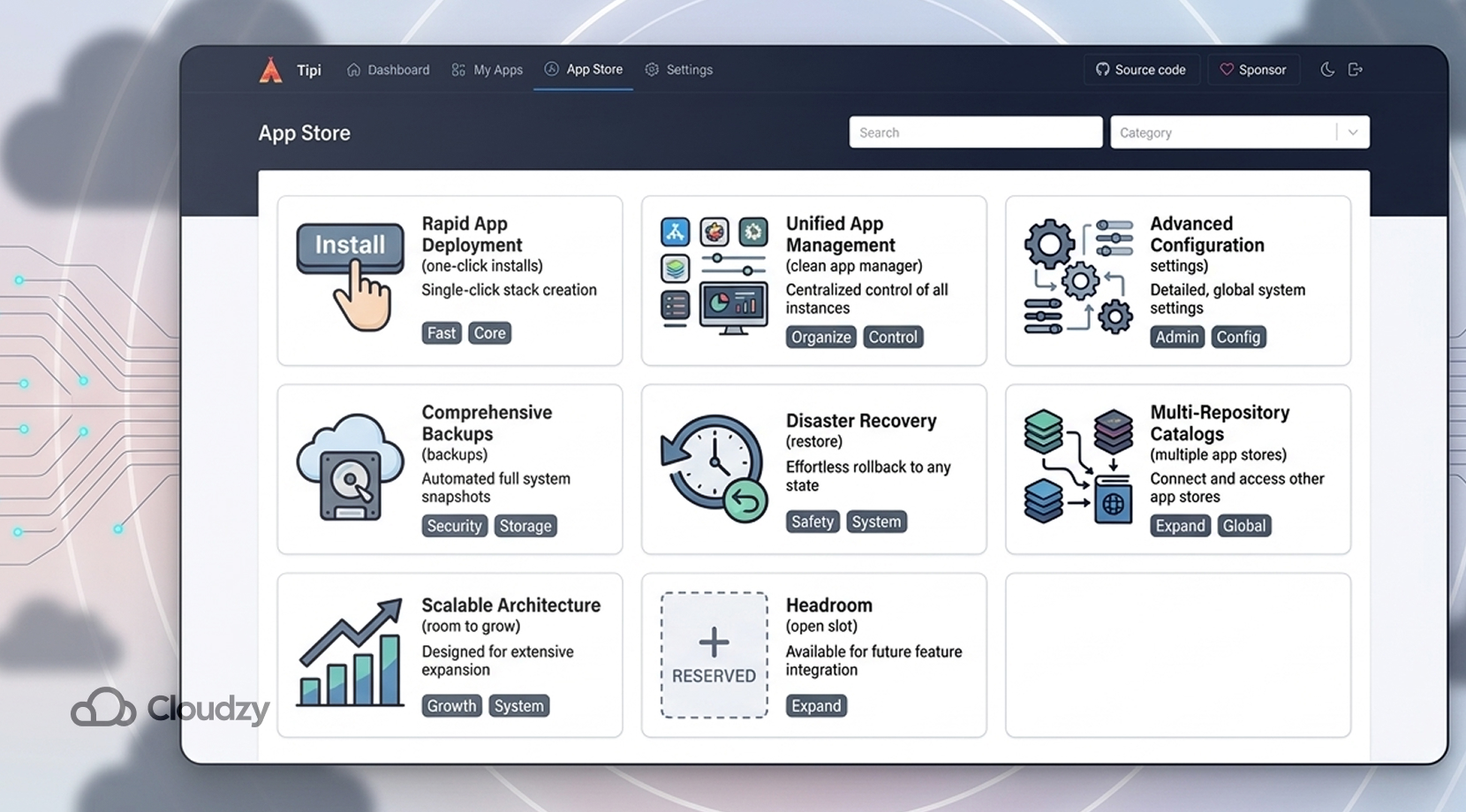
Runtipi sits in a sweet spot that a lot of self-hosters end up wanting after a few months. It still gives you the clean dashboard, one-click installs, and low-friction setup that first-time users want, but it also leaves more room to grow.
The official project says it can install and update nearly 300 apps, manage settings and backups from the dashboard, and even work with multiple app stores in newer versions. Backup and restore flows are now part of its own docs, not just community workarounds.
That matters because this is where many people start drifting after CasaOS or Umbrel. They still want a browser-based setup, but they are less willing to give up control once they have learned how their apps fit together.
Runtipi feels like the answer to that stage. It is still very much a homeserver-style platform, not an enterprise control panel, but it has a better “month six” story than many beginner-first tools.
TrueNAS Scale
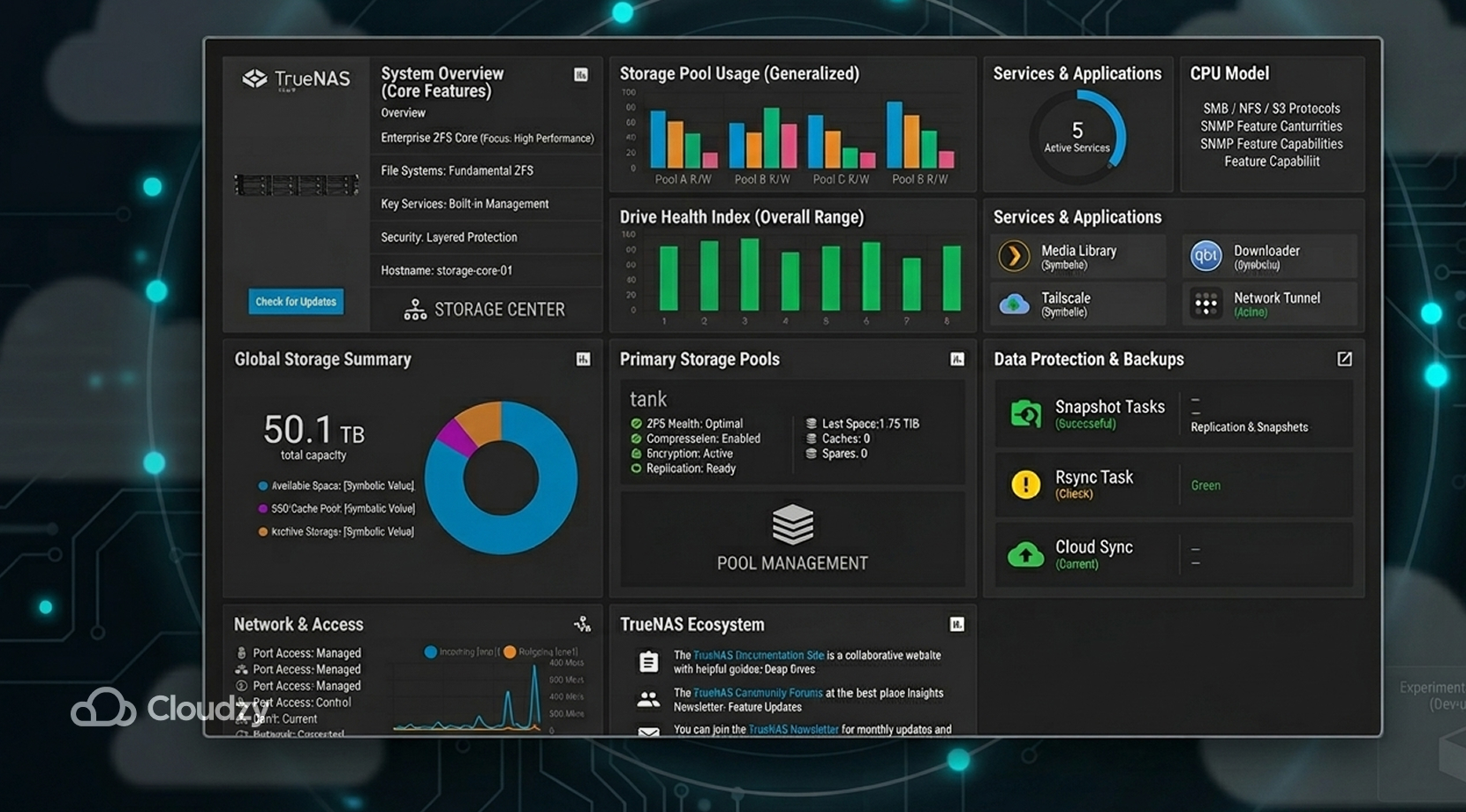
TrueNAS Scale belongs in this conversation, but only with the right framing. It is not the cleanest pure app dashboard in the group. It is a storage-first platform with strong ZFS roots that also lets you run apps and, in current 25.04 releases, Linux containers through the UI.
That is a big difference. If your build starts with disks, pools, shares, snapshots, and a media library that matters, TrueNAS Scale can be a smart base. If your build starts with “I just want an app launcher,” it is usually heavier than you need.
The current catch is worth saying clearly that the new Linux container layer in 25.04 is still marked experimental by TrueNAS and not meant for production use yet.
So the pitch here is not “best app shelf,” it is “best choice if storage is the heart of the box, and apps live beside that.” Too many roundups blur that line and leave readers thinking every platform on the list plays the same role.
YunoHost
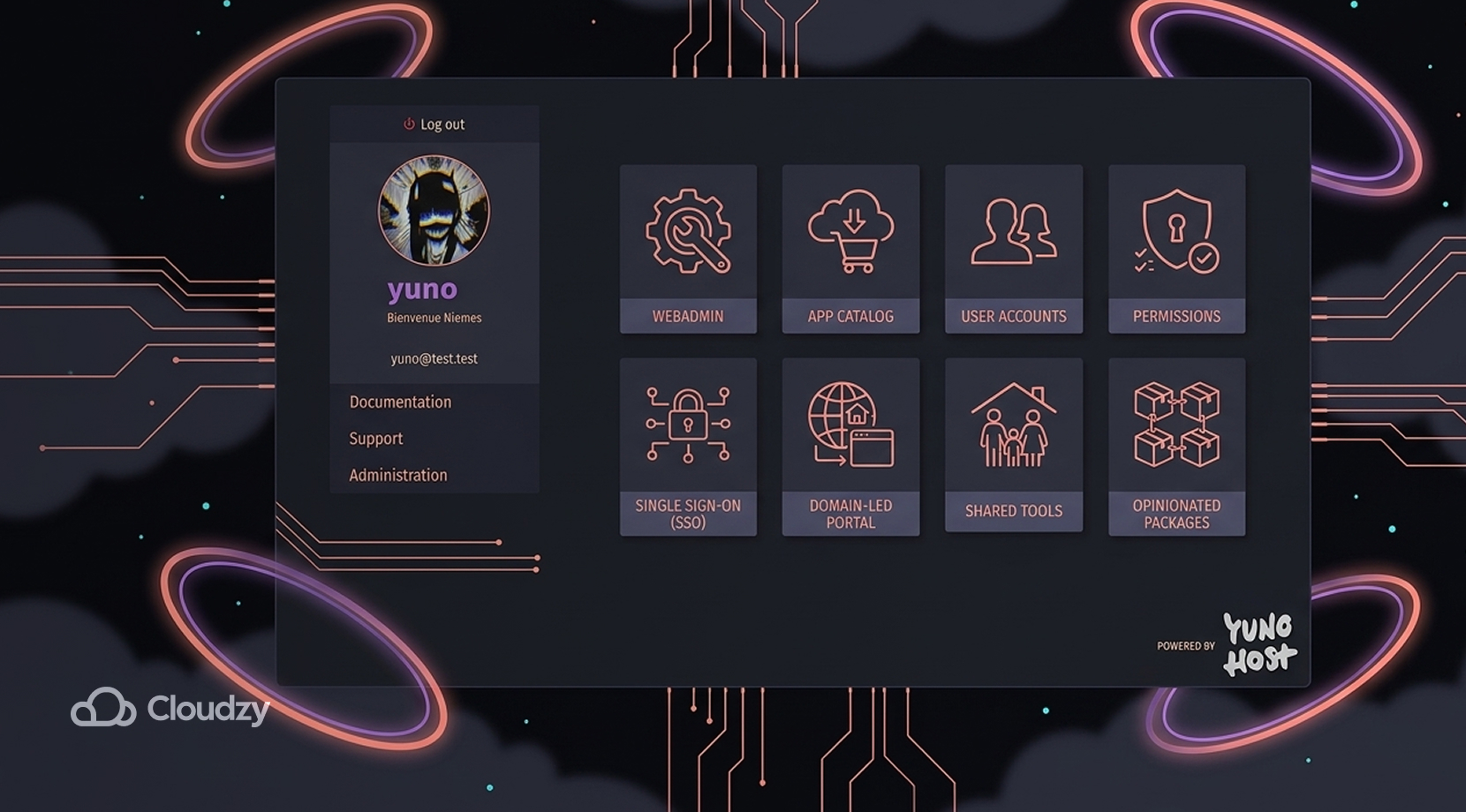
YunoHost takes a different path from the Docker-first tools. It gives you a webadmin, an app catalog, user accounts, permissions, and a user portal with single sign-on, all tied to a domain-led personal server model.
That makes it a nice fit for people who want to run personal web services, shared family tools, or a small set of apps under one front door without building the whole user-access story by hand.
It is more opinionated than the Docker-led options, which means it can feel tidy or restrictive depending on the reader.
We usually like YunoHost most for people who care about accounts, app access, and domain-based organization more than raw container freedom. It’s less of a “run anything any way” and more “run a coherent personal server that normal humans can still navigate.”
Where These Platforms Usually Run Best
These platforms usually land in one of three homes: an old mini PC, a NAS-style box, or a VPS. All three can work, but they solve different headaches. Home hardware is great for local-first setups and tinkering.
A NAS box makes sense if storage is the whole point. A VPS, however, gives you a cleaner outside access, stable networking, snapshots, and less babysitting of spare hardware in the corner.
Our guide on What Is the Difference Between Cloud Hosting and VPS? can help here because it changes how easy it is to reach your apps, move them, and keep them online.
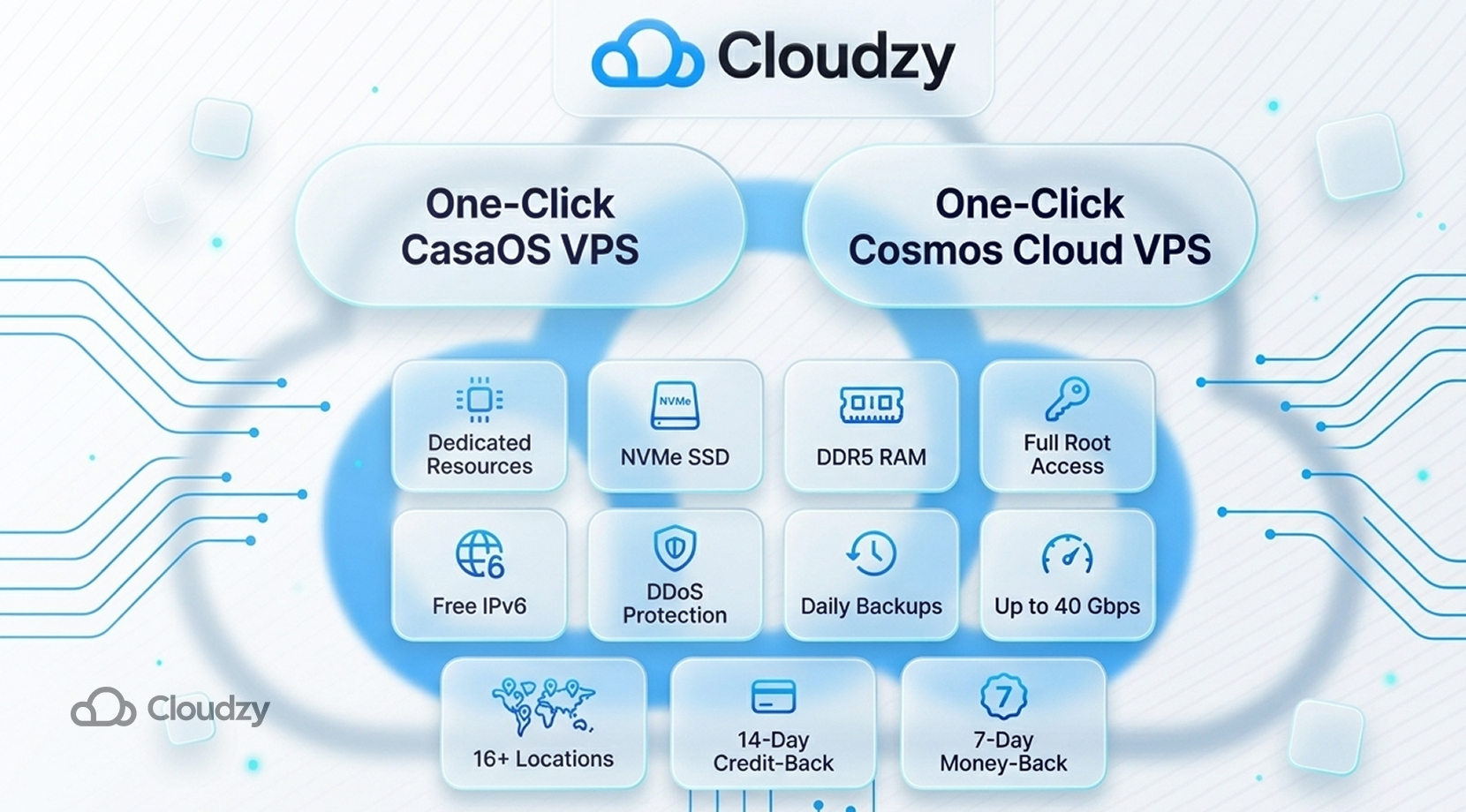
If you like the idea of Cosmos Cloud or CasaOS but do not want to build around an aging home box, our One-Click Cosmos Cloud VPS and One-Click CasaOS VPS give you the same browser-led setup on top of dedicated resources, NVMe SSD storage, DDR5 RAM, full root access, free IPv6, multi-layer DDoS protection, daily backups, and up to 40 Gbps networking.
We built those options for the common self-hosting jump from spare hardware to cleaner, more serious projects.
Choosing the Right Platform for Your Setup
The easiest mistake here is picking the prettiest interface instead of the one whose limits you can live with six months from now. That sounds obvious, but it is exactly where many self-hosted stacks go sideways.
| If This Sounds Like You | Start Here |
| You want the gentlest first step | CasaOS |
| You want to run many Docker apps on one server and expose them cleanly | Cosmos Cloud |
| You want a polished home-server feel | Umbrel |
| You care most about privacy and self-custody | StartOS |
| Your build starts with storage, pools, and shared media | TrueNAS Scale |
| You want webadmin, users, and a domain-led portal | YunoHost |
| You want more headroom after the beginner phase | Runtipi |
That is also the point where our piece on Cosmos Cloud vs CasaOS vs Umbrel becomes useful, because those three are often the shortlist for readers who want a browser-first self-hosted setup but are not yet sure how much control they will want later.
Final Thoughts
The best self-hosted cloud platform with a web UI is not the one with the flashiest dashboard. It is the one that makes your daily admin work lighter without boxing you in as your stack gets heavier and more complicated. CasaOS is still one of the best on-ramps.
Cosmos Cloud is one of the sharpest picks for multi-app Docker setups with cleaner access control. Runtipi has one of the best “I learned a bit, now I want more” stories. Umbrel, StartOS, TrueNAS Scale, and YunoHost each make more sense once you know what sits at the center of your build.
If Cosmos stays on your shortlist, Best Self-Hosted Apps You Can Run with Cosmos Cloud is your logical follow-up because it shifts the conversation from platform choice to the apps people care about.
And if you already know that Cosmos Cloud or CasaOS is your fit, our Cosmos Cloud VPS and CasaOS One-Click VPS can take the hardware mess out of the picture and let you get straight to the part that made you self-host in the first place.