If you want the answer, Jellyfin is the best Plex alternative for most people who actually want to self-host their media long term. Emby is the better fit if you want a more polished, more Plex-like feel and do not mind paying for it.
Kodi still makes sense as a front end, and Stremio works better as an addon-driven media hub than as a full server replacement. However, if you need more than just a couple of paragraphs to tell you which is best, I talk about the details and how you can choose based on control, privacy, remote access, and transcoding in this article, so stick around and let me make my case.
Why People Are Looking for Plex Alternatives
A few years ago, most people leaving Plex were doing it for philosophical reasons. They wanted less bloat, less account dependency, or a cleaner self-hosted stack. Since 2025, that conversation has become much more practical.
Plex’s own remote playback note shows the changed rules for personal media on affected apps, and Plex also raised Plex Pass pricing. So now the pain is not just “I do not love the direction of the product.” It’s also “Why am I paying more for media I already own?”
That frustration gets sharper if your server is also running into home-upload limits, which is why our VPS for Plex guide is a useful read on the infrastructure side of remote media hosting, even if you end up moving away from Plex itself.
We are usually talking about someone who already runs Plex, already has files sorted, and is now annoyed enough to consider moving a working setup.
Forum threads keep circling the same point that, while people are upset by the money alone, they are more upset by the feeling that their own server still depends on somebody else’s account system, feature policy, and UI choices.
Here is the short version.
| Reason | What It Feels Like in Practice | Why It Pushes People Toward Alternatives |
| Plex Pass costs | Useful features start stacking behind a paid tier | People start asking why their personal library needs a subscription at all |
| Remote playback changes | A setup that used to feel simple now has more rules around remote video access | Self-hosters start looking for tools that stay under their control |
| Privacy concerns | Mandatory sign-in and vendor mediation feel out of place on a private media stack | Open-source options start looking less niche and more sensible |
| Feature frustration | Hardware transcoding, downloads, and other quality-of-life features feel tied to payment | Users begin comparing total ownership cost, not just app polish |
| Reliance on Plex services | Your media server can still feel linked to Plex infrastructure | People who want a truly self-hosted setup start moving away |
Plex users do not usually wake up one day wanting a hobby project. They just get tired of the feeling that their “personal Netflix” is drifting away from the personal part. That is why the next question is not just “what else exists,” but “what actually makes a good replacement?”
What Makes a Good Plex Alternative
A good self-hosted Plex alternative isn’t that because it has the prettiest home screen. It’s a good one because it’s still manageable once you add remote users, bigger files, subtitles, mixed client devices, and the occasional “why is this one title transcoding?” headache.
These are the checks that matter most.
- True self-hosting capability: You should be able to run the server on your own machine or VPS, manage your own data, and keep core access under your control.
- Multi-device and remote streaming: Local playback is easy. The thing that matters is how well it handles phones, TVs, browsers, and remote users outside your home network.
- Metadata management: Posters, episode matching, file naming tolerance, and library cleanup matter plenty.
- Multi-user and family accounts: A media server used by one person is easy. A media server used by a household, plus a few relatives, is where permissions and profiles start to matter.
- Transcoding support: Direct play is the dream, but real libraries still need software or hardware transcoding for subtitles, bitrate limits, and client quirks.
- Client quality: A platform can look great on paper and still become a headache if the TV or mobile experience is half-baked.
Transcoding is also the point where a basic setup can cause issues, so if you are still sizing hardware, our best server CPU guide gives the processor-side context behind direct play, subtitle burns, and remote transcodes.
Once you judge these tools by day two use instead of install-day excitement, the field does get narrower. Plenty of apps can play media. Fewer can replace Plex in a way that still feels good after the honeymoon ends.
Best Plex Alternatives
The alternatives below are not all trying to solve the same problem, so a flat feature dump would be misleading. Some are trying to be your full media server. Others are better seen as front ends or media hubs.
And if you are not tied to Plex specifically and just want a wider shortlist, our Best Media Server guide is certainly a broader read.
Jellyfin (Best Open Source Alternative)
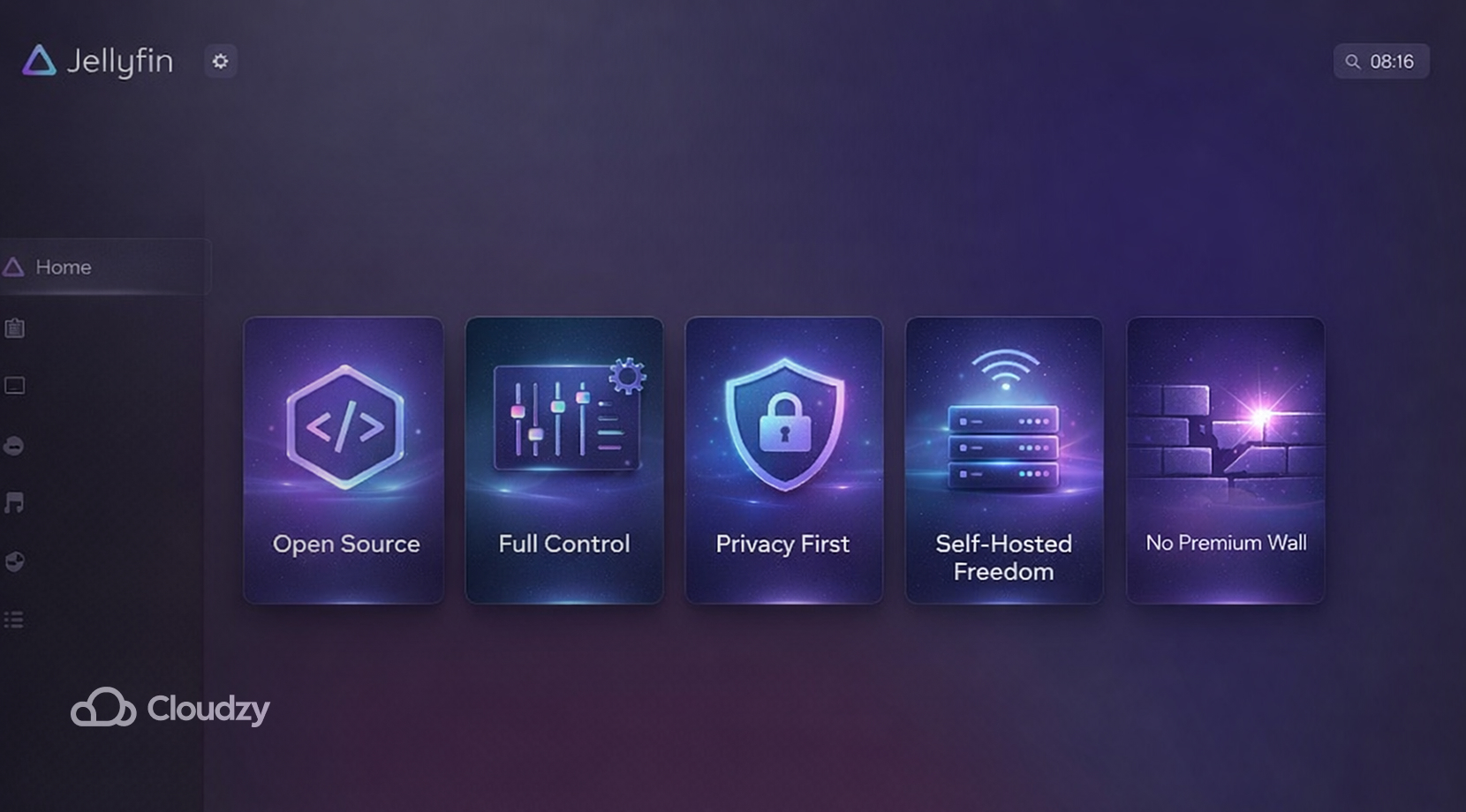
If your main reason for leaving Plex is wanting your server to feel like it is yours again, Jellyfin is the one to beat. It is free, open source, and built around the idea that your media system should not depend on premium tiers, hidden limits, or a vendor sitting in the middle of the experience.
That sounds abstract until you use it. There is no paid wall for hardware transcoding, no premium layer for core server ownership, and user accounts are local. Library access can be managed per user, and remote access is possible without handing the whole experience back to a third party.
Official Jellyfin networking docs also make it plain that external access is manual, which is a fair trade for people who want direct control instead of convenience glued to a hosted account flow. It also helps to read their hardware selection guide before you blame the app for a box that was never built for remote transcoding in the first place.
Many recent switchers say the same thing in slightly different ways. They run Plex and Jellyfin side by side for a while, point Jellyfin at the same library, and realize the move is not nearly as dramatic as they feared.
The quick snapshot below shows why Jellyfin is an alternative you definitely should consider.
| Feature | Jellyfin |
| Price | Free |
| Open Source | Yes |
| Self-Hosted | Yes |
| Remote Streaming | Yes, with manual setup |
| Hardware Transcoding | Yes, no paid tier |
| Multi-User Controls | Yes |
| Metadata Sources | Yes, with multiple providers and plugins |
| Account Dependency | Local-first, no central premium layer |
| Best For | Users who want control, privacy, and no subscription creep |
Jellyfin is not flawless, and pretending it is would make this article less useful.
Some drawbacks you should know are that remote access is more hands-on, some client platforms still feel better than others, metadata can still need cleanup, especially if your file naming is messy, and if you are setting this up for relatives who panic the moment an app looks different, Plex or Emby can still feel smoother on day one.
Still, for a free Plex alternative that is built for actual self-hosting, Jellyfin gets the balance right. We have already broken down the one-to-one tradeoffs in our Jellyfin vs. Plex comparison.
Emby
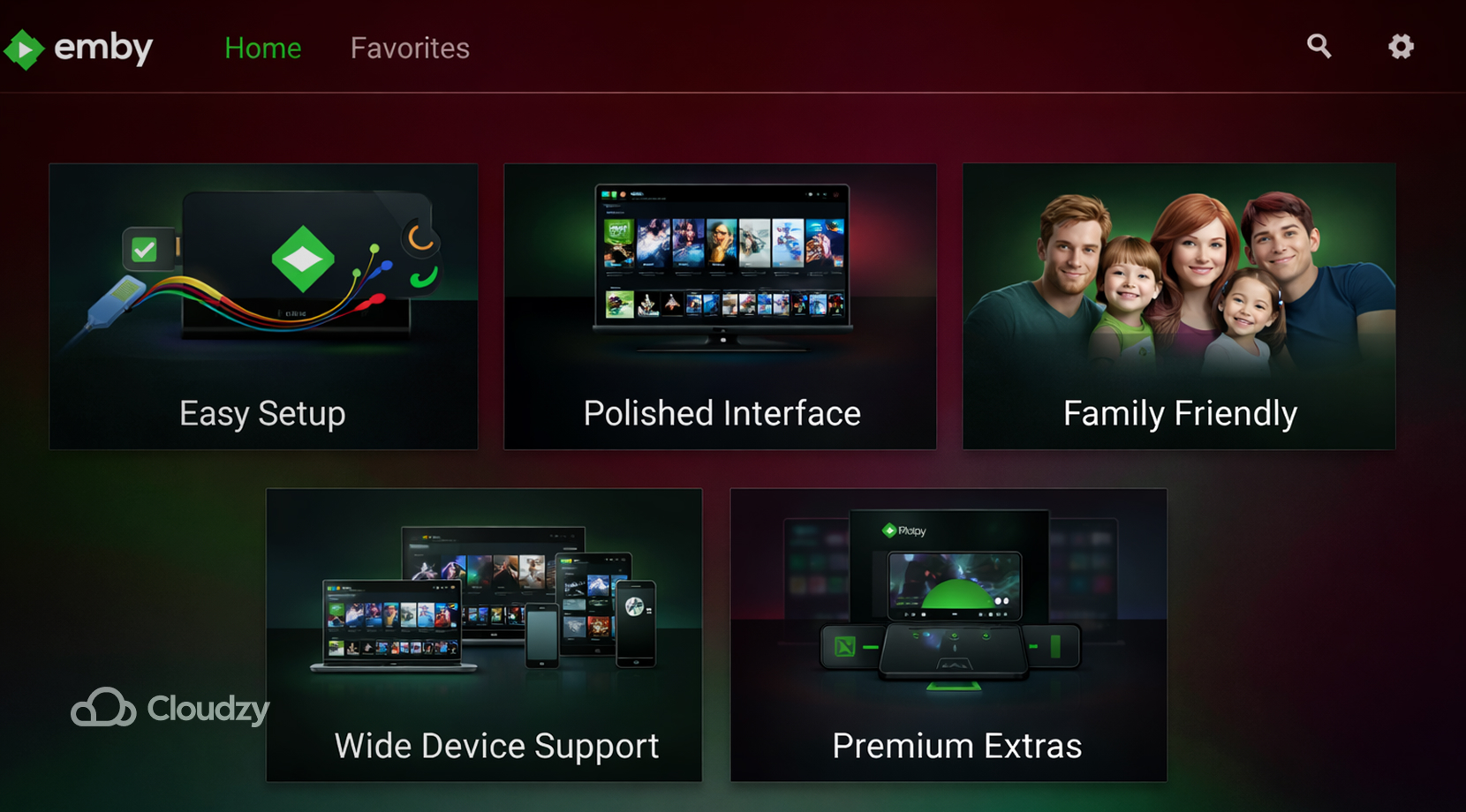
Emby makes the most sense for people who like the Plex model but are tired of Plex itself. It operates like a personal media server; it has wide client support, and its remote access flow is less DIY than Jellyfin once you get things working.
Its biggest strength is that it asks less from the user at the start. The interface is familiar, the app story is broad, and it is easier to picture non-technical family members settling into it.
That said, there’s always a tradeoff. Emby still keeps some of its nicer capabilities behind Emby Premiere, so it does not fully solve the subscription fatigue problem that pushed many readers away from Plex in the first place. It’s also not open source in the same way Jellyfin is, which matters if your exit from Plex is tied to trust, not just cost.
I would frame Emby like this:
- What Emby brings: smoother onboarding, familiar app feel, solid family-user potential, and less friction for people who don’t want to spend their time tuning a self-hosted stack.
- Where Emby loses: still has a paid layer, still asks for some trust in a vendor-run product path, and does not scratch the same “this is fully mine” itch that Jellyfin does.
If your top priority is a cleaner move for household users, Emby is a real contender. If your top priority is breaking out of the paid-media-server cycle, it’s not everything what you want.
Stremio
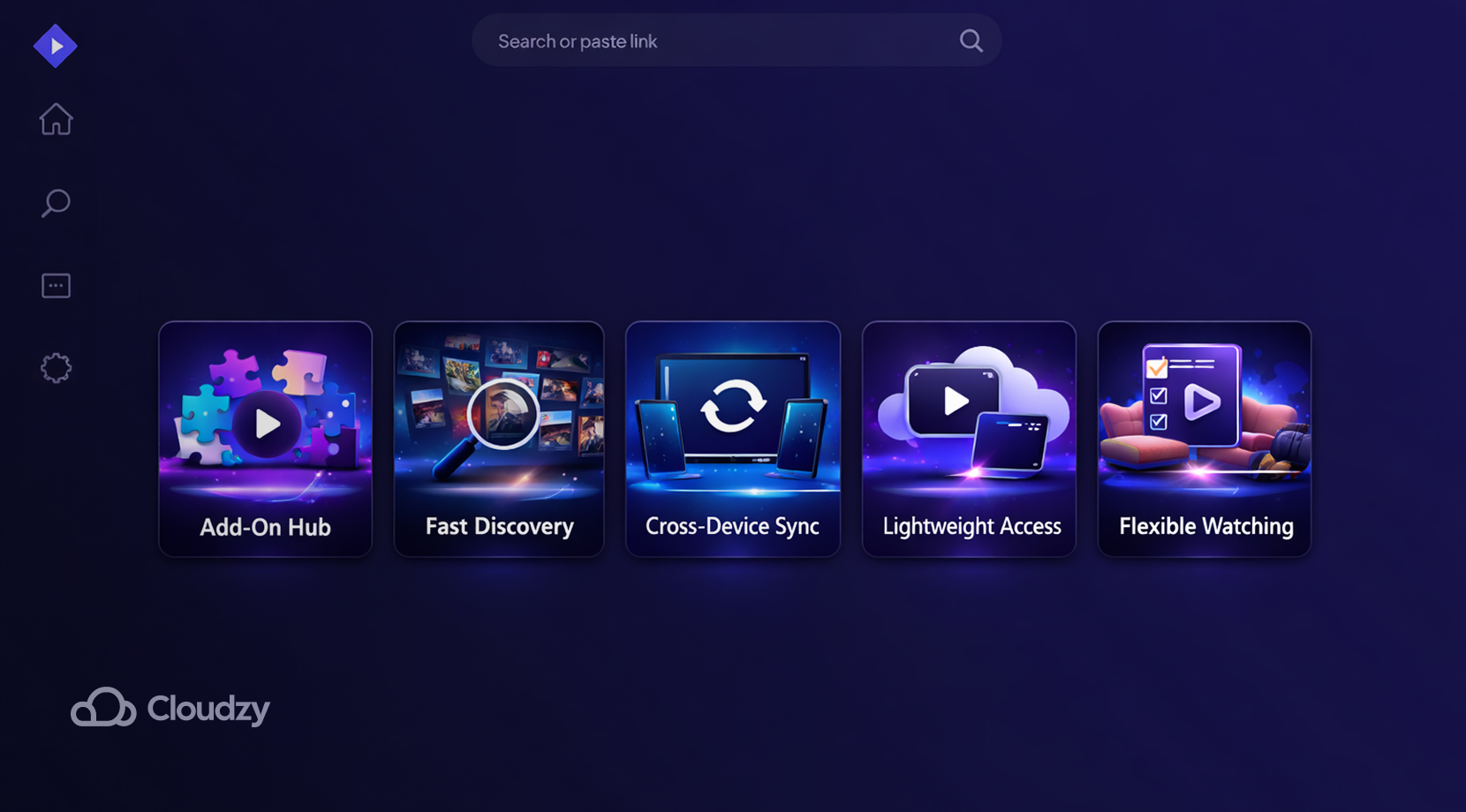
Stremio belongs in this article because people do compare it with Plex, but it helps to say what it is before calling it a replacement. Stremio is better understood as a media hub built around addons, syncing, and lightweight access across devices. It has guest mode, account-based sync, and a setup that’s certainly much lighter than a traditional server stack.
That makes it useful, but it also means it is solving a different problem. If your goal is “I want a proper Plex server alternative for my own media library, with user management, hosted deployment, and a server-first model,” Stremio is not as direct a fit as Jellyfin or Emby.
So yes, it is a Plex alternative in the broad search sense. No, it is not the best answer for readers who are specifically trying to build or move to a self-hosted media server.
Kodi
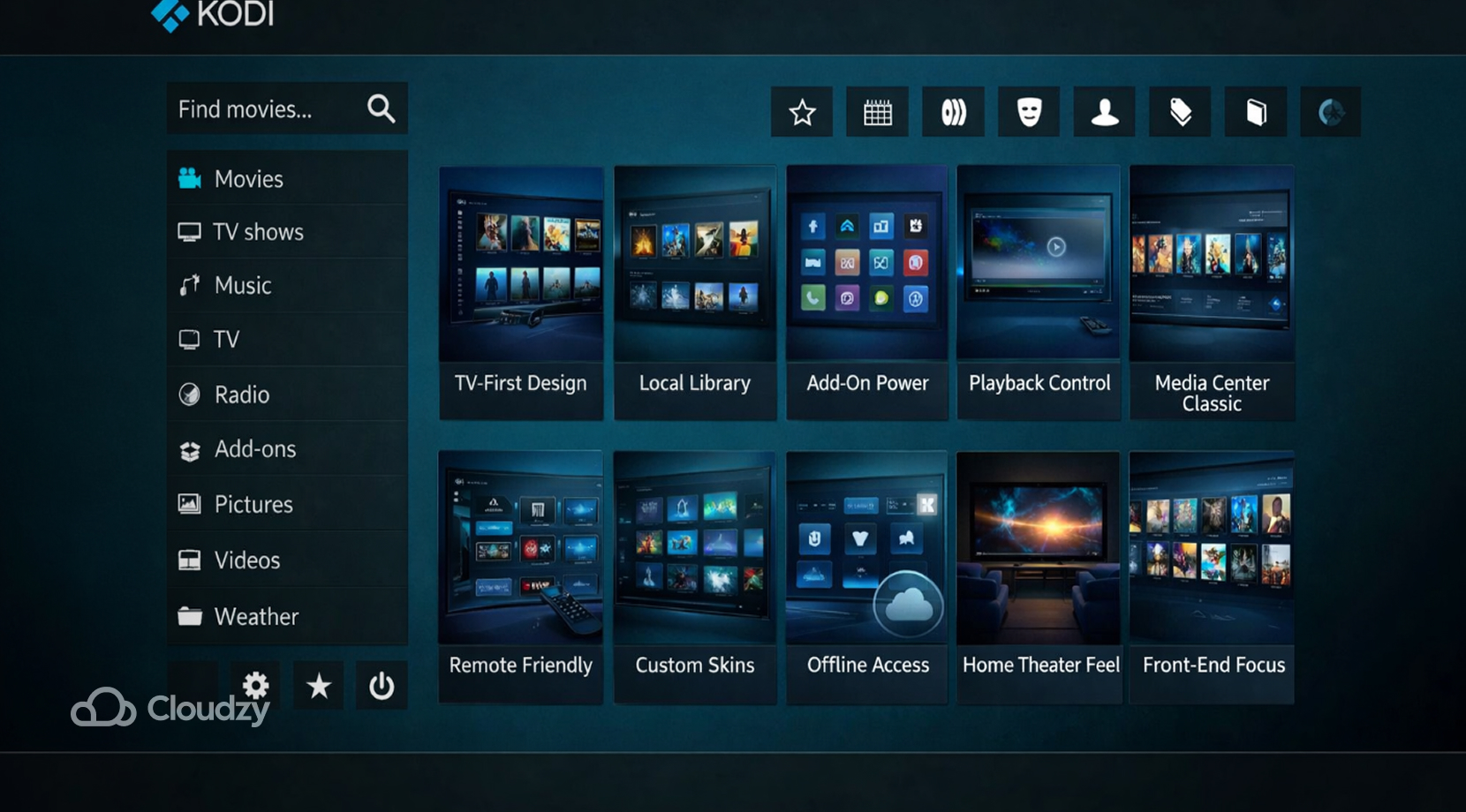
Kodi has been around long enough that almost everybody in self-hosting has crossed paths with it at some point. It’s free, open source, and still one of the best front ends for local media playback in a living-room setup.
What has changed is how we should position it in 2026. Kodi is less of a direct Plex replacement than a strong companion or endpoint in a wider media setup. With the right add-ons, including Jellyfin integrations, it can become a very good client experience.
But on its own, it is not the cleanest answer for someone who wants to replace Plex with one platform and move on.
Kodi still matters, just not in the number-one slot. It’s a great pick for a home theater box or a TV-first environment, but it is weaker as a pure answer to best media server software if the reader is asking for hosted remote streaming, account controls, and a modern server dashboard.
Plex vs Jellyfin vs Emby vs Stremio vs Kodi Comparison
After all that detail, it helps to pull the tradeoffs into one place. When you’re searching for Plex alternatives, you usually do not need more adjectives. So here are the facts.
| Feature | Plex | Jellyfin | Emby | Stremio | Kodi |
| Open Source | No | Yes | Partial / mixed model | App code available, addon-driven ecosystem | Yes |
| Cost | Freemium | Free | Freemium | Free | Free |
| Full Self-Hosting Fit | Yes | Yes | Yes | Limited | Limited on its own |
| Remote Streaming | Yes | Yes | Yes | Limited for this use case | Possible, but not its main strength |
| Hardware Transcoding | Paid tier for key features | Included | Tied to Premiere features in some cases | Not the main decision point | Depends heavily on setup |
| Multi-User Controls | Good | Good | Good | Basic for this topic | Not its main focus |
| Metadata Management | Good | Good, but can need tuning | Good | Not the same kind of library model | Good for local/front-end use |
| Best Fit | Users who want polish and do not mind vendor dependency | Users who want control and no paid wall | Users who want a softer exit from Plex | Users who want a light media hub | Users who want a TV-first local front end |
Only Jellyfin and Emby really sit in the same direct replacement lane for most Plex users. Kodi is still useful as a client-side or home-theater choice, and Stremio is a looser fit for a true self-hosted Plex alternative search.
Once you’ve got your software figured out, you’ll benefit from checking out our Best Processor for Streaming guide so you can both learn about playback load, simultaneous users, and transcode headroom, as well as find out what’s necessary for dealing with them.
Which Plex Alternative Is Best?
For most readers on this page, Jellyfin is the best alternative to Plex.
Not because the others are bad, and not because Jellyfin is magically better at everything. It is the best fit because the search intent here is not “what media app exists besides Plex?” It is “what should I move to if I want my media server to be mine again?” Once you frame the problem that way, Jellyfin lines up better than anything else in the list.
If you’re still unsure, here’s how to decide:
- Pick Jellyfin if you want full control, no subscription creep, open-source development, and a server that stays yours in both philosophy and day-to-day use.
- Pick Emby if you want an easier household transition and do not mind paying for a smoother, more familiar experience.
- Pick Kodi if your main target is a local, TV-first front end, not a full server migration by itself.
- Pick Stremio if you want a lighter media hub and your needs are closer to addon-driven browsing than true server ownership.
If you do land on Jellyfin, the next bottleneck is usually not software; it is hardware and network design. And if you decide to move the server off your home connection, our guide on how to set up streaming on your VPS is the most relevant next step.
How to Avoid Jellyfin’s Installation and Performance Issues
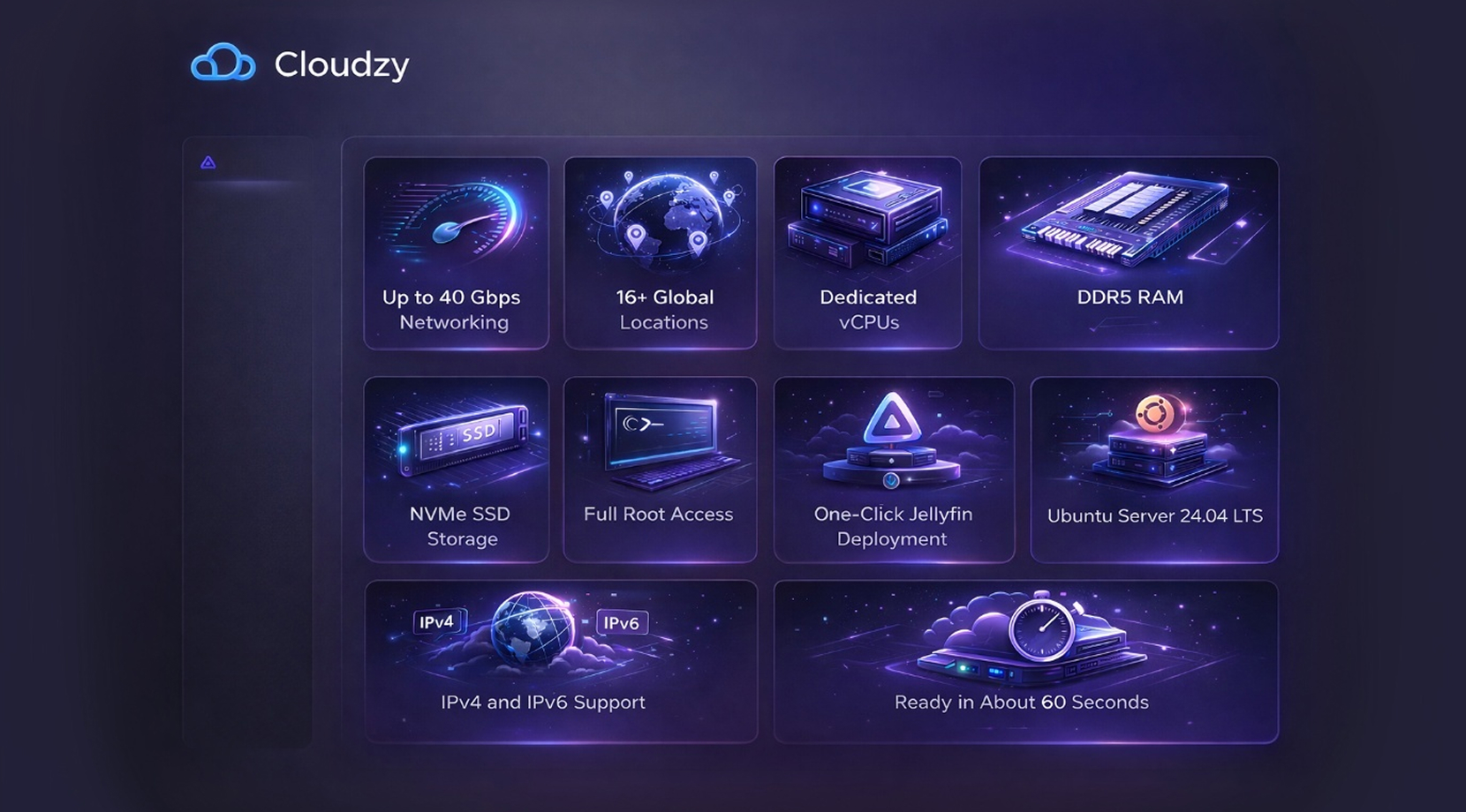
There’s, of course, the main issue of the same failure mode over and over with home installs, where the software works, but remote playback turns into a fight with upload speed, port rules, or a box under the TV doing too much at once. In that situation, hosting Jellyfin on a VPS solves all of that!.
If you want to run Jellyfin on infrastructure that is built for remote delivery, Cloudzy gives you a clean base with up to 40 Gbps networking, 16+ locations, dedicated vCPUs, DDR5 RAM, NVMe SSD storage, full root access, and one-click Jellyfin deployment on Ubuntu Server 24.04 LTS.
We support IPv4 and IPv6, and deployment takes about 60 seconds. That’s our One-Click Jellyfin VPS is a practical next step for people who are done with home upload limits and just want their media server to stay fast and online.