

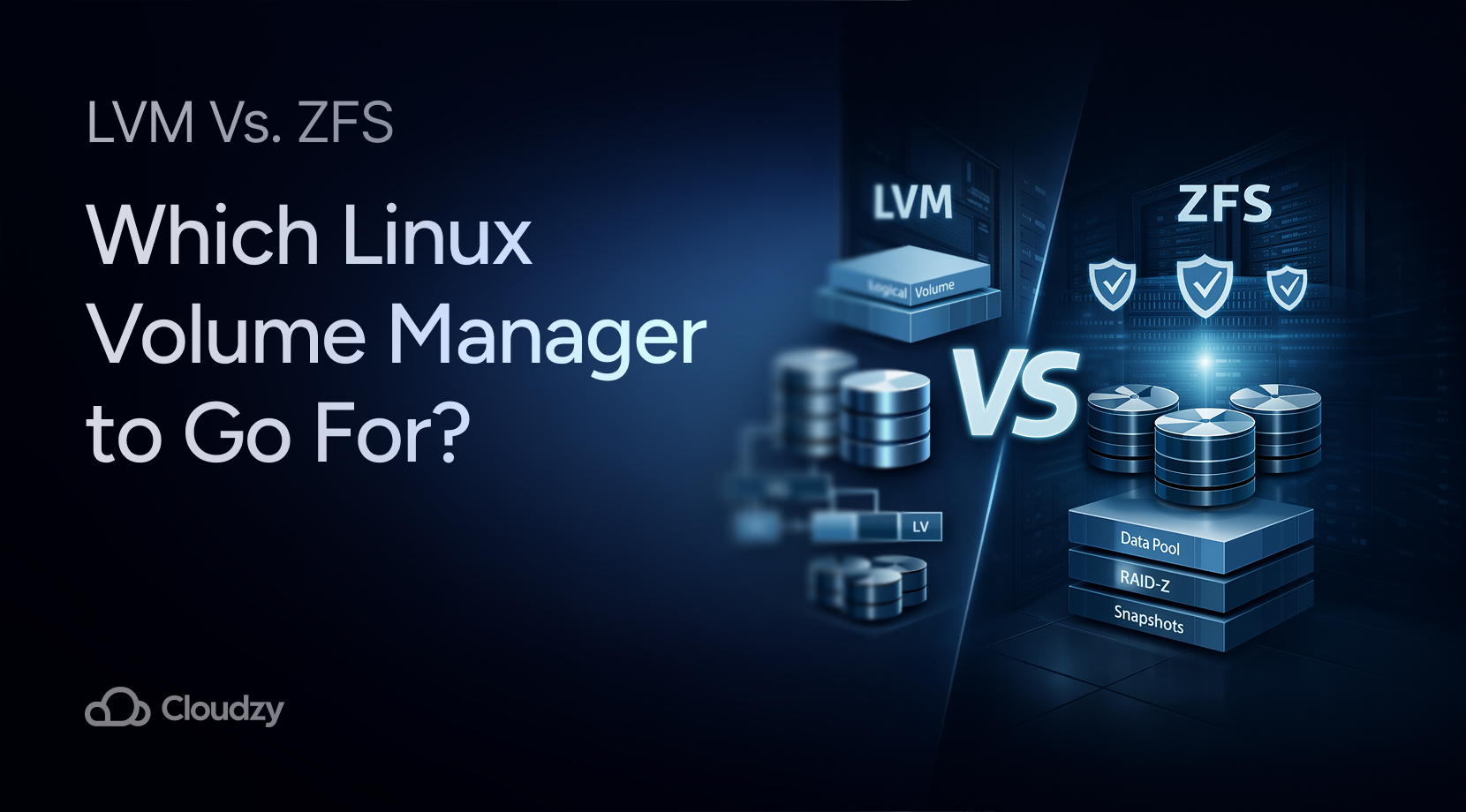
Linux is, without a doubt, one of the most popular operating systems, especially among developers and system administrators. One reason for this popularity is the sheer amount of customization Linux offers. You can tweak almost every layer of the system, from the kernel and filesystem to the storage architecture.
One of the most important parts of Linux storage architecture is volume management. Tools like LVM and ZFS allow administrators to organize, scale, and secure disk storage far more efficiently than traditional partitions.
Later on, we will explore LVM vs. ZFS and their features, and help you decide which option works best for your use case. It doesn’t matter whether you’re managing a home server, deploying cloud infrastructure, or configuring a VPS; understanding the differences between Linux LVM and ZFS can significantly improve your storage management strategy.
But before we start to compare them, we must first understand what they are and how they work.
What Is Linux LVM?
Logical Volume Manager (LVM) is a storage management system that allows flexible allocation of disk space in Linux. Instead of relying on fixed partitions, LVM creates logical volumes that span multiple physical disks and can be resized dynamically.
The original implementation of LVM for Linux was written by Heinz Mauelshagen in 1998 while working at Sistina Software. Its design was inspired by earlier UNIX volume managers such as those used in HP-UX systems.
Before LVM became widely adopted, Linux administrators relied heavily on traditional disk partitioning. Expanding or reorganizing storage often requires downtime or complex migrations. LVM introduced a virtualization layer between physical disks and filesystems, allowing administrators to expand volumes, move data between disks, and reorganize storage without rebuilding the entire system.
Today, most modern Linux distributions, especially Ubuntu and CentOS Stream, support LVM and can even install their root filesystem on logical volumes.
Now that we have a basic understanding of what LVM is, let’s get to why it’s so prominent.
Features of LVM
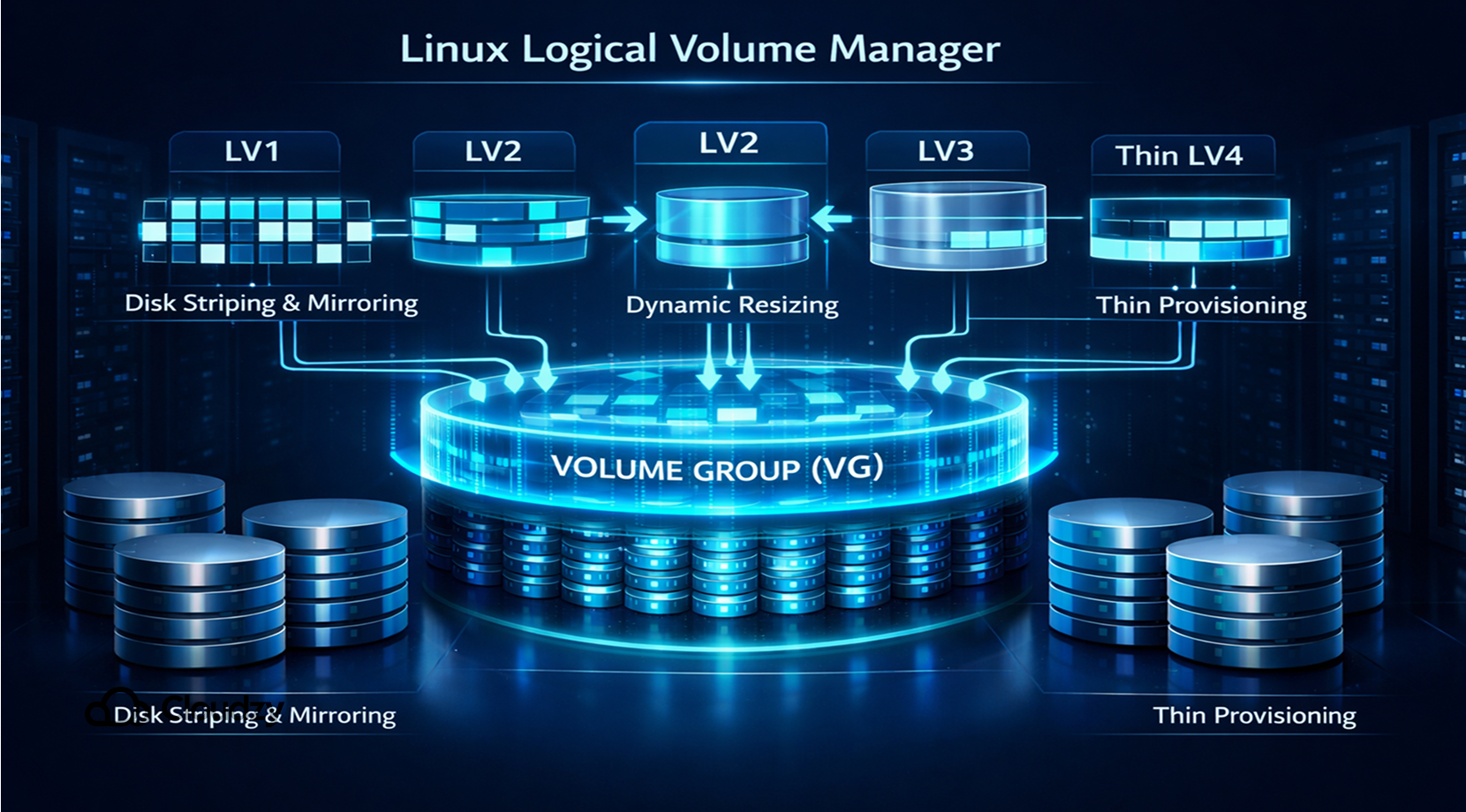
Over time, LVM has evolved into a mature and reliable storage management solution used across many Linux environments. Below is a list of LVM’s most important features.
Flexible Storage Pools
LVM aggregates disks into Volume Groups (VG) and allocates storage to Logical Volumes (LV).
Dynamic Resizing
Logical volumes can be expanded or reduced without reinstalling the system or recreating partitions, which really adds to LVM’s flexibility.
Snapshots
LVM supports point-in-time snapshots, which are useful for backups and testing environments.
Disk Striping and Mirroring
Logical volumes can distribute data across multiple disks or mirror data to improve redundancy.
Thin Provisioning
Modern versions of LVM include thin provisioning, allowing storage to be allocated dynamically as it is needed.
All of these features combined make for a very reliable and efficient experience when it comes to volume managers, in contrast to physical partitions. But if you’re unsure about how exactly a volume manager is different from a traditional physical partition, stick around to find out.
Physical Partitions vs. Volume Managers
Traditional disk partitioning divides storage devices into fixed segments, which can work well for simple systems, but it quickly becomes difficult to manage when storage needs repurposing.
Traditional partitioning creates fixed slices of the disk. LVM adds a volume-management layer on top of physical storage, while ZFS combines volume management and filesystem features in one system.
| Feature | Physical Partitions | Volume Managers (LVM/ZFS) |
| Resizing volumes | Difficult | Easy |
| Disk pooling | No | Yes |
| Snapshots | No | Yes |
| Flexibility | Low | High |
Not only that, but when it comes to deploying a VPS, Many VPS stacks use storage abstraction layers such as LVM because resizing and automation are easier than with fixed partitions.
If you’re interested in deploying a VPS of your own, make sure to check out Cloudzy’s Linux VPS for a buttery experience. Our Linux VPS comes with a 14-day money-back guarantee and a reliable 24/7 support.
Moreover, thanks to its 40Gbps link, it’s also lightning-fast with 99.95% uptime, and not to mention, in terms of memory and storage, it is provided with DDR5 RAM and NVMe/SSD. You can even deploy it in over 16 locations across the globe.
But, with all that said, we are now done with explaining why LVM is so popular. Now let’s get to know a bit about ZFS.
What Is ZFS?
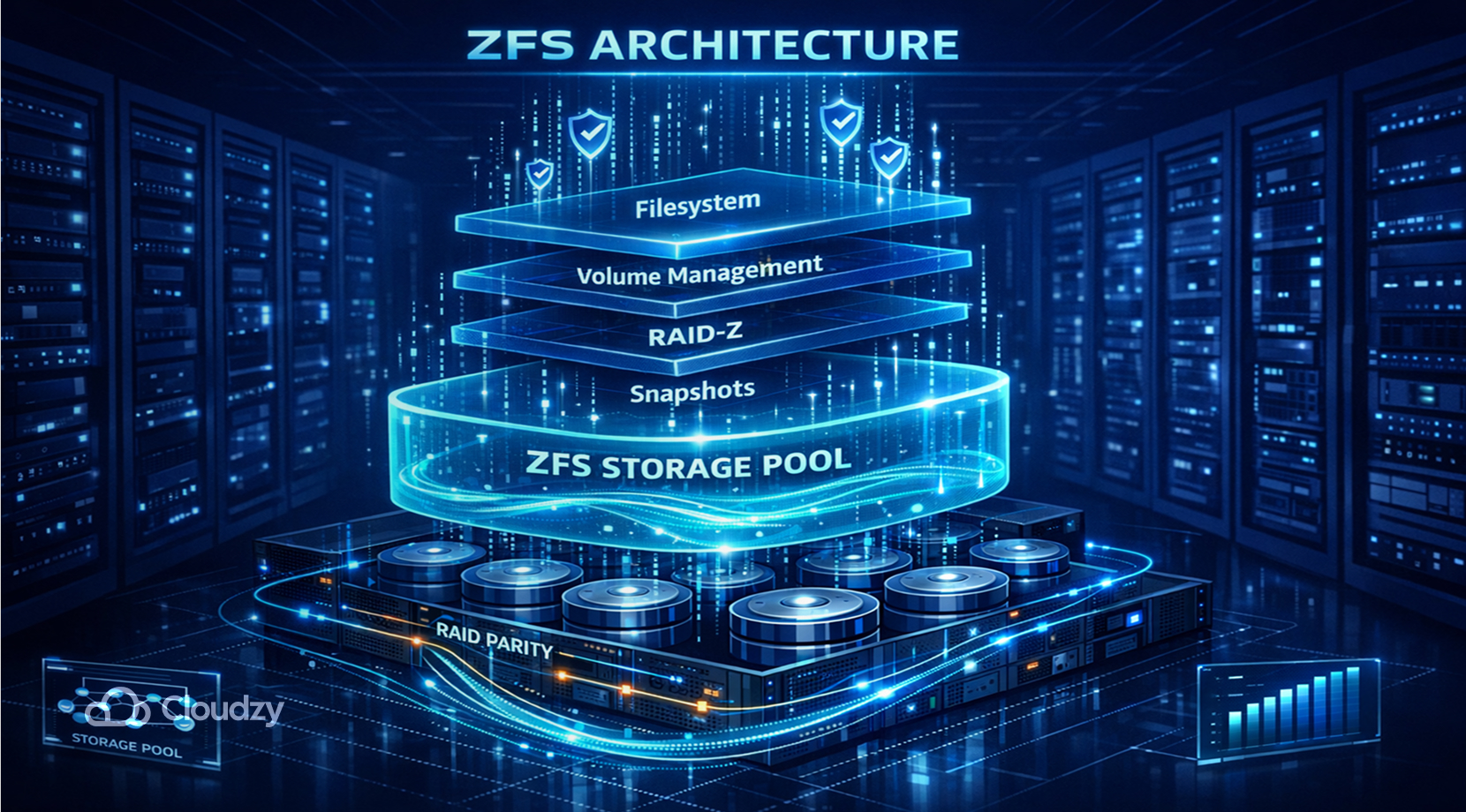
ZFS (Zettabyte File System) is both a filesystem and a volume manager designed to handle large storage systems with strong data integrity guarantees.
ZFS was originally developed by Sun Microsystems in the early 2000s and first released as part of Solaris in 2006. The system was designed to replace traditional storage stacks by combining filesystem management, volume management, and RAID functionality into one integrated platform.
After Oracle acquired Sun in 2010, development of the open-source implementation continued through the OpenZFS project, which now maintains ZFS for Linux, FreeBSD, and other operating systems.
Unlike LVM, which only manages logical volumes, ZFS integrates multiple storage functions into a single system.
Features of ZFS
ZFS includes a wide range of advanced storage features designed for reliability and scalability. Below is a list of the main features of ZFS.
Storage Pools (zpools)
ZFS groups disks into a storage pool, from which filesystems are created dynamically.
An intuitive Copy-on-Write Architecture
Instead of overwriting data blocks, ZFS writes modified data to new locations. This prevents corruption and enables fast snapshots.
End-to-End Data Integrity
Every block written to a disk includes a checksum, allowing ZFS to detect and repair corrupted data automatically only if the pool has redundancy, such as a mirror or RAIDZ.
RAID-Z
ZFS includes built-in redundancy through RAID-Z configurations such as RAID-Z1, RAID-Z2, and RAID-Z3.
Advanced Caching
ZFS uses ARC (Adaptive Replacement Cache) in RAM and optional L2ARC SSD caching to improve performance.
Compression and Deduplication
Built-in compression is widely used and often practical. Deduplication is also available, but it needs a lot of RAM and is usually reserved for data sets with heavy block duplication.
Hopefully, you have a meaningful understanding of both LVM and ZFS by now, so let’s proceed to our main issue regarding LVM vs. ZFS and see which comes out on top.
LVM vs. ZFS Comparison
Now, for us to see which volume manager is a better fit, we must compare them side by side. Below is a simplified LVM vs. ZFS comparison highlighting the core differences between the two.
| Feature | LVM | ZFS |
| Core Functionality | Logical volume manager | Filesystem + volume manager |
| File System Support | Works with ext4, XFS, etc. | Built-in filesystem |
| Cache and SSD Support | Depends on filesystem | ARC and L2ARC caching |
| Encryption | Usually via LUKS | Native dataset encryption |
| Snapshots | Yes | Yes |
| Data Integrity | Depends on filesystem | End-to-end checksums |
| RAID Support | External RAID tools | RAID-Z |
| Performance | Lightweight | High but resource-heavy |
| Scalability | High | Extremely high |
| Ease of Use | Easier | More complex |
| Resource Requirements | Low | Higher RAM usage |
| Compression | Not native | Built-in compression |
| Deduplication | Not available | Built-in deduplication |
| Mirroring Protocol | Supported | Native mirroring |
Until now, we have only covered why LVM and ZFS are popular and how well they are. But we must also consider every possible angle when it comes to LVM vs. ZFS, just to be fair.
Advantages and Disadvantages of LVM in Linux
Advantages
LVM pros that are worth mentioning, but just to be concise, here are a few selections among them.
LVM is:
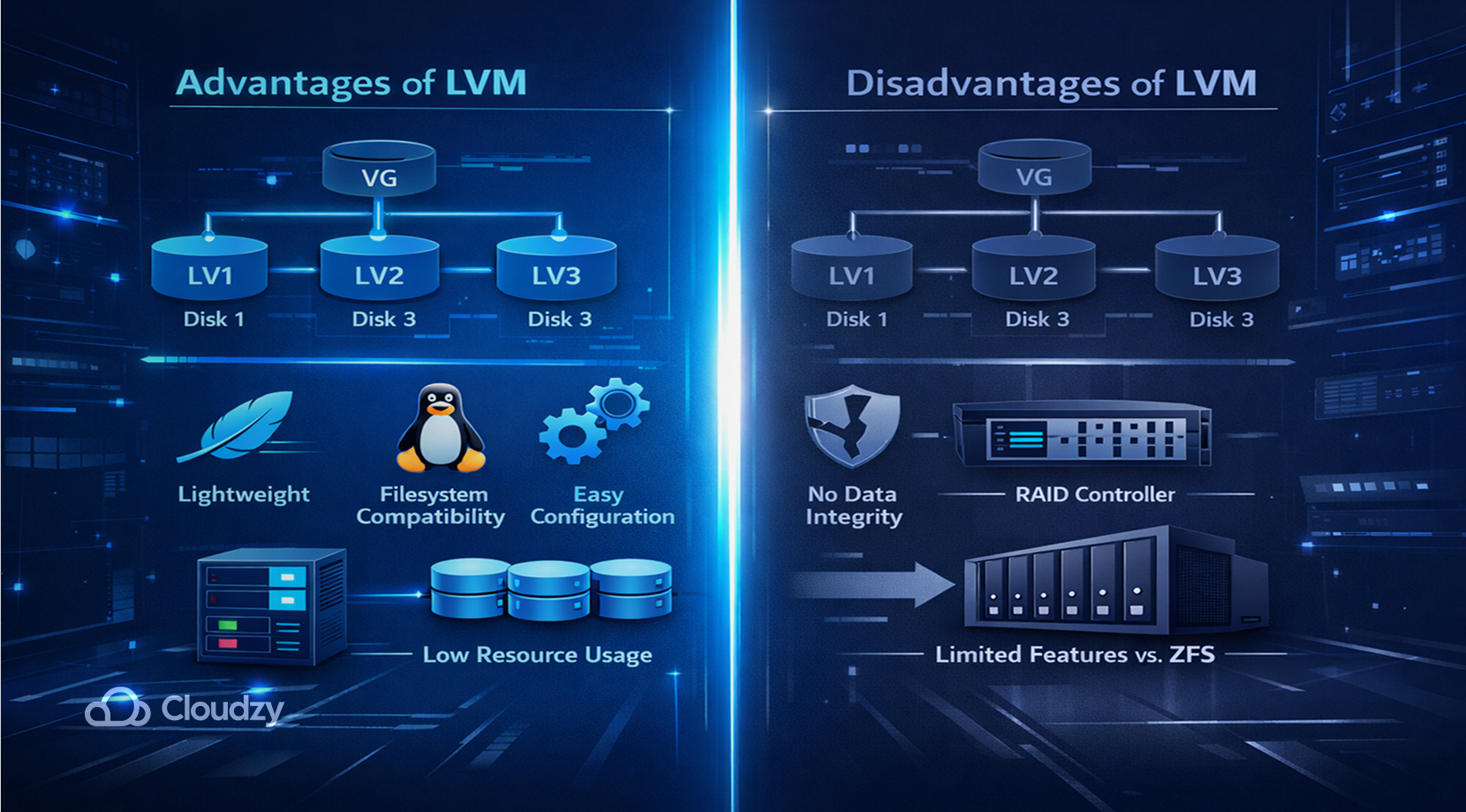
- Lightweight and efficient
- Compatible with most Linux filesystems
- Easy to configure and maintain
- Works well on systems with limited resources
Disadvantages
Although LVM is a prominent volume manager, it still has some flaws, such as:
- No built-in data integrity verification
- RAID functionality usually requires external tools
- Fewer advanced storage features compared to ZFS
Now with the pros and cons of LVM covered, let’s also apply the same idea to ZFS.
Advantages and Disadvantages of ZFS in Linux
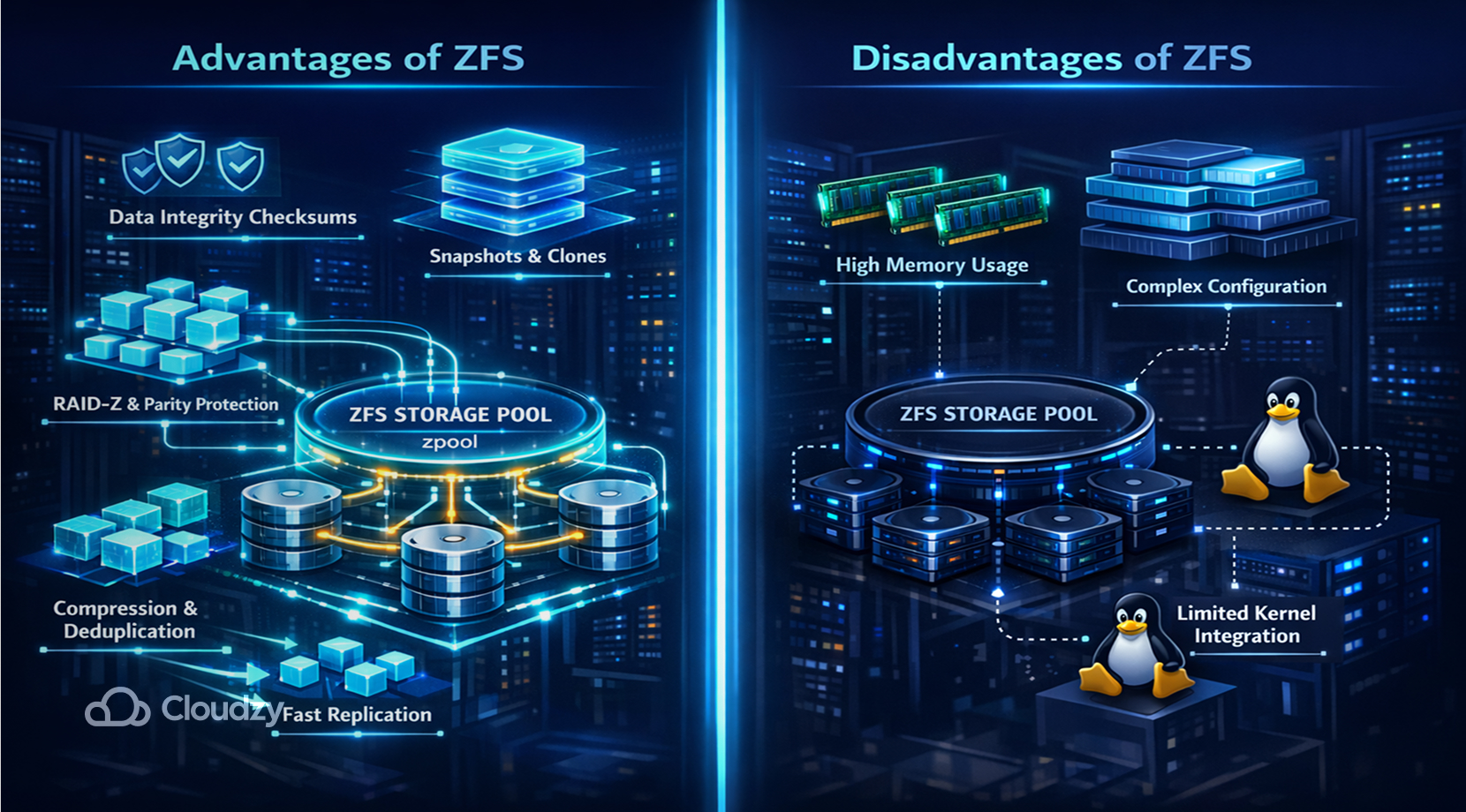
Advantages
Because of its great flexibility, ZFS has ideal features, such as:
- Built-in RAID and storage pooling
- Strong data integrity protection through checksums
- Fast snapshots and replication
- Native compression and deduplication
Disadvantages
Just like LVM, ZFS also has troublesome issues, like:
- Higher memory requirements
- More complex configuration
- Licensing prevents full integration into the Linux kernel
One other aspect that is important for any user when comparing major tools is performance, so without further ado, let’s look at performance in the LVM vs. ZFS issue.
LVM vs. ZFS: Performance
Performance differences between LVM and ZFS depend heavily on workload. If you’re looking for a volume manager to do typical day-to-day tasks, both LVM and ZFS do their job, but in terms of heavier workloads, such as managing a dedicated server, LVM and ZFS may differ in performance.
But keep in mind that both LVM and ZFS run better on server setups with SSD storage, since SSDs perform better than HDDs.
As a rule of thumb:
- LVM generally has lower overhead and works well for lightweight server deployments.
- ZFS performs best in environments that benefit from caching, compression, and redundancy.
Although performance is great, it’s not everything. One other aspect that is important in volume managers is their security.
LVM vs. ZFS Encryption
Encryption is implemented differently in the two technologies.
LVM
- Usually combined with LUKS disk encryption
- Flexible but requires additional configuration
ZFS
- Includes native dataset-level encryption
- Less configuration is needed and is easily managed
Is Ubuntu the Optimal OS for LVM or ZFS?
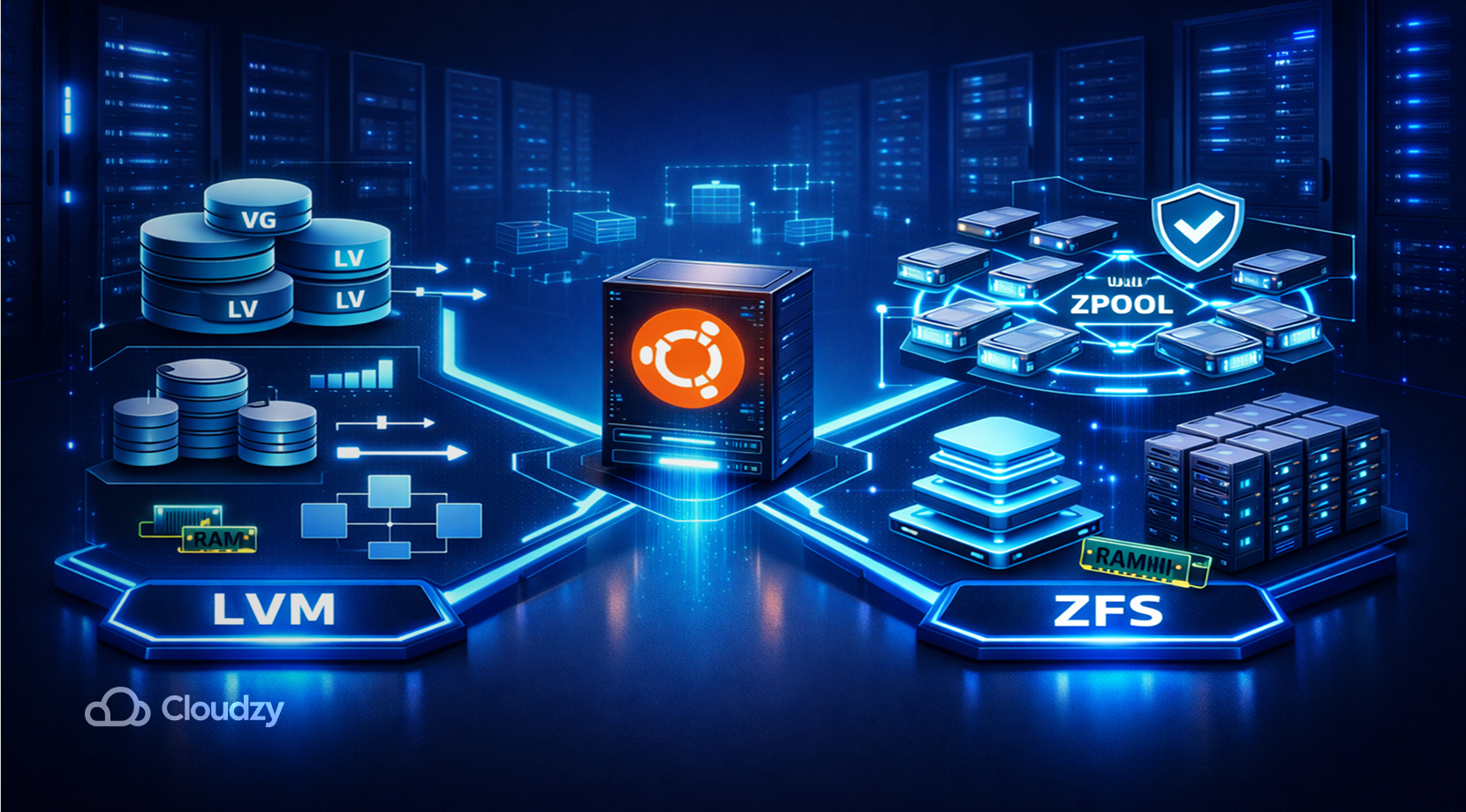
When comparing Ubuntu LVM vs. ZFS, it all comes down to your own system and how much power you have on your machine. Therefore, it’s best to keep several key points in mind before choosing LVM or ZFS.
Use LVM when:
- You need simple and reliable volume management
- Your system doesn’t have much RAM
- You want compatibility with standard Linux filesystems
Use ZFS when:
- Data integrity is critical
- You need advanced snapshots and replication
- You manage large storage pools or NAS systems
If you’re unsure about your system being capable of running either LVM or ZFS on Ubuntu, feel free to check out Cloudzy’s Ubuntu VPS just to make your life that much easier.
Our Ubuntu VPS comes with a strong 24/7 support, a 14-day money-back guarantee, and 99.95% uptime with minimal latency due to its availability in 16+ locations across the world. Moreover, it is equipped with DDR5 RAM and SSD storage and has network speeds upward of 40Gbps.
So you see, it’s a hard choice when it comes to LVM vs. ZFS since neither is better overall, and the choice comes down to your use cases and workload.
When to Choose LVM
Let’s consider the best situation, in which you can opt for using LVM.
Choose LVM when:
- Running lightweight servers
- Managing simple storage configurations
- Using traditional Linux filesystems
- Deploying cloud workloads with minimal overhead
When to Choose ZFS
ZFS is also a great option when:
- Data reliability is a priority
- Managing large storage systems
- Running NAS or backup infrastructure
- You require built-in RAID and snapshots
So make sure what you’re looking for in a volume manager is offered in either LVM or ZFS.
LVM vs. ZFS: Final Verdict
Both LVM and ZFS are powerful storage technologies used in modern Linux environments. Historically, LVM emerged as the standard logical volume manager for Linux, offering flexible disk management and dynamic resizing.
ZFS, developed later, introduced a more integrated approach by combining filesystem functionality, volume management, and data protection into a single platform.
Understanding the differences between LVM and ZFS allows administrators to choose the best solution depending on performance needs, system resources, and storage requirements.
FAQ
How many drives can fail in ZFS?
Does LVM slow performance?
Should I use ZFS when installing Ubuntu?
Is LVM a hardware or a software?



Discussion
Comments
Sign in to join the discussion.