

Managing a Linux server manually using the terminal can be powerful, but it’s not the most preferred way, since it’s very time-consuming and confusing.
That’s why many administrators rely on a Linux server control panel to make tasks like domain management, email configuration, database setup, and security easy to run.
A good Linux web hosting control panel provides a graphical interface that makes server administration faster and easier. Whether you’re managing a VPS, running a hosting business, or deploying multiple websites, choosing the best Linux control panel can save hours of work.
Here we’ll review the best Linux control panel options to choose from, including both free and paid options. But if you’re unsure about what exactly a Linux control panel is and how it works, stick around to find out.
What Is a Linux Control Panel?
A control panel for Linux is a web-based interface that allows users to manage server resources without needing to use the terminal themselves, which saves a lot of time and headache if you’re not comfortable with using command lines.
Every Linux control panel comes with some typical features that are present in most panels. Just to mention some of these features, you can:
- Manage your domain and DNS
- Create email accounts
- Administer Databases like MySQL and MariaDB
- Manage files
- Install SSL certificates
- Fiddle with security configurations
- Manage backups
Most of the panels are designed with services like VPS and dedicated servers in mind, because most professionals opt to use cloud services to run their servers for a smoother experience. If you’re interested in using a secure Linux VPS, make sure to check out Cloudzy’s Linux VPS and work in a clean shell.
It comes with a 7-day money-back and 14-day credit-back guarantee, and 24/7 support. Moreover, because of its DDR5 RAM and NVMe/SSD storage, it’s very fast. Not to mention that its network speed can go up to 40Gbps without little to no downtime (99.99% uptime).
It can even be deployed on 11 different Linux distros while available in 16+ locations across the world at an affordable price.
But without further ado, let’s find out what the best options are regarding Linux control panels in today’s era.
Here Are The Best Linux Control Panels

Choosing the right Linux control panel can be very tricky because there is no universally best option among them, and what you have to look out for when you want to decide is to consider your use cases and other parameters like affordability and flexibility.
But there are still some Linux control panels that are preferred the most. Let’s see what they are.
cPanel
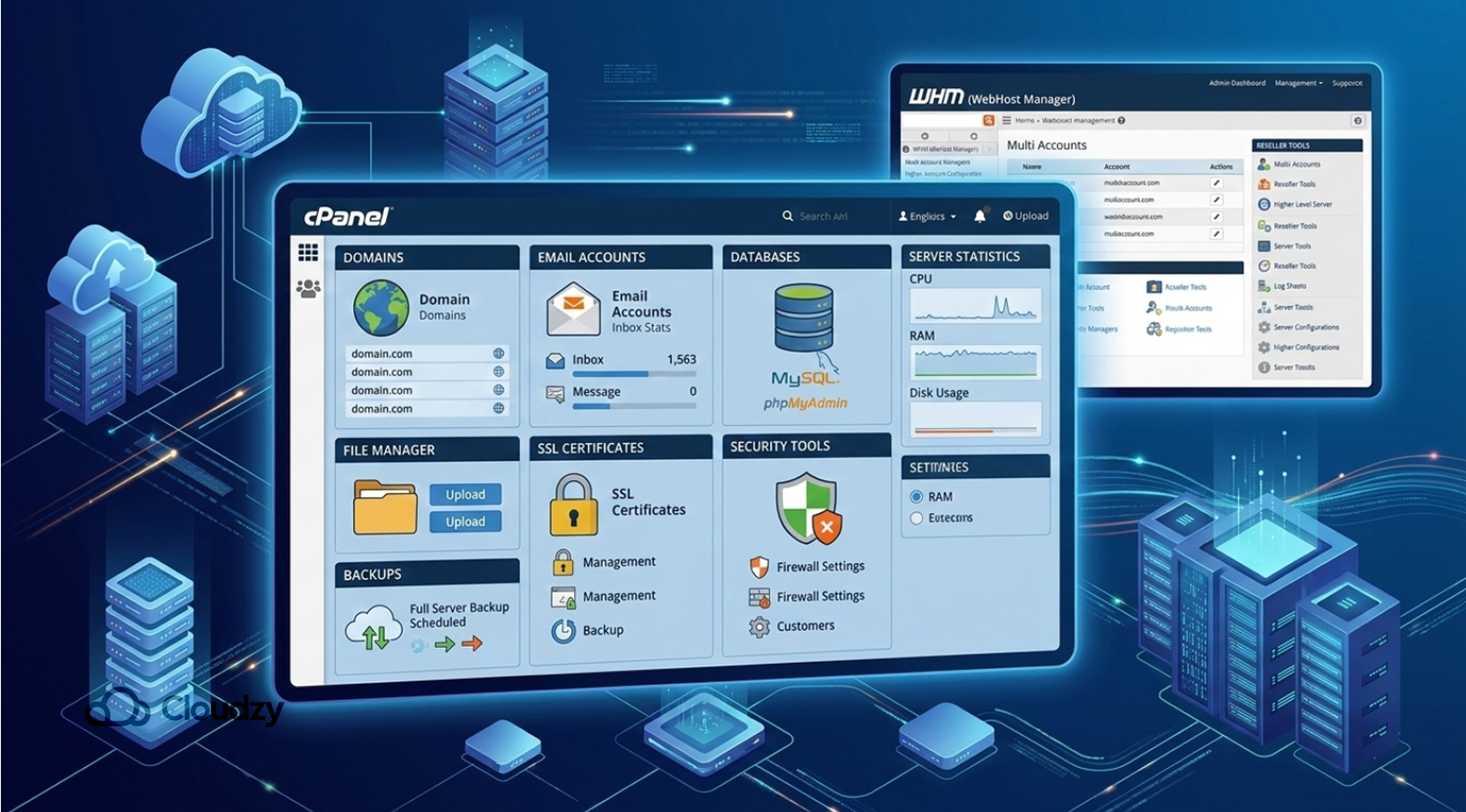
One of the most well-known Linux web hosting panels worldwide is cPanel, which has been the industry standard for shared hosting for decades. It provides a very intuitive interface that enables users to manage websites, email, databases, and server settings.
It typically works alongside WHM (WebHost Manager), which allows server administrators to manage multiple accounts and reseller hosting environments.
Some of the key features of cPanel are:
- Advanced account and reseller management
- One-click application installers (Softaculous)
- Automated backups
- Extensive plugin ecosystem
- Large hosting community
Although cPanel is known as one of the best Linux control panels, it has become moderately expensive to deploy in recent times. That’s quite a bummer for those who want to experience cPanel, but not to worry, because there are some great alternatives to cPanel to deploy.
But if you’re looking for an affordable service to deploy cPanel, you can always opt for Cloudzy’s cPanel VPS, which comes with our Linux VPS with a cPanel pre-installed. It’s equipped with lightning-fast network speed (40Gbps), DDR5 RAM, and NVMe/SSD storage.
Moreover, it has an uptime of 99.99% with minimal latency, 24/7 support, and a 7-day money-back guarantee. It’s available at 16+ locations to make sure not one millisecond of your time is wasted.
Ultimately, cPanel is a great option for beginners who want a polished, friendly interface due to its simplicity, but it’s also designed with shared hosting providers and reseller hosting businesses in mind.
But if you’re not convinced about cPanel, there are other Linux control panels that you should definitely know about, so make sure to stick around.
Plesk
Plesk is yet another major commercial option that is among the best Linux control panels available on both Linux and Windows. Due to its strong automation features and integrations, Plesk is particularly popular among agencies and developers. Some of the main features that are great about Plesk are:
- WordPress Toolkit
- Docker integration
- Git deployment
- Built-in security tools
- Multi-language interface
Plesk is often picked by agencies and developers because of its automation and tooling, though some beginners still find cPanel a more straightforward Linux control panel at first.
If you want to make your life easier while web hosting with Plesk, you should definitely deploy it on a VPS. Not to worry about setting up Plesk on your Linux VPS since we offer a great deal with our Cloudzy Plesk VPS. Just like our cPanel VPS, it comes with a Plesk platform pre-installed at an affordable price.
Plesk is mostly used for web agencies, WordPress hosting, and cross-platform hosting. But if Plesk isn’t to your liking, there are still some other options to consider as your Linux control panel.
DirectAdmin
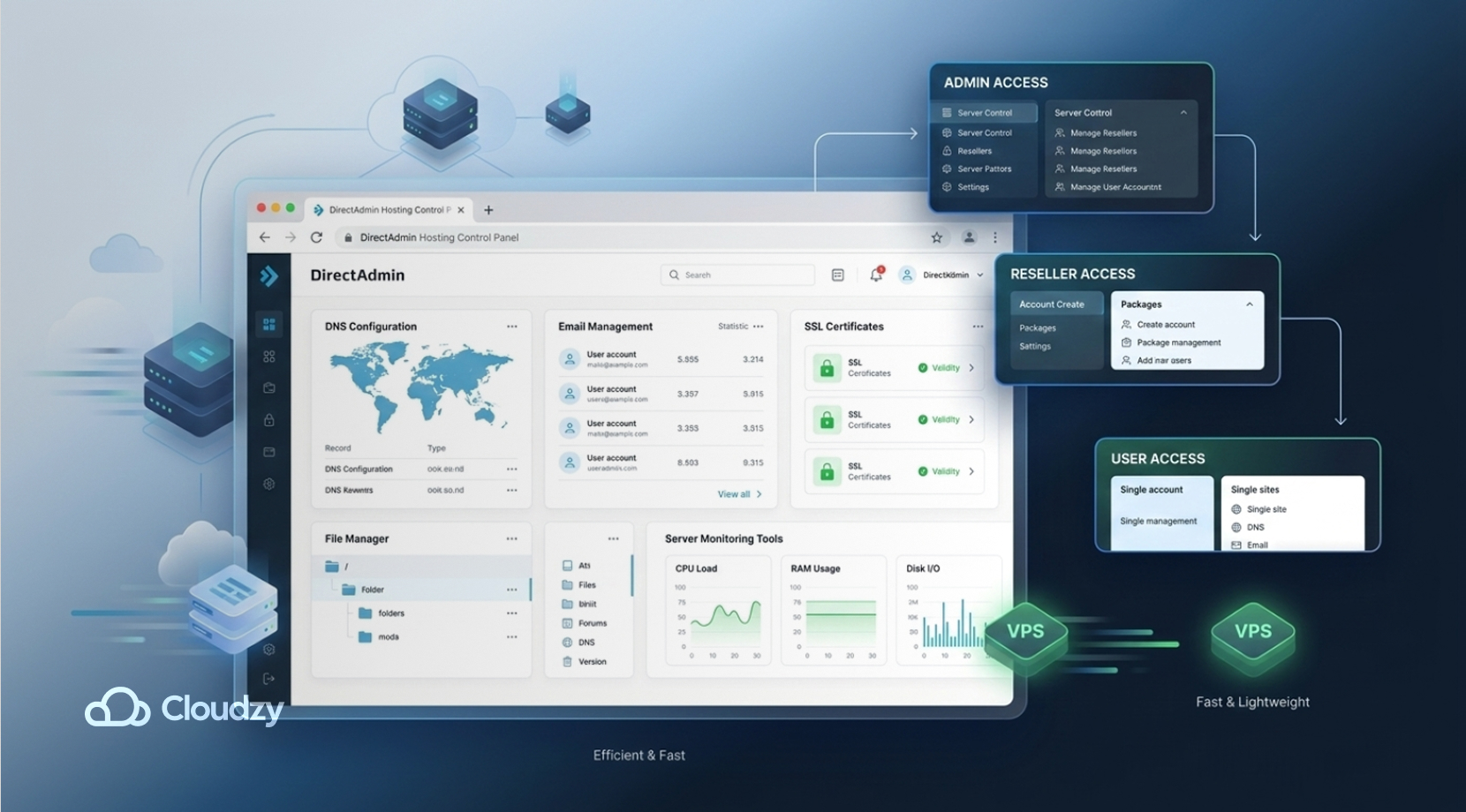
DirectAdmin is considered one of the best Linux control panels and a great competitor to cPanel because of its reliability. Moreover, it is famous for being lightweight, fast, and significantly cheaper while still offering top-of-the-line hosting features.
Some great features of DirectAdmin are:
- Admin, reseller, and user access levels
- Email server management
- DNS configuration
- Automatic SSL certificates
- Multiple web server support
DirectAdmin has achieved a big audience ever since cPanel received changes to its licensing because it offers similar functionality at a lower cost. Due to it being cheaper, budget hosting companies are very fond of DirectAdmin. But apart from that, other users, like those who are migrating from cPanel and also VPS hosting providers, tend to go for DirectAdmin.
If you want to successfully host your own website, definitely check out Cloudzy’s DirectAdmin VPS for a smooth experience. It comes with a Linux platform with DirectAdmin preinstalled and an up to 40Gbps link. Moreover, it has DDR5 RAM and NVMe/SSD storage with a 99.99% uptime.
Just like our other Linux control panel VPS services, it comes with 24/7 support and is available in 16+ locations with minimal latency.
With that said, let’s see what other options are available for us to choose the best Linux control panel.
CyberPanel
Unlike the Linux control panels mentioned before, CyberPanel is a free and open-source hosting control panel for Linux built around the OpenLiteSpeed web server. This makes it highly appealing for high-performance WordPress hosting.
There are many great features about CyberPanel, but just to mention a few, there are:
- Built-in OpenLiteSpeed support
- WordPress staging and management
- Automatic Let’s Encrypt SSL
- Docker support
- Backup management
Although CyberPanel is an open source Linux control panel and free to use, it also offers a paid enterprise version, which is built around LiteSpeed Enterprise. The only downside of using CyberPanel is that its features are designed with the LiteSpeed ecosystem in mind, so feel free to skip this option if you’re on a standard Apache server.
Users who are looking for a free cPanel alternative often go for CyberPanel. But when it comes to being open-source, CyberPanel isn’t the only Linux control panel option, since there are other options to go for.
Hestia Control Panel
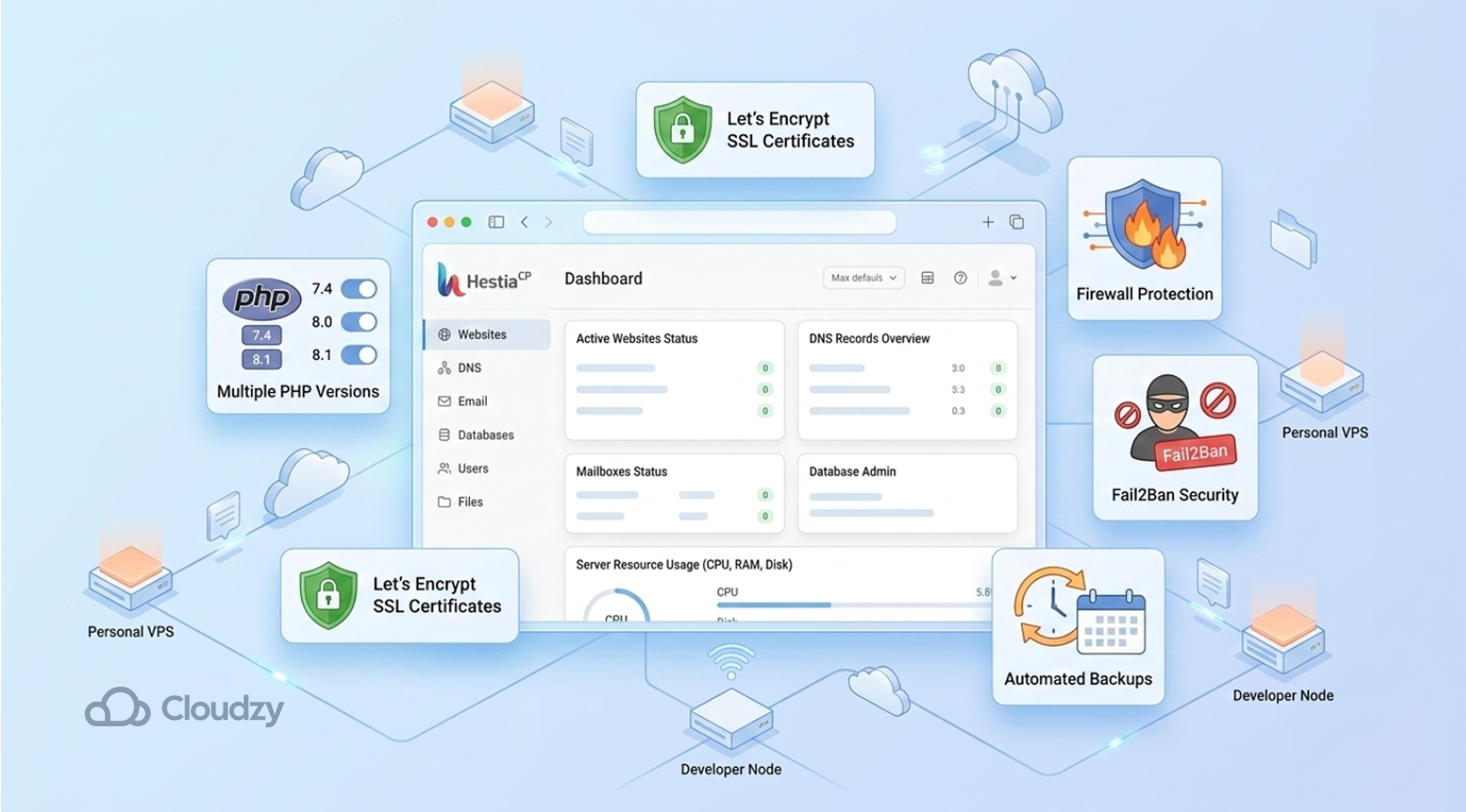
When VestaCP got discontinued, HestiaCP started being developed as an open-source fork of VestaCP. It offers a modern interface for managing websites, mail servers, DNS, and databases. Moreover, HestiaCP comes with many important features, such as:
- Multiple PHP versions
- Let’s Encrypt SSL integration
- Built-in email server
- Firewall and Fail2Ban support
- Backup tools
Because it is lightweight and easy to set up, HestiaCP is a valuable option for smaller workflows and non-commercial use. It’s commonly used for personal servers, small hosting environments, and developers who want to run multiple websites.
Virtualmin
One other Linux control panel that is well-known is Virtualmin. It is built on top of Webmin and is equipped with powerful server management capabilities for Linux systems. It enables admins to manage multiple domains and virtual hosts at once while using a single interface.
Virtualmin is available in both free and commercial versions. Key features of Virtualmin are:
- Apache or Nginx support
- Domain-based virtual hosting
- Database management
- Mail server integration
- Extensive customization
Virtualmin is designed with advanced system administrators and developers in mind who need deep server control.
Apart from that, the list of best Linux control panels isn’t over yet, as there are still some options tailored for users who want a free experience when running their Linux control panel.
ISPConfig
ISPConfig is a powerful open-source Linux server control panel designed for managing single or multiple servers. Moreover, it allows administrators to control websites, databases, email accounts, DNS records, and FTP access through a web interface.
One major advantage is its multi-server capability, allowing administrators to manage several servers from one panel.
ISPConfig is mainly used by hosting providers and advanced users, and it’s meant for multi-server environments.
Now, let’s look at our last option regarding the best Linux control panels.
Froxlor
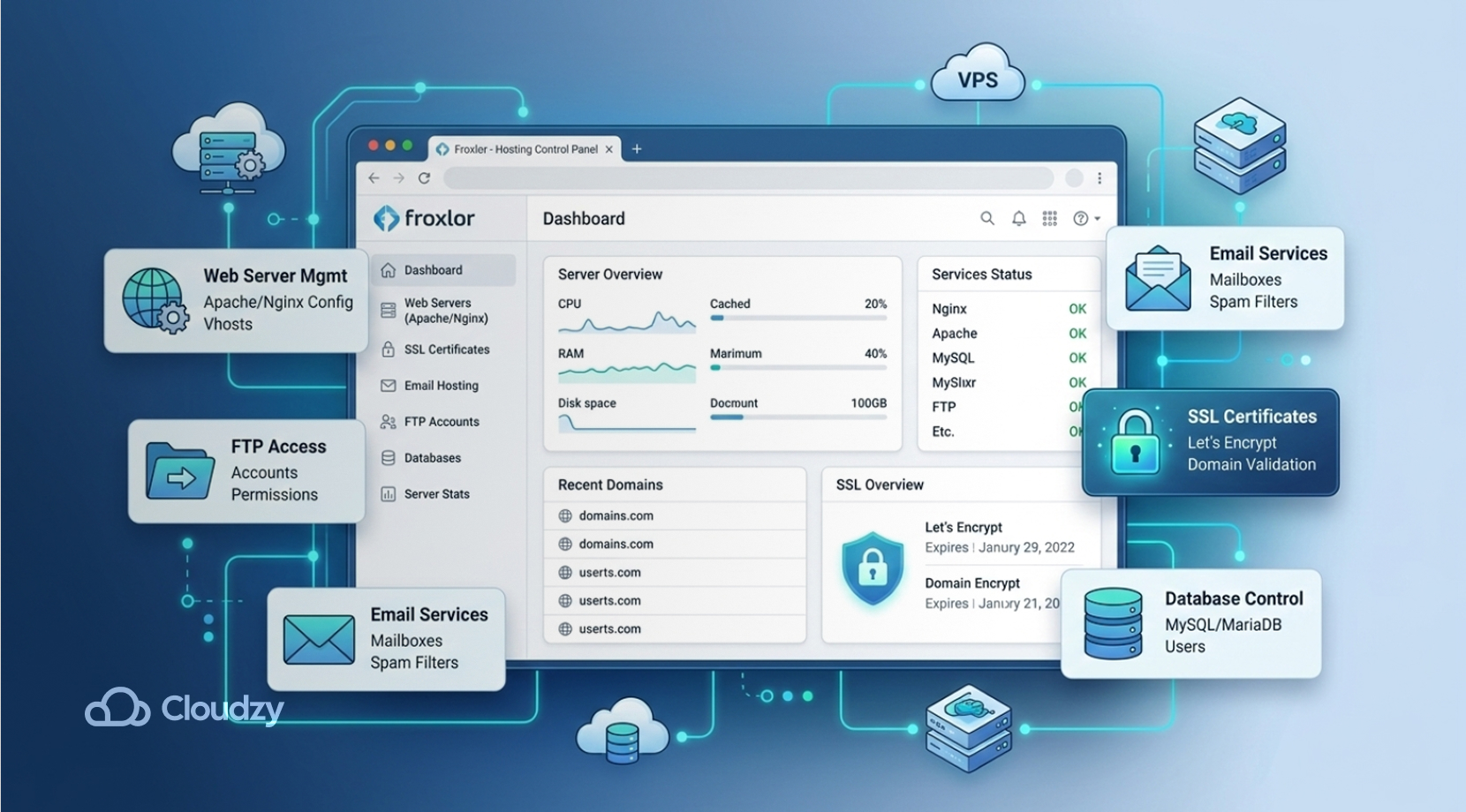
Froxlor is a lightweight open-source control panel for Linux designed primarily for hosting providers.
Froxlor supports a wide range of use cases, such as:
- Apache and Nginx
- SSL management
- Email hosting
- FTP accounts
- Database administration
Froxlor is actively maintained and widely used in smaller hosting environments. Therefore, it’s not a major option for enterprise-level workloads and commercial use. Small hosting providers and VPS admins opt to go for this option as their go-to Linux control panel. Ultimately, Froxlor shines best when used on lightweight setups.
By now, you might have gotten confused as to which Linux control panel to use, since there are so many, so stick around to get a clear picture of them side by side.
Linux Control Panel: Big Picture
Now, let’s get to comparing every Linux control panel mentioned side by side to see which one is the best Linux control panel.
| Control Panel | License | Best For | Common web-server setups | Ease of Use |
| cPanel | Paid | Shared hosting providers | Apache by default, optional NGINX reverse proxy, optional LiteSpeed | Very easy |
| Plesk | Paid | Agencies & developers | Apache, NGINX, LiteSpeed via extension | Easy |
| DirectAdmin | Paid | VPS hosting providers | Apache, NGINX, OpenLiteSpeed, LiteSpeed | Easy |
| CyberPanel | Free / Paid addons | WordPress hosting | OpenLiteSpeed, LiteSpeed | Easy |
| HestiaCP | Free | Personal hosting | Nginx, Apache | Easy |
| Virtualmin | Free / Paid | Advanced server management | Apache, Nginx | Medium |
| ISPConfig | Free | Multi-server hosting | Apache, Nginx | Medium |
| Froxlor | Free | Lightweight hosting setups | Apache, Nginx | Easy |
How to Choose the Best Linux Control Panel

As we have seen, there is no absolute solution for us to decide which Linux control panel is the best, because they are all functional but are meant for different purposes. What it comes down to is to consider your own use cases and opt for the best Linux control panel tailored to your own needs.
Here, some major factors and pain points will be presented to consider before choosing the Linux control panel you want, so you can confidently go for the one you think is the best Linux control panel.
Budget
Some panels, like cPanel and Plesk, require monthly licensing fees, while others are completely free. Linux control panels like CyberPanel, HestiaCP, ISPConfig, and Froxlor are open-source and are free to use.
Server performance
Lightweight panels such as DirectAdmin typically use fewer resources than feature-heavy panels. Some budget setups can lack the performance needed to run heavier panels; therefore, running lightweight panels can be a great solution.
Hosting features
If you plan to sell hosting accounts, you’ll need reseller and multi-user capabilities, which are available on cPanel and DirectAdmin.
Ease of use
Some panels are designed for beginners, while others are designed for experienced system administrators. cPanel is usually the easiest Linux control panel for beginners, while Virtualmin and ISPConfig suit users who are more comfortable with server admin work.
Final Thoughts: Best Linux Control Panel
As we saw, there isn’t just one simple answer when it comes to the best Linux control panel. Choosing the right panel depends heavily on what you need when hosting, so basically, it all comes down to use cases.
Here’s a quick recap to remind you what every panel is mainly known for:
- cPanel: Best overall
- DirectAdmin: Best commercial alternative
- Plesk: Best developer platform
- CyberPanel: Best free panel
- HestiaCP: Best lightweight panel
- Virtualmin: Best for advanced admins
- Froxlor: Best lightweight open-source hosting panel
- ISPConfig: Best for multi-server hosting environments
If you’re planning to deploy any of these panels, starting with a reliable VPS environment makes installation and management much easier. Like always, feel free to check out Cloudzy’s Linux VPS to make your experience smoother. And that does it for our comparison of the best Linux control panels.



13 thoughts on “Best Linux Control Panel In 2026: Every Linux Control Panel Option Compared”
I will definitely start using one of these panels
Perfect post, much gratitude for this valuable information!
I was looking for ajenti vs webmin comparison but this article involved all the control panels i wanted to compare 😀
Great! We’re super glad to hear our blog has been helpful for you! Please pay us a visit once in a while to check out our upcoming blogs🌻💛
Thanks Router, for another great article
That was really clear thanks. I think I found my control panel linux
All panels seem to be geared toward selling hosting or multiple user accounts.
I just want to manage our small company with multiple domains and subdomains and email with one account and login. For email, would want to of course define email (not web) accounts for each user.
Are there any panels like this?
Are these really the only Linux control panels there are?
Great question. Of course there are more than just these ten, but as you can read in the article, these are the candidates for the best control panel for Linux. So, only the top 10 Linux server control panel have been selected.
Hello Cloudzy. Is ClearOS not a control panel Linux?
Hi there. Well, technically, ClearOS is a Linux distro, but since it functions as one, we can say it’s a Linux control panel.
I think Virtualizor is a Linux hosting panel, not a control panel like the others.
thanks for the bringing this to our attention, TekViking2022! You’re right, Virtualizor is actually a hosting control panel for server providers or resellers.