

When businesses grow, their IT infrastructure usually grows with them. At some point, many teams face a difficult fork when faced with the data centers vs servers room question.
At first glance, both seem to do the same thing. They store servers, networking equipment, and business data. But their key difference is how they do all that and what they offer.
One is a small, on-site setup designed for limited workloads, while the other is a purpose-built environment created for scale, reliability, and continuous operation.
Choosing the wrong option can lead to overheating, downtime, security risks, or unnecessary costs. But if you go with the right option, you will avoid unnecessary infrastructure hassles and give your workload much-needed room to grow and outscale.
But with all that said, let’s proceed to our main discussion to find out the most preferable option in the data center vs. server room debate.
Server Room: a Budget Option
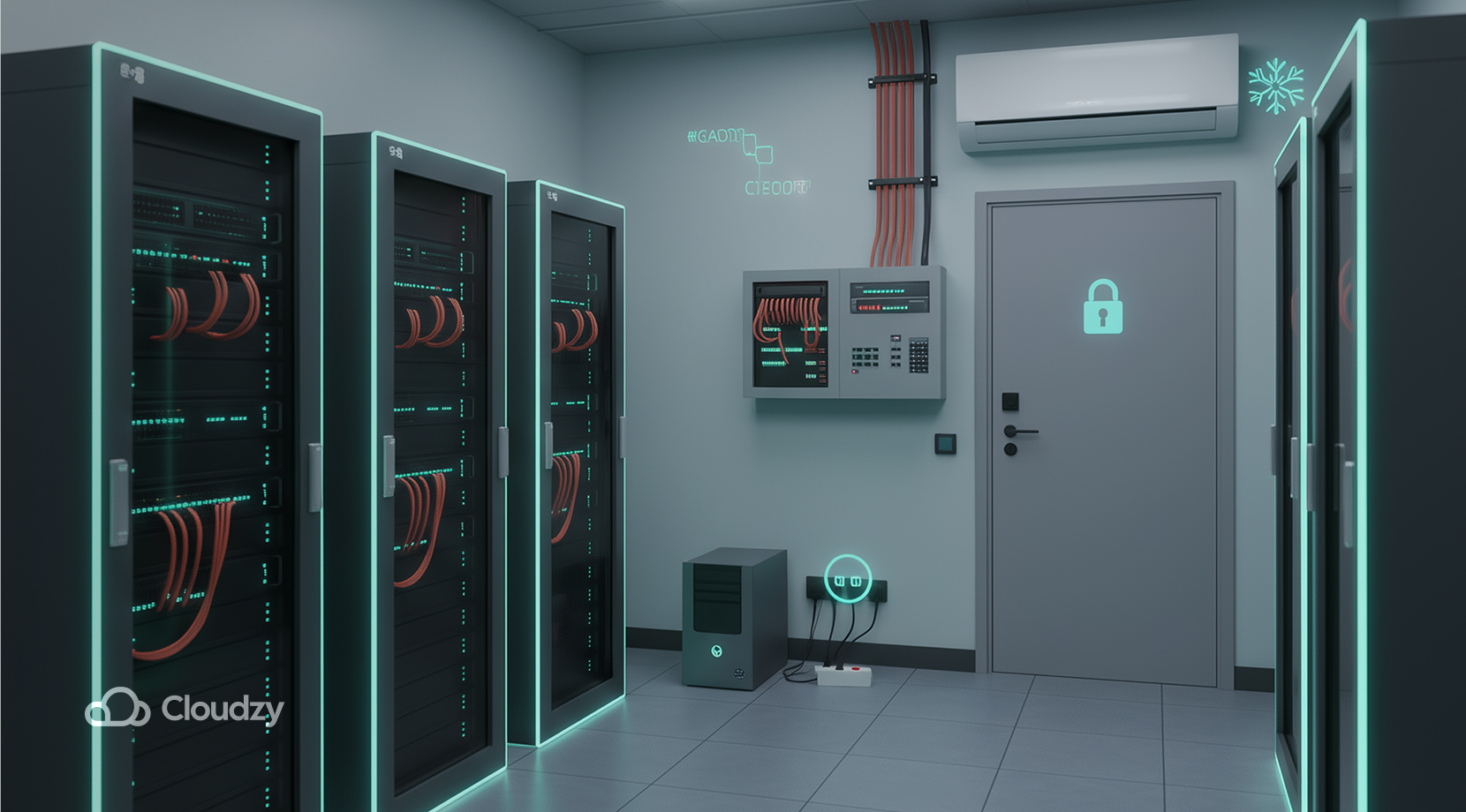
A server room is located somewhere in the office in which the IT staff store their equipment. The server room can range from an unused office to even a secure closet.
The goal of a server room is to keep your servers, switches, routers, and storage devices in one controlled location.
Unlike large facilities, a server room typically relies on the building’s existing infrastructure. Therefore, it is often powered by the main electrical system.
The cooling provided for a local server room is done by standard air conditioning, and the authentication process is limited to locked doors or security badges.
Server rooms are a valuable option for smaller facilities such as small to medium-sized businesses, branch offices, local organizations, and companies with moderate IT needs
In many cases, a server room acts as a local mini data center. But while it offers convenience and full control, it also comes with limitations in scalability and reliability.
Server Room Advantages and Disadvantages
Although server rooms are a great option for budget constraints, they still have some limitations that need to be mentioned. Let’s examine both its pros and cons.
Advantages
One feature that gives server rooms a great chance to be chosen is their upfront price. Unlike huge datacenters, server rooms require minimal funding to set up.
When running a server room, your team has full control over it without any need for external providers, and since server rooms are local to your office space, the IT staff can access them with ease if they need troubleshooting or any upgrades.
One other major point of running a dedicated server room is that it negates the unnecessary complexities of a data center, and that’s a big relief for your IT staff.
Disadvantages
Since local server rooms are small, they are limited in scalability, and because of this, space, power, and cooling quickly become bottlenecks as your infrastructure grows. Moreover, due to their lack of redundant power or cooling systems, one failure can take everything offline.
Also, compared to professional facilities, physical protection is usually minimal, and security is basic. Maintenance is also a pain point for your team as they are the ones responsible for monitoring temperature, power, backups, and hardware health.
By now, you must have gotten familiar with the basics of a server room. Now, let’s see how differently data centers offer their services.
What Is a Data Center?
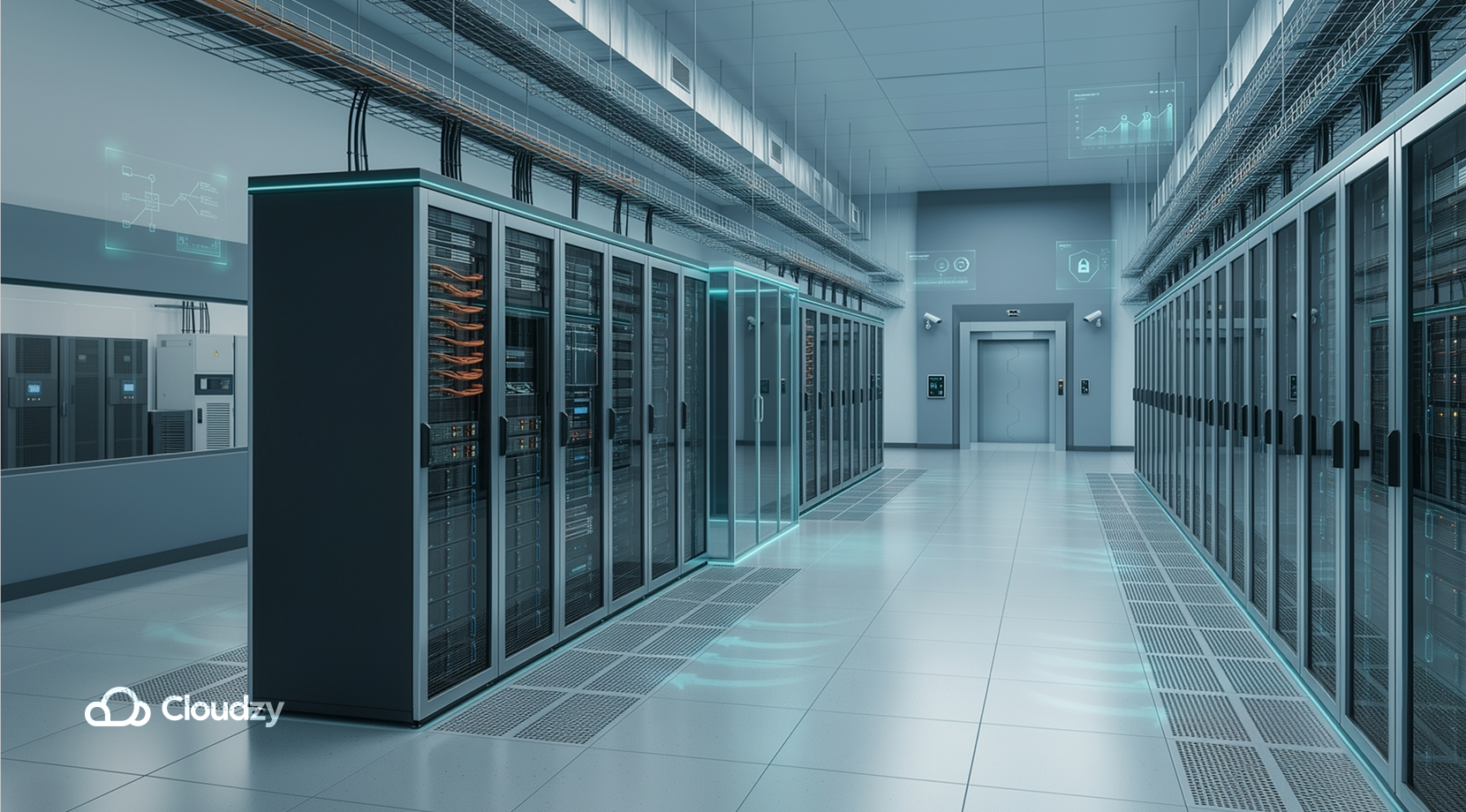
According to Cisco, a data center is a dedicated facility designed specifically to house IT infrastructure at scale. Unlike a server room, it is engineered for high availability, redundancy, and performance. Basically, they play a big role in providing stability for bigger, enterprise-level projects.
A data center is a physical facility that houses computing, networking, and storage resources to support business applications and data, and unlike a server room, this facility is typically located outside the main office grounds.
Key Characteristics
Data centers exceed the limits outlined earlier for dedicated server rooms because of many key factors.
- Unlike server rooms, data centers provide redundant power systems and backup generators.
- Data centers rely on precision cooling and highly managed airflow rather than simple air conditioning.
- For authentication processes, data centers leverage advanced security measures for maximum protection.
- Instead of requiring your IT staff to monitor parameters such as hardware health or temperatures, data centers offer a dedicated staff of their own to take over this task
- Data centers provide high-speed connectivity, much faster than a local server room, and also multiple network providers.
If you’re unsure about how these pieces fit together, check out how cloud architecture works.
So if we were to compare the two, local servers may as well be a budget solution, while data centers are highly scalable environments designed with large workloads in mind.
Now that all the basic features regarding data center vs. server room have been mentioned, let’s get into more detail.
Examining Key Components: Data Center vs. Server Room
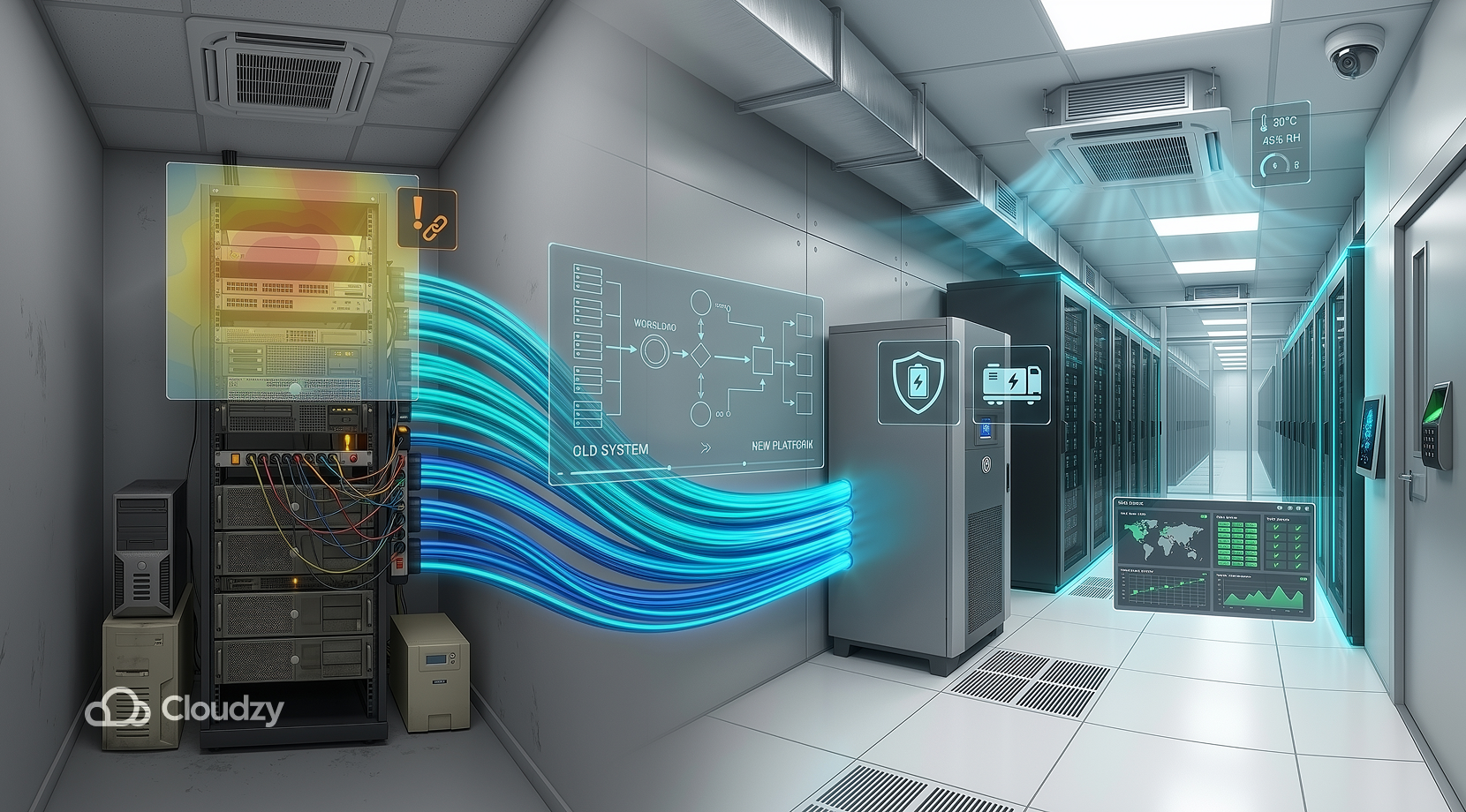
As said before, data centers and server rooms are similar in what they do, but differ in how they do it. Understanding what each one does differently goes a long way toward helping you decide between the two.
Key Components of a Data Center
A modern data center includes several layers of infrastructure, such as:
- Servers and compute clusters
- Advanced storage systems like SAN and NAS
- High-level networking equipment, UPS systems, and backup generators
- CRAC or CRAH units, used for precision cooling
- Fire detection and heat suppression
- CCTV cameras, access control, and other biometrics for maximum physical security measures
- DCIM tools for infrastructure monitoring
Every component is designed in a specific way to compensate for the failure of other components. This is a great option for enterprise-level businesses due to their high demand.
Key Components of Server Room
Although a server room contains similar infrastructure elements, these are usually much simpler than those in data centers.
However, these simpler components such as
- Rack or tower servers (tower servers are minimalistic, while rack servers are more advanced)
- Network switches, routers, and fibre optics
- Small UPS units or, in some cases, power strips
- standard office air conditioning
- Basic fire protection
- Structured cabling and patch panels
Still do a great job for smaller businesses, but they are inconsistent compared to full-on data centers. Setting up these components is easier said than done and goes beyond the topic of data center vs. server room, though, as they still have some prerequisites.
Prerequisites: Data Center vs. Server Room
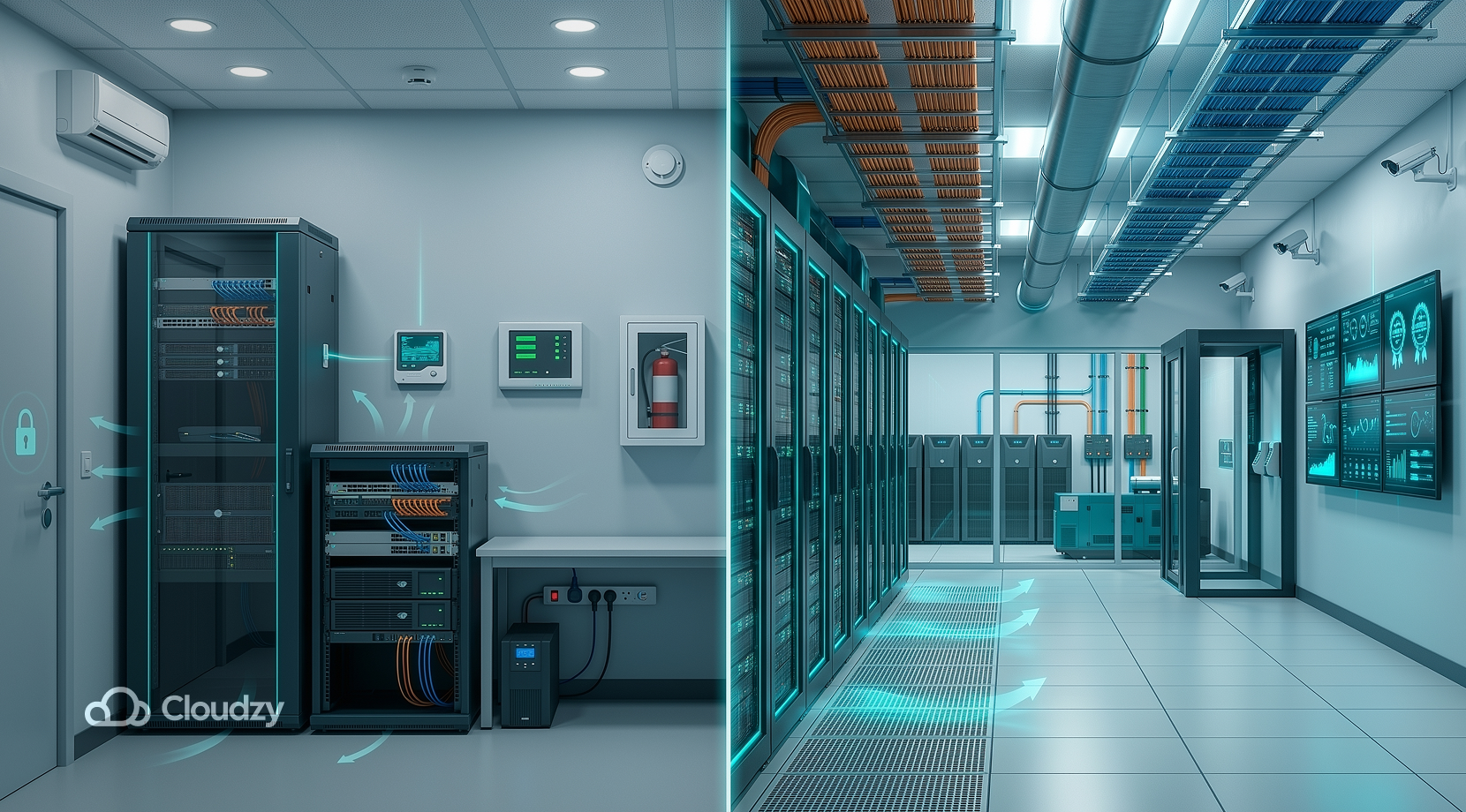
Before setting up your own server room or providing a data center for your company, it’s good to know what resources each one needs. Setting it up on your own is not an easy task, though; you can also consider a managed VPS. Aside from that, let’s see the differences in requirements regarding data center vs. server room.
Requirements For a Server Room
Although server rooms seem simple to set up, they still need careful planning beforehand. Because of their limited cooling options, server rooms must be located in areas with stable temperatures. Recommended temperatures should be 27° tops, and shouldn’t drop below 18°.
That’s not enough to keep your server room safe, though, because overheating may still occur. For us to have a safe environment, we also need to monitor temperature and humidity 24/7, provide fire safety measures, and ensure adequate airflow around server racks.
Moreover, it’s a safe bet to get reliable power and surge protection to negate the chances of physical damage even more. That’s not all, though, because to make your server room setup secure, you must also create physical access control for the server.
If not every one of these steps is met, your server room will be at risk, so make sure not to miss even one.
Data Center Requirements
Data centers require the same elements, but with much stricter requirements and additional measures. Due to their massive storage, dual power feeds, and large UPS systems are a must. Moreover, in the event of power outages, they must be equipped with heavy-duty backup generators.
Unlike server rooms, data centers can’t rely solely on natural airflow, and to keep temperatures low, they must have robust cooling systems. And to keep an eye on their temperatures, they must be equipped with continuous environmental monitoring to be extra safe.
Since data centers are enterprise-level facilities, they must also comply with industry standards such as ISO, TIA, and SOC.
Moreover, in terms of network connectivity, they are lightning fast. Combining all of the factors mentioned, data centers ensure uptime levels of 99.99% or higher with absolute ease.
Types of Data Centers
There isn’t just one type of data center; they come in different forms and colors, and each one is designed for a specific use case.
Now, to examine how many types of data centers there are and what each one is used for. A few common ones to mention are:
Enterprise data centers are owned and operated by a single organization.
Colocation facilities that provide rack space as a rentable service for businesses while also providing power management, cooling, and security.
Managed data centers that provide infrastructure and operational support.
Edge or micro data centers that are comparably small, built to offer minimum latency for local businesses because of their close proximity. Because it’s optimal to be close to a server.
Cloud data centers that are operated by cloud providers and are completely virtualized.
If you’re considering acquiring cloud services, make sure to check out Cloudzy’s VPS for a fully automated server setup without dealing with server configuration headaches. It comes with 24/7 support and a 14-day credit-back guarantee.
Moreover, it’s fast and reliable, with speeds of up to 40 Gbps, thanks to its DDR5 RAM and NVMe/SSD storage. All of these features combined make for a 99.95% uptime with minimal latency. Not to mention it’s available in 16+ locations across the globe.
By now, you have a fundamental understanding of how data centers operate and what they offer. But just like anything, data centers aren’t perfect by any means and have their pros and cons.
Data Center Pros and Cons
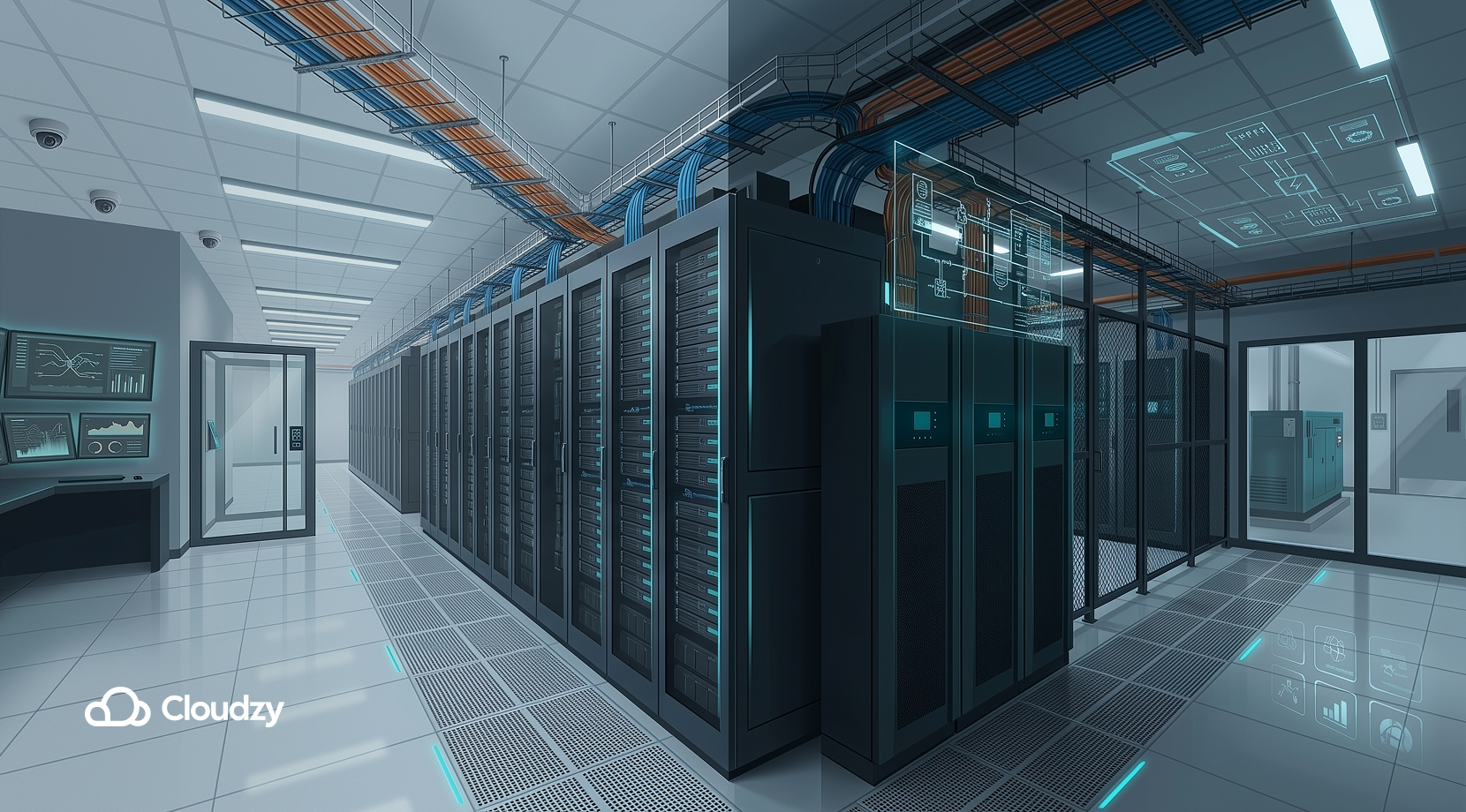
If you’re considering migrating to a data center, there are some important points to know about before you do.
Pros
- Highly reliable: Due to their redundant systems, they excel in terms of minimizing downtime.
- Scalability: If you see a data center up close, your jaw will drop at its enormous scale. That goes a long way toward helping businesses scale their infrastructure without modification.
- Advanced security: Data centers have multiple layers of security, digital and physical, for maximum data protection.
- Professional management: Unlike server rooms, data centers have their highly-trained staff to monitor everything 24/7.
- Energy efficiency: Although they might seem really power hungry due to their scale, they are actually built to be energy efficient when it comes to cooling and power.
Cons
- Higher cost: Because of how advanced and high-tech they are, data centers naturally cost a lot of bucks to operate.
- Less physical control: Since they operate with maximum security, it could be difficult to access hardware in shared environments.
- Complex planning: When it comes to migration or capacity planning, they require extra-careful execution.
That was all about the advantages and disadvantages of data centers.
Data Center vs. Server Room: Simply Put
It may become confusing at this point to keep track of everything regarding data center vs. server room, so here’s a quick breakdown.
| Feature | Server Room | Data Center |
| Scale | Small, limited racks | Large, enterprise-scale |
| Power | Single source, minimal backup | Redundant power and generators |
| Cooling | Standard AC | Precision cooling systems |
| Security | Basic locks or badges | Biometric, CCTV, 24/7 monitoring |
| Scalability | Limited by space and infrastructure | Designed for expansion |
| Reliability | Higher risk of downtime | High availability (Often Tier-based standards) |
| Management | Internal IT team | Dedicated facility staff |
| Cost | Lower upfront | Higher but more efficient at scale |
As you can see, server rooms are generally simple and convenient, while data centers are long-term investments with one goal in mind: growth. Data centers aren’t for everyone, though, so stick around to find out more about server rooms if they are your cup of tea.
How to Monitor Server Room Temperature
Temperature is very important regarding server room setups because overheating puts hardware at risk of shorter life span or even sudden shutdowns. So, to keep an eye on the temperature, there are some practices businesses must include, such as:
- Installing temperature sensors with network connectivity.
- Monitoring both rear and front rack temperatures.
- Setting temperature alerts when the hardware surpasses 27°C.
- Monitoring humidity.
- Performing regular maintenance measures like HAVC.
But without further ado, let’s get to the part most anticipated.
Here’s When You Should Consider Migrating to a Data Center
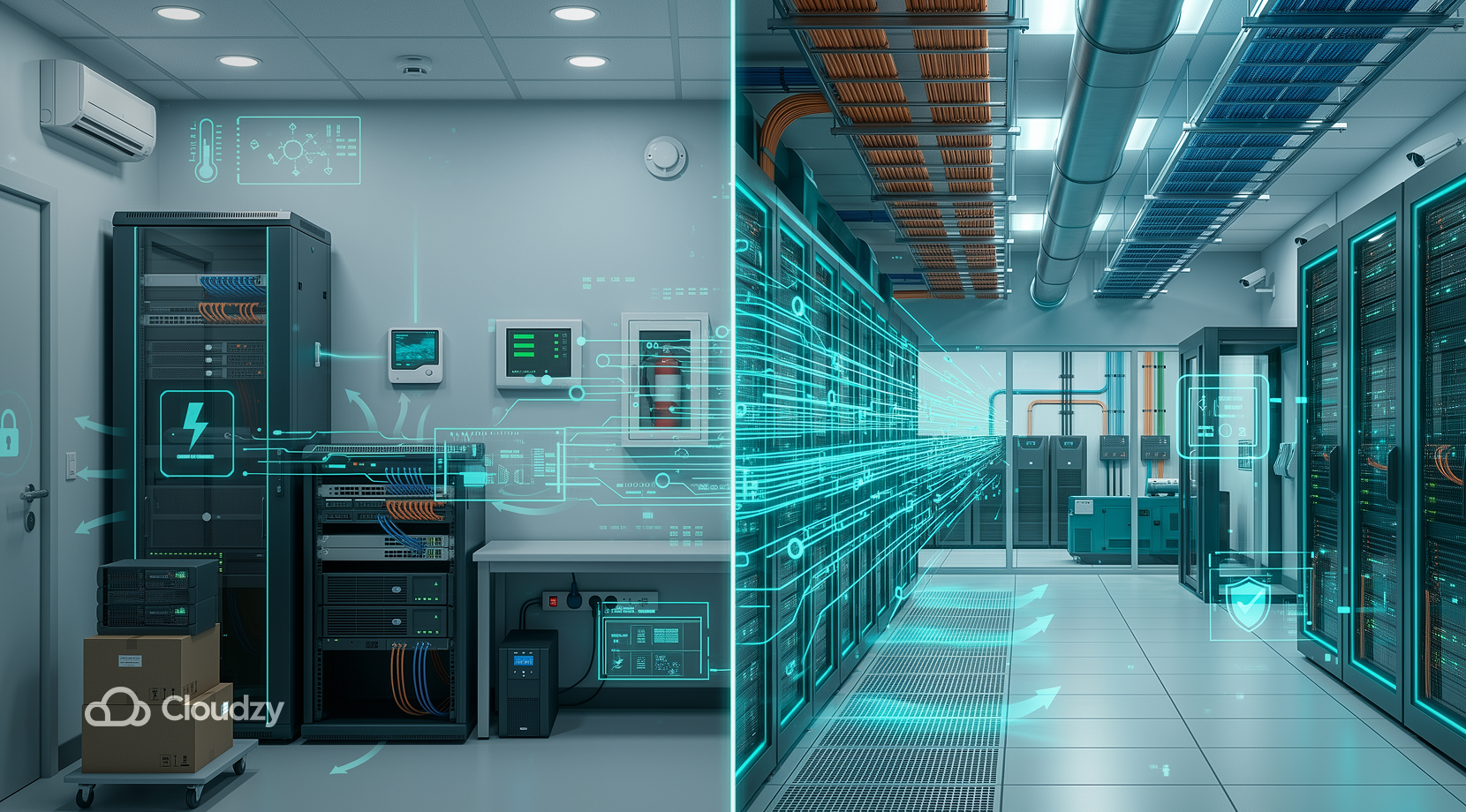
So when it comes to data center vs. server room, it would be wrong to ask which is better. What users should ask is which one fits my workload better. You might want to consider migration when several factors keep you from focusing more on your work and less on your infrastructure. These factors are:
- Running out of space or power.
- Downtime has become a recurrent issue.
- The cost of electricity and cooling is becoming a problem.
- An increase in compliance requirements.
- Fast growth of your business.
- Investments in hardware are becoming a problem.
So you see, server rooms are quite capable of maintaining a small, stable business. But when your local business becomes more successful, your concerns may shift, and that’s the turning point for you to consider a long-term solution to go for a data center.
Data Center vs. Server Room: Final Thoughts
As we saw, the debate over data center vs. server room is often misunderstood, as people may think one is the clear winner. The debate, however, should be more about which one you think is better for you based on your current needs and future growth.
While data centers offer reliability, scalability, and large-scale infrastructure, server rooms offer simplicity, full control, and lower capital costs. At this point, it’s hopefully a pretty simple decision to choose when it comes to data center vs. server room.
An organization should definitely go for a data center if it is growing and aims to process advanced workloads, but if a local business is still in its early stages of development, it would be better to stick to a traditional server room.
Then again, if you’re looking for a reliable service to make your progress smoother, definitely check out Cloudzy’s VPS for a highly reliable and lightning-fast experience.
FAQ
Are data centers just servers?
How many servers are in one data center?
Do server rooms still exist?
What is the average life span of a data center?
Discussion
Comments
Sign in to join the discussion.