

OpenVPN VPS Hosting
Deploy OpenVPN in Minutes
Deploy OpenVPN Access Server or the community build on Ubuntu 24.04 from a preinstalled image. Get web UIs, a ready client.ovpn, and full root control on dedicated resources with a static IP.

 Trustpilot
There’s a reason 119,000+ developers & businesses choose us.







Money-Back Guarantee

Online Support

Network Speed

Network Uptime
OpenVPN VPS | Own Your Secure Network
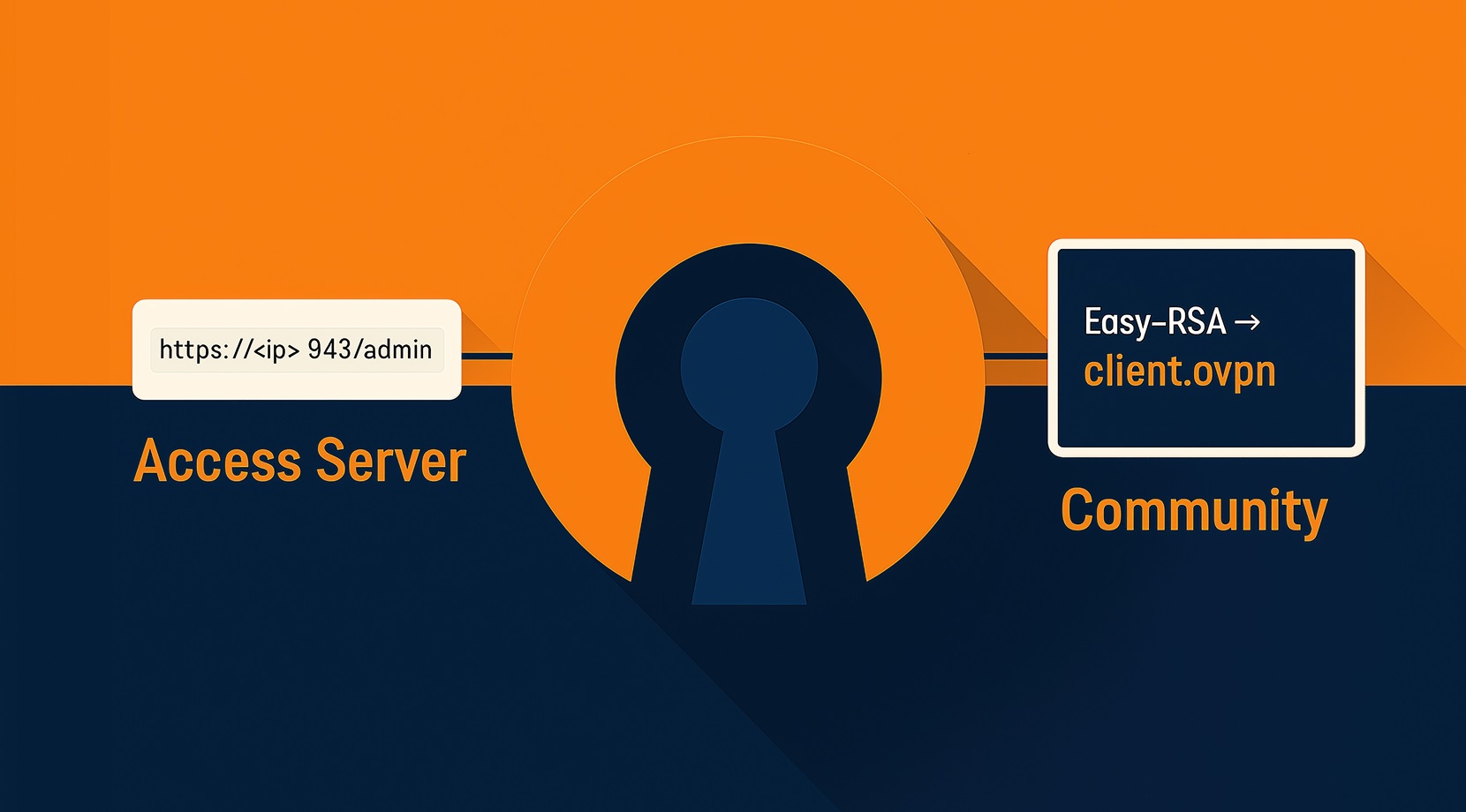
OpenVPN VPS is a private VPN server, now offered on Cloudzy infrastructure and delivered ready-to-use on Ubuntu 24.04. Pick the OpenVPN Access Server 1-Click App for an admin UI, client portal, and directory auth options, or choose the community edition with Easy-RSA that generates certificates and a ready client profile. Both variants support IPv4 and IPv6, push DNS, and route traffic through a tun interface for secure access from any device. Cloudzy pairs this with dedicated vCPUs, DDR5 memory, NVMe SSDs, and up to a 40 Gbps network for consistent throughput. You get snapshots, a static IP, and root access to adjust ports, ciphers, or firewall rules to match your policy. If you want a simple, controllable way to run OpenVPN VPS hosting across regions, start here.
-
DDoS Protection

-
Various Payment Methods Available
-
Pre-Installed OS of Your Choice
-
Full Admin Access
-
Latency-Free Connectivity
-
Dallas GPU Server Location


Why Choose Cloudzy’s OpenVPN VPS Hosting
Unlock the Power of Flexibility and Performance
One-click, instant OpenVPN server
Start with OpenVPN Access Server or a community build preinstalled on Ubuntu 24.04. Sign in with root and get working right away.

High-performance infrastructure
Dedicated vCPUs, NVMe, DDR5, and up to a 40 Gbps network help keep tunnel throughput steady on OpenVPN VPS.
Full root control
Tune ports and protocols, rotate keys, restrict the admin UI, and manage iptables or UFW with root access.
Admin-friendly options
With OpenVPN AS, use web UIs, group rules, and directory auth; with community builds, keep it lean with Easy-RSA and plain configs.
Highly scalable, plus backups
Resize CPU, RAM, or disk as usage grows and use snapshots to test config changes safely.
How To Use?
How to Set Up an OpenVPN VPS
Not sure how to get started? With Cloudzy’s OpenVPN VPS, you begin on Ubuntu 24.04 LTS with either OpenVPN Access Server or the community edition already installed.
Cloudzy, Through Our Users’ Words
Hear how 119467 developers make Cloudzy part of their workflow.
Engineering Without Interruptions



FAQ | OpenVPN Access Server
How secure is OpenVPN and what does it use under the hood?
It uses SSL/TLS with X.509 certificates for session authentication and supports strong ciphers such as AES-256. OpenVPN hosting runs in user space with HMAC integrity checks and is designed to recover cleanly on unreliable links.
What’s the difference between the community edition and Access Server?
The community edition is open source and managed by CLI and config files. Access Server adds web UIs, user and group policies, client distribution, and directory integrations under a concurrent-connection license.
Which ports does Access Server use by default?
Web UIs are served on TCP 943 and also reachable via TCP 443. VPN daemons listen on UDP 1194 and TCP 443 by default, and you can change these in settings.
How are Access Server licenses counted?
Licensing is based on active VPN connections, not user accounts or devices. A subscription can be shared across multiple nodes as long as the total concurrent connections stay within the plan.
Can one subscription be used across multiple servers?
Yes, the subscription model allows activation on more than one Access Server and shares the allowed concurrent connections across them.
How do I access OpenVPN Access Server on Cloudzy’s OpenVPN VPS?
Use https://:943/ for the Client UI and https://:943/admin for the Admin UI. Your initial credentials are saved in /root/.cloudzy-creds on the server.
What performance should I expect from an OpenVPN VPS on Cloudzy?
Cloudzy provides dedicated vCPUs, NVMe storage, DDR5 memory, and up to a 40 Gbps uplink. Throughput depends on cipher choice and CPU, and you can scale resources as load increases.
How is security handled on Cloudzy’s OpenVPN VPS hosting?
You get root access to manage firewall rules and keys. With OpenVPN AS, you can add 2FA and directory auth, and you can restrict the admin UI to internal access for tighter control.
Can I snapshot, scale, or move an OpenVPN VPS on Cloudzy?
Yes. Take snapshots before changes, and scale CPU, RAM, or storage from the panel. Each server includes a static IPv4 and optional IPv6.
What uptime and support come with OpenVPN Access Server 1-Click App on Cloudzy?
Plans include a 99.99% uptime SLA and 24/7 support. Billing is flexible, and new orders are covered by a money-back guarantee.
Need help? Contact our support team.
 Submit a Ticket
 No Setup Fees
Deploy in 60 Seconds
Cancel Anytime
No Setup Fees
Deploy in 60 Seconds
Cancel Anytime
