
The Cloudzy support team is available around the clock to help with any questions or issues. This guide walks you through opening a ticket from your panel.
1. Opening a Ticket
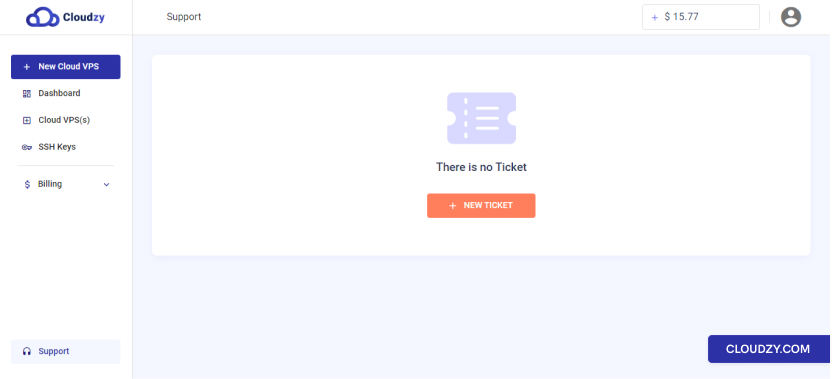
Navigate to Support → New Ticket in your panel, or use the direct link.
2. Filling Out the Form
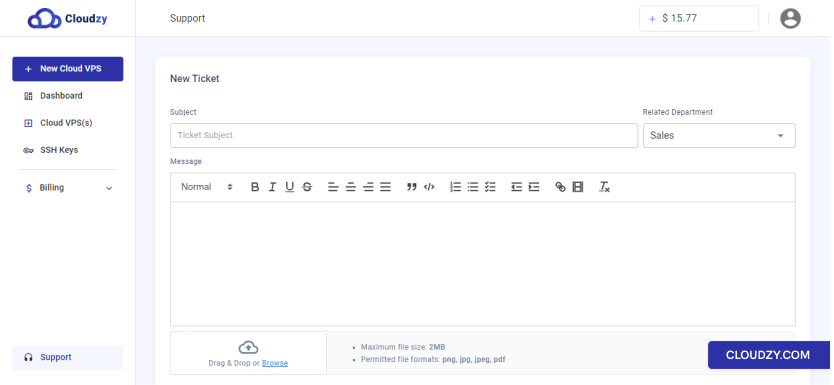
Fill in the required fields and describe your request in as much detail as possible — the more context you provide, the faster the team can help. You can also attach a screenshot or image if it helps clarify the issue. Once done, click Submit Ticket.
Tickets are typically responded to within 24 hours.
3. Follow the Thread and Check Ticket Status
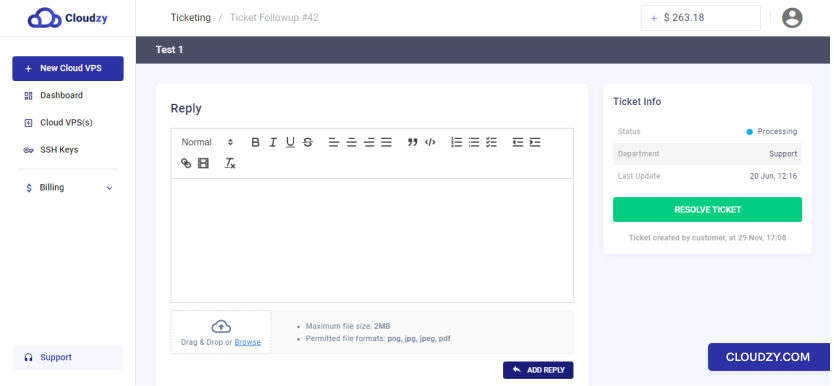
Each ticket has its own message thread. You’ll receive an email notification every time the support team replies, and you can respond directly to continue the conversation. Once your issue is resolved, you can mark the ticket as closed — and if anything else comes up, you’re free to open a new one at any time.
Our support agents are experienced technical experts and are always welcoming your questions. So, don’t ever hesitate to contact us!